Classic wolf texture pack
Bedrock texture pack listed for Minecraft 1.17–1.21. Download on the author's site.
⬇ Download on CurseForge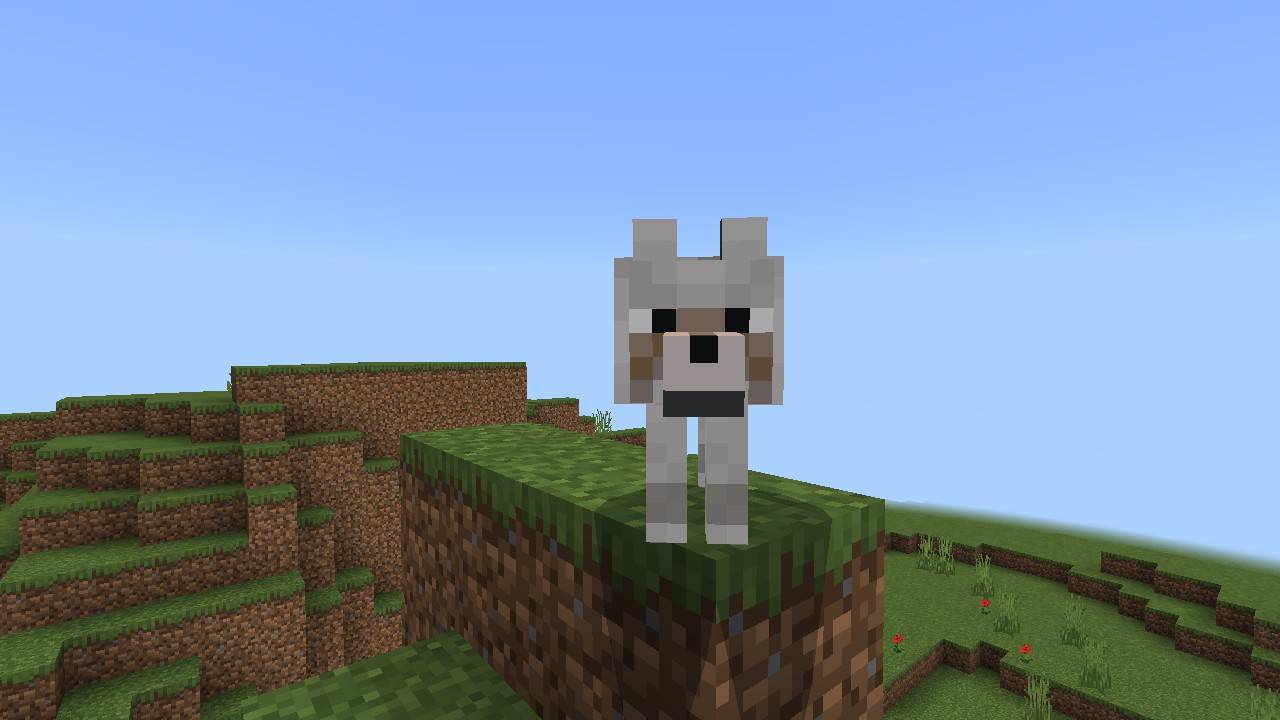
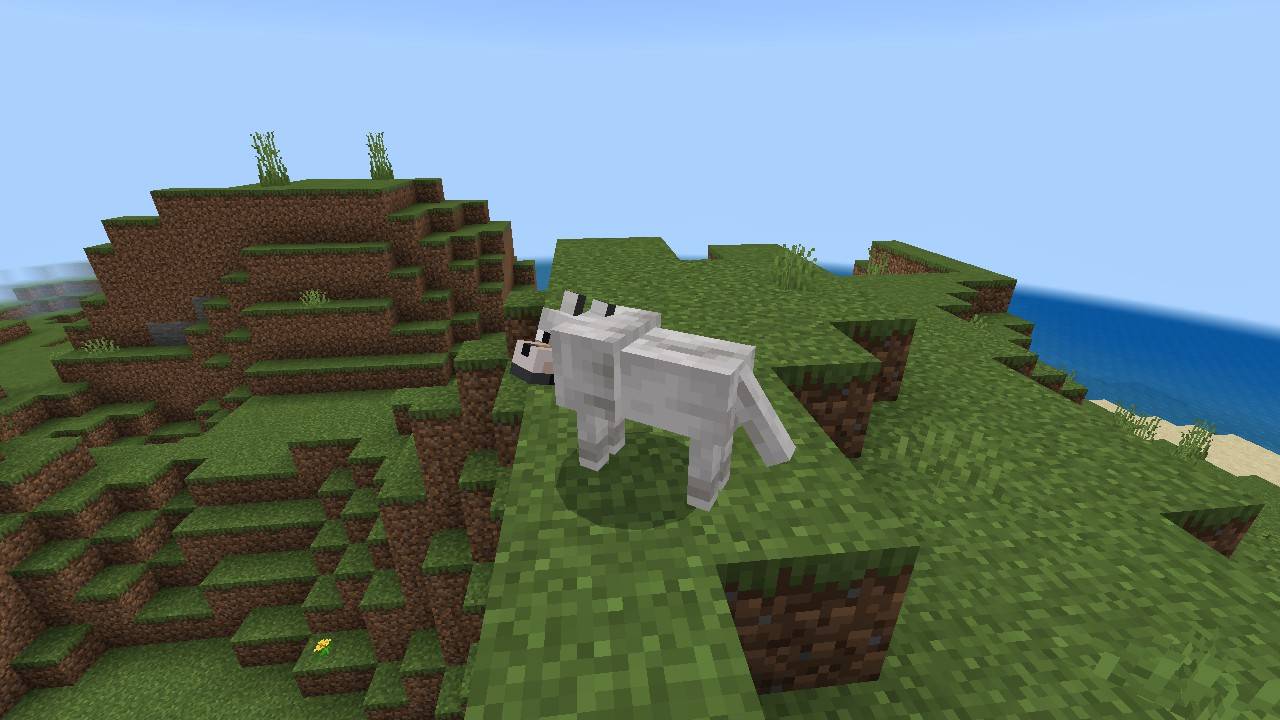
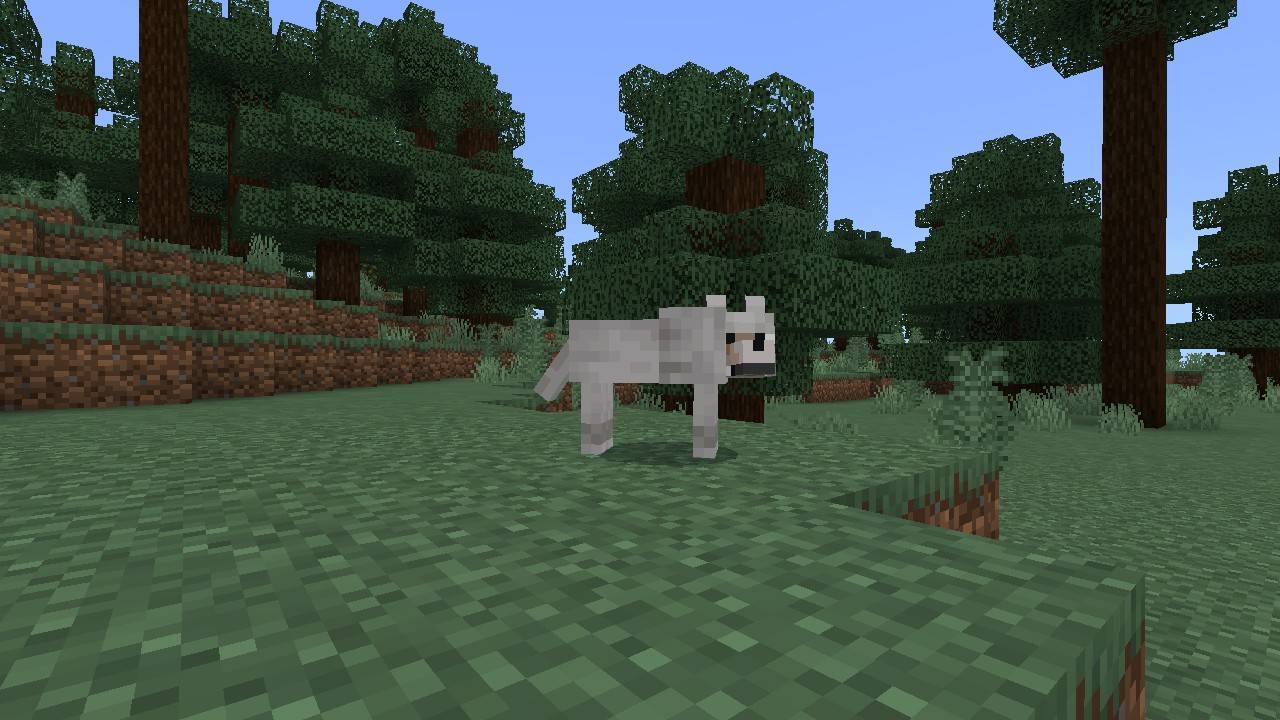
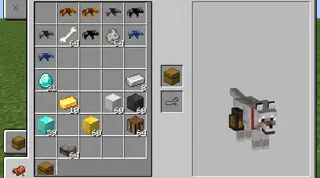
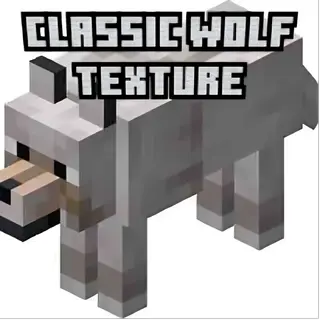
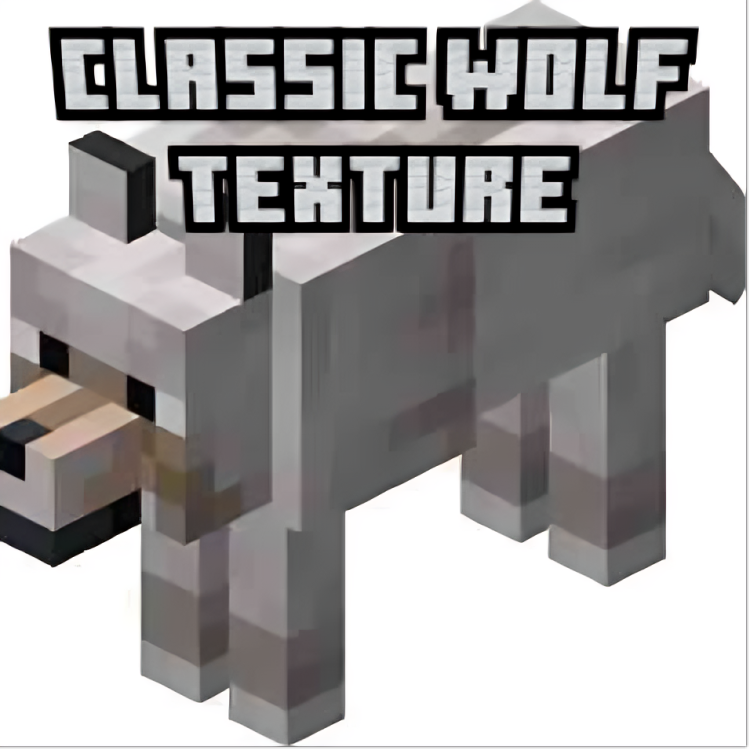
-changes pale wolf to look like classic wolf
-changes woods wolf to look like classic wolf
-changes ashen wolf to look like classic wolf
-changes black wolf to look like classic wolf
-changes chestnut wolf to look like classic wolf
-changes rusty wolf to look like classic wolf
-changes spotted wolf to look like classic wolf
-changes striped wolf to look like classic wolf
-changes snowy wolf to look like classic wolf
- Edition: Minecraft Bedrock
- File type: .mcpack
- Minecraft versions listed: 1.21.30, 1.21.20, 1.21.2
- How to install: Download the .mcpack. → Open it — Minecraft imports it under Resource Packs. → Activate it in Global Resources, or for one world under Resource Packs → Available.
- Where to get it: Opens on CurseForge — not every file is mirrored on our own servers.
Install steps are the general flow for this file type — How to install Minecraft Bedrock texture packs walks through it step by step.
Classic wolf texture pack is a free Minecraft Bedrock texture pack. Compatible with Minecraft 1.21.30, 1.21.20, 1.21.2, 1.21 and newer. Downloaded 395 times (via CurseForge). Download it and open it directly in the game.