Redstone Guide
Bedrock texture pack listed for Minecraft 1.19–1.21. File opened and checked on 20 Sep 2026; installs from the MC Bedrock Mods app on Android.
Replace the "How to Play" section with a new "Redstone Guide". The Redstone Guide will teach you about the functionality and applications of redstone.
⬇ Download on CurseForge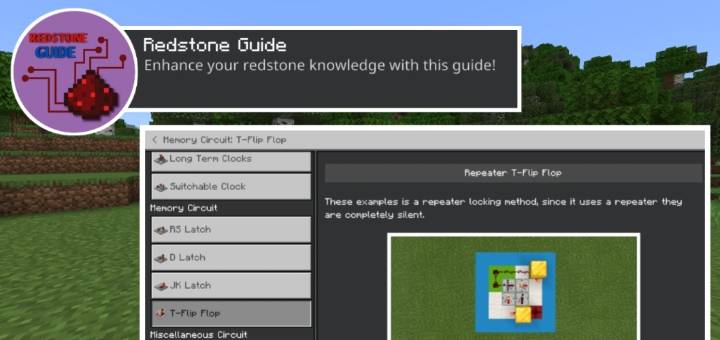
Reference Materials
How To Use?
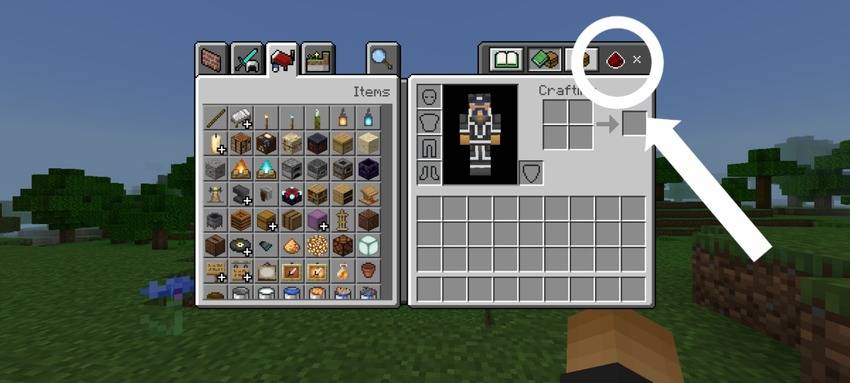
The "How To Play" section in settings has been replaced with a new "Redstone Guide" section. You can access the guide in settings after applying the pack. Additionally, you will find the guide in your inventory with a redstone icon, allowing easy access while playing.
Features
Definition Category
- Provide definitions for redstone terms such as stackable, seamless, flush, etc., as they relate to redstone structures.
Redstone Components
- Great for beginners! If you're unfamiliar with how each redstone component works, this guide is perfect for you.
Redstone Tips
- Here are some redstone tips that may help you enhance your knowledge. (Not recommended for complete beginners!)
3 Major Tutorials
- Circuits
- Contraption
- Mechanism
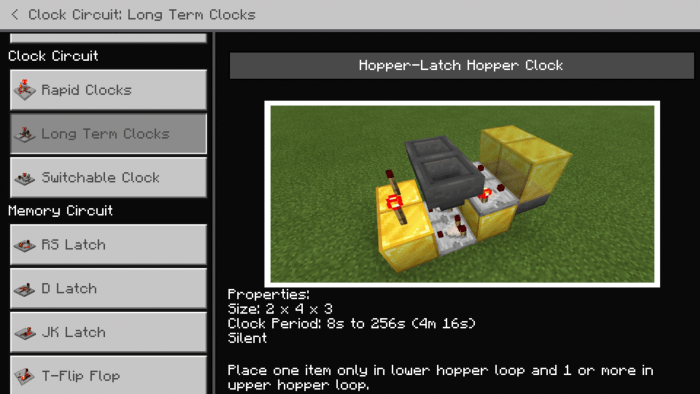
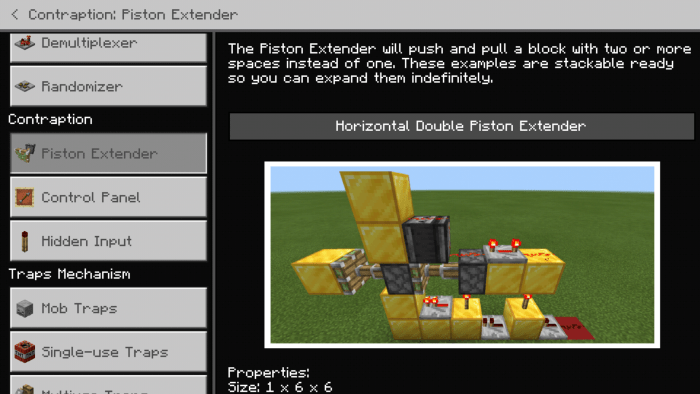
Some Screenshots
Watch Showcase:
Pack Variants
This pack contains numerous images, resulting in larger file sizes.
- Redstone Guide: This version contains the original high-resolution images.
- Redstone Guide (Lite): This version resizes the images to compress their size and reduce the overall file size.
- Edition: Minecraft Bedrock
- File type: .mcpack
- Minecraft versions listed: 1.19, 1.20, 1.21
- How to install: Download the .mcpack. → Open it — Minecraft imports it under Resource Packs. → Activate it in Global Resources, or for one world under Resource Packs → Available.
- Where to get it: Opens on CurseForge — not every file is mirrored on our own servers.
Install steps are the general flow for this file type — How to install Minecraft Bedrock texture packs walks through it step by step.
- Pack type: .mcpack — a single pack
- Complete pack — everything it depends on is inside the file
- Download size: 59.9 MB
- Download link checked 5 Oct 2026 — working
These come from our own check of the pack file, not from the source page.