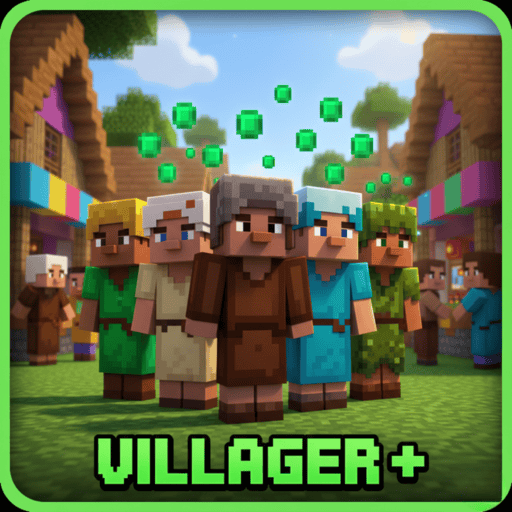
Villager +
Bedrock texture pack listed for Minecraft 1.21–26.x. File opened and checked on 17 Oct 2026; installs from the MC Bedrock Mods app on Android.
A lightweight Minecraft resource pack that gives villagers fresh custom skins 🎨 — farmers, librarians, desert traders, snowy villagers and more 🤝. No…
I don't know my version
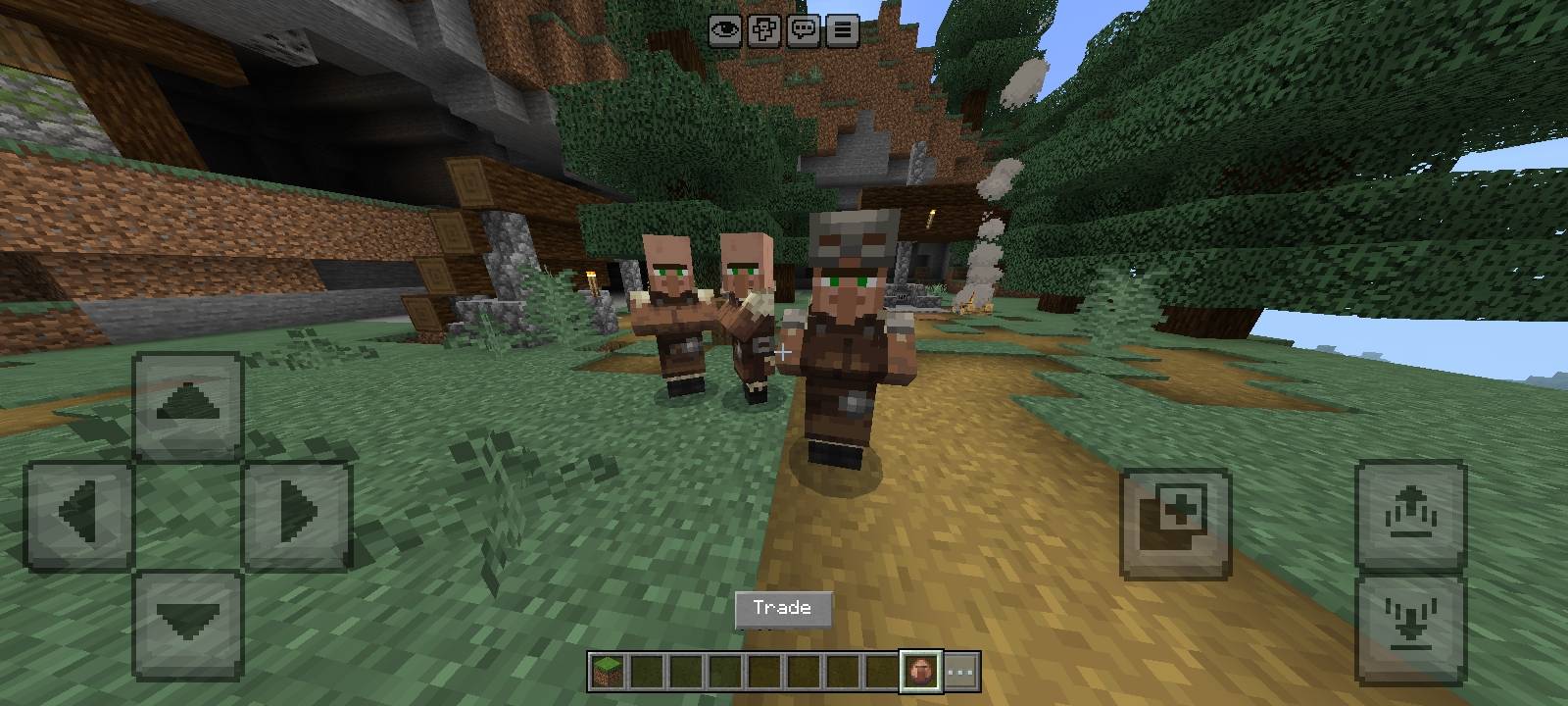
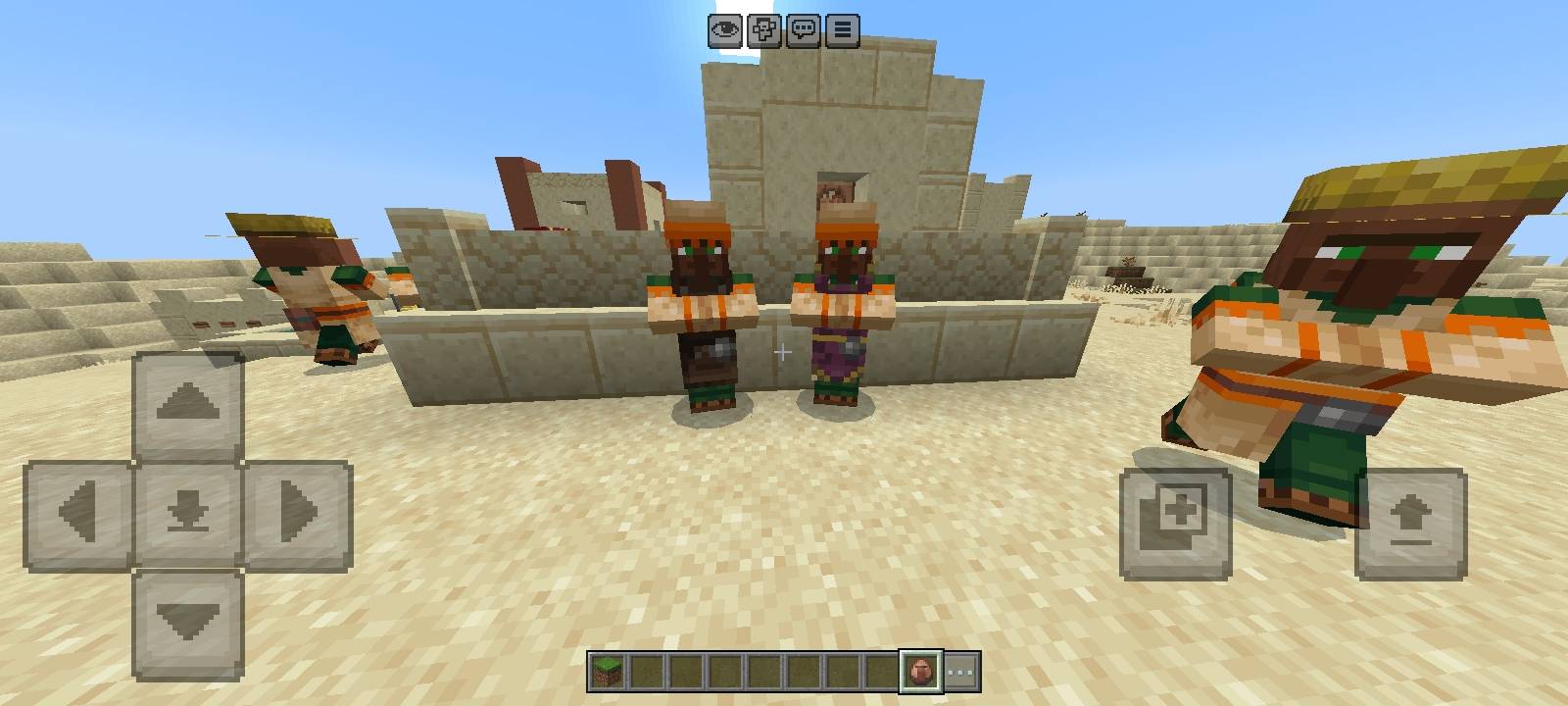
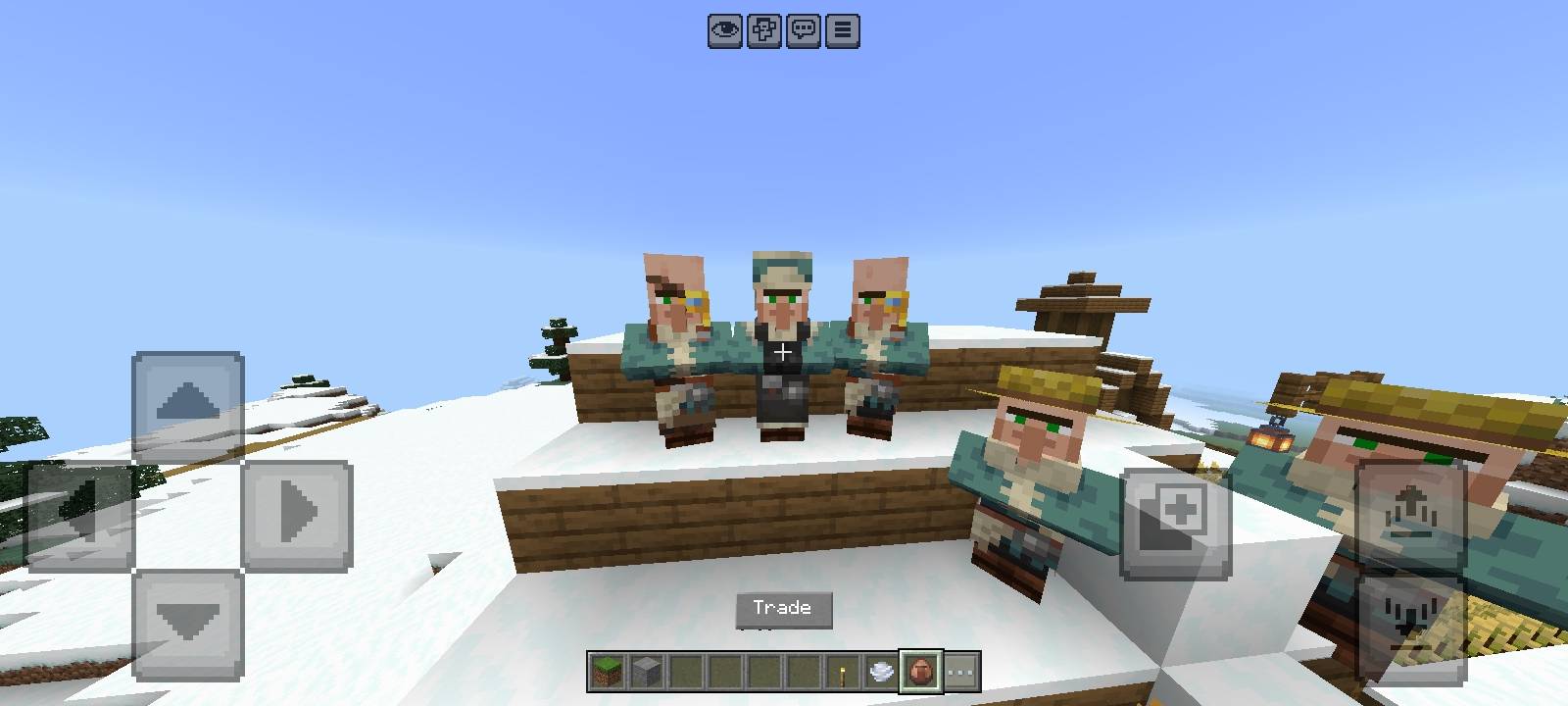
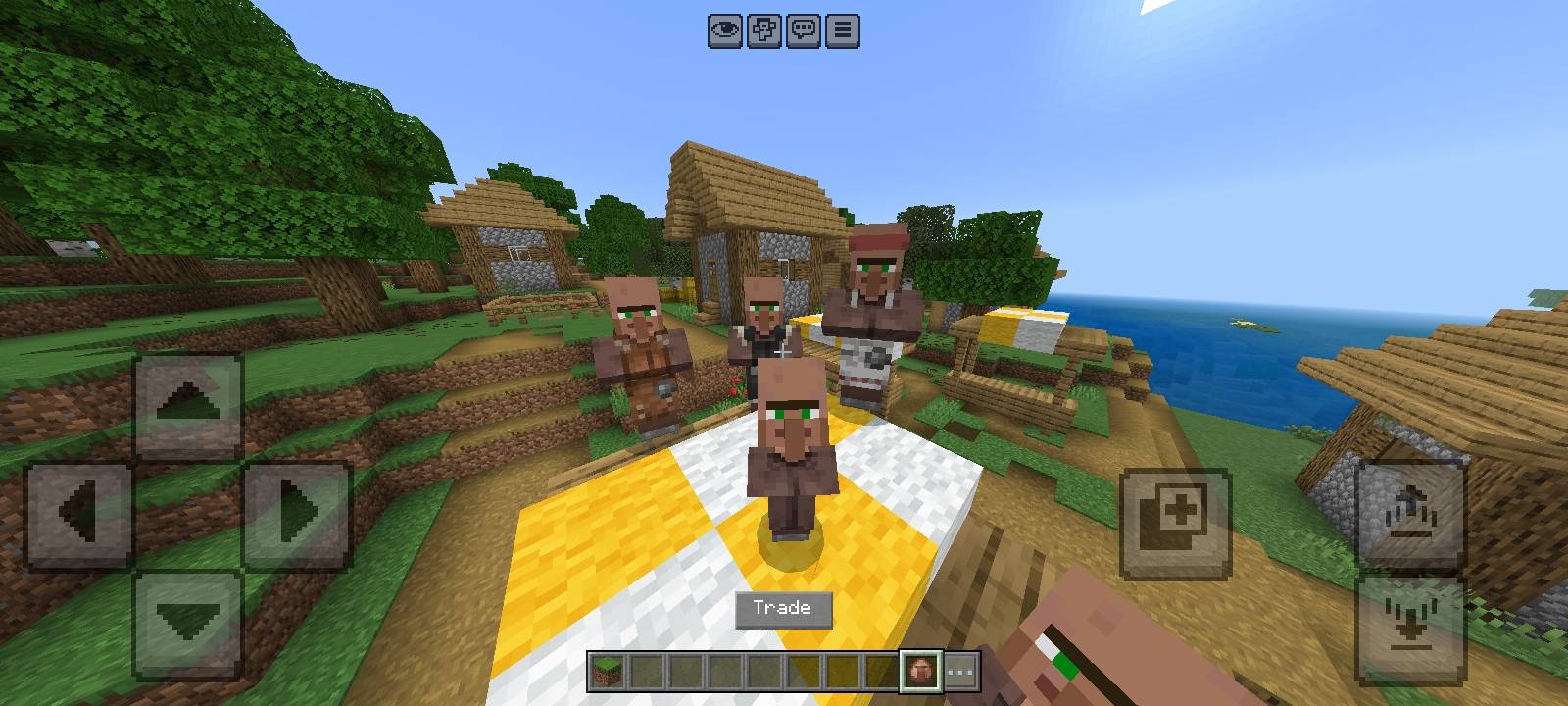
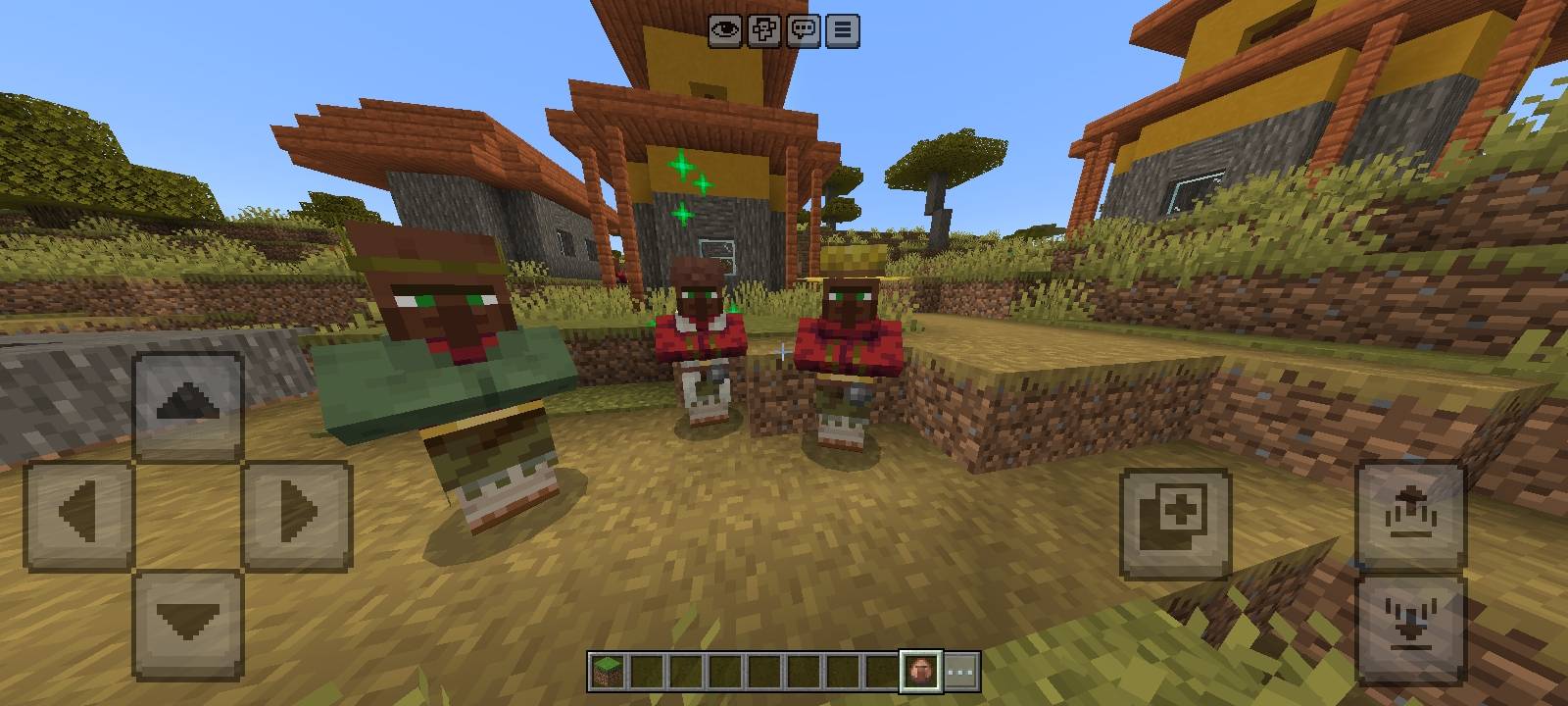
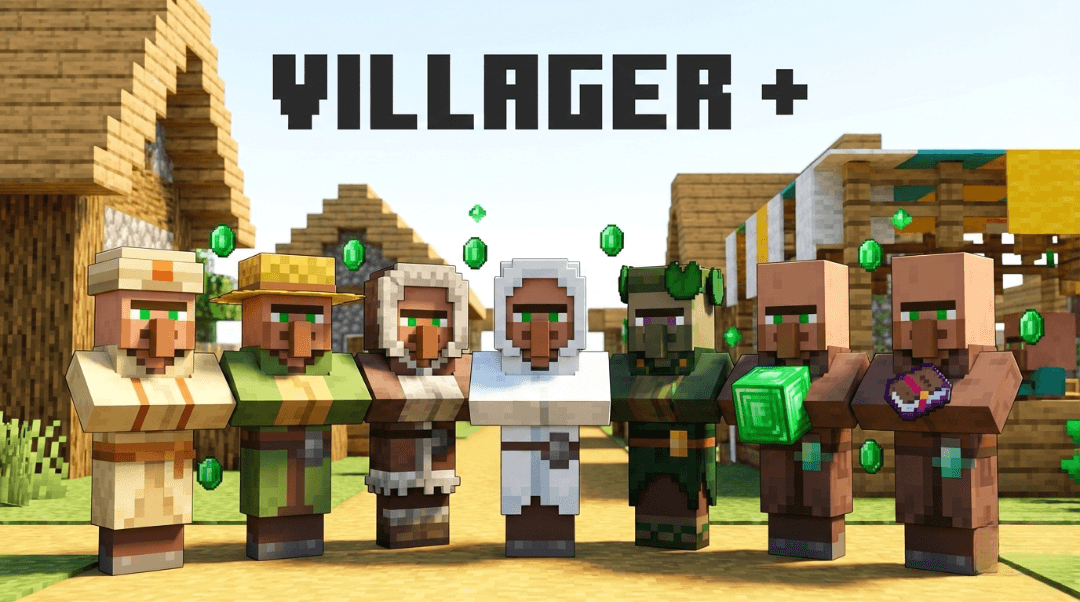
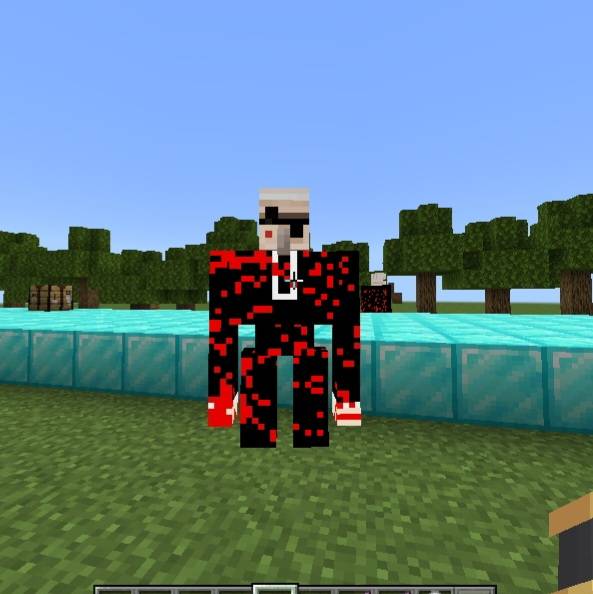
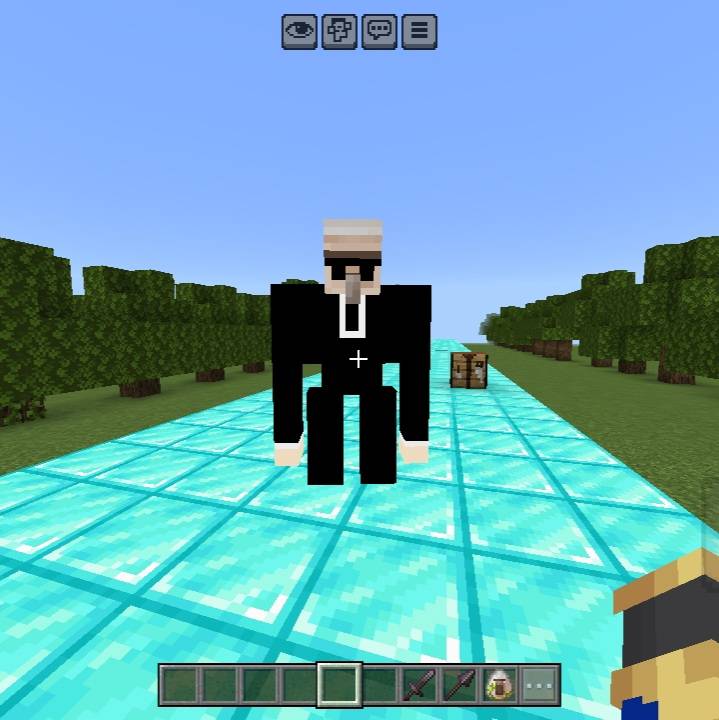
✨ Villager + -Bedrock Resource Pack
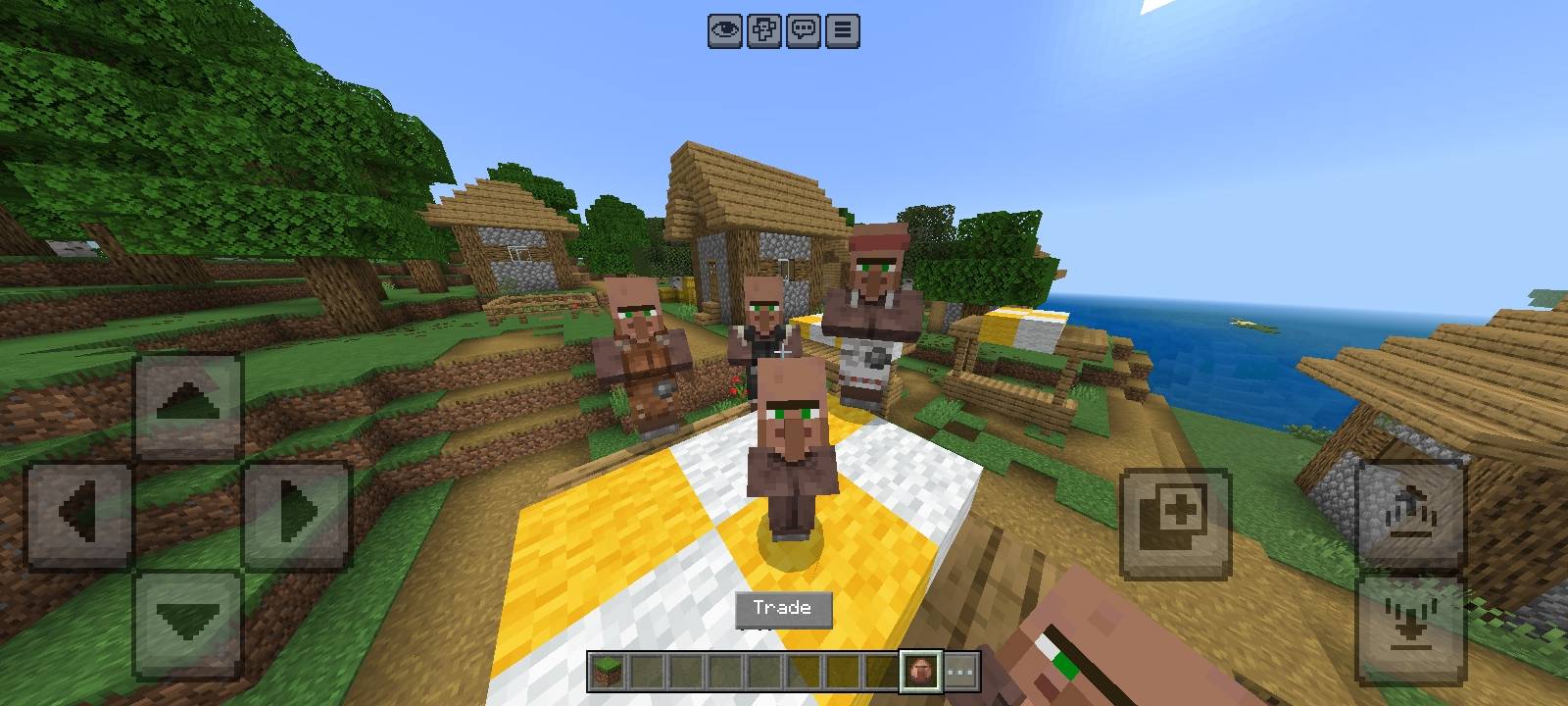
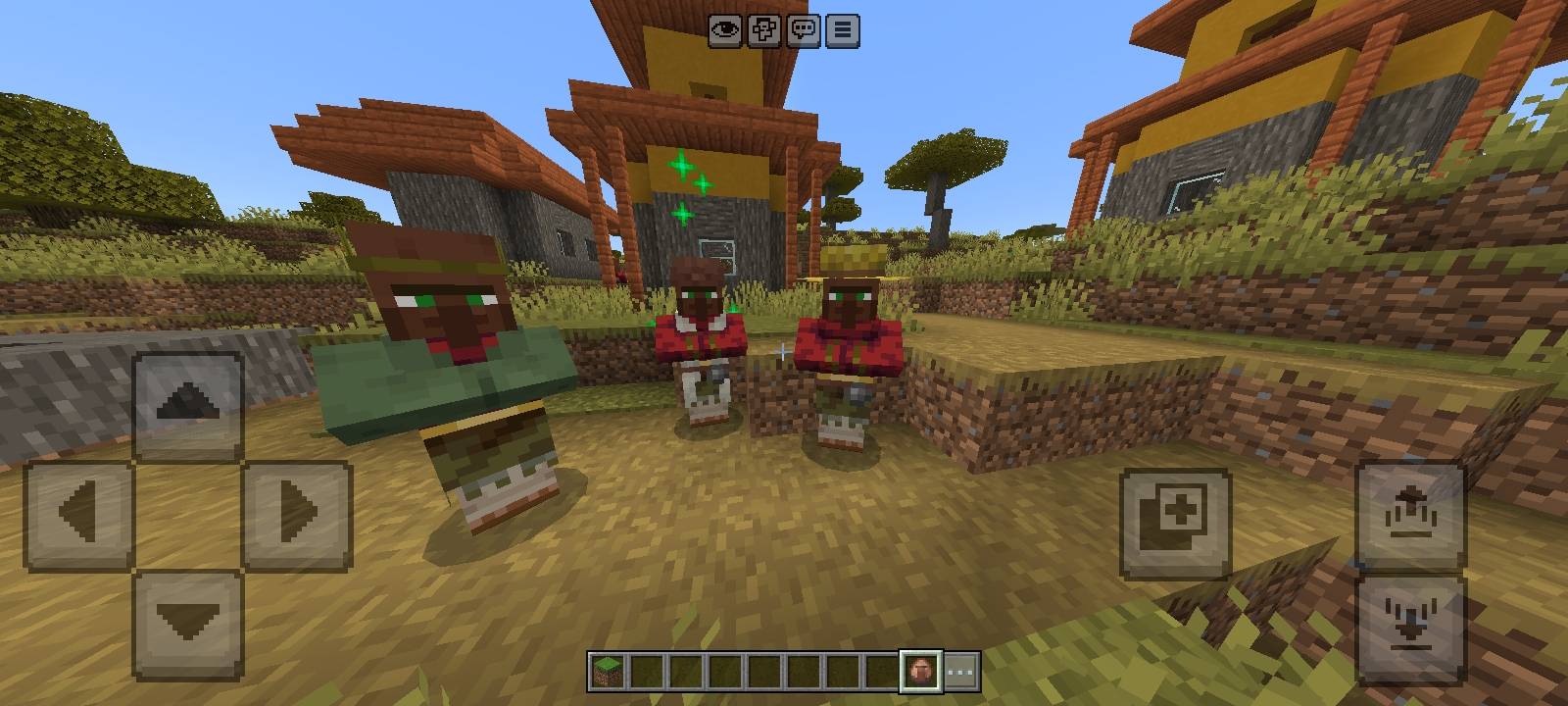
Make your Minecraft villages feel alive, fresh & full of personality! Villager + brings new villager visual styles, unique looks, and extra charm — while keeping the vanilla vibe of Minecraft 🎮
🧱✨ What This Pack Adds
- 👕 Different villager outfits & clothes
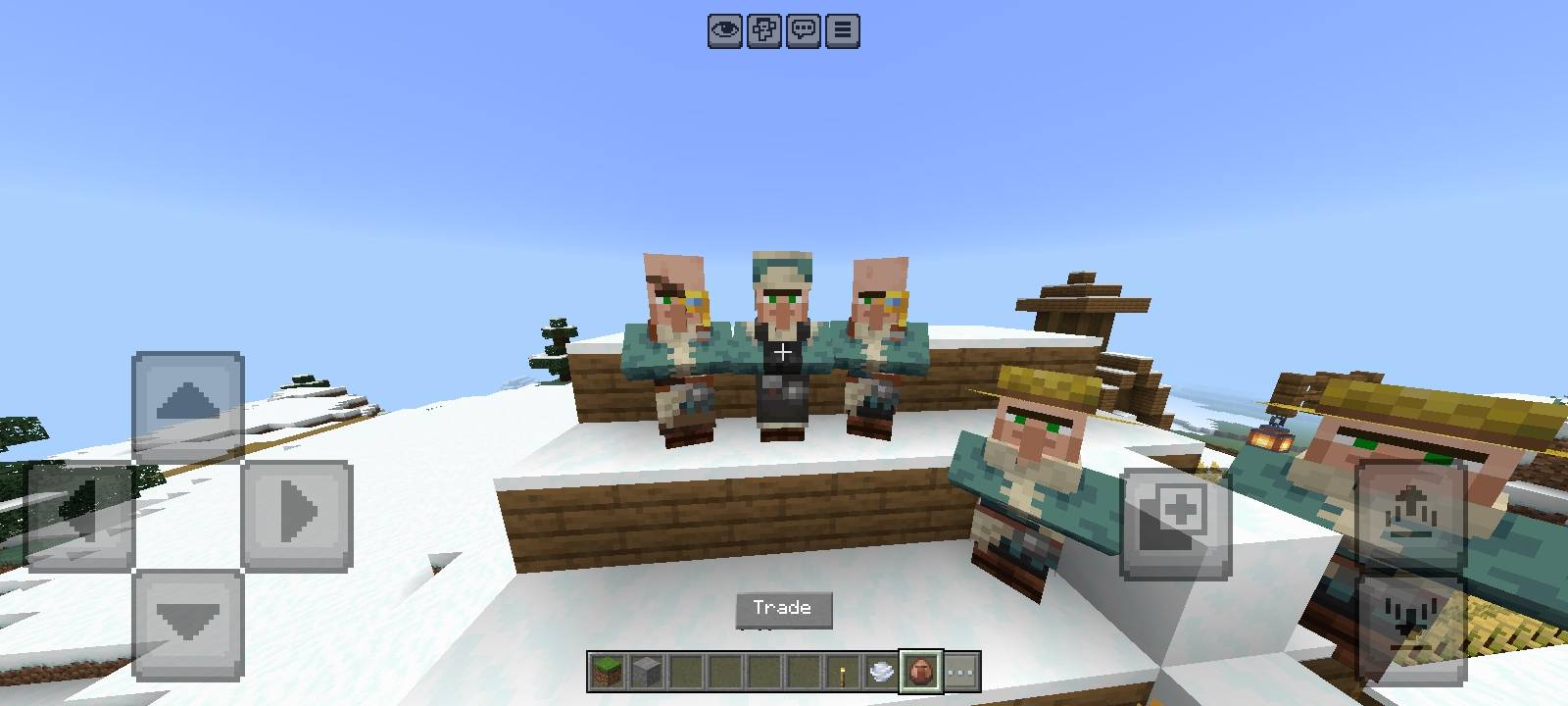
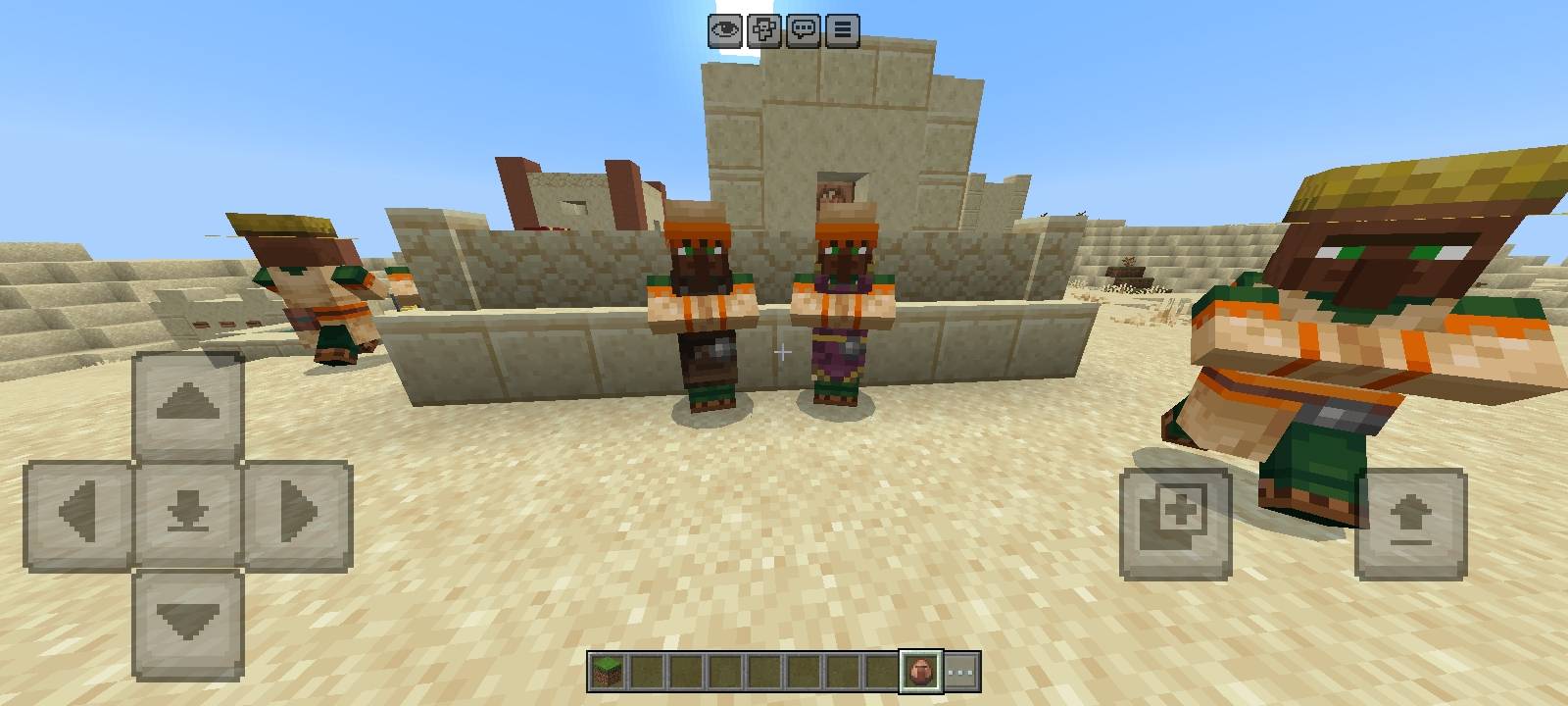
- 🧢 Cool biome-based styles (desert, snow, plains…)
- 😂 More expressive & cute villager faces
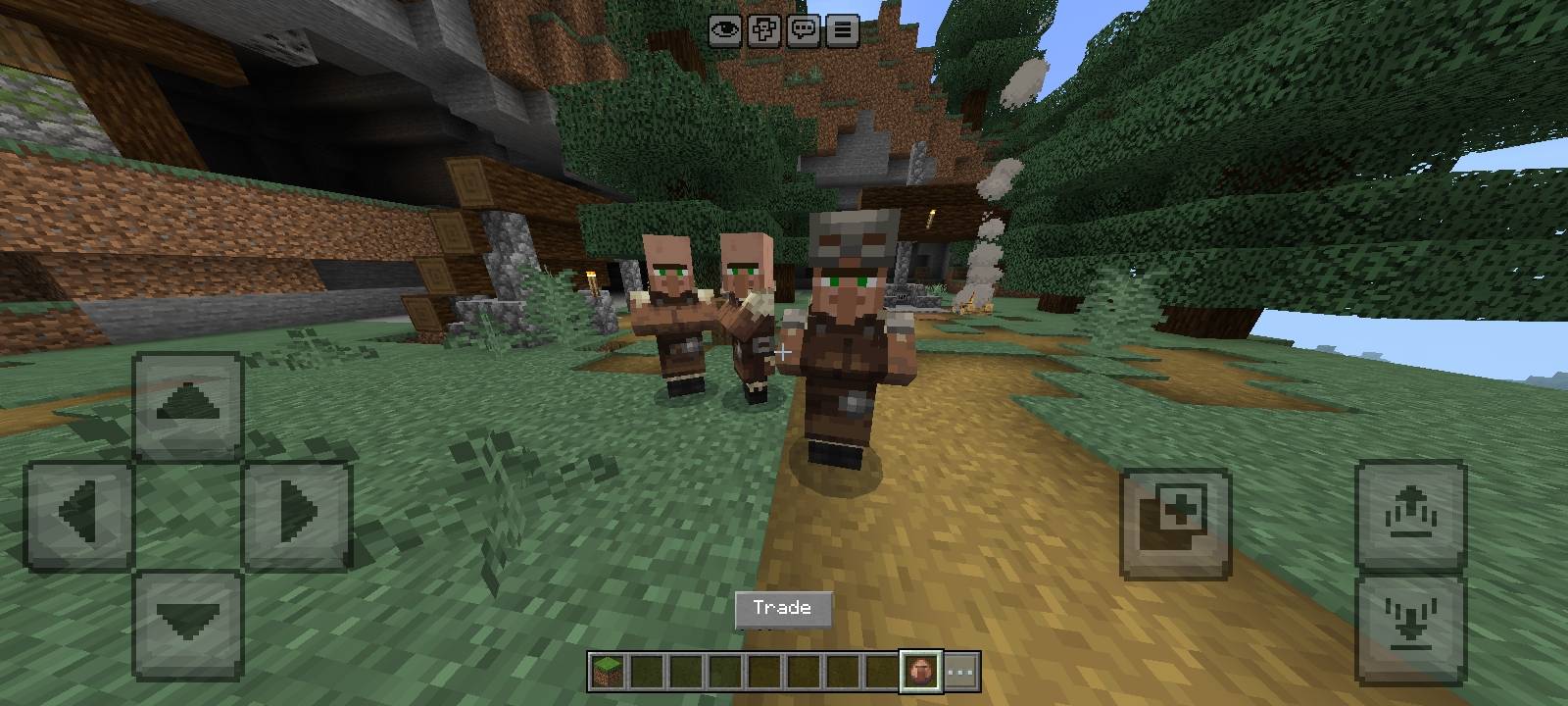
- 🧑🌾 Profession-based visual differences
- 🧪 Nitwits & babies look more interesting
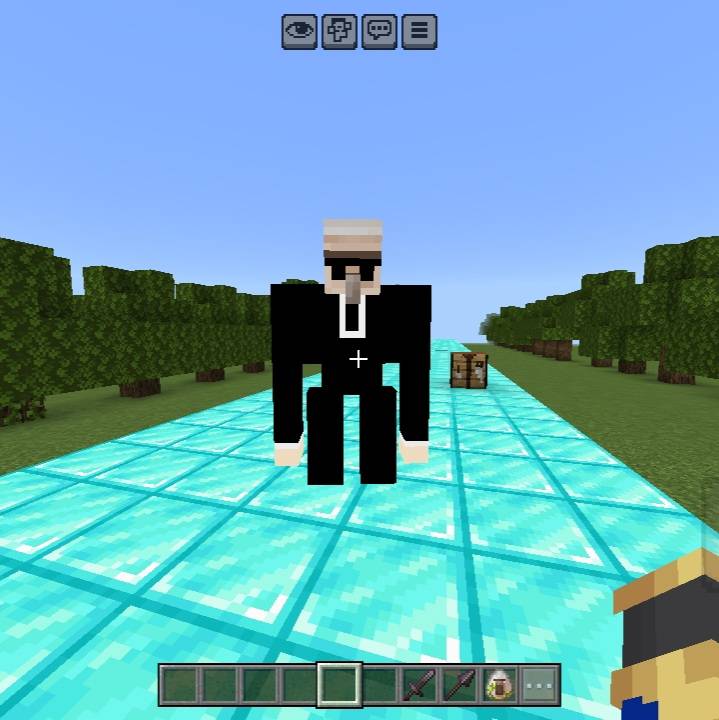
- 🛡️ Custom Guardian Golem textures
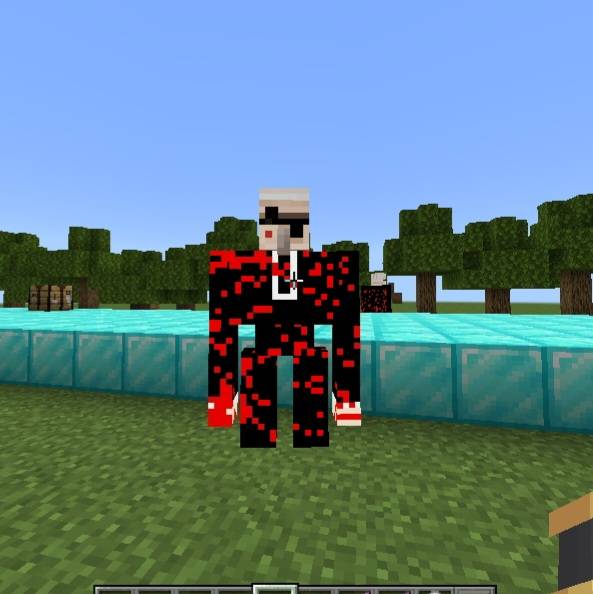
- 💥 Custom damaged Golem textures
- 🌍 Works in any world, realm & server
🟢 Compatibility
| Feature | Status |
|---|---|
| * Minecraft Bedrock | ✔️ |
| * Version 1.26.20+ | ✔️ |
| * Lag-Free / Low-end friendly. | ✔️ |
| * Survival Friendly | ✔️ (client-side only) |
🎯 Why Use Villager +
✔ Villagers look more fun
✔ Villages feel alive & unique
✔ Doesn’t break original Minecraft style
✔ Custom Iron Golem appearance
✔ Custom damage textures
✔ Perfect for YouTubers, Creators, Survival SMPs
📥 Installation
1️⃣ Download the pack
2️⃣ Tap to import → Minecraft opens
3️⃣ Activate in Settings → Resource Packs
4️⃣ Enjoy your new villagers 🧑🌾✨
🧑💻 Author
kareo Gamerz 🎮
SUBSCRIBE ON YouTube Kareo Gamerz
SUBSCRIBE ON TELEGRAMKareo Gamerz
❤️ Support
If you like this pack — 👍 Rate it ⭐ 💬 Leave feedback 📢 Share with friends
📷 Screenshot
📜 License
All Rights Reserved This addon was created by Kareo Gamerz.
You are not allowed to redistribute, modify, or reupload this addon on any other platform without the creator’s permission.
You may, however, make videos or showcase this addon on YouTube or social media — please provide credit and a link to the original CurseForge or MCPEDL page.
© 2025-2026Kareo Gamerz – All Rights Reserved.
- Edition: Minecraft Bedrock
- File type: .mcpack
- Minecraft versions listed: 26.0.02, 26.0, 26.3
- How to install: Download the .mcpack. → Open it — Minecraft imports it under Resource Packs. → Activate it in Global Resources, or for one world under Resource Packs → Available.
- Where to get it: In MCModsHub, or directly above on this page.
Install steps are the general flow for this file type — How to install Minecraft Bedrock texture packs walks through it step by step.
- Pack type: .mcpack — a single pack
- Complete pack — everything it depends on is inside the file
- Download size: 115 KB
- Download link checked 7 Oct 2026 — working
These come from our own check of the pack file, not from the source page.