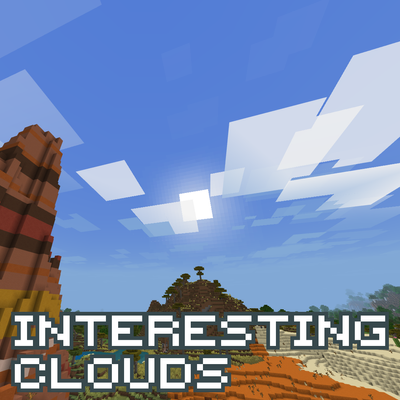
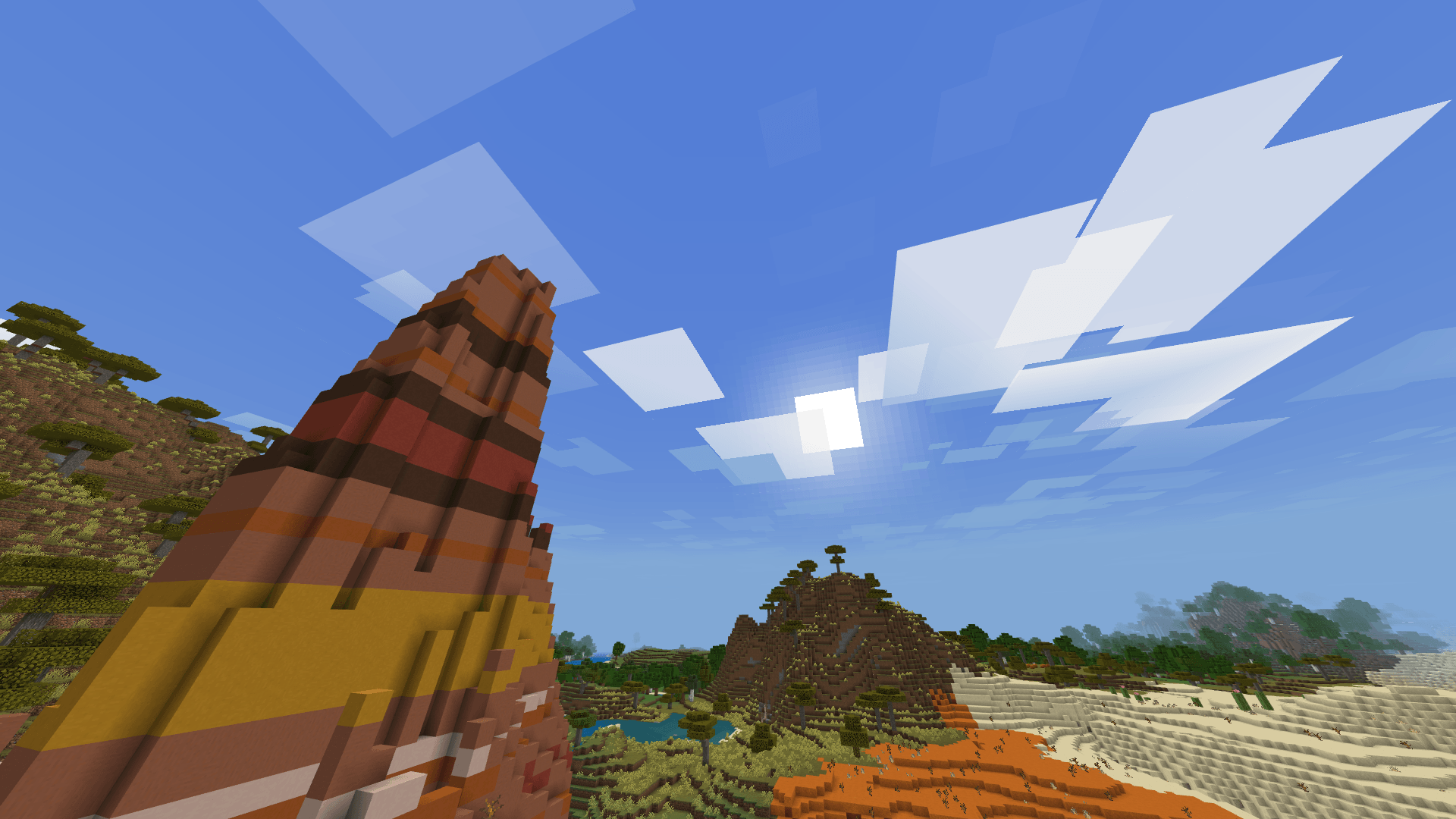
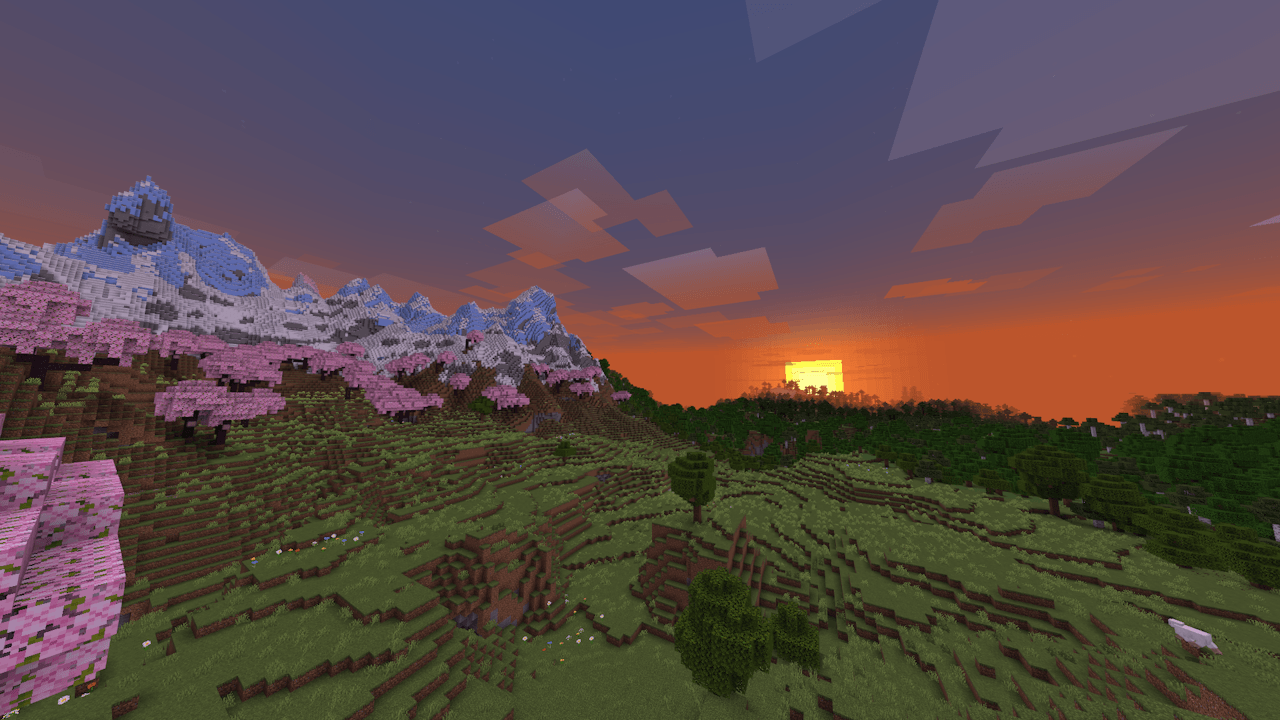
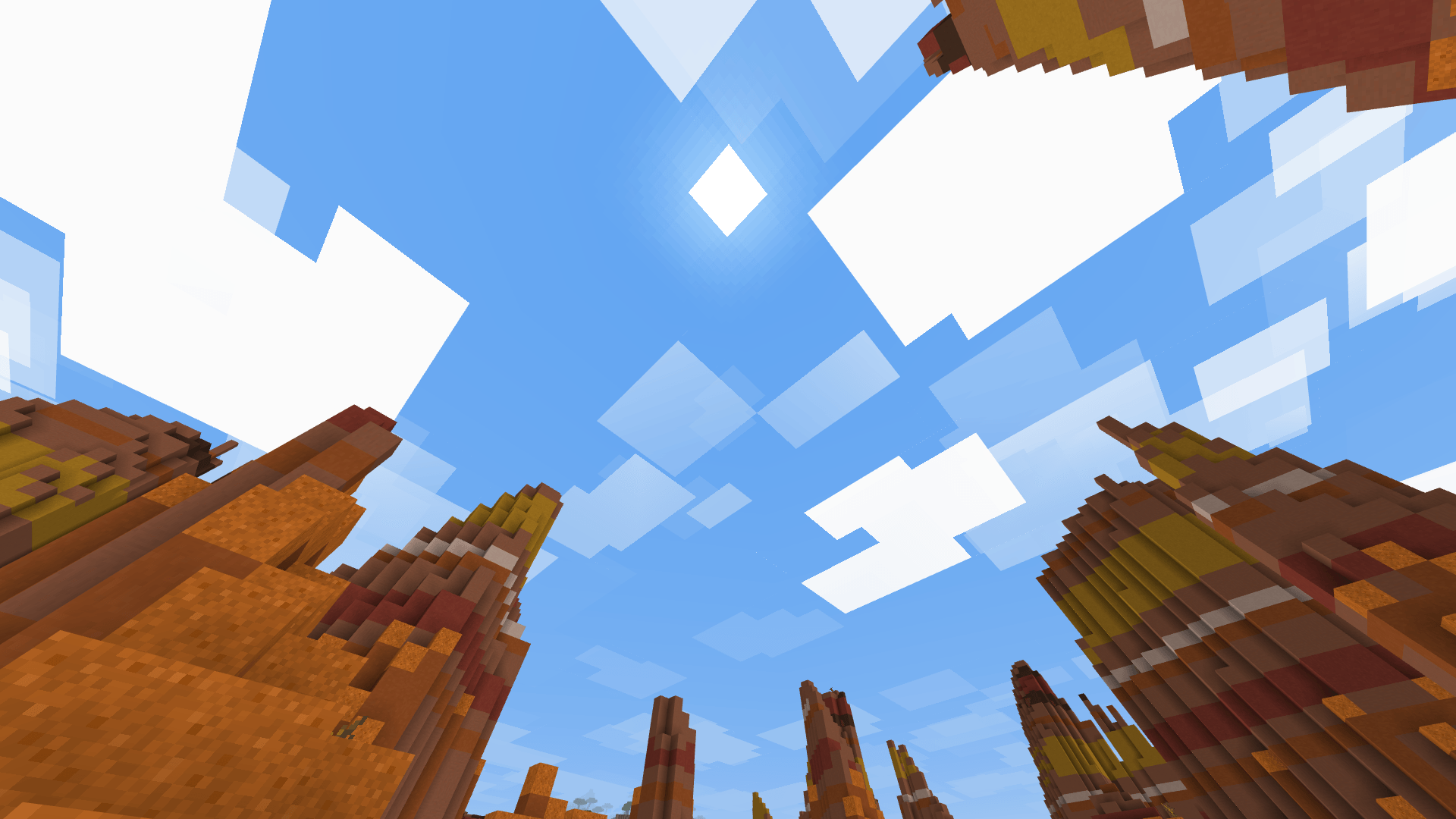
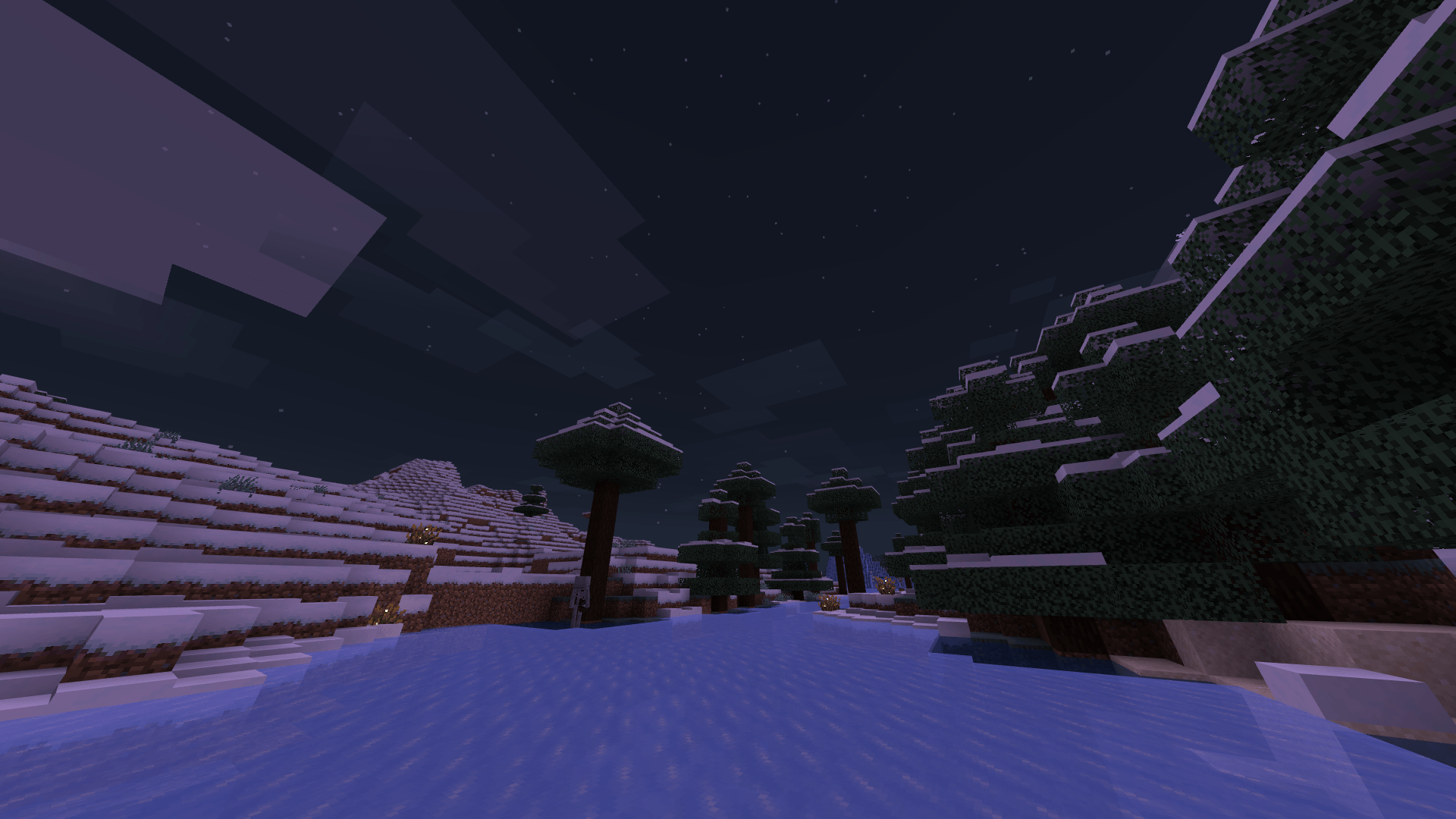
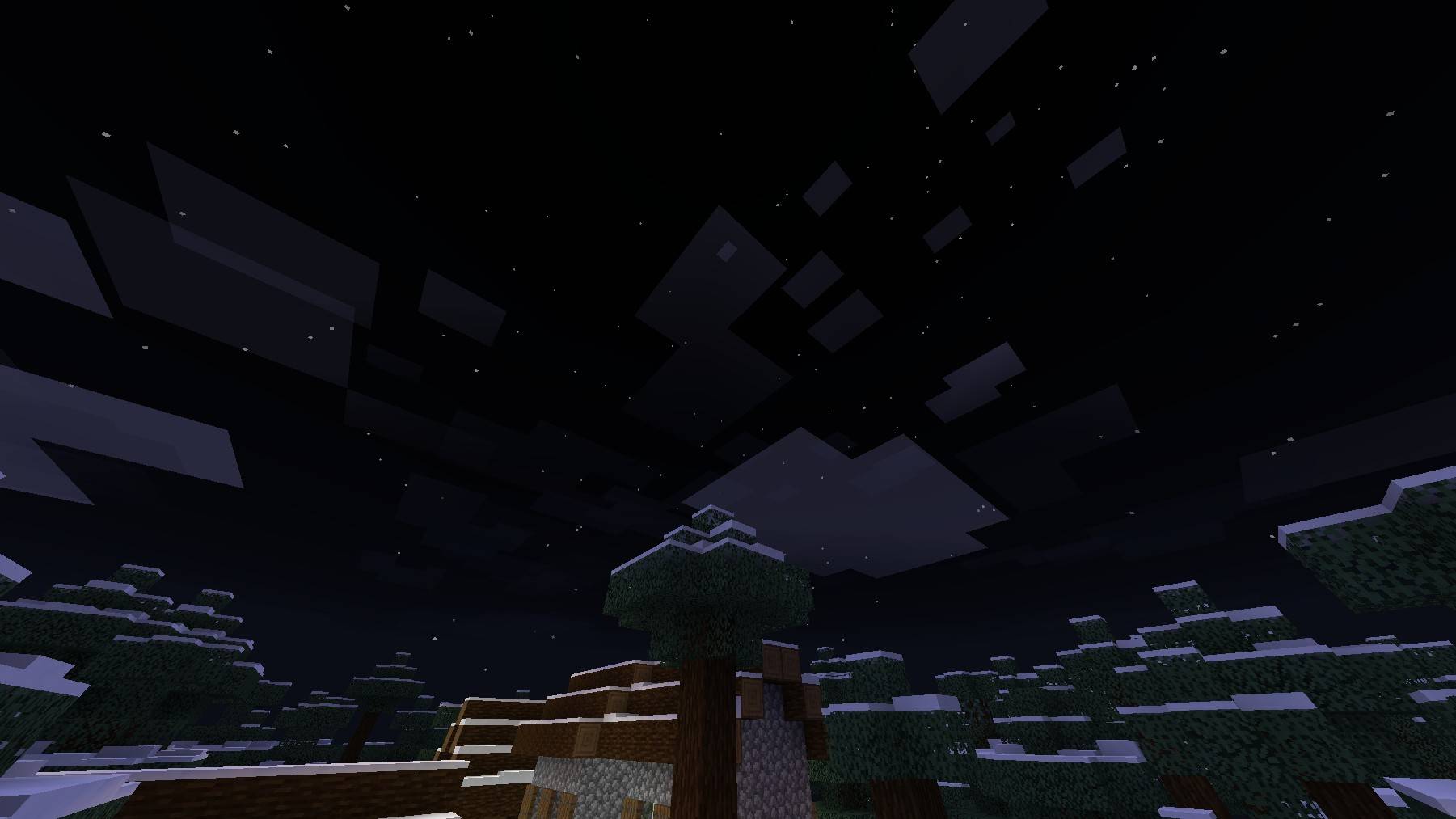
For a long time, cloud resource packs in Bedrock Edition have all just been skyboxes. They don't really move or change and they're just kinda sitting there no matter how much time passes. This resource pack is not like them.
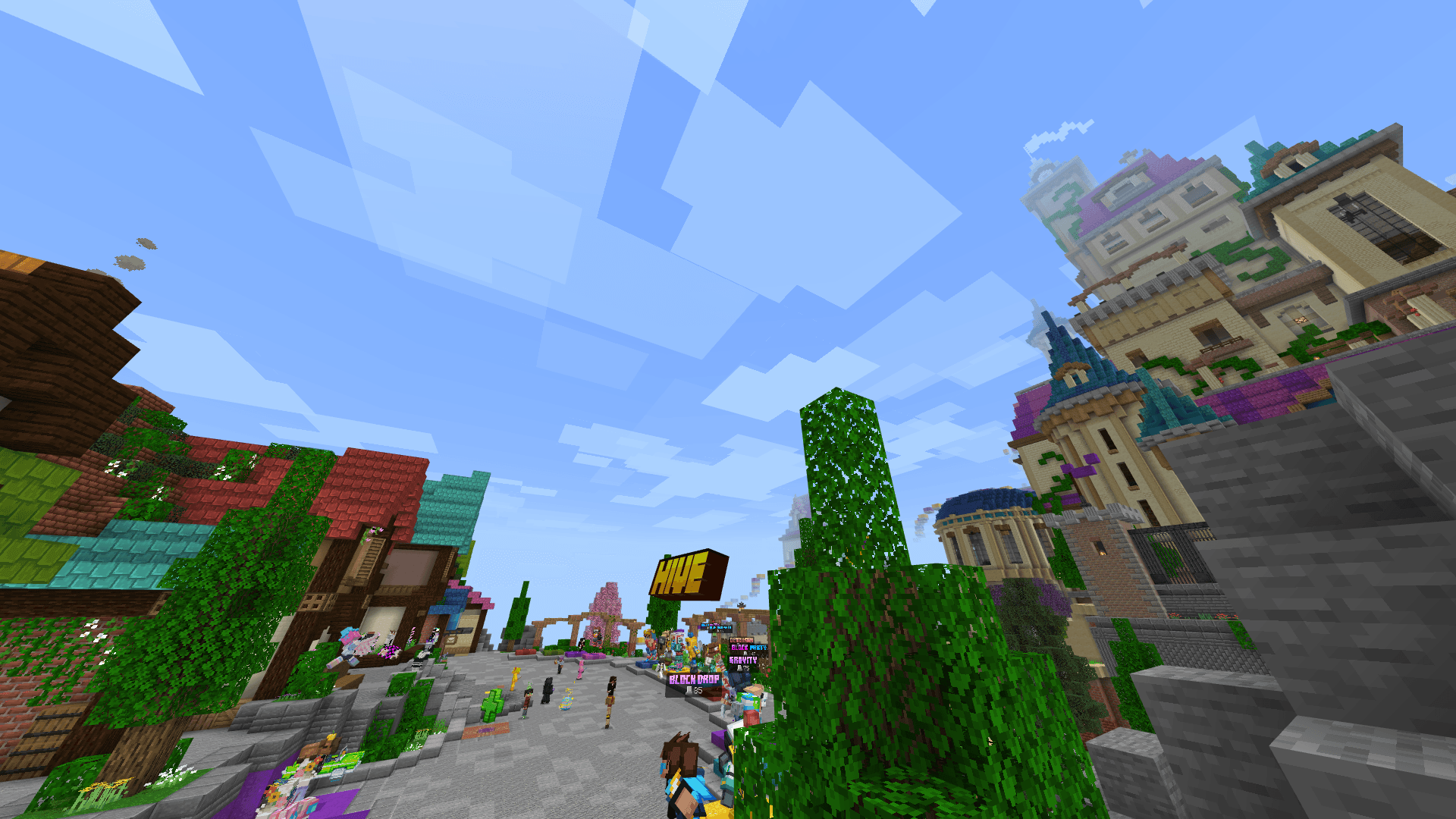
This adds clouds that actually move, appear, disappear, and change how many they are depending on the day or time, and even become very dense when it rains. They are made up of multiple layers rather than being a single layer that just moves through the sky. You can even fly between the clouds if you want to!
This also works on multiplayer and servers, so you can join your friend's world or The Hive and the clouds will be there. This also works with Vibrant Visuals.
There are three cloud modes you can choose from:
- Conistent Weather - the amount of clouds never changes throughout the day or time.
- Daily Weather - the amount of clouds changes throughout the day, but repeats the same weather pattern every day.
- Continuous Weather - the amount of clouds changes throughout the day without repeating.
Timelapse of clouds (recorded in v2.0 with Vibrant Visuals)
Flying in-between the clouds (recorded in v1.1)
This resource pack is customizable in the settings:
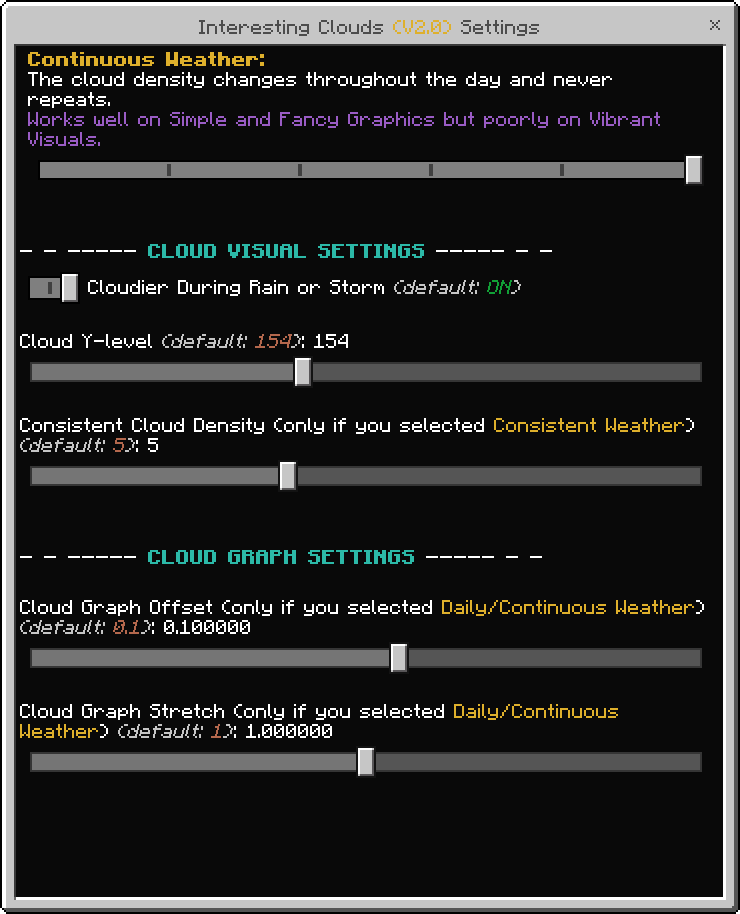
You can tweak how the clouds generate by adjusting the values in the Cloud's Graph Settings. It's hard to visualize though, so here's a desmos graph to help you make your own settings if you want. You can toggle the folders for the Daily and Continuous Weather to see what each one will look like.
Special thanks to BigGamers4u for helping me fix the broken spear and fist animations!
Bugs/Issues
Unfortunately, due to how this was made combined with the hard limitations of Bedrock Edition, there are issues and quirks which will never be fixed or will have to use a janky work-around. This includes the following:
- Clouds render in front of water, glass, and other translucent blocks when looking through them. Clouds do render properly when you're underwater though.
- Sometimes a few clouds at the back will render in front of clouds in the front, and vise versa.
- Clouds will generate in the nether and the end, although it is not visible in the nether due to the clouds generating above the bedrock ceiling. There is currently no way for resource packs to detect the dimension which the entity (aka the player) is currently in.
- Denser clouds during rain uses a work-around of triggering only when the player is being rained on. This is due to resource packs currently having no way to directly detect the weather.
Incompatibilities
- Due to this using the 'player.entity.json' file, this resource pack is unfortunately incompatible with other resource packs/add-ons that also use that file. For example, it is not compatible with Actions & Stuff. For the rest of the resource packs/add-ons that don't use the 'player.entity.json' file though, this will work fine.
- Edition: Minecraft Bedrock
- File type: .mcpack
- Minecraft version listed: 26.10
- How to install: Download the .mcpack. → Open it — Minecraft imports it under Resource Packs. → Activate it in Global Resources, or for one world under Resource Packs → Available.
- Where to get it: Opens on CurseForge — not every file is mirrored on our own servers.
Install steps are the general flow for this file type — How to install Minecraft Bedrock texture packs walks through it step by step.
- Pack type: .mcpack — a single pack
- Manifest requires Minecraft 1.21.120 or newer
- Complete pack — everything it depends on is inside the file
- Download size: 516 KB
- Download link checked 16 Sept 2026 — working
These come from our own check of the pack file, not from the source page.