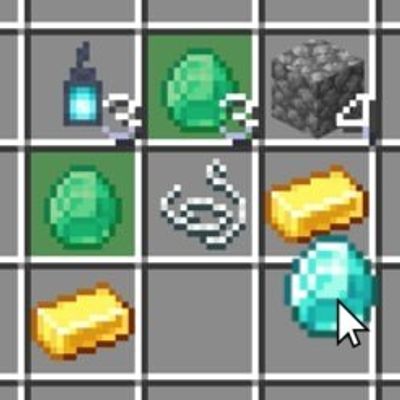
Item Finder
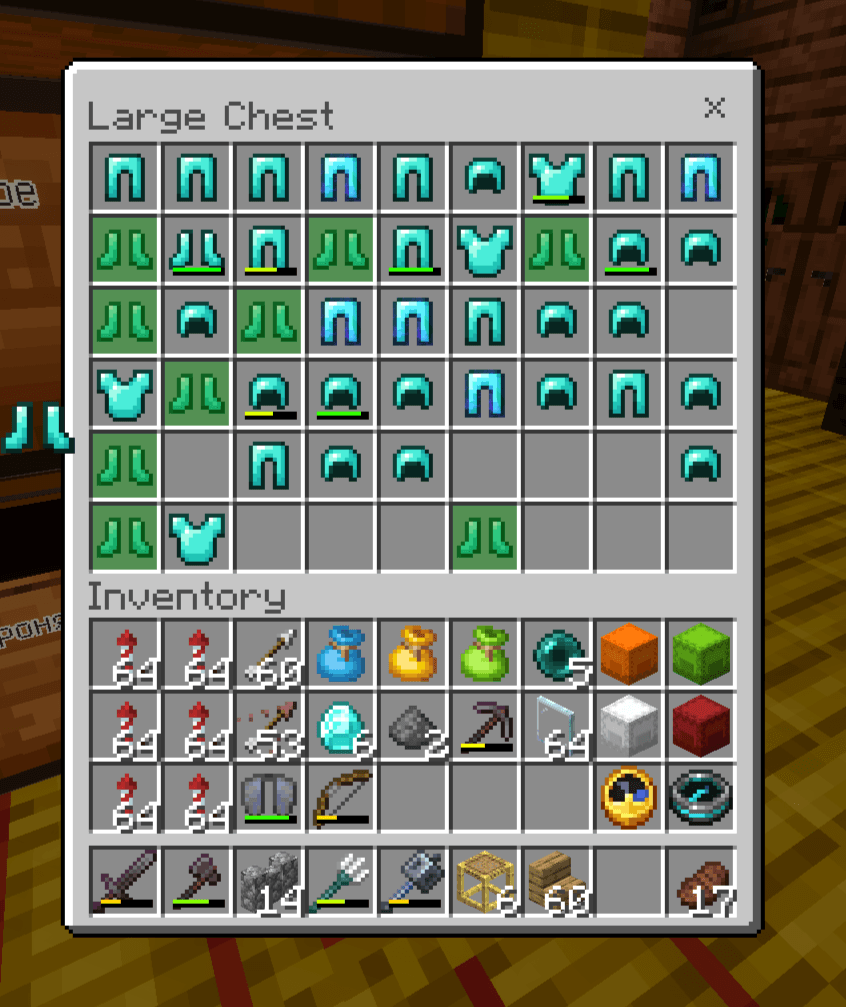
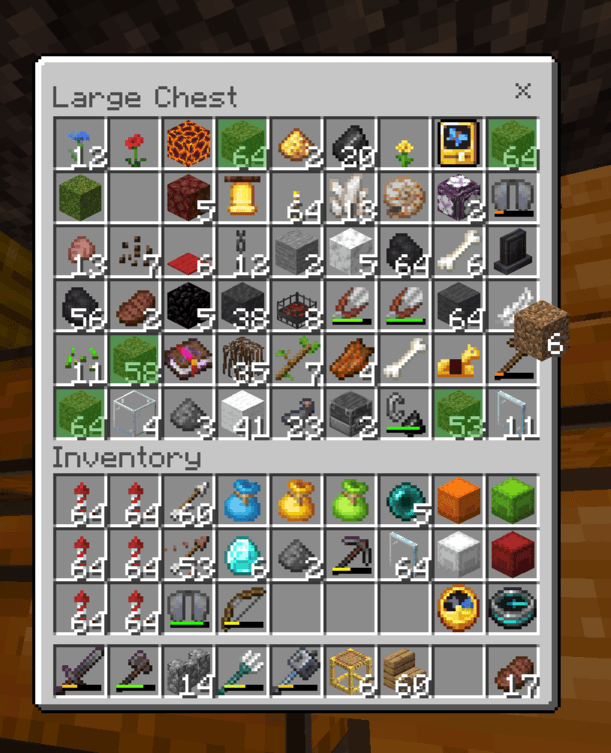
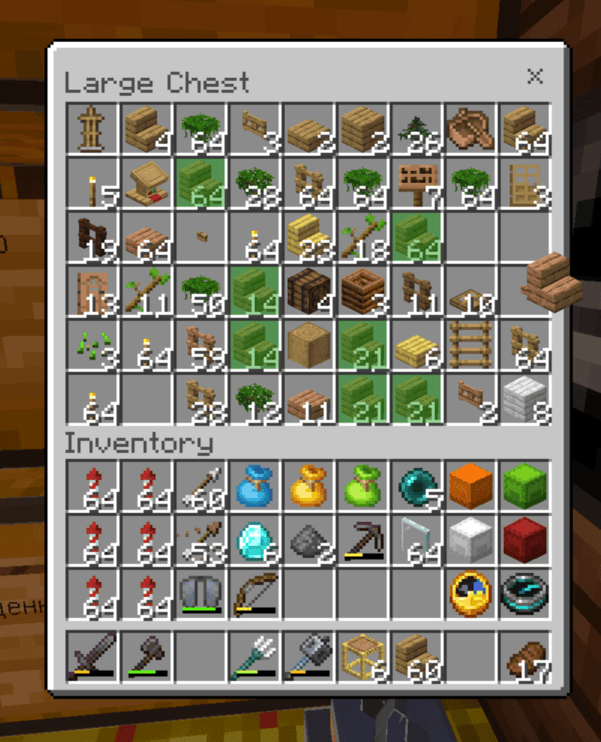
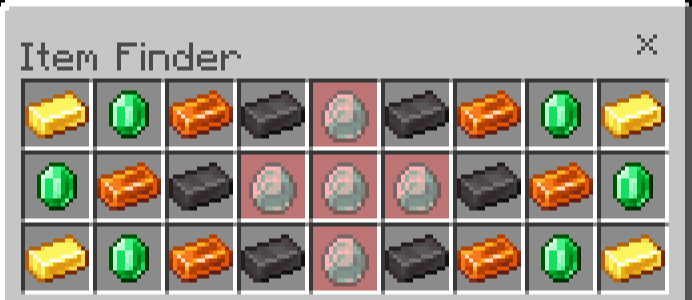
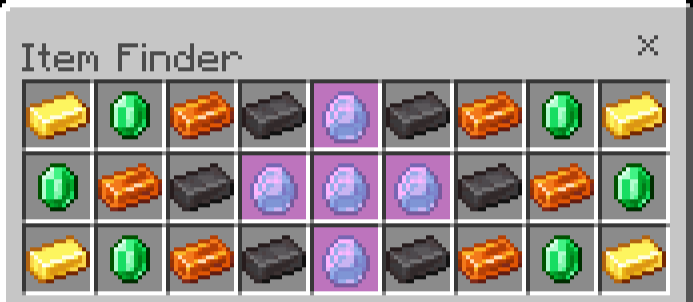
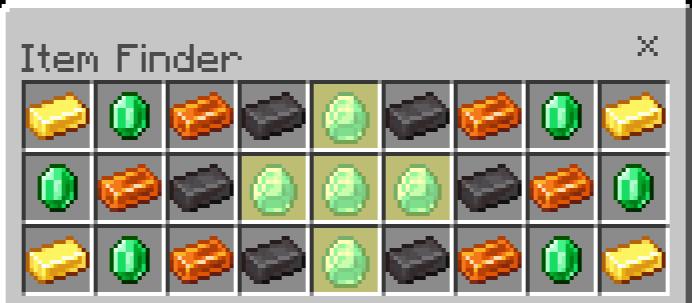
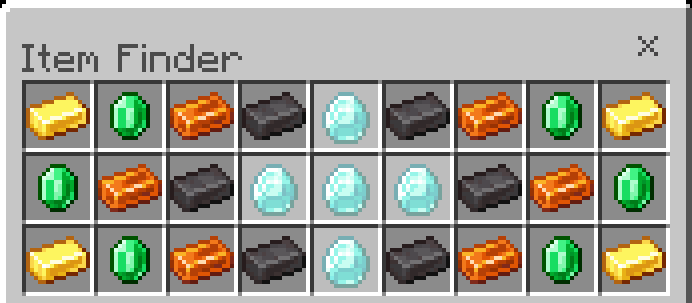
Item Finder – highlights an item when you're holding the same item in your inventory. The highlight color can be changed.
⬇ Download on CurseForge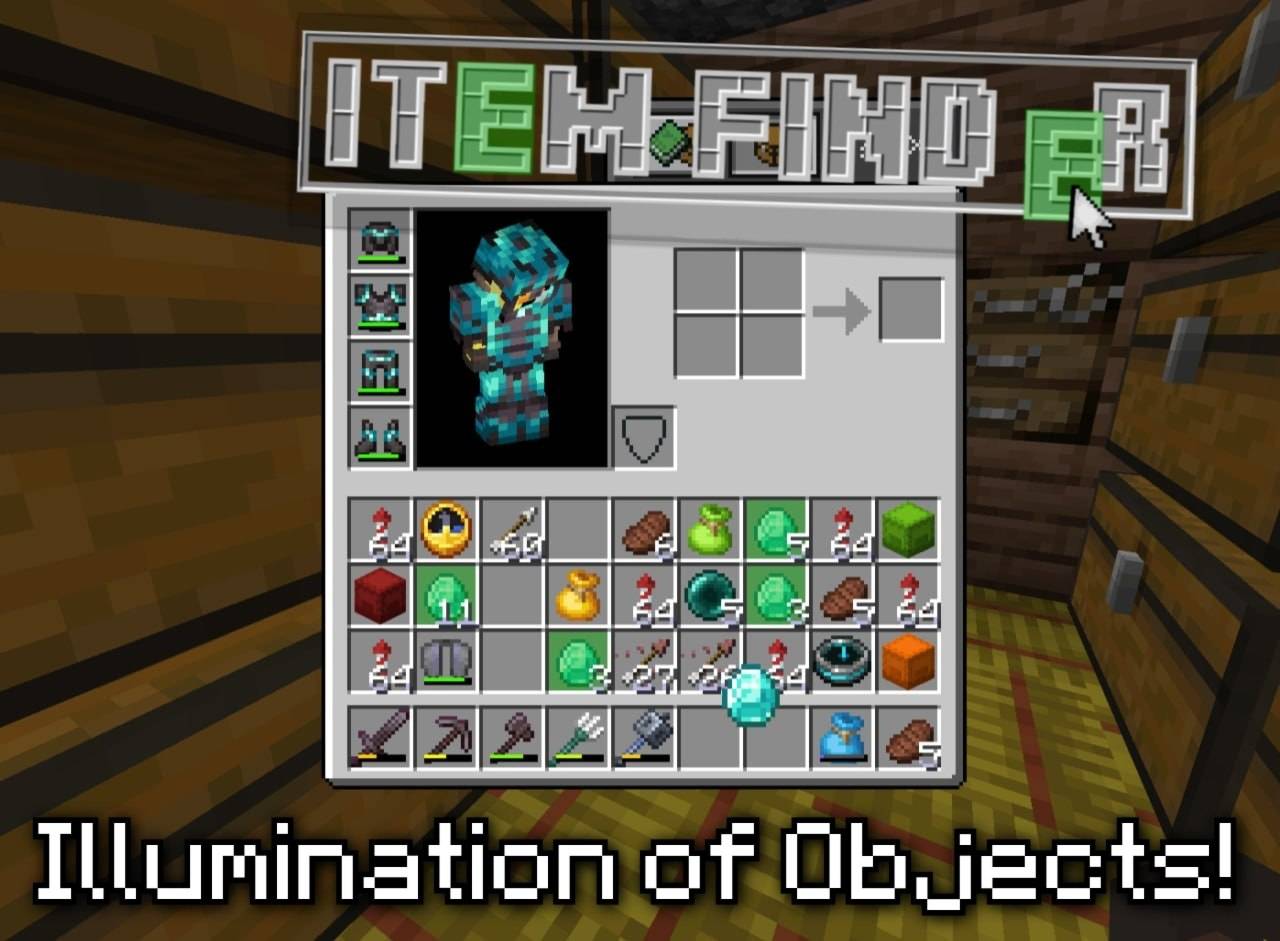
Important: This texture pack is only compatible with PC and consoles. It will not function on mobile devices (phones or tablets). Mobile support may arrive someday in the future, but not right now.
Item Finder is a unique resource pack for Minecraft Bedrock Edition that completely changes how you see your inventory.
No more lost glances searching for that one diamond or sword in a cluttered chest.
🔍 How does it work?
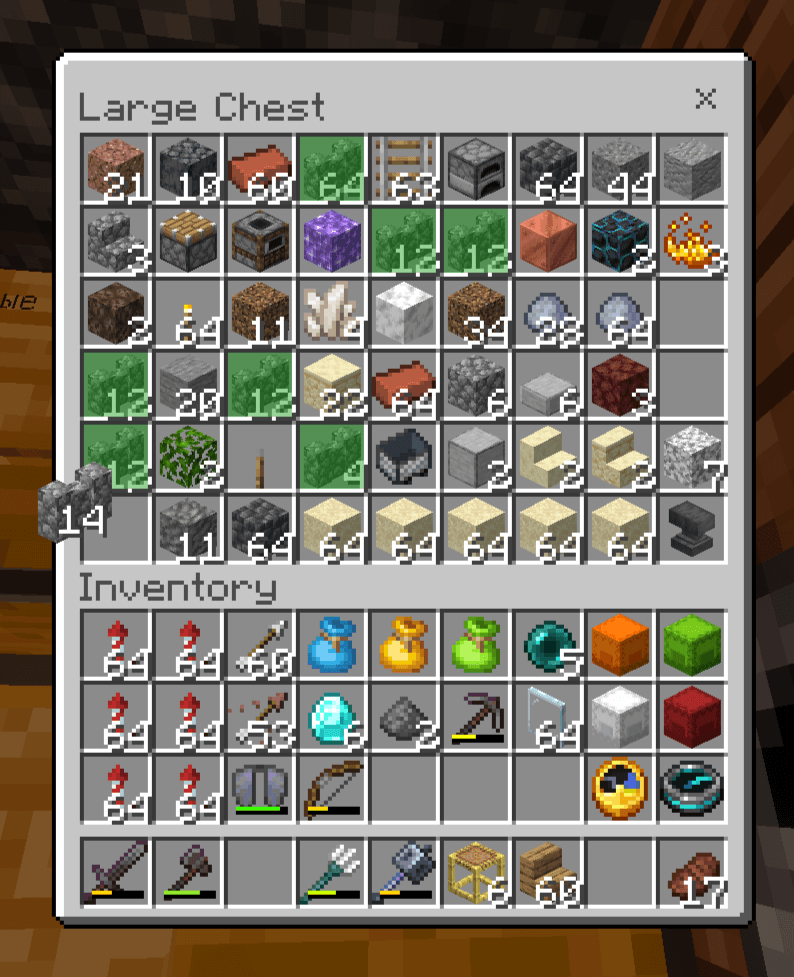
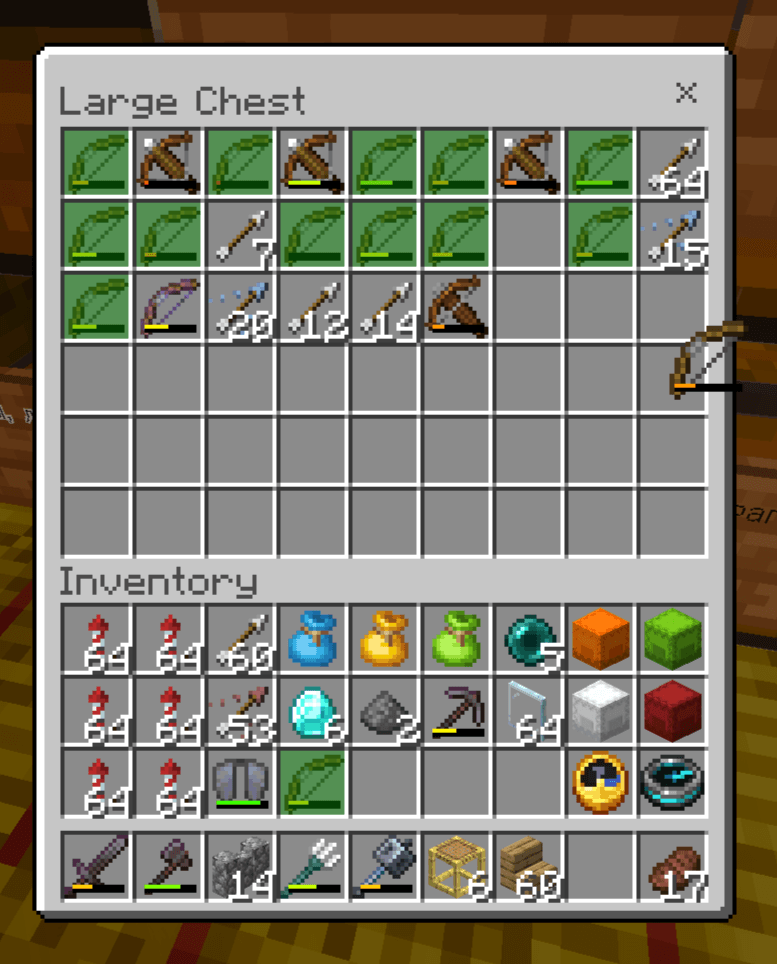
When you take an item from your inventory into your hand – that item starts glowing.
The rest stay normal. Simple, visual, effective. (To highlight the first item, you first need to pick up a similar item.)
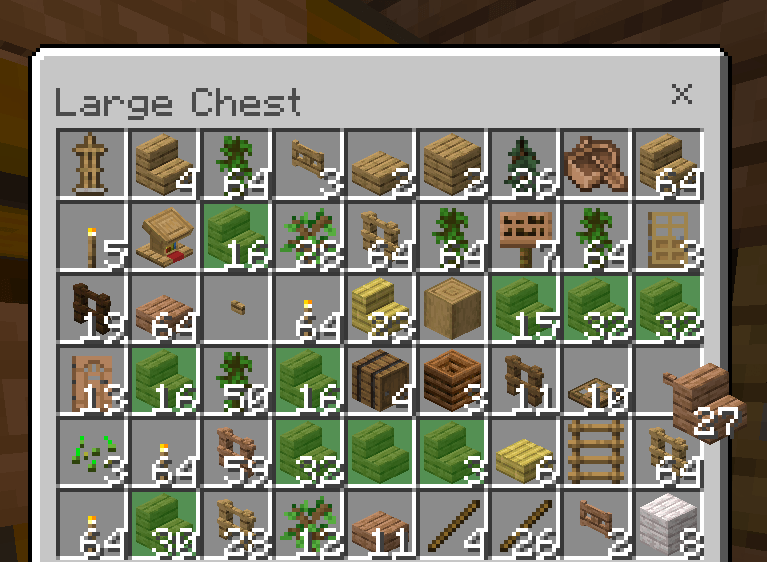
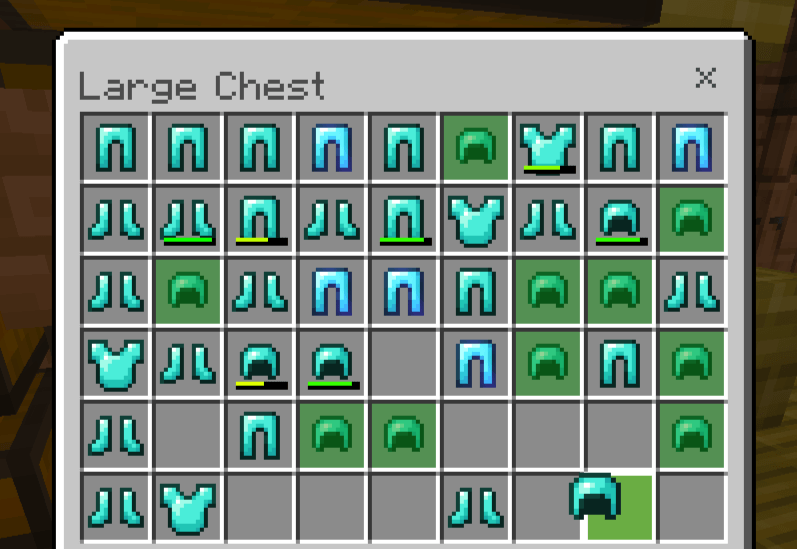
The mechanic works in real time:
• pick up a stick → the stick glows
• pick up a potion → the potion glows
• pick up a diamond pickaxe → it stands out among 30 other items
🎨 Available highlight colors
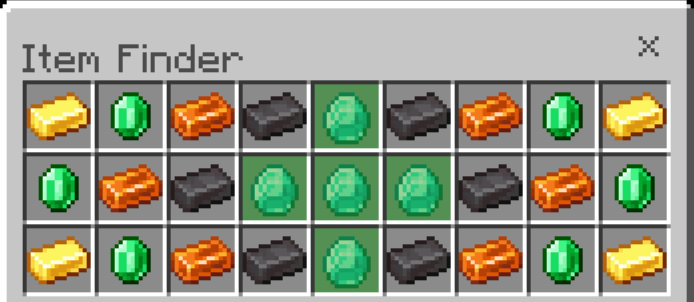
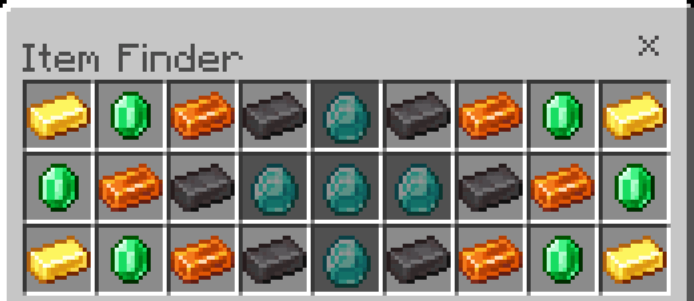
The highlight color can be changed in the _global_variables.json file:
Green [Defualt] - [0, 0.667, 0]:
Black - [0, 0, 0]:
Dark Blue - [0, 0, 0.667]:
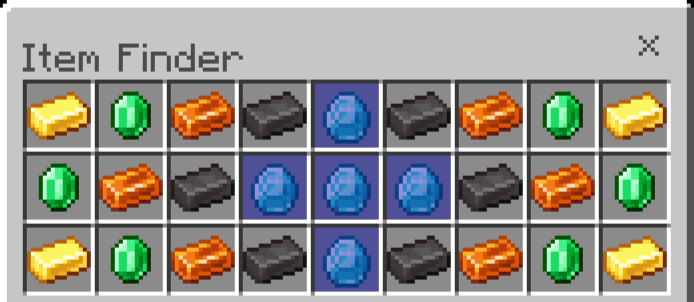
Dark Aqua - [0, 0.667, 0.667]:
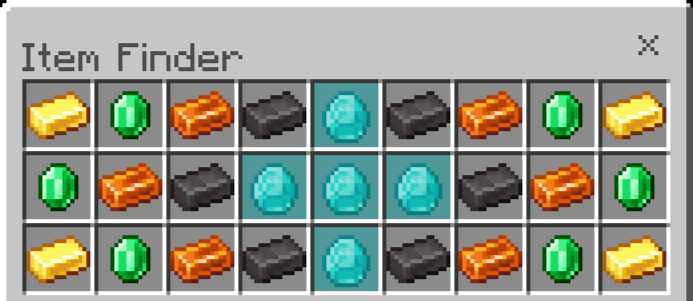
Dark Red - [0.667, 0, 0]:
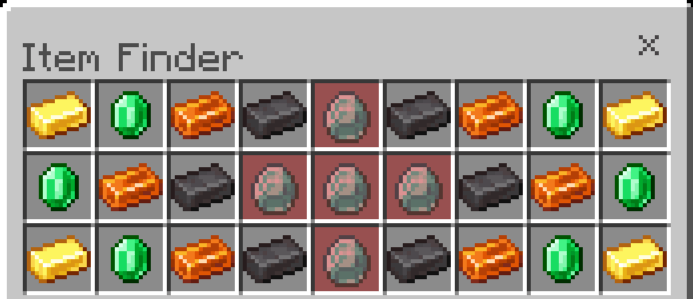
Dark Purple - [0.667, 0, 0.667]:
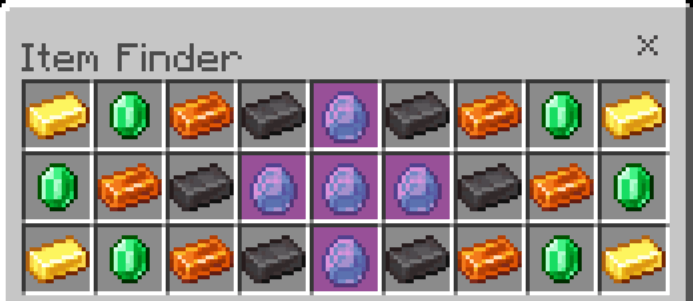
Gold - [1, 0.667, 0]:
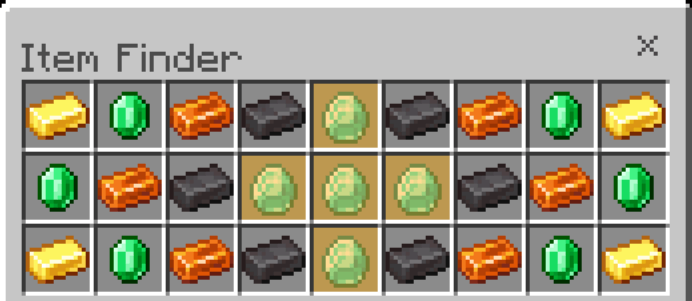
Gray - [0.667, 0.667, 0.667]:
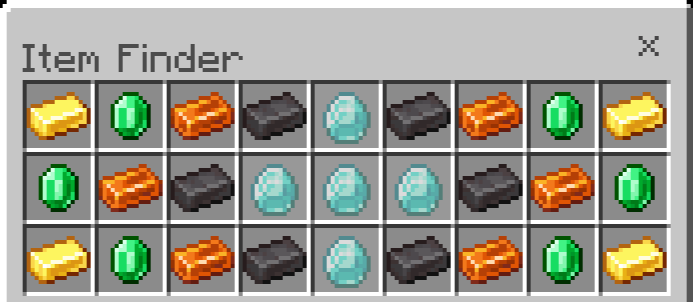
Dark Gray - [0.333, 0.333, 0.333]:
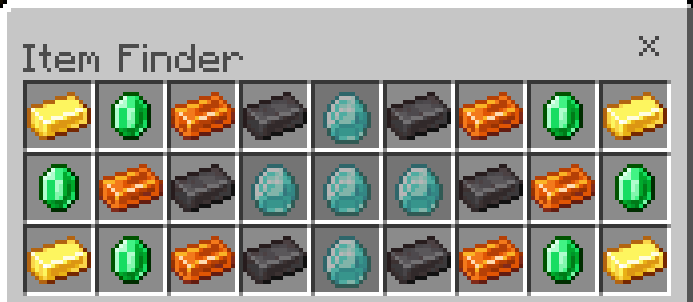
Blue - [0.333, 0.333, 1]:
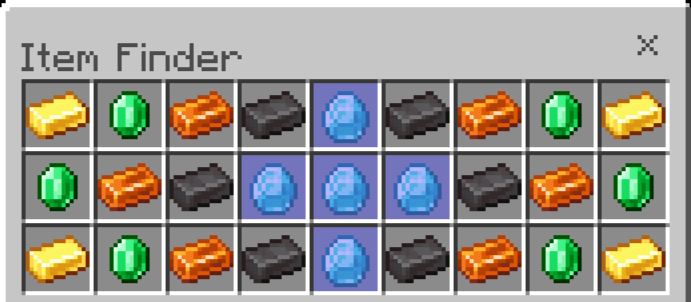
Aqua - [0.333, 1, 1]:
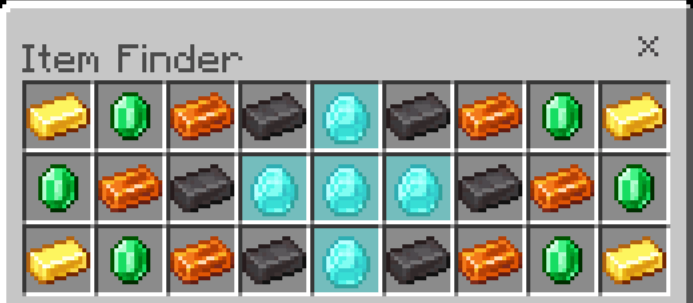
Red - [1, 0.333, 0.333]:
Light Purple - [1, 0.333, 1]:
Yellow - [1, 1, 0.333]:
White - [1, 1, 1]:
⚠️ Important
This texture pack only works in the classic inventory interface (not in the mobile "pocket" mode).

Usage Rules:
Allowed:
- Editing textures for personal use.
- Creating videos and streaming content.
Prohibited:
- Distributing the pack via third-party links. Only official pages on MCPEDL and CurseForge.
- Publishing modified versions of the pack.
Discord: https://discord.com/invite/N8szypQqTR
- Edition: Minecraft Bedrock
- File type: .mcpack
- Minecraft versions listed: 1.20, 26.10
- How to install: Download the .mcpack. → Open it — Minecraft imports it under Resource Packs. → Activate it in Global Resources, or for one world under Resource Packs → Available.
- Where to get it: Opens on CurseForge — not every file is mirrored on our own servers.
Install steps are the general flow for this file type — How to install Minecraft Bedrock texture packs walks through it step by step.
- Pack type: .mcpack — a single pack
- Manifest requires Minecraft 1.20.0 or newer
- Complete pack — everything it depends on is inside the file
- Download size: 20 KB
- Download link checked 16 Sept 2026 — working
These come from our own check of the pack file, not from the source page.