silent fog
Bedrock texture pack listed for Minecraft 1.21–26.x. File opened and checked on 23 Sep 2026; installs from the MC Bedrock Mods app on Android.
I don't know my version
silent fog
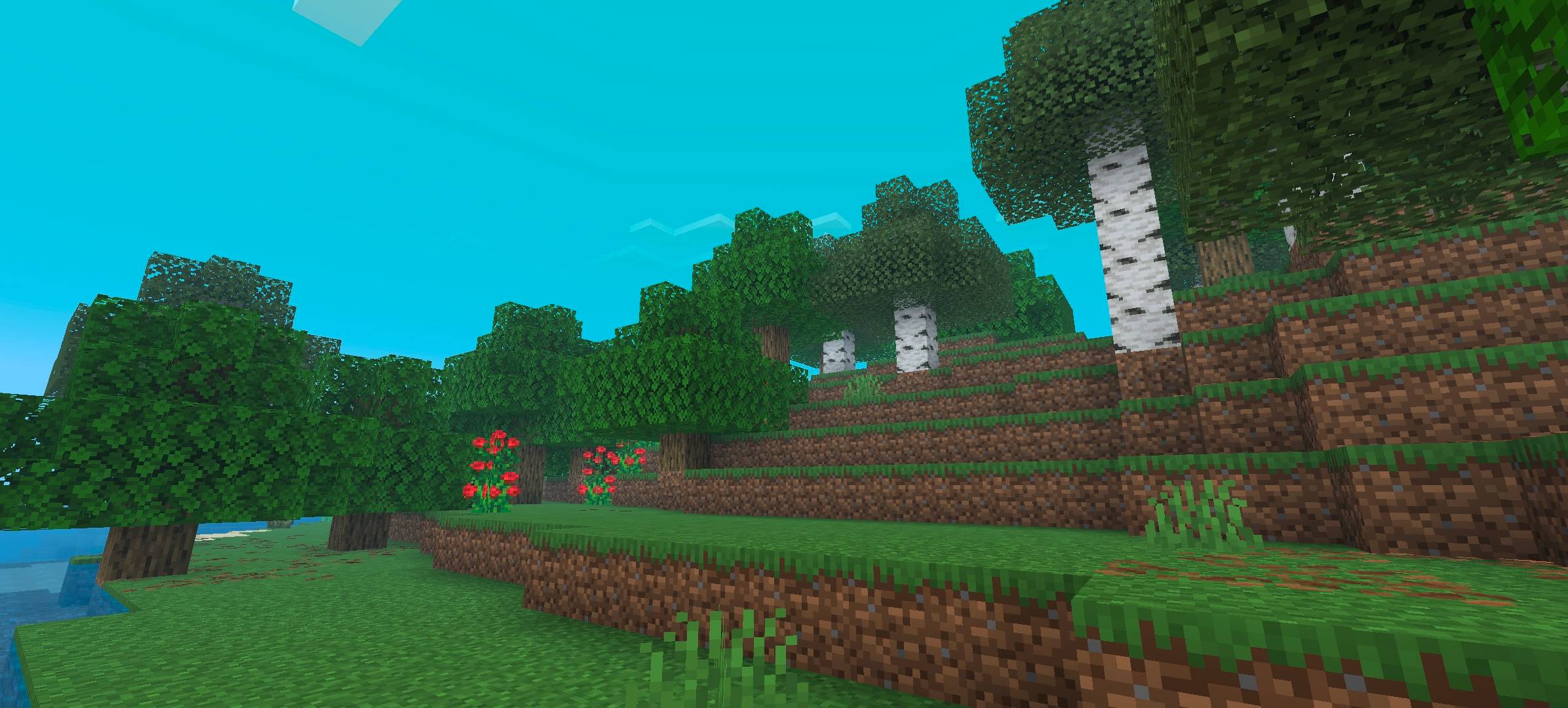
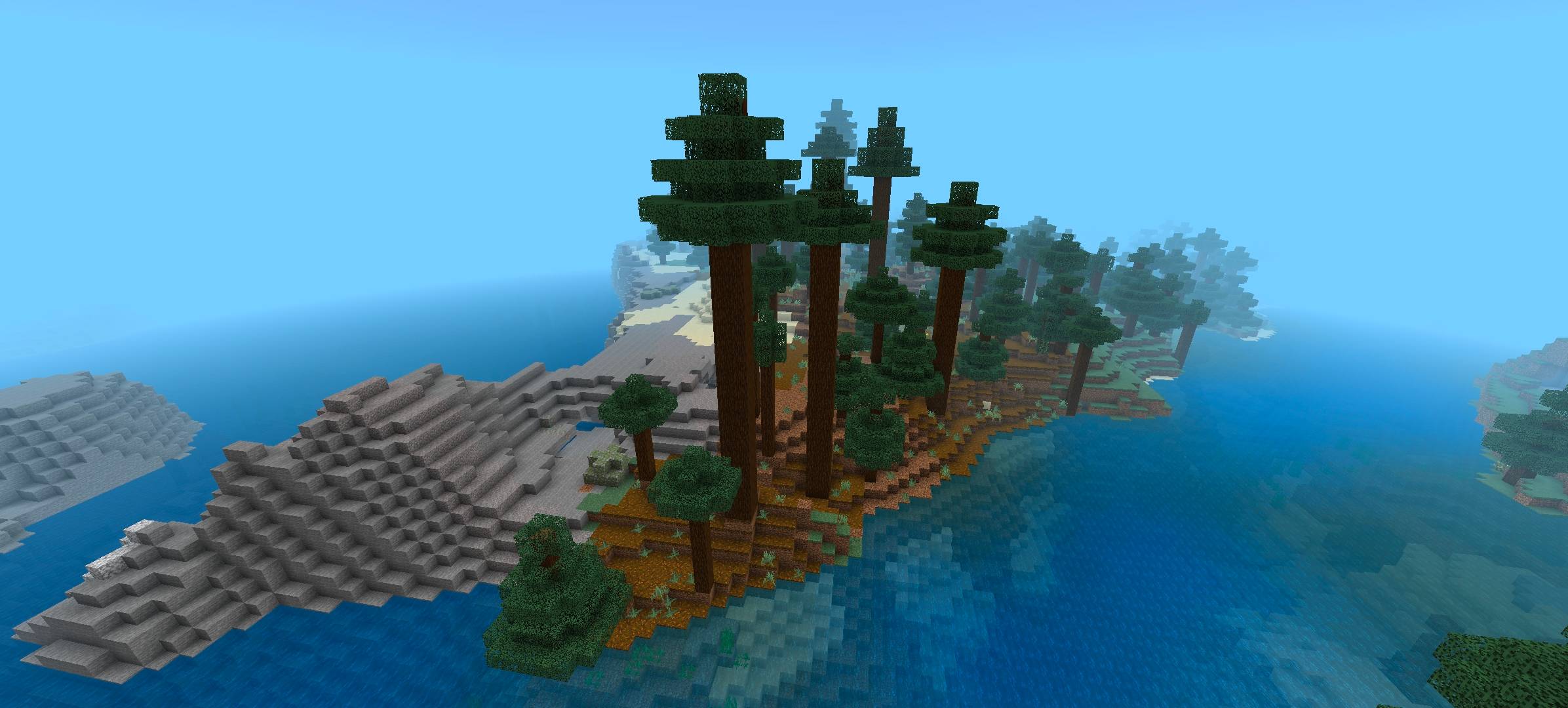
silent fog is a comprehensive atmospheric overhaul for Minecraft Bedrock. It pulls the fog closer to the player, creating a dense, immersive, and distinct experience that completely changes the feeling of exploration.
Unlike other fog packs that simply wash the world in grey, silent fog respects the color palette of the game. It keeps biomes vibrant while making them feel much more atmospheric and separated from one another.
Key Features
Denser Atmosphere: Fog starts much closer to the player. The world reveals itself slowly as you move, creating a sense of mystery and scale.
Biome Diversity: No more generic blue fog everywhere.
Deserts & Badlands: Features a sandy, golden "Sandstorm" haze.
Icy Biomes: Features a blinding white/cyan "Snow Blindness" effect.
Swamps: Features a murky, greenish-brown heavy mist.
Jungles: Features a humid, teal heat haze.
Oceans: Features a deep, crystal-clear blue depth fog.
Cherry Groves: Features a soft, dream-like pink/blue haze.
Complete Coverage: Every biome, from the Pale Garden to the Deep Dark, has been tuned to have a specific fog identifier.
Compatibility
Version: 1.21+ (Bedrock Edition)
Performance: Lightweight and optimized; does not negatively impact FPS.
Render Dragon: Fully compatible.
How to Install
Download the .mcpack file.
Open the file to automatically import it into Minecraft.
Go to Settings > Global Resources > My Packs.
Activate silent fog.
Recommended: Place it at the top of your active resource packs list for the best results.
Created by Muftis.
- Edition: Minecraft Bedrock
- File type: .mcpack
- Minecraft versions listed: 1.21.130, 1.21.131, 1.21.132
- How to install: Download the .mcpack. → Open it — Minecraft imports it under Resource Packs. → Activate it in Global Resources, or for one world under Resource Packs → Available.
- Where to get it: Opens on CurseForge — not every file is mirrored on our own servers.
Install steps are the general flow for this file type — How to install Minecraft Bedrock texture packs walks through it step by step.
- Pack type: .mcpack — a single pack
- Manifest requires Minecraft 1.21.0 or newer
- Complete pack — everything it depends on is inside the file
- Download size: 78 KB
- Download link checked 5 Oct 2026 — working
These come from our own check of the pack file, not from the source page.