
Warden To Entitys
Bedrock texture pack listed for Minecraft 26.x. File opened and checked on 23 Sep 2026; installs from the MC Bedrock Mods app on Android.
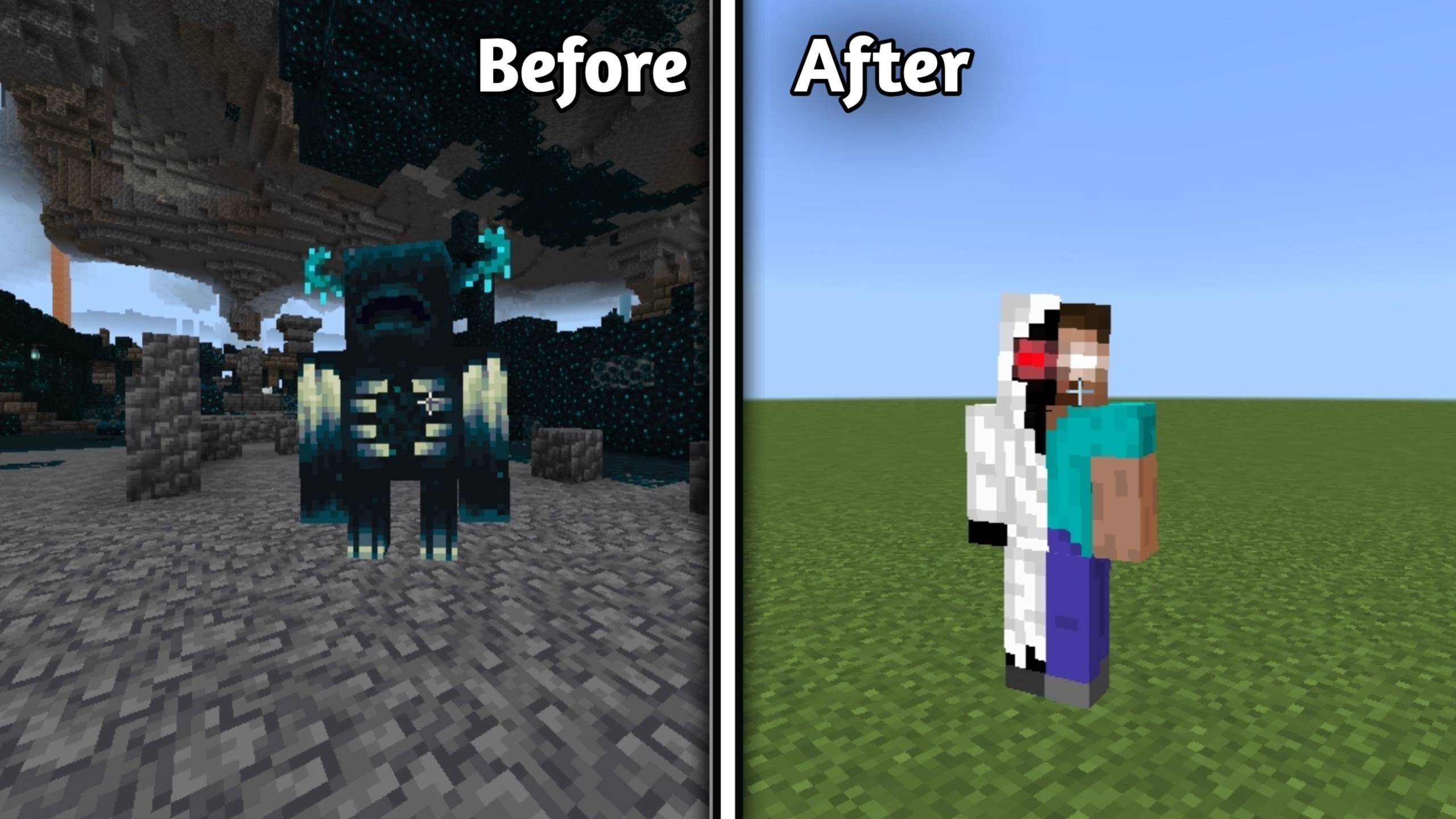
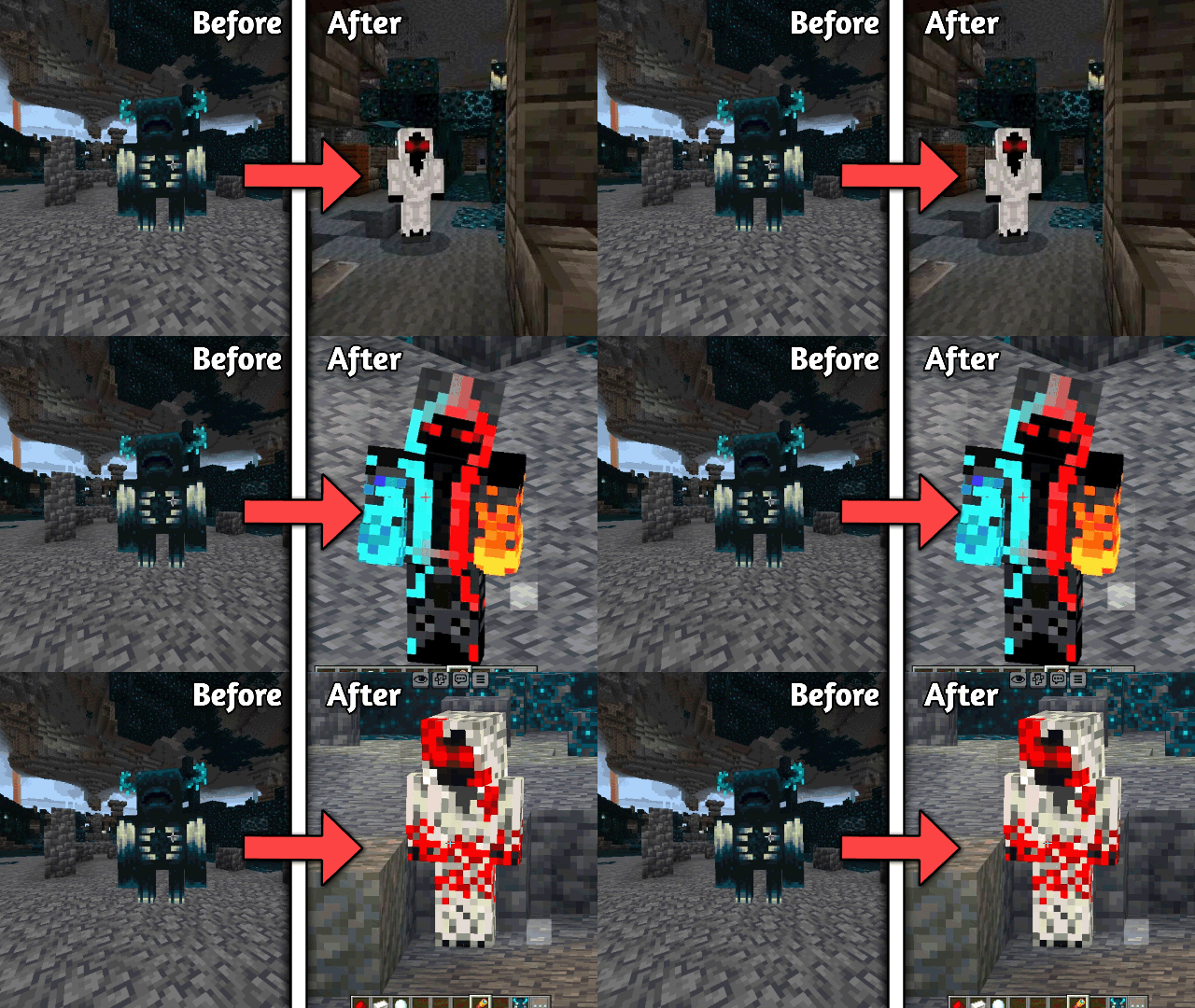
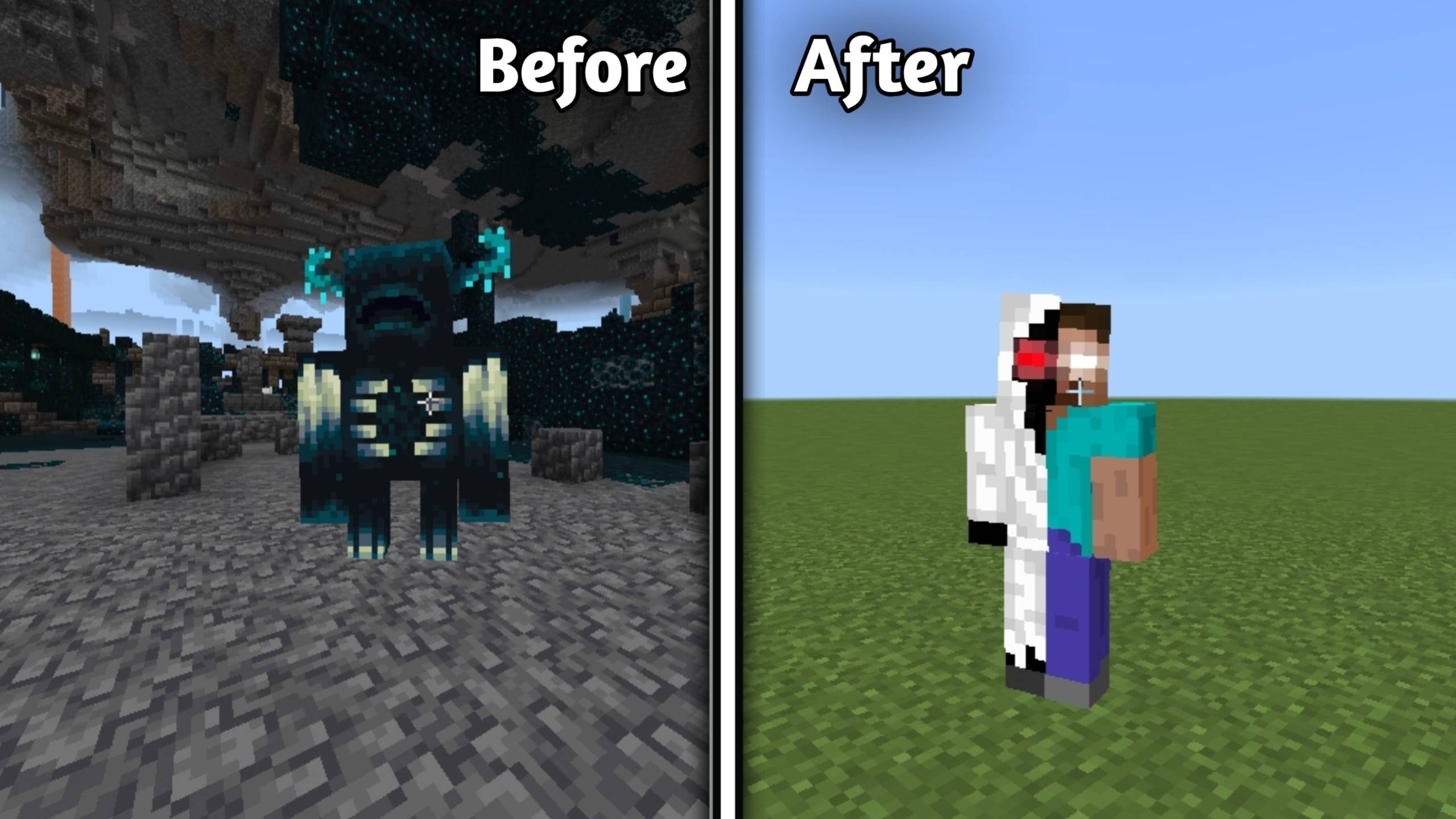
👁 Replaces the Warden with Entity 303 in Minecraft Bedrock Edition. 🌑 Horror-themed visuals with spawn & despawn animation preview.
⬇ Download on CurseForge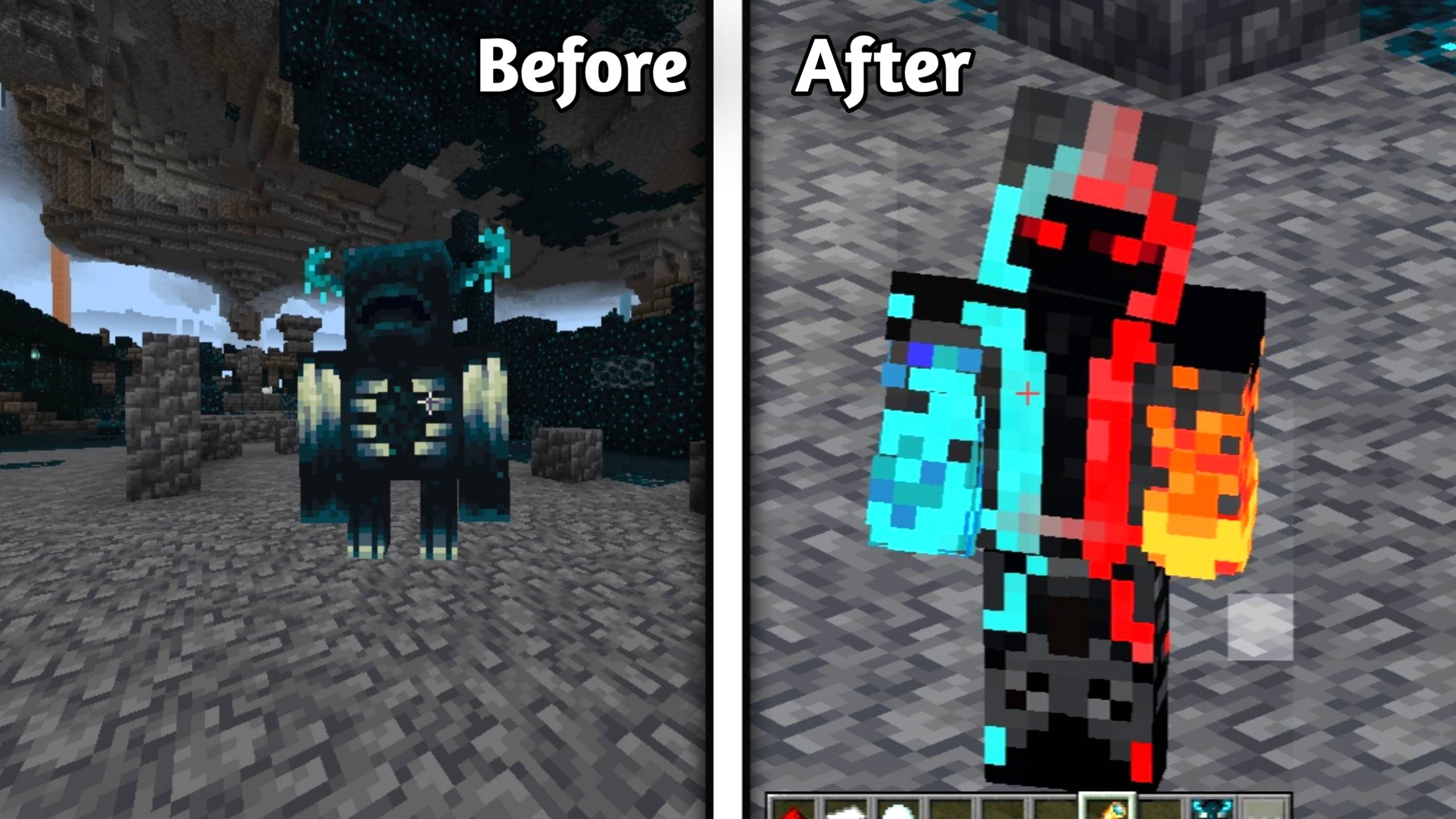
👁️ Warden To Entity 303 (Normal + Neon + Blood)
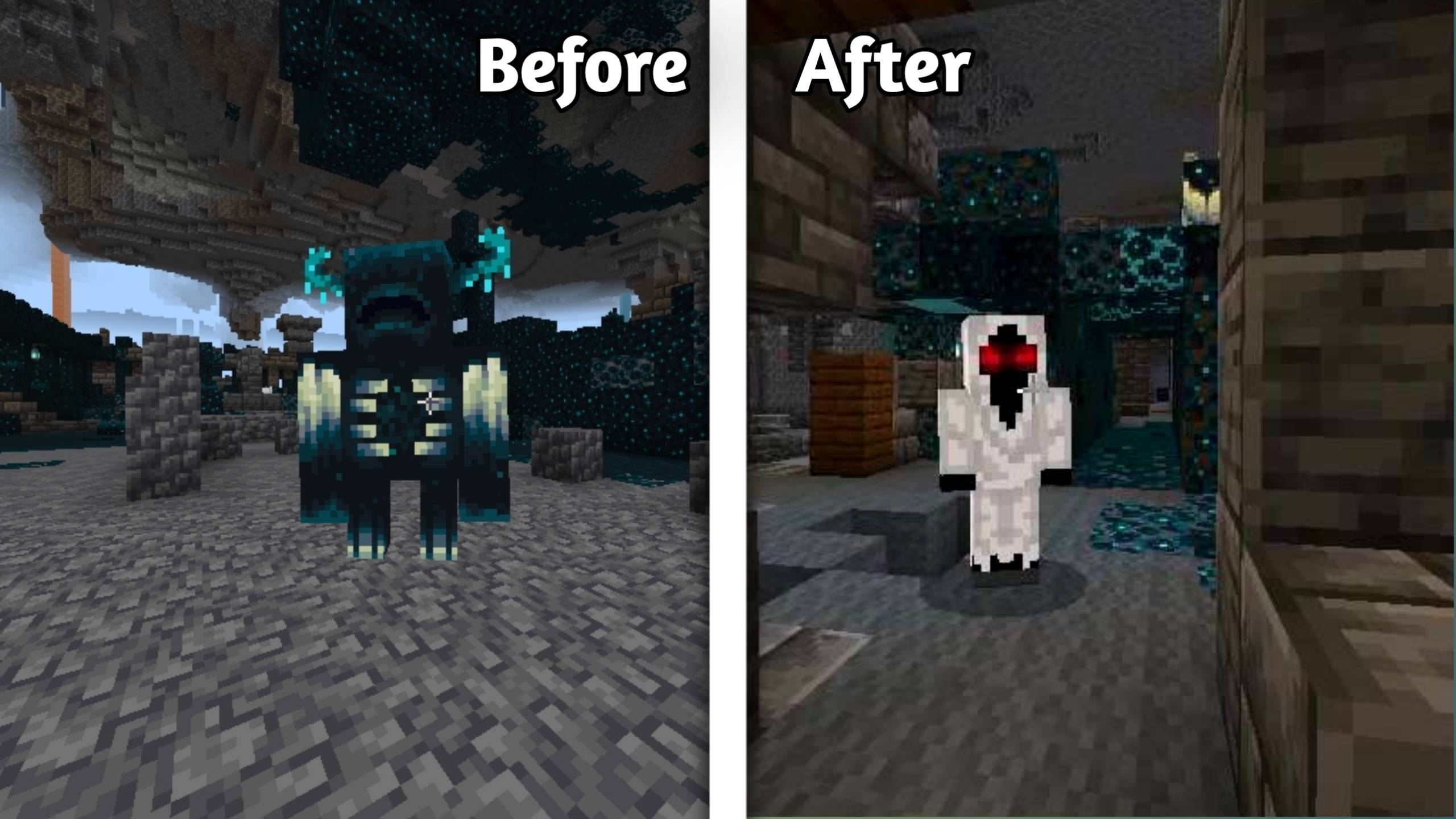
Turn the terrifying Warden into the mysterious Entity 303! This resource pack replaces the default Warden with a creepy Entity 303. Now whenever the Warden spawns in your world, it will appear as Entity 303, making caves more scary and exciting. 🌑👁️
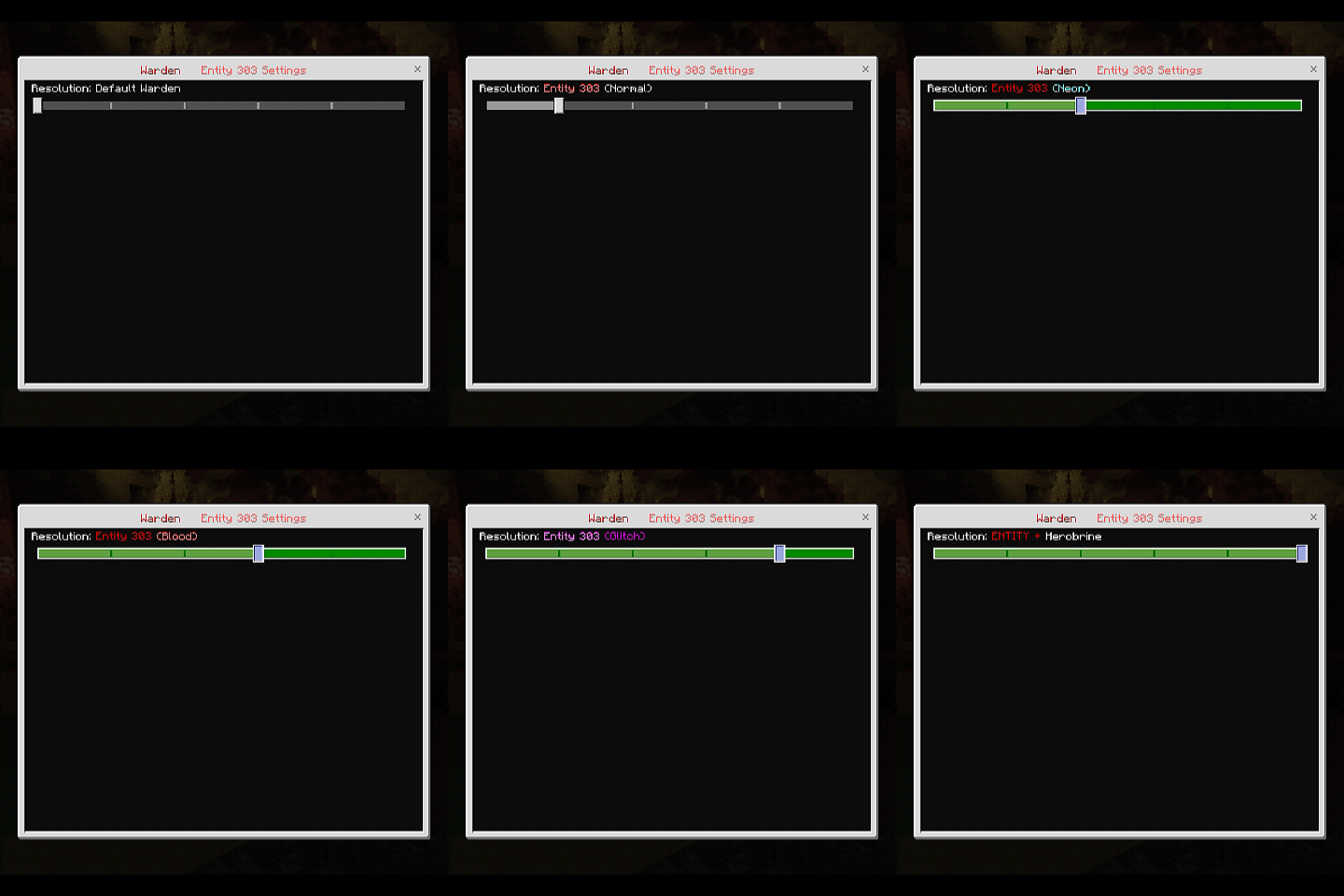
This pack also includes two different styles with subpacks. You can choose between the normal Entity 303 look or a glowing neon version. 💡
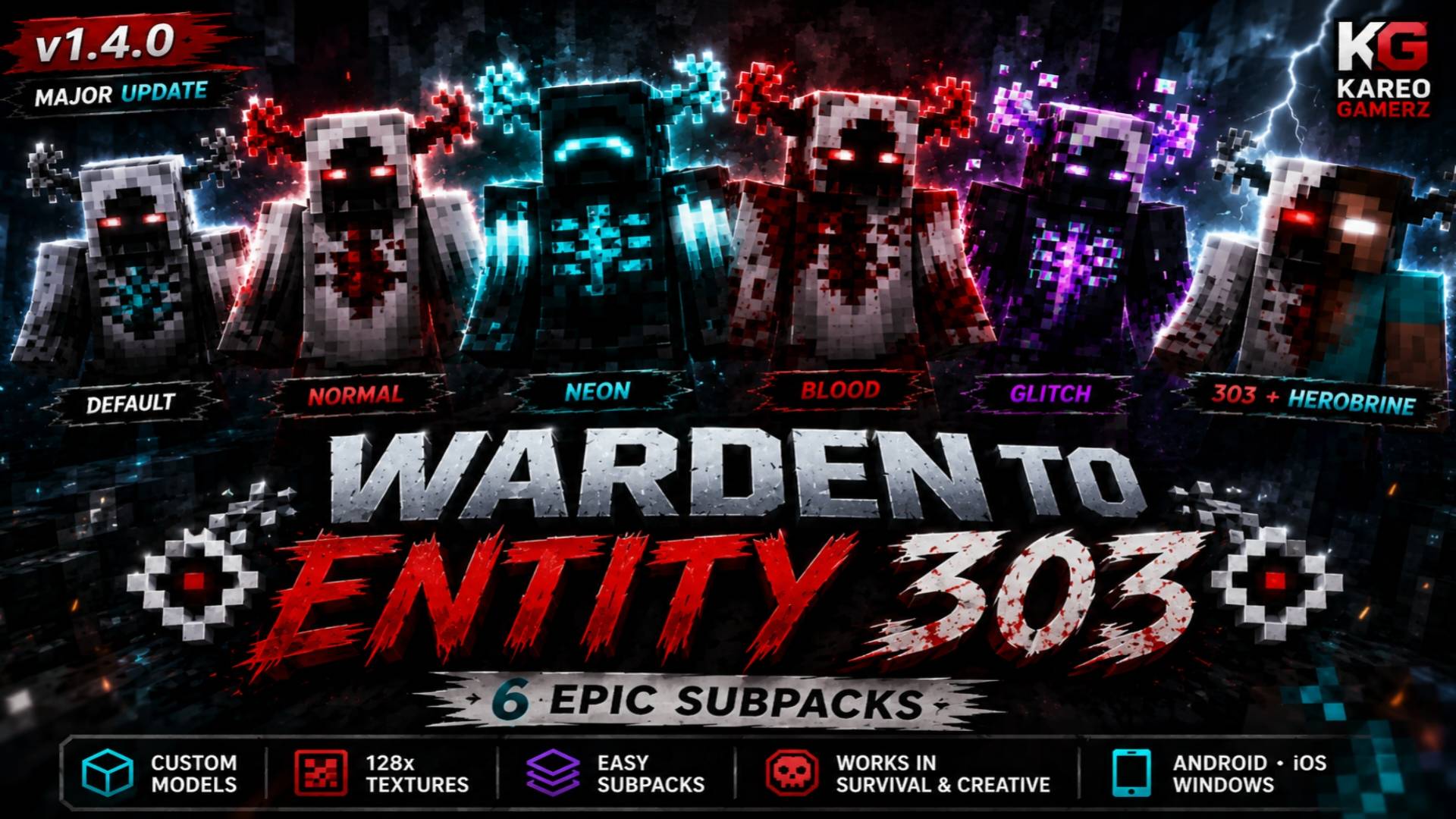
- 🌑 Normal Entity 303 – Classic creepy look
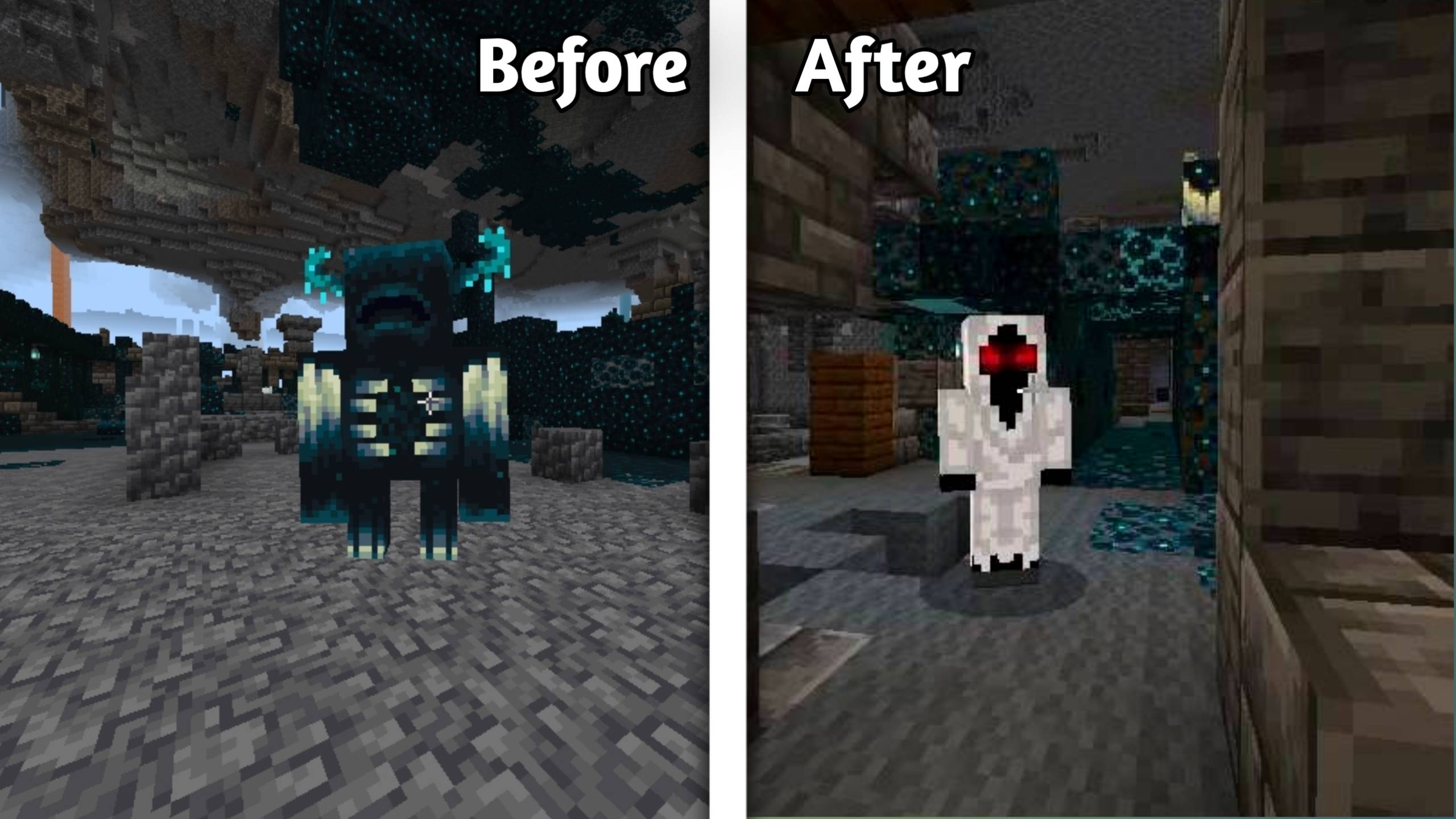
- 💡 Neon Entity 303 – Bright glowing style
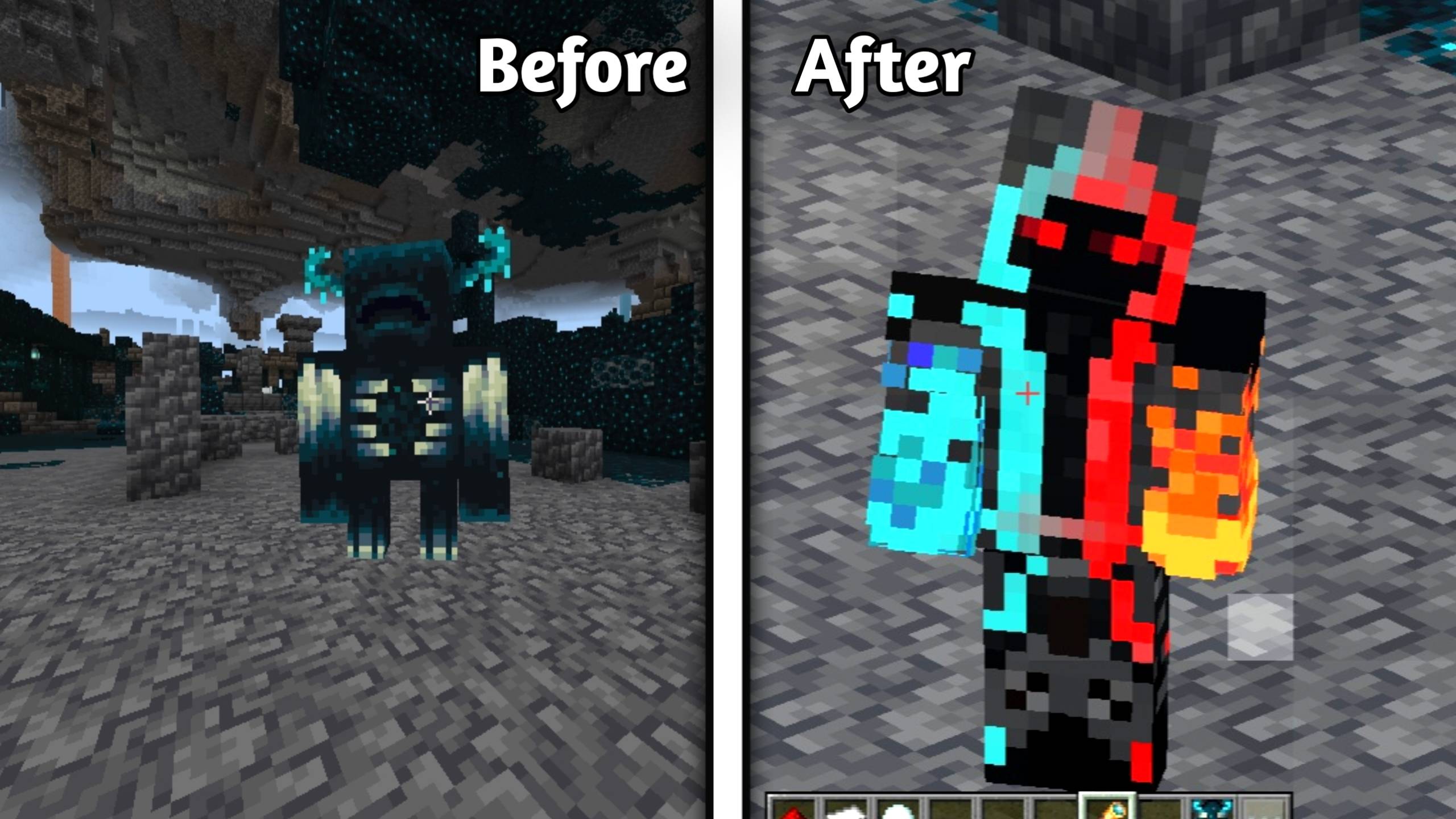
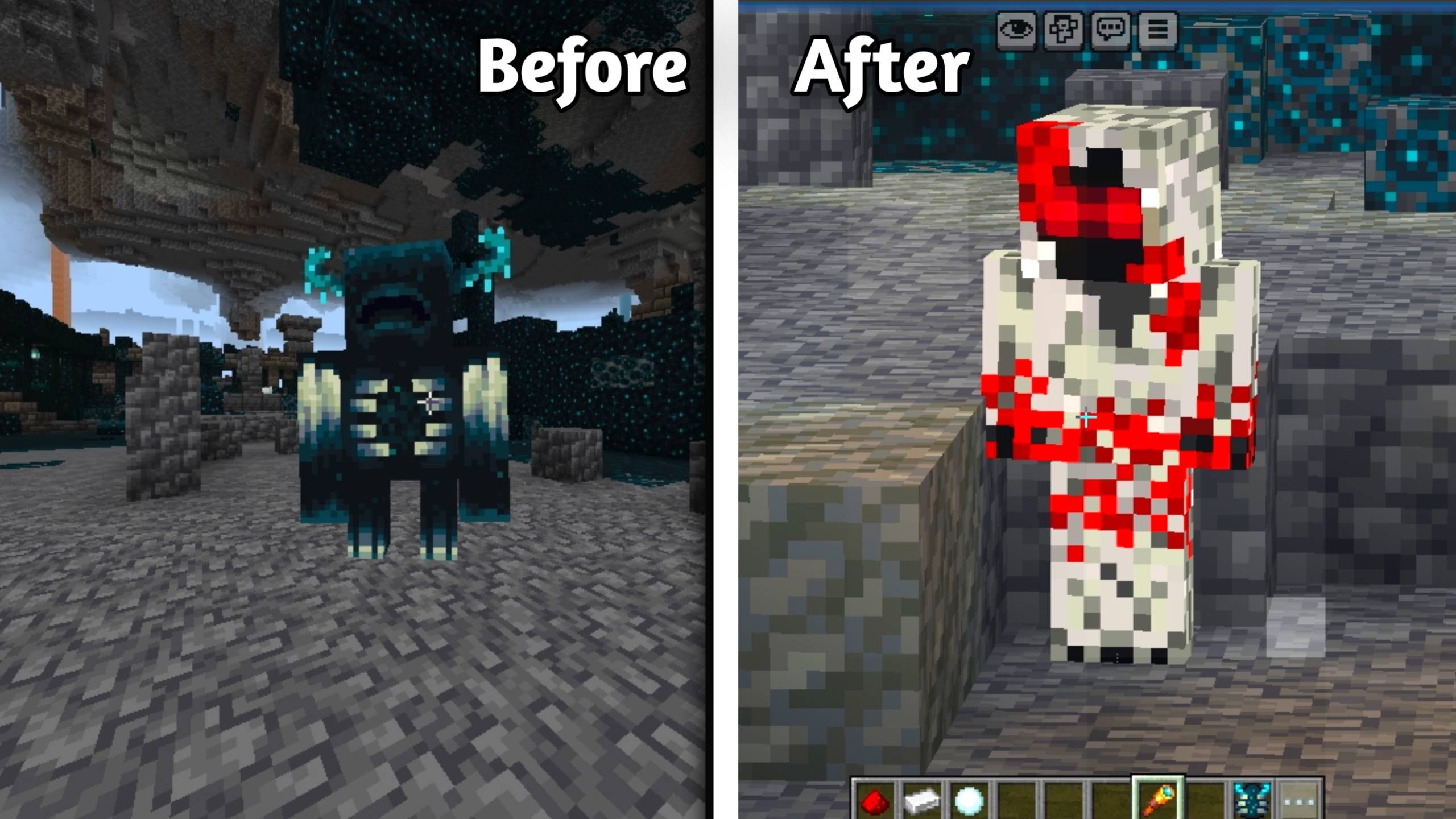
- 🩸 Entity 303 (Blood)
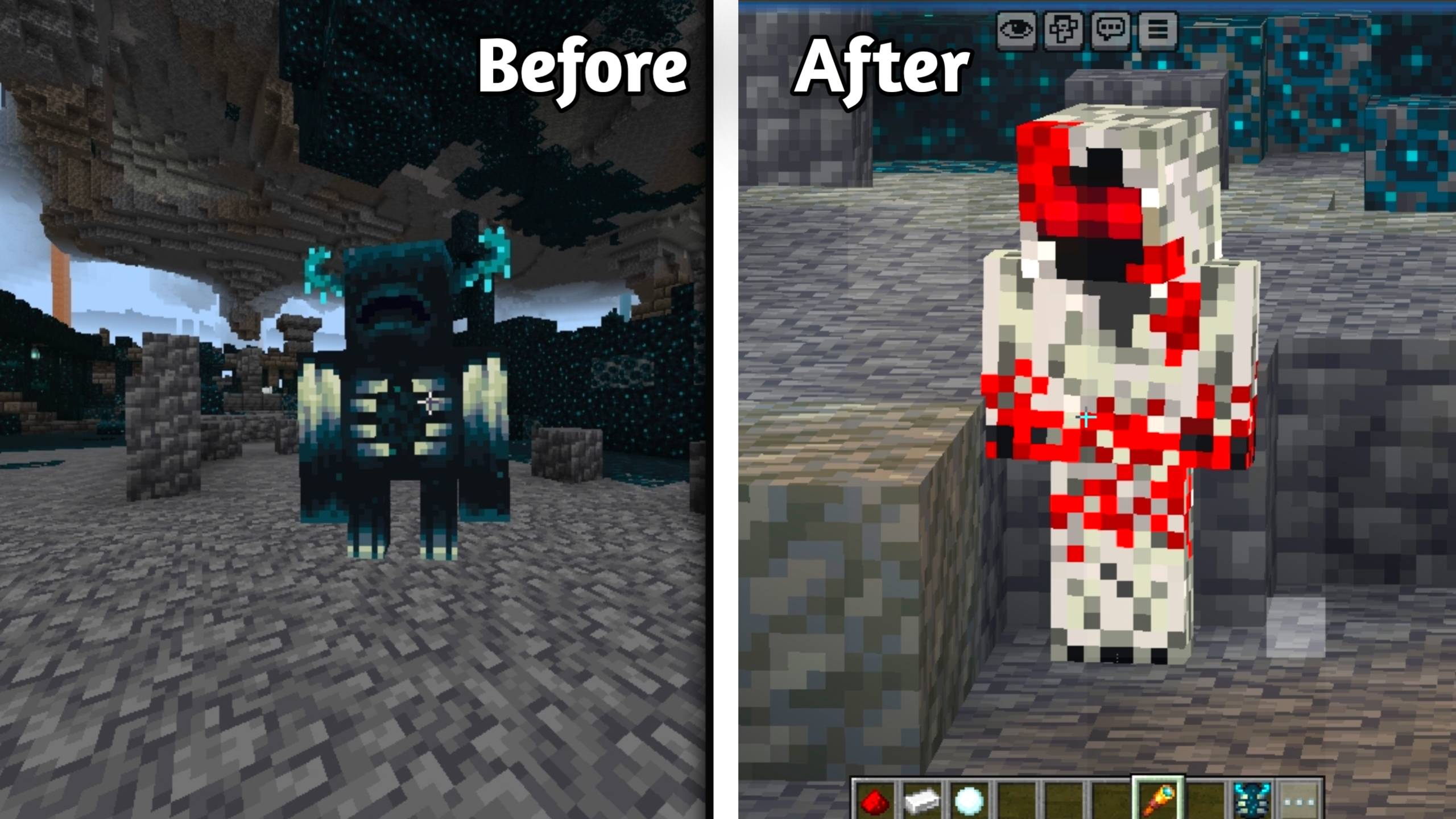
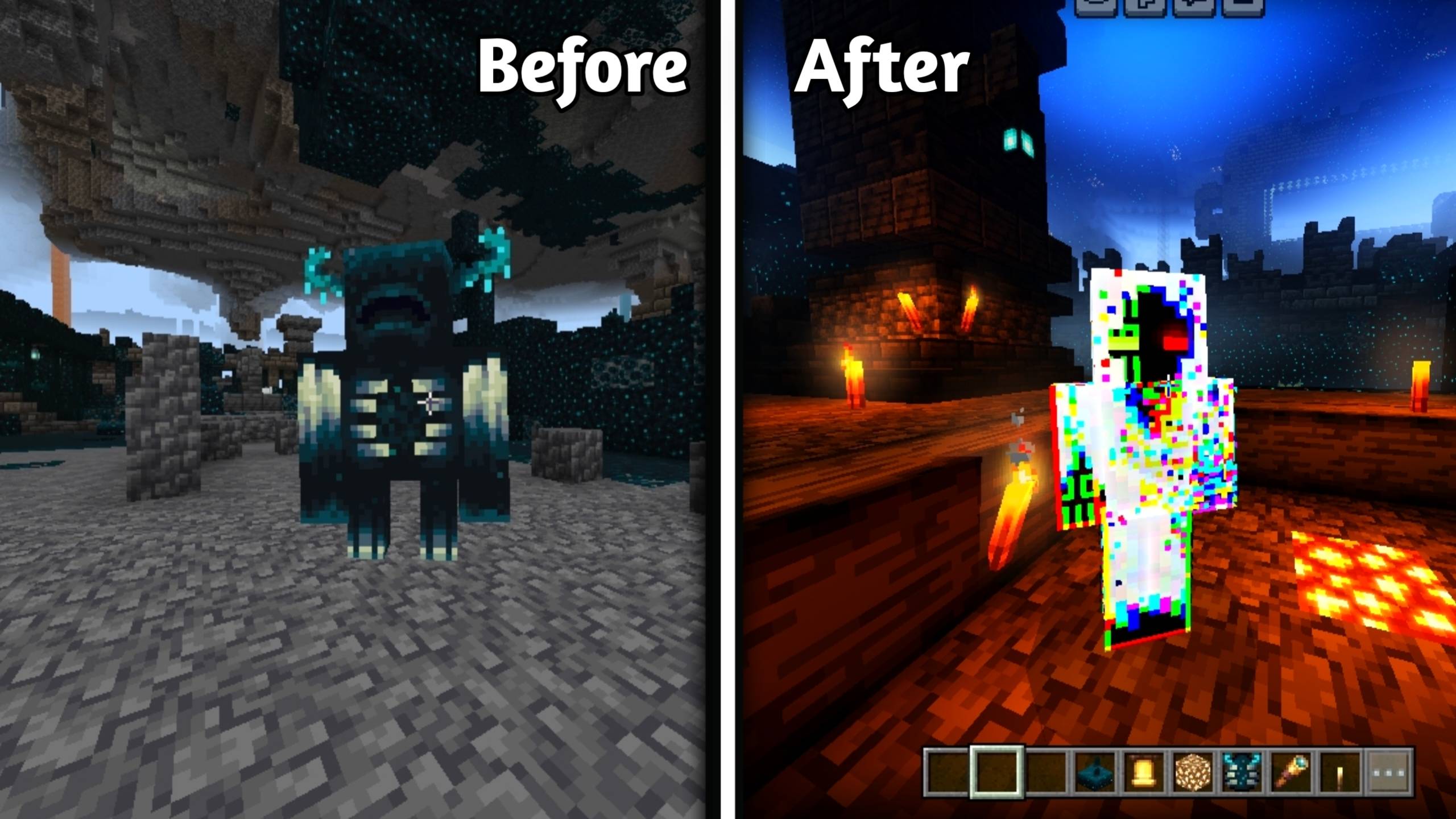
- 🌀 Entity 303 (Glitch)
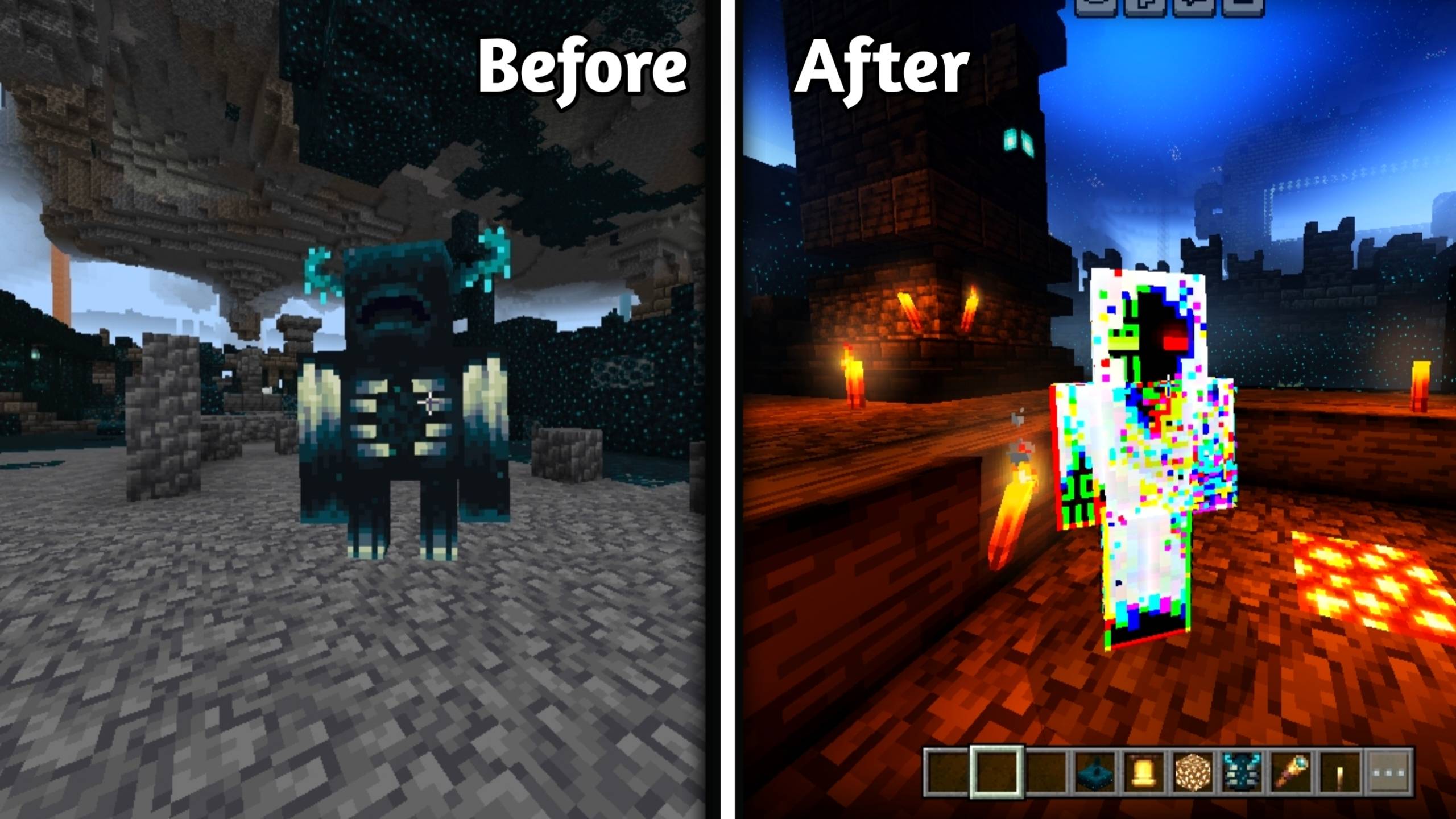
- Entity + Herobrine(New)
✨ Features
👁️ Warden replaced with Entity 303
🎨 Four Entity 303 styles
🌑 Normal Entity 303
💡 Neon Glow Entity 303
🩸 Blood Entity 303
🌀 Glitch Entity
☠️ Entity + Herobrine
📦 Subpacks included
🎮 Works in Survival & Creative
⚡ Lightweight & smooth
📱 Works on Android, iOS & Windows
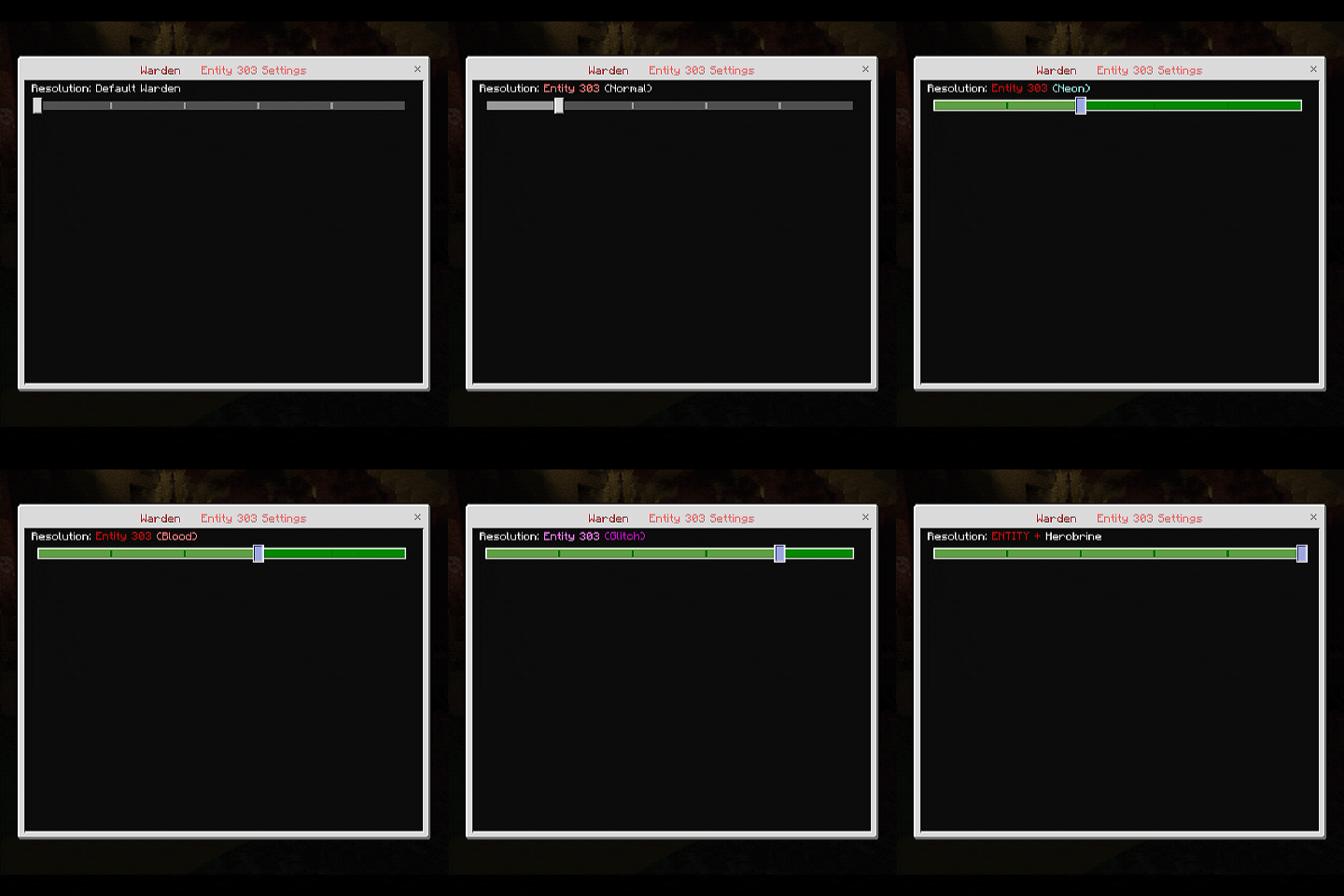
📦 Subpacks
🎮 Default Warden - Normal Warden
🌑 Normal Entity 303 – Classic creepy look
💡 Neon Entity 303 – Bright glowing style
🩸 Entity 303 (Blood) - Red Blood style
🌀 Entity 303 (Glitch) - Computer Glitch style
Entity + Herobrine
📌 How To Use
📥 Download the resource pack
📦 Import into Minecraft
✅ Activate in Global / World Resources
🎨 Select Subpack (Normal or Neon)
👁️ Spawn Warden and see Entity 303
Explore the Deep Dark with a new horror experience! 🌑
⚠ Important
🚫 Texture pack only (No behavior changes)
🚫 Do not reupload without permission
👑 Creator's Info
Created by Kareo Gamerz
📜 License
All Rights Reserved This addon was created by Kareo Gamerz.
You are not allowed to redistribute, modify, or reupload this addon on any other platform without the creator’s permission.
You may, however, make videos or showcase this addon on YouTube or social media — please provide credit and a link to the original CurseForge or MCPEDL page.
© 2025-2026 Kareo Gamerz – All Rights Reserved.
- Edition: Minecraft Bedrock
- File type: .mcpack
- Minecraft versions listed: 26.0.02, 26.0, 26.3
- How to install: Download the .mcpack. → Open it — Minecraft imports it under Resource Packs. → Activate it in Global Resources, or for one world under Resource Packs → Available.
- Where to get it: Opens on CurseForge — not every file is mirrored on our own servers.
Install steps are the general flow for this file type — How to install Minecraft Bedrock texture packs walks through it step by step.
- Pack type: .mcpack — a single pack
- Manifest requires Minecraft 1.26.0 or newer
- Complete pack — everything it depends on is inside the file
- Download size: 94 KB
- Download link checked 5 Oct 2026 — working
These come from our own check of the pack file, not from the source page.