Ingot Ores
Bedrock texture pack listed for Minecraft 1.20–1.21. File opened and checked on 6 Oct 2026; installs from the MC Bedrock Mods app on Android.
⬇ Download on CurseForge


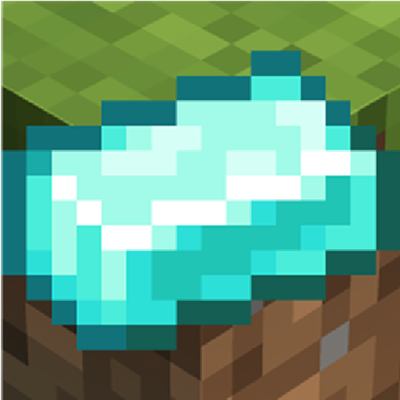
This texture pack transforms the appearance of various resource items to give them a more unified, metallic look. Specifically, it replaces the default textures for diamond, emerald, coal, quartz, lapis, and redstone dust with custom ingot-style textures, each matching the color of the original item.
Features:
-
Changes the item textures of the following to appear as ingots:
-
Diamond → Cyan/Blue Ingot
-
Emerald → Green Ingot
-
Coal → Black Ingot
-
Quartz → White Ingot
-
Lapis → Blue Ingot
-
Redstone Dust → Red Ingot
-
-
Maintains vanilla-friendly style while giving items a refined, processed look
-
Compatible with most versions that use the default item models
Impact on Gameplay:
This pack is purely visual and does not affect gameplay mechanics. It is ideal for players who prefer a more cohesive or modern aesthetic, especially in tech-themed or resource-based builds. It can make sorting and storing these resources more visually intuitive, as the ingots help them stand out in inventories and chests.
- Edition: Minecraft Bedrock
- File type: .mcpack
- Minecraft versions listed: 1.20.40, 1.21.30, 1.21.50
- How to install: Download the .mcpack. → Open it — Minecraft imports it under Resource Packs. → Activate it in Global Resources, or for one world under Resource Packs → Available.
- Where to get it: Opens on CurseForge — not every file is mirrored on our own servers.
Install steps are the general flow for this file type — How to install Minecraft Bedrock texture packs walks through it step by step.
- Pack type: .mcpack — a single pack
- Manifest requires Minecraft 1.21.73 or newer
- Complete pack — everything it depends on is inside the file
- Download size: 21.6 MB
- Download link checked 6 Oct 2026 — working
These come from our own check of the pack file, not from the source page.