BetterFogs
Bedrock texture pack listed for Minecraft 1.20–1.21. File opened and checked on 14 Oct 2026; installs from the MC Bedrock Mods app on Android.
⬇ Download on CurseForge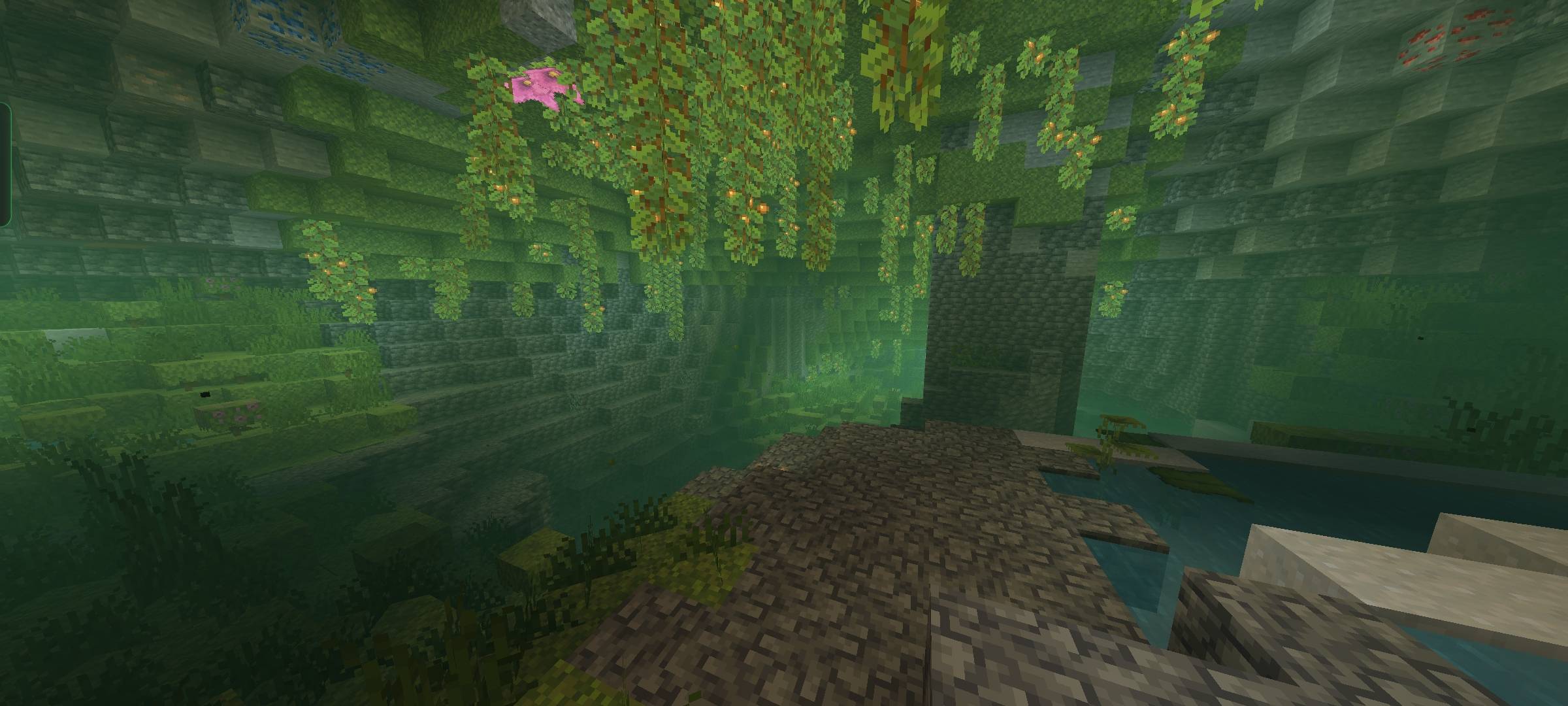
BetterFogs – Enhanced Fog for Minecraft Bedrock
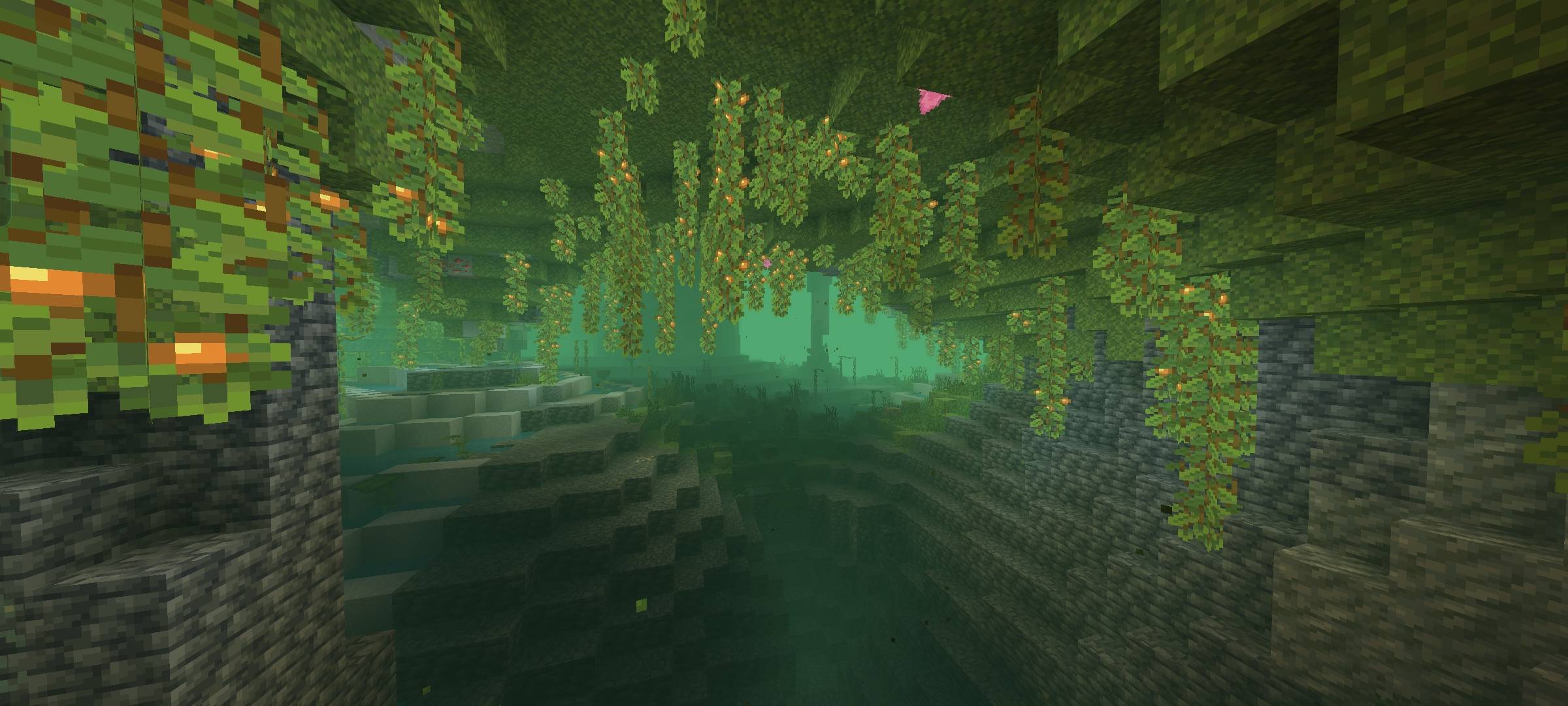
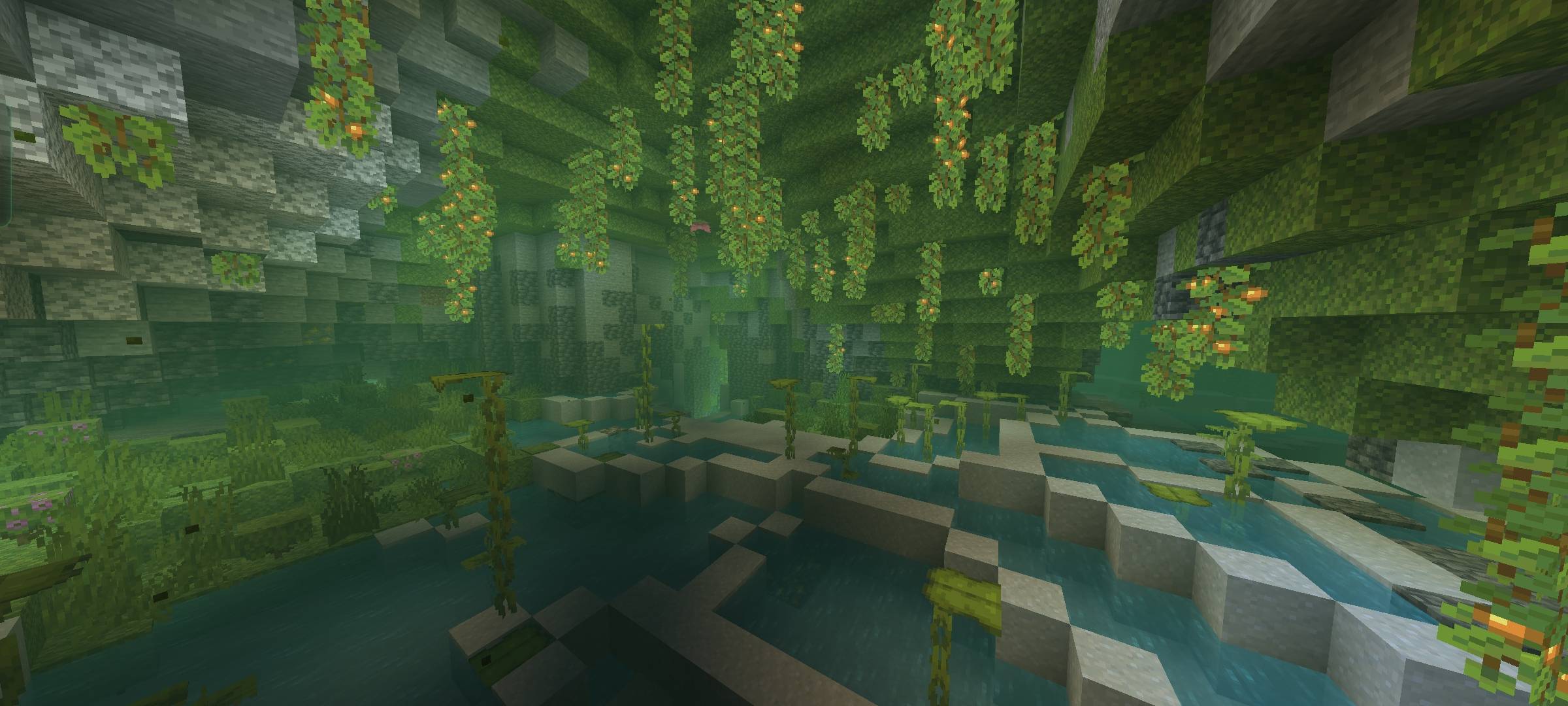
BetterFogs is a Minecraft Bedrock Edition resource pack that improves the default fog settings to create a more immersive and atmospheric gameplay experience.
This pack adjusts fog colors and densities across different biomes and dimensions (Overworld, Nether, End) to better match their environments. Whether you're walking through a dense jungle or exploring the eerie Nether, fog will now feel more natural and visually appealing.
Features:
Custom fog settings for various biomes
Improved fog colors and blending
Enhanced visual depth in caves and underwater
Compatible with most other resource packs
Installation:
1. Download the .mcpack file.
2. Open it with Minecraft to automatically import the pack.
3. Activate it in your global or world resource settings.
Compatibility:
Minecraft Bedrock Edition (1.21.50++)
Works on Windows 10, Android, iOS, and consoles that support packs
- Edition: Minecraft Bedrock
- File type: .mcpack
- Minecraft versions listed: 1.21.50, 1.21.82
- How to install: Download the .mcpack. → Open it — Minecraft imports it under Resource Packs. → Activate it in Global Resources, or for one world under Resource Packs → Available.
- Where to get it: Opens on CurseForge — not every file is mirrored on our own servers.
Install steps are the general flow for this file type — How to install Minecraft Bedrock texture packs walks through it step by step.
- Save it as BetterFogs.mcaddon before opening — it downloads as .mcpack, but it is a .mcaddon pack
- Manifest requires Minecraft 1.20.0 or newer
- Complete pack — everything it depends on is inside the file
- Download size: 230 KB
- Download link checked 15 Oct 2026 — working
These come from our own check of the pack file, not from the source page.