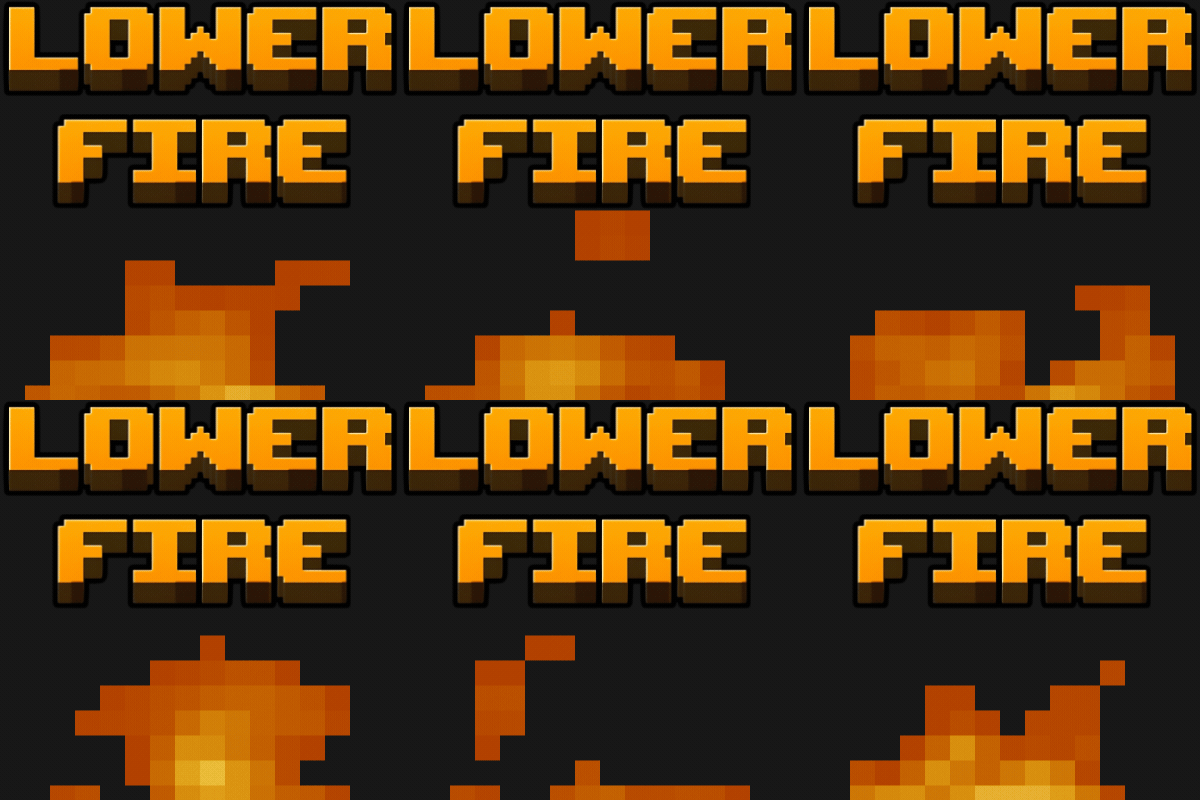
Low On Fire
Bedrock texture pack listed for Minecraft 26.x. File opened and checked on 15 Oct 2026; installs from the MC Bedrock Mods app on Android.
Reduces the height of the fire animation on your screen to give you a clear view during PvP fights and Nether exploration.
⬇ Download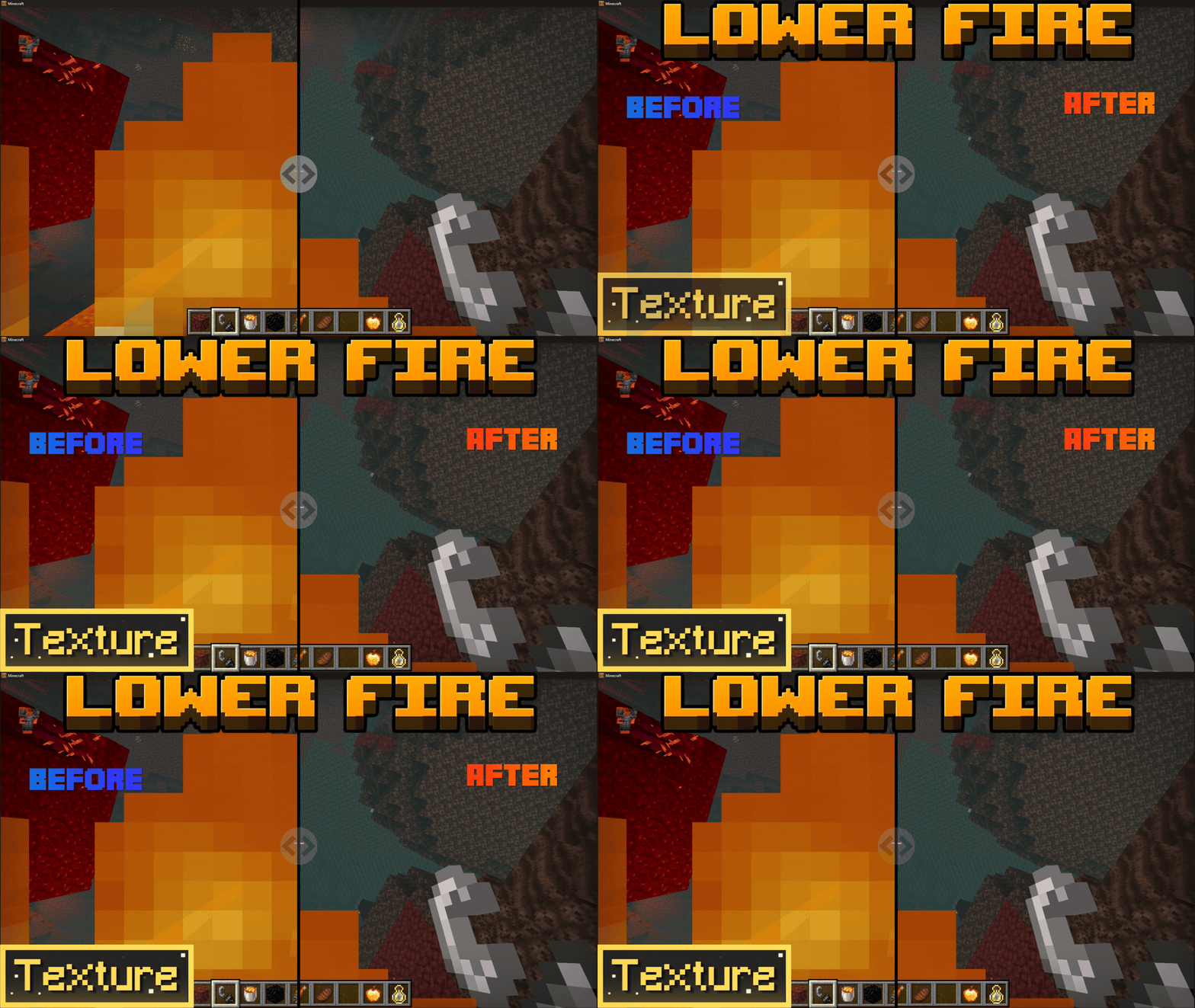
Lower Fire reduces the height of the first-person fire animation on your screen by 50%, completely clearing your central vision so you never lose sight of your enemies or the terrain.
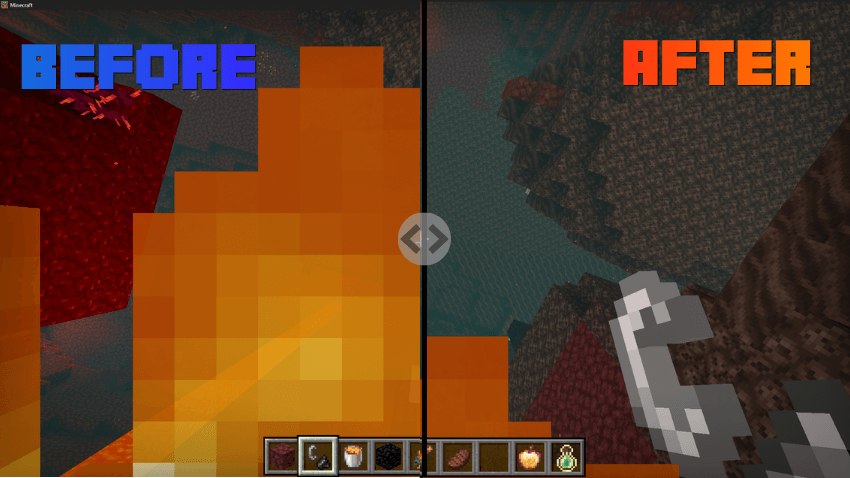
Perfect for intense PvP matches, dodging blazes in the Nether, or standard survival gameplay.
- 50% Lower Fire: Flame animation is shifted downwards.
- Vanilla Style: Uses the original Minecraft textures (x16)..
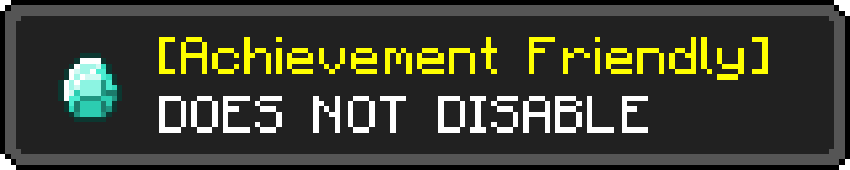
- Pure Texture Pack: It runs as a resource pack and does NOT disable achievements.

🧡SUPPORT THE CREATOR🧡
If you'd like to support my work, you can complete a quick ad step through Linkvertise. It takes just a few seconds and directly supports future project updates!
This is completely optional — no downloads are required here, just a simple way to show your support if you appreciate the content.

- Edition: Minecraft Bedrock
- File type: .mcpack
- Minecraft versions listed: 26.3, 26.10, 26.11
- How to install: Download the .mcpack. → Open it — Minecraft imports it under Resource Packs. → Activate it in Global Resources, or for one world under Resource Packs → Available.
- Where to get it: In MCModsHub, or directly above on this page.
Install steps are the general flow for this file type — How to install Minecraft Bedrock texture packs walks through it step by step.
- Pack type: .mcpack — a single pack
- Complete pack — everything it depends on is inside the file
- Download size: 87 KB
- Download link checked 6 Oct 2026 — working
These come from our own check of the pack file, not from the source page.