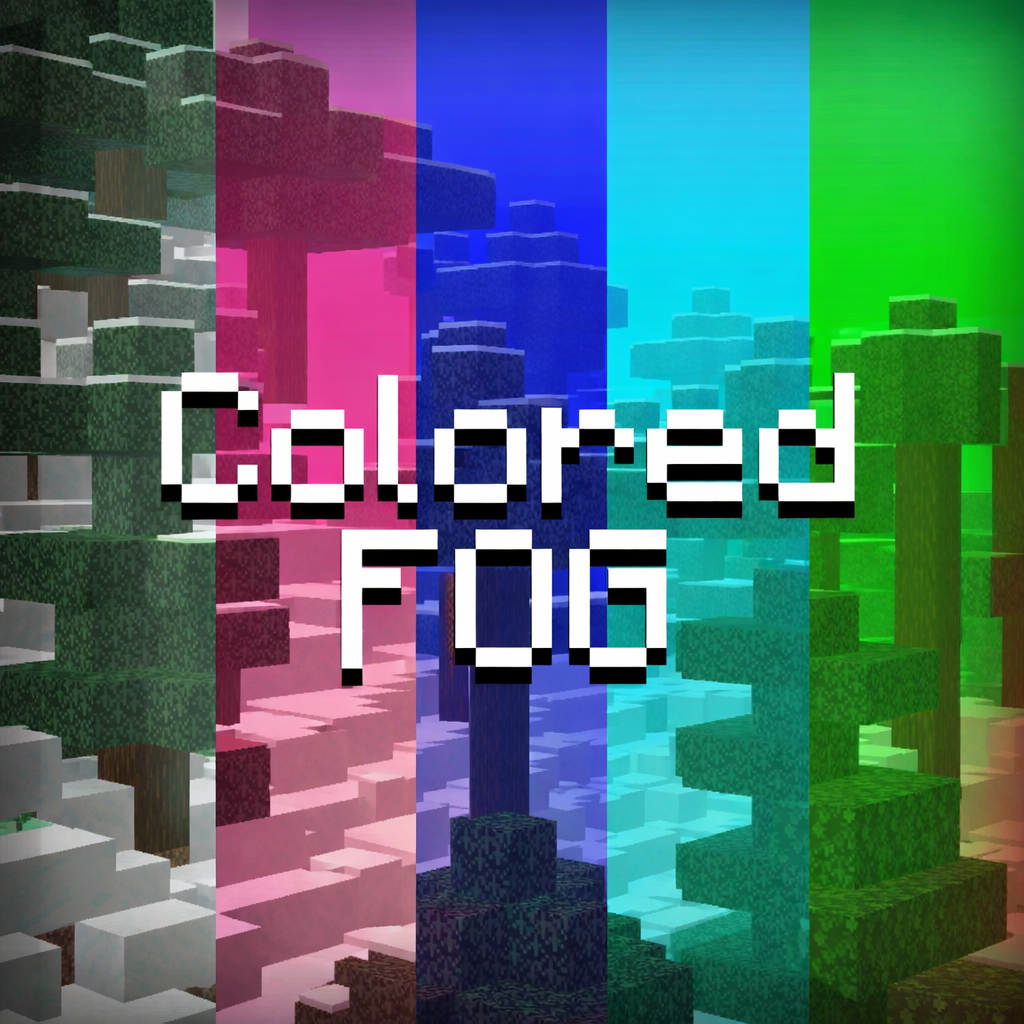


🌈 Colored Fog
Transform the atmosphere of your world with vibrant and customizable fog colors!
Colored Fog is a lightweight resource pack that replaces the default fog with new colored variations, giving your world a fresh and unique visual style while keeping the vanilla feel.
Whether you're building, exploring, or creating cinematic content, this pack adds a new layer of immersion without affecting gameplay or performance.
✨ Features
-Custom colored fog
-Clean and smooth visual effect
-Vanilla-friendly style
-Optimized and lightweight
-Easy to install
🎮 Compatibility
-v26.0+
-Works in Survival & Creative
📦 Installation
-Download the pack.
-Import it.
-Activate it in Global Resources or your World settings.
-Enjoy your new atmosphere!
⚠️ Notes
-This pack only changes fog visuals.
-It does not modify gameplay, textures, or mechanics.
- Edition: Minecraft Bedrock
- File type: .mcpack
- Minecraft versions listed: 1.20.40, 1.21.30, 0.16.2
- How to install: Download the .mcpack. → Open it — Minecraft imports it under Resource Packs. → Activate it in Global Resources, or for one world under Resource Packs → Available.
- Where to get it: Opens on CurseForge — not every file is mirrored on our own servers.
Install steps are the general flow for this file type — How to install Minecraft Bedrock texture packs walks through it step by step.
- Save it as Colored Fog.mcaddon before opening — it downloads as .mcpack, but it is a .mcaddon pack
- Complete pack — everything it depends on is inside the file
- Download size: 1.2 MB
- Download link checked 25 Aug 2026 — working
These come from our own check of the pack file, not from the source page.