Colormap Reimagined
Bedrock texture pack listed for Minecraft 1.21–26.x. File opened and checked on 23 Oct 2026; installs from the MC Bedrock Mods app on Android.
A subtle colormap tweak for Minecraft that softens the game’s vibrant tones, improves biome blending, and makes cold and normal taigas visually distinct…
I don't know my version
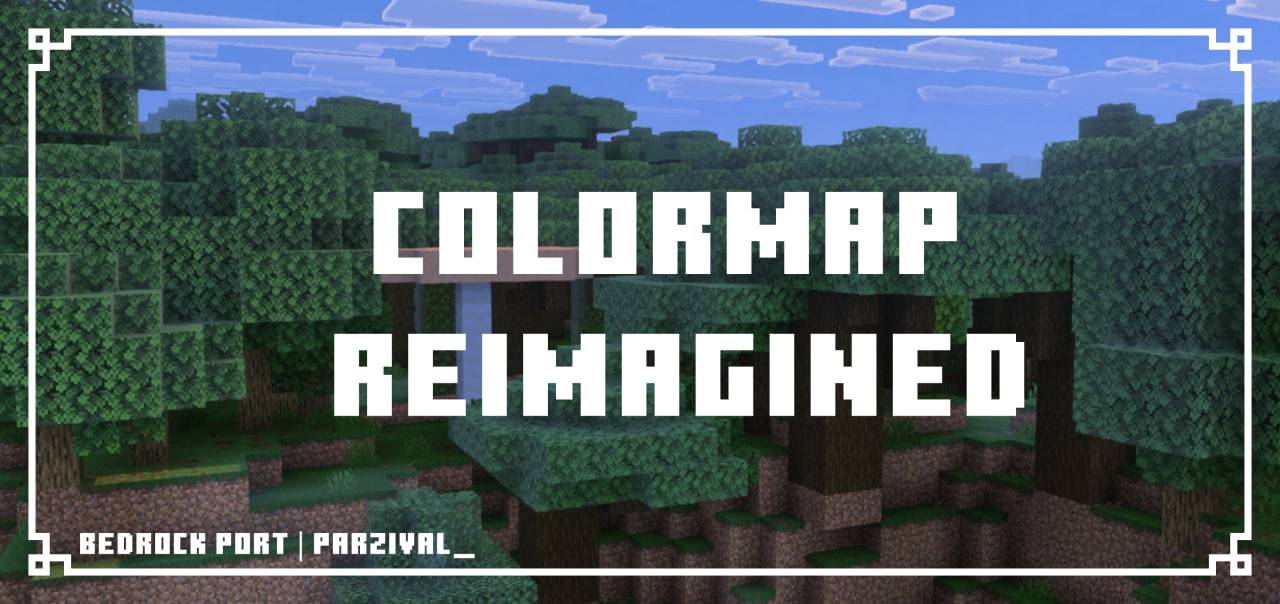
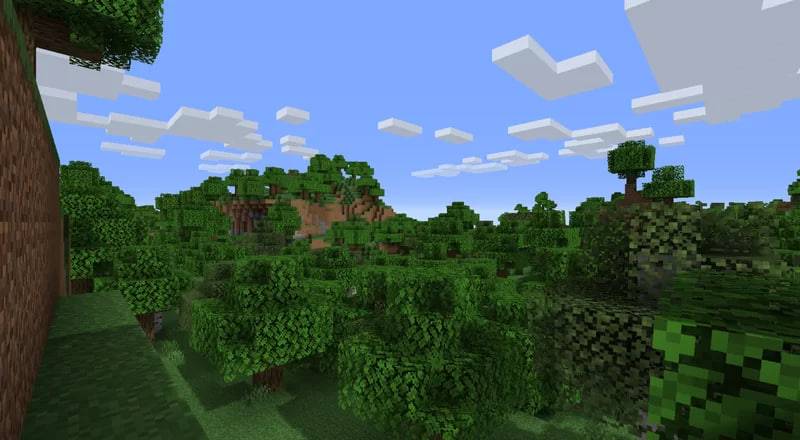
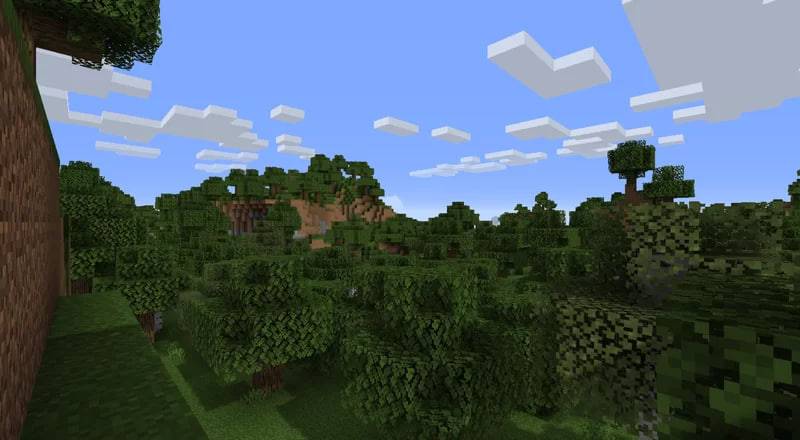
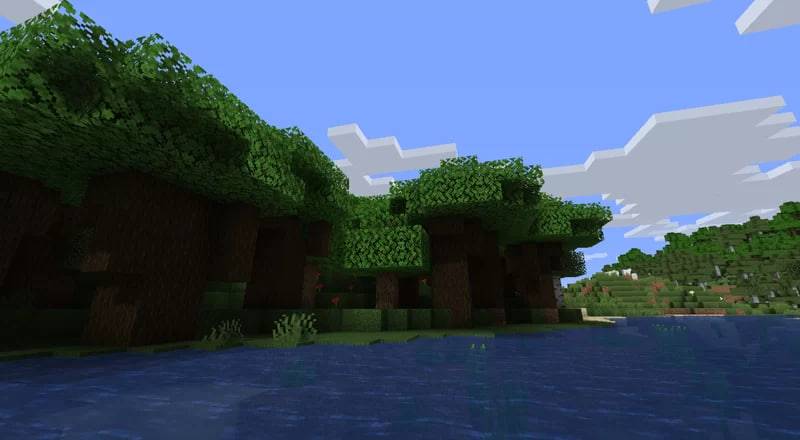
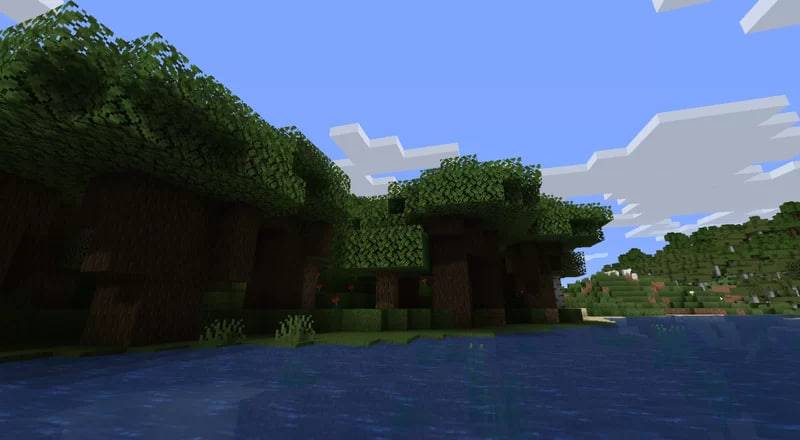
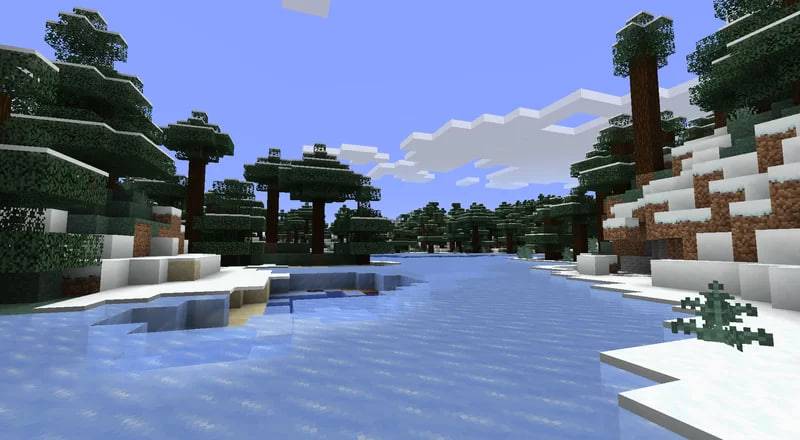
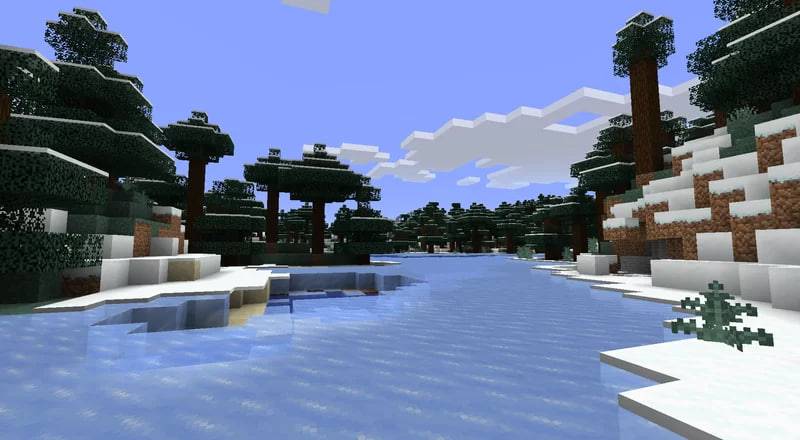
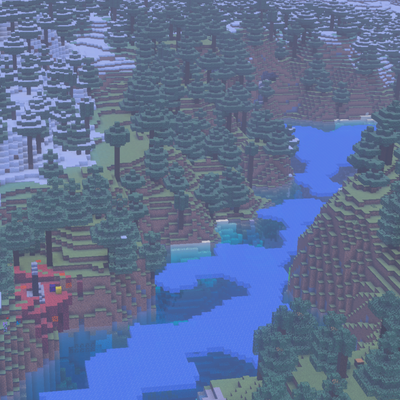
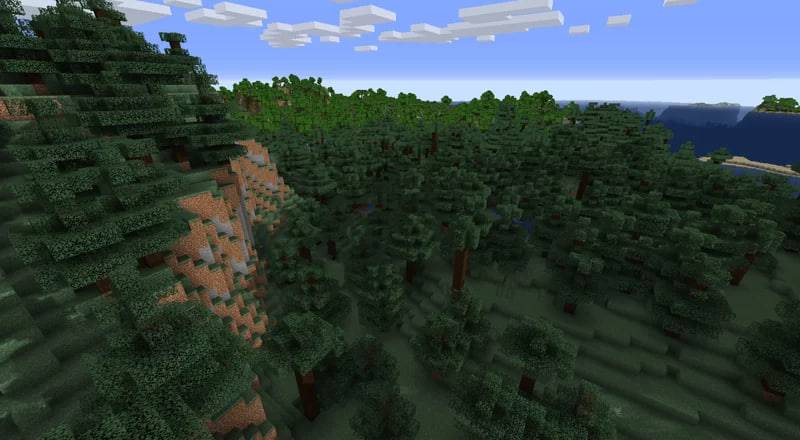
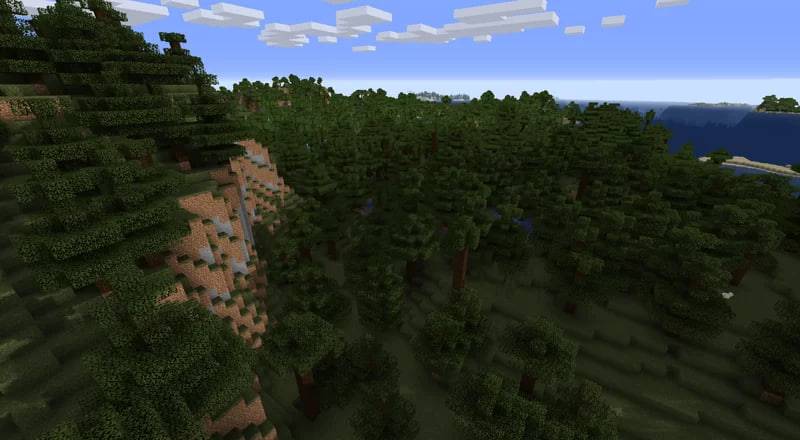
Have you ever thought that the current colormap for minecraft is a bit too vibrant? Haven't been able to find one that tones the colors down a tad bit and nothing else? Do you especially hate the current cold look for all taigas? When a lot of spruce forests are actually filled with moss, mushrooms, and are one of the more "moist" forests irl?Well worry not! Even if you never cared for it, cause I did! I present to you, a new colormap, that stays true to minecrafts colors, but tweaks them a little, to be softer, more easy on the eyes, that also blends more into the terrain, and actually makes a cold taiga and a normal taiga look different cause they are different. "Colormap Reimagined" is a pack made by Reijvi for Java Edition and ported by me to Bedrock Edition.
BEFORE
AFTER


For the original Java Version:
Colormap Reimagined | Reijvi's Profile
Owner's Permission:
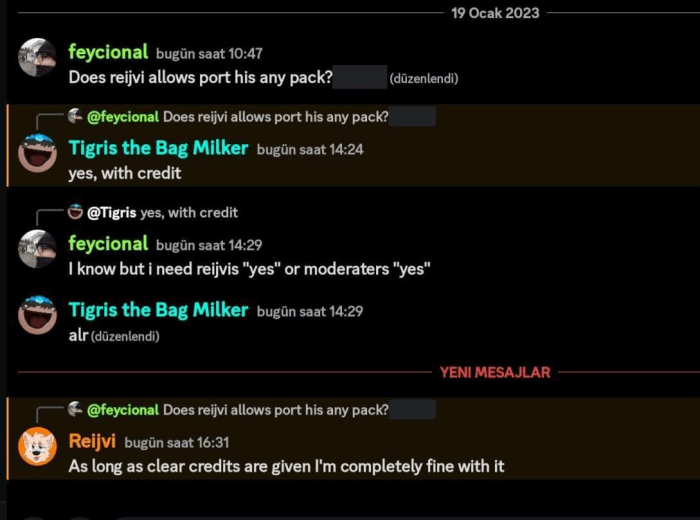
- Edition: Minecraft Bedrock
- File type: .mcpack
- Minecraft versions listed: 26.30, 26.40, 26.50
- How to install: Download the .mcpack. → Open it — Minecraft imports it under Resource Packs. → Activate it in Global Resources, or for one world under Resource Packs → Available.
- Where to get it: In MCModsHub, or directly above on this page.
Install steps are the general flow for this file type — How to install Minecraft Bedrock texture packs walks through it step by step.
- Pack type: .mcpack — a single pack
- Complete pack — everything it depends on is inside the file
- Download size: 1.2 MB
- Download link checked 6 Oct 2026 — working
These come from our own check of the pack file, not from the source page.