Texture packsBedrock
Dynamic Bossbar
Bedrock texture pack listed for Minecraft 1.20–1.21. File opened and checked on 28 Aug 2026; installs from the MC Bedrock Mods app on Android.
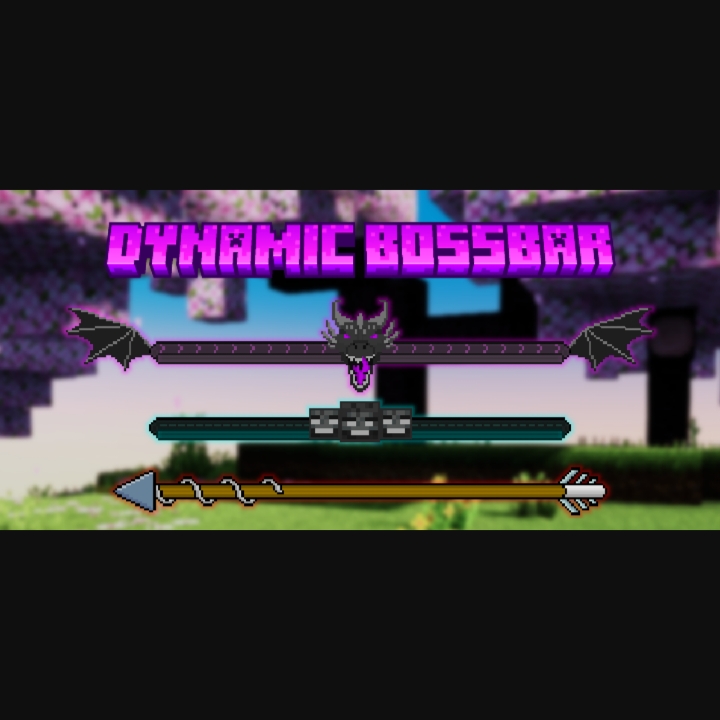
Are you bored with vanilla bossbar that just solid magenta color? Well, You've come to the right place, this pack change the old bossbar into something…
⬇ Download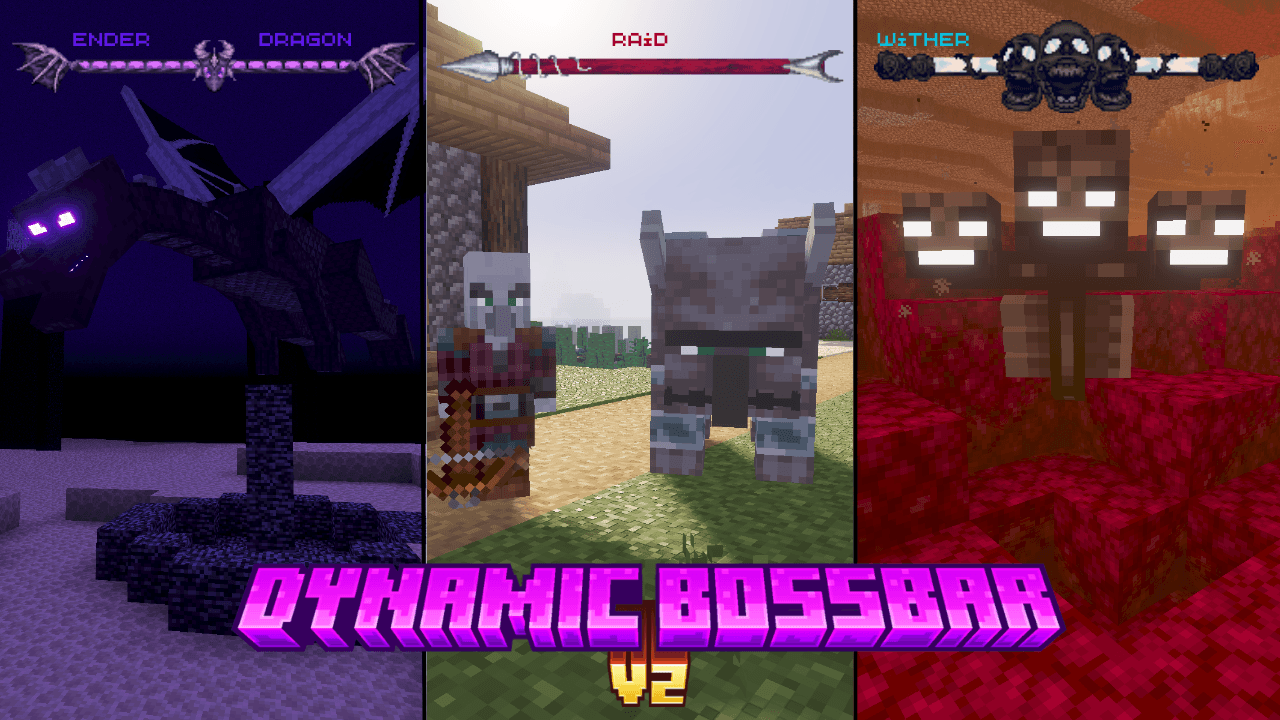
Showcase Video
https://youtube.com/embed//s4fX1C8hdB8
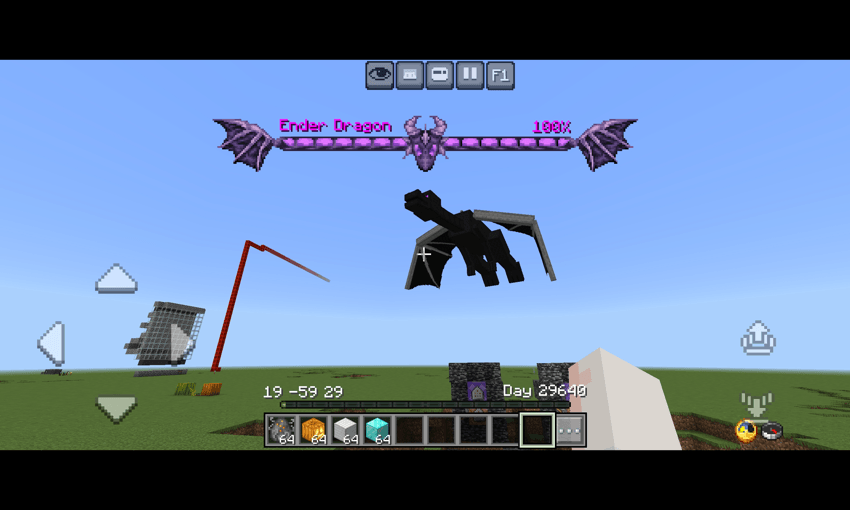
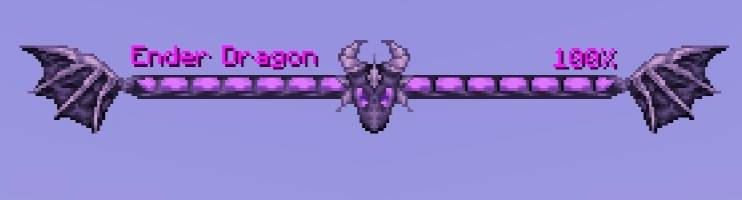
- Ender dragon bossbar
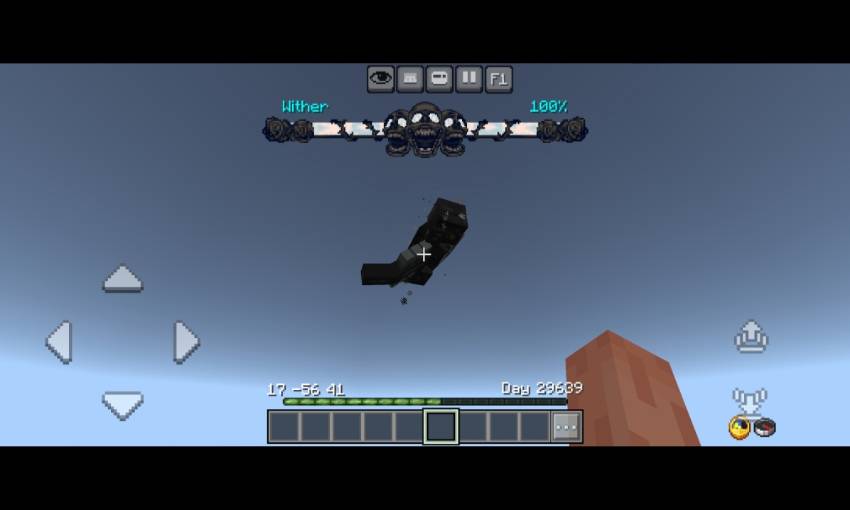
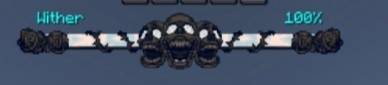
- Wither bossbar
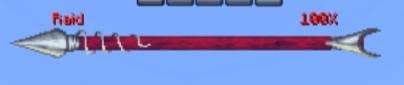
- Raid Bossbar
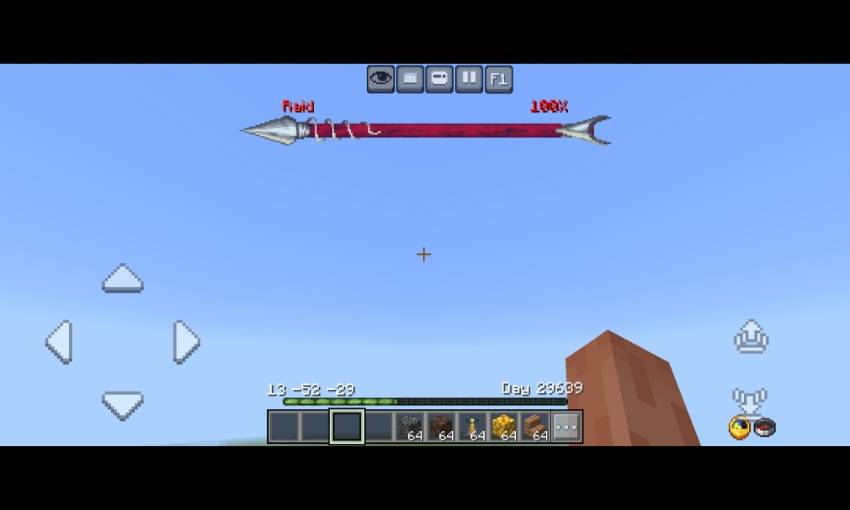
- Moved the boss name to left and added boss heath percentage on the right (shows boss remaining health)
Credits
- Dal4y (https://youtube.com/@dal4y) - bossbar texture
Also try Bedrock UI+. it's have many features in a single pack!
Quick facts
- Edition: Minecraft Bedrock
- File type: .mcpack
- Minecraft versions listed: 1.21.30, 1.21.50, 1.21.81
- How to install: Download the .mcpack. → Open it — Minecraft imports it under Resource Packs. → Activate it in Global Resources, or for one world under Resource Packs → Available.
- Where to get it: In MCModsHub, or directly above on this page.
Install steps are the general flow for this file type — How to install Minecraft Bedrock texture packs walks through it step by step.
File checked by MCModsHub
- Pack type: .mcpack — a single pack
- Complete pack — everything it depends on is inside the file
- Download size: 25 KB
- Download link checked 25 Aug 2026 — working
These come from our own check of the pack file, not from the source page.
![Dynamic Bossbar Texture [Minecraft Bedrock] [1.21.60+]](https://i.ytimg.com/vi/s4fX1C8hdB8/mqdefault.jpg)
![How to make bossbar work like health | Minecraft Java [1.19.4]](https://i.ytimg.com/vi/KW5I78f9Tc8/mqdefault.jpg)