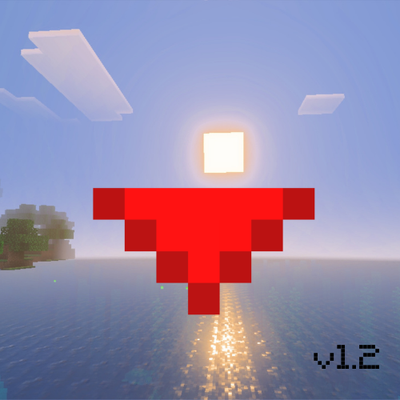
Half Heart (from Below)
Bedrock texture pack listed for Minecraft 1.20–26.x. Installs from the MC Bedrock Mods app on Android.
Tired of the same old Minecraft's half hearts? With this texture pack, your half hearts will have a texture that starts from below! Like MC Dungeons...
I don't know my version

Thank you for 1000 downloads!
Tired of the same boring Minecraft half-hearts? Then this texture pack is just for you!
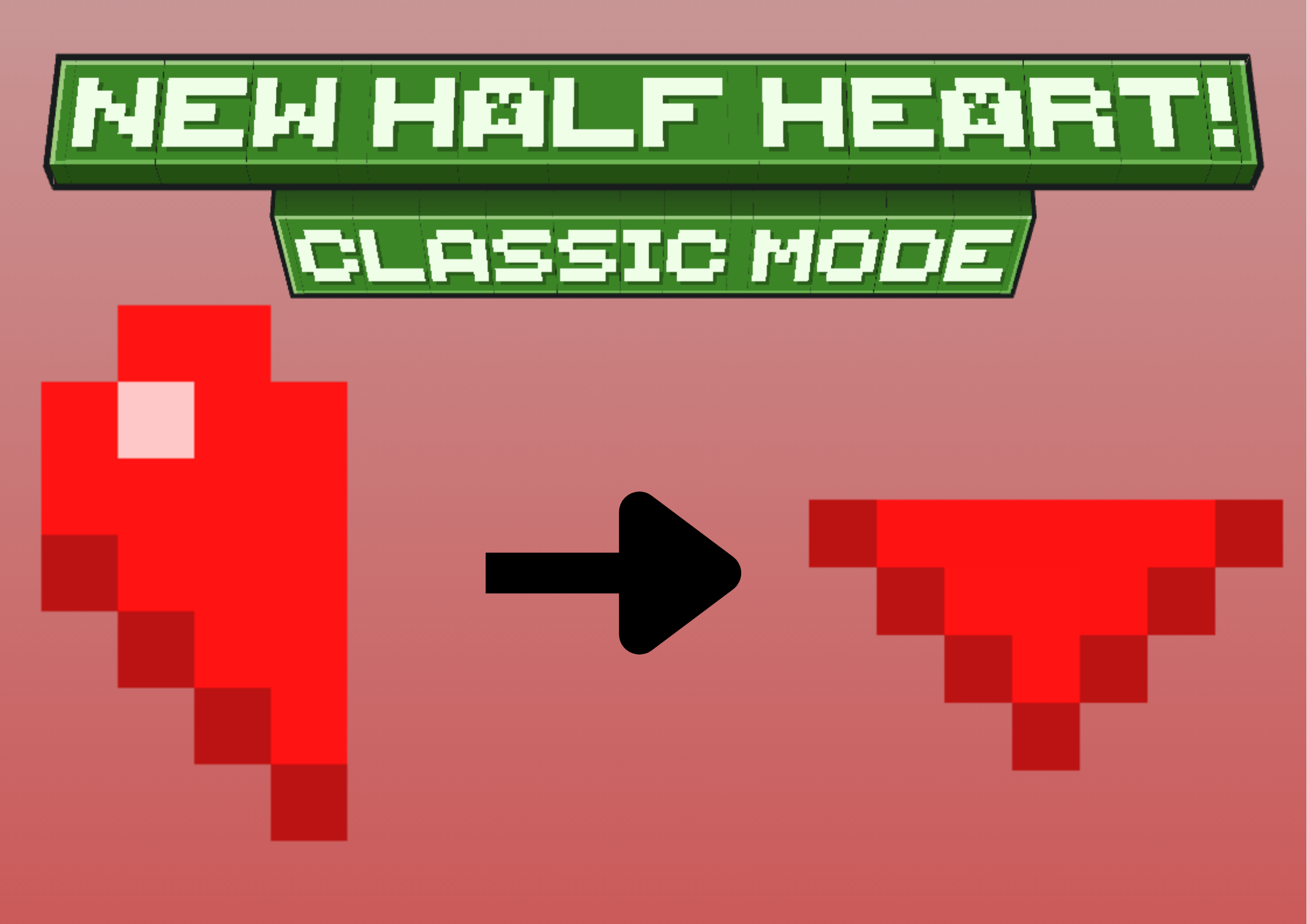
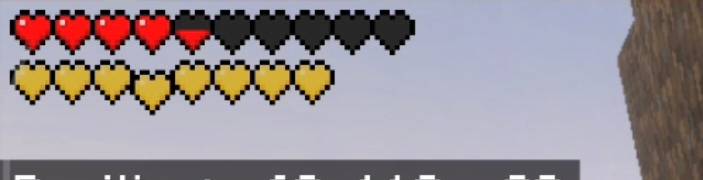
With this texture pack, you'll transform the half-hearts from this
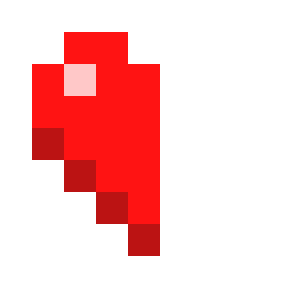
to THIS!
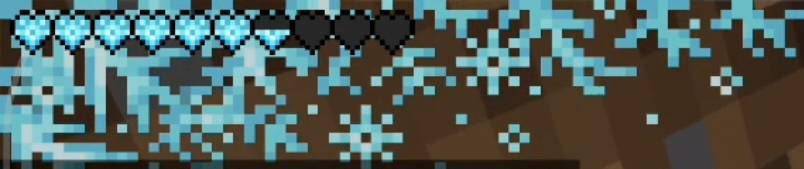
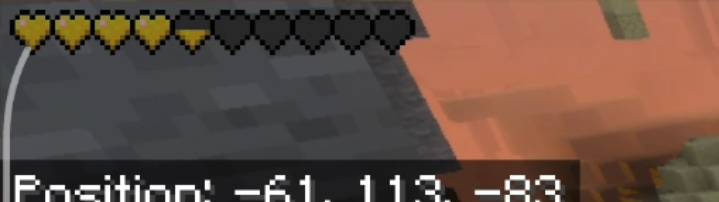
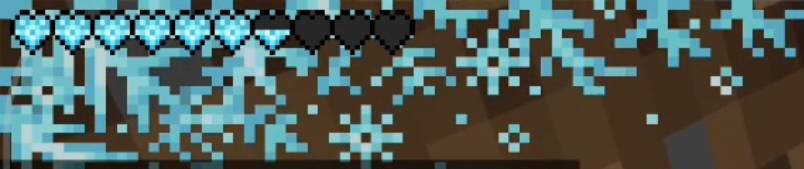
All hearts are supported, as these images show:
- example of a poisonous half heart
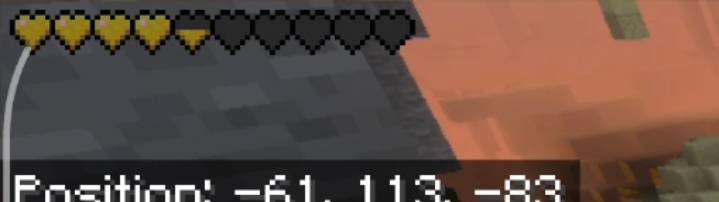
- example of a classic half heart
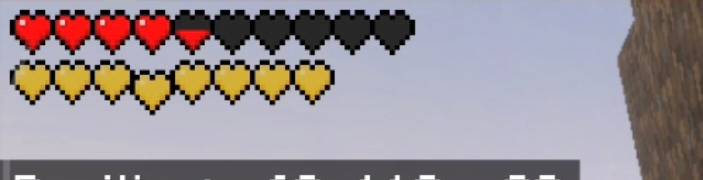
- example of a frozen half heart
WARNINGS and INFORMATION
- Do not distribute this pack or copy or take part of this pack.
- This pack is available on CF, MCPEDL, and Modbay. If you see my texture pack on another site that isn't listed here, please let me know.
- You can put my texturepack in your modpack\addonpack but you have to give me credit and let me know
- To report bugs, provide feedback, receive news, updates and more, join my Discord
DISCORD HERE ;)
Now... have fun with the texturepack!
- Edition: Minecraft Bedrock
- File type: .mcpack
- Minecraft versions listed: 1.20.40, 1.21.30, 1.21.50
- How to install: Download the .mcpack. → Open it — Minecraft imports it under Resource Packs. → Activate it in Global Resources, or for one world under Resource Packs → Available.
- Where to get it: Opens on CurseForge — not every file is mirrored on our own servers.
Install steps are the general flow for this file type — How to install Minecraft Bedrock texture packs walks through it step by step.
- Save it as HALF HEARTH FROM BELOW (CLASSIC VERSION) - v1.3.mcaddon before opening — it downloads as .mcpack, but it is a .mcaddon pack
- Manifest requires Minecraft 1.21.70 or newer
- Ships one half — this pack asks for another pack that is not included
- Download size: 55 KB
- Download link checked 6 Oct 2026 — working
These come from our own check of the pack file, not from the source page.