Crop Growth Pointer
Bedrock texture pack listed for Minecraft 1.17–26.x. File opened and checked on 28 Sep 2026; installs from the MC Bedrock Mods app on Android.
⬇ Download on CurseForge
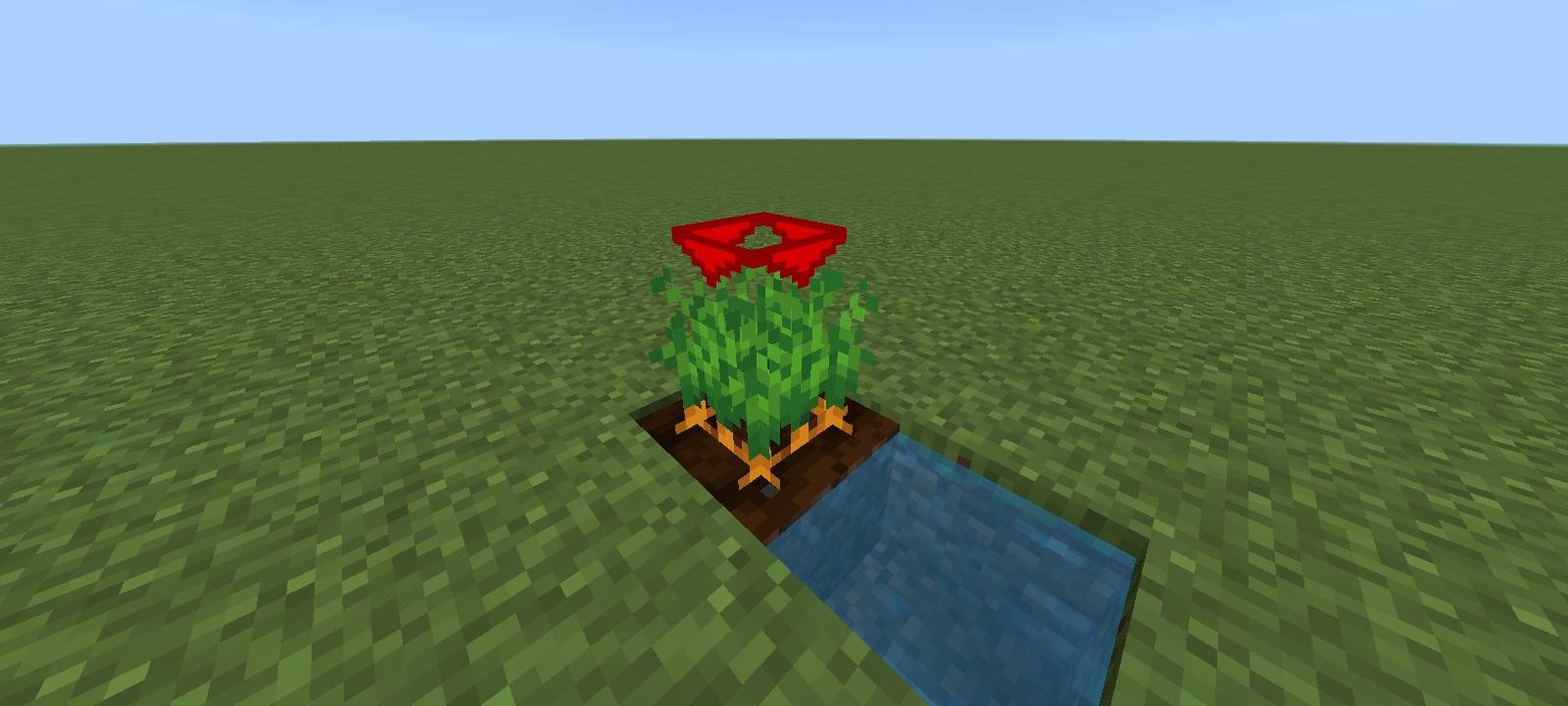
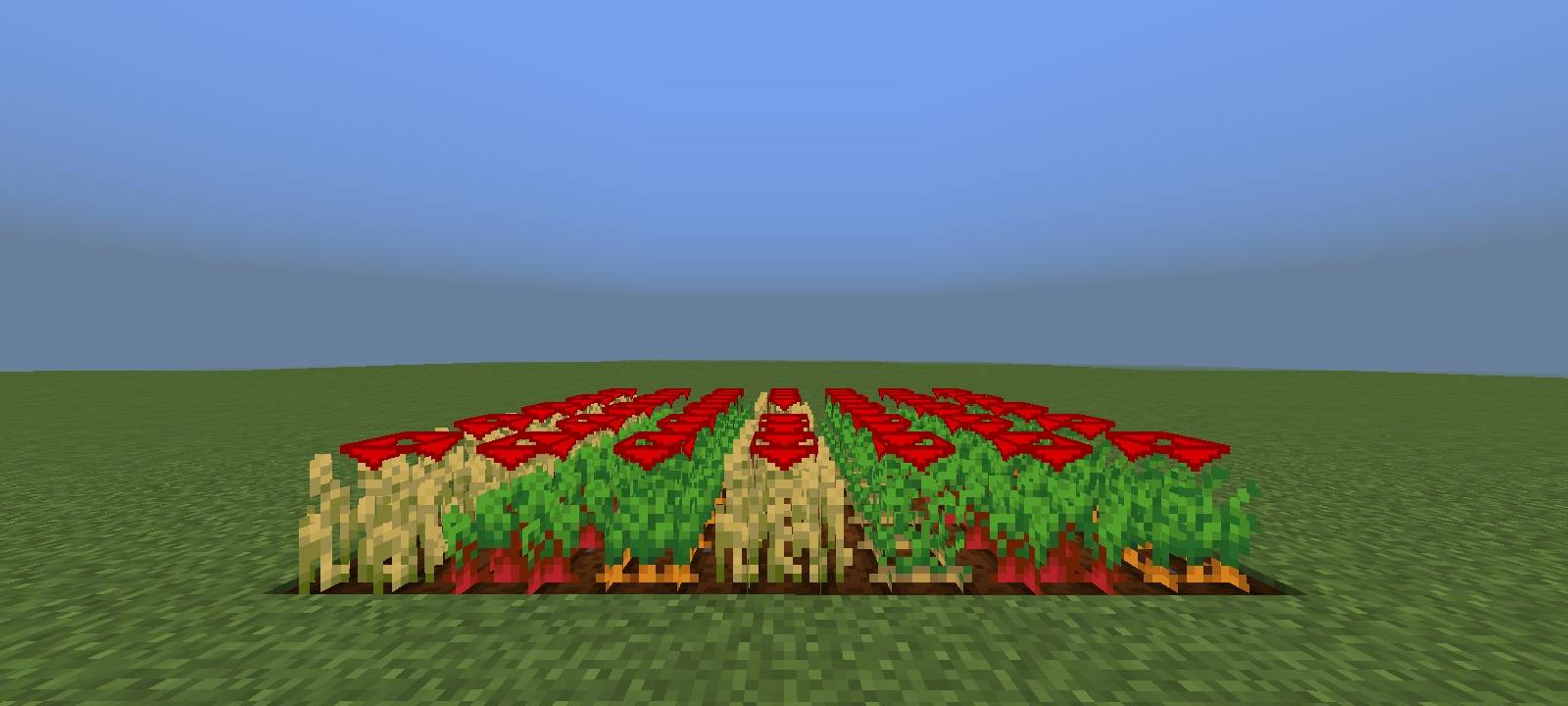
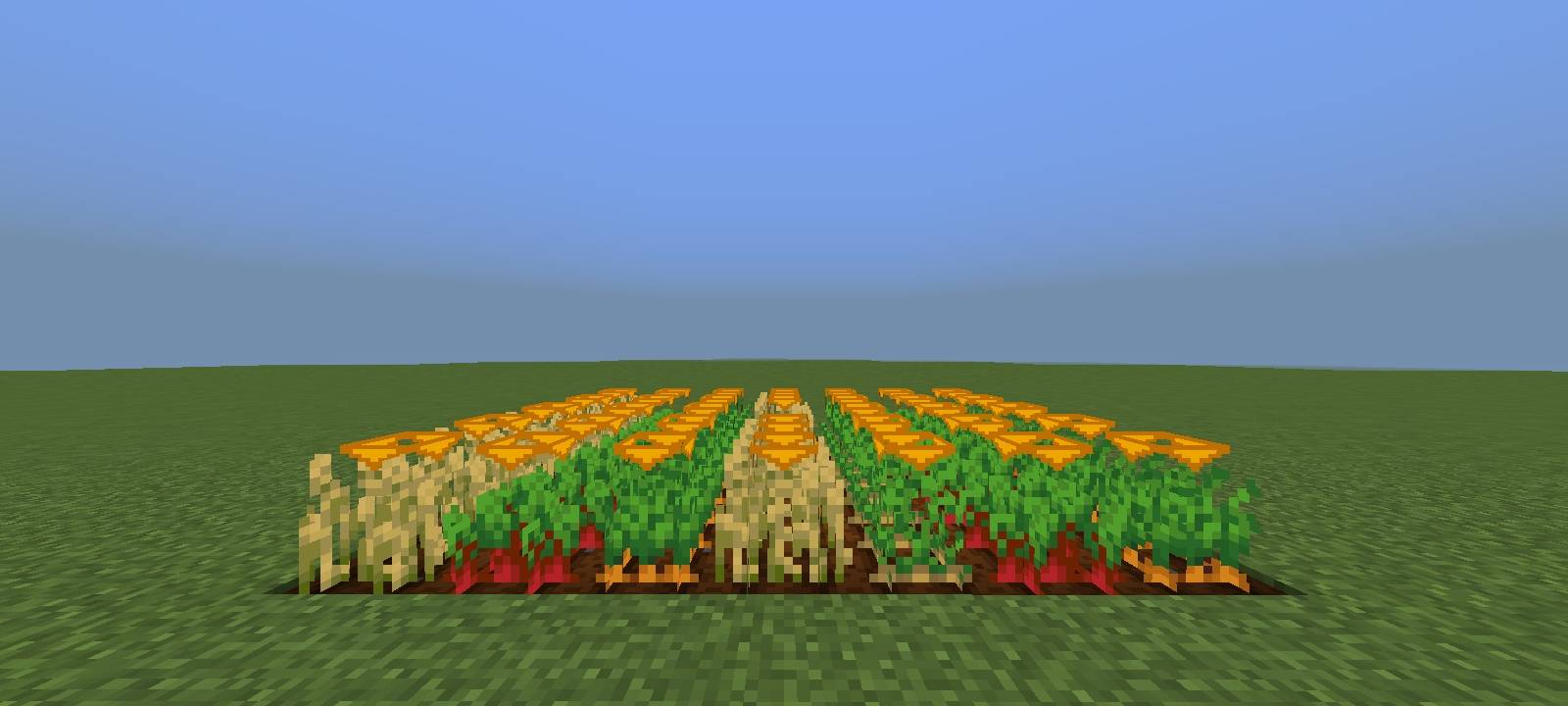
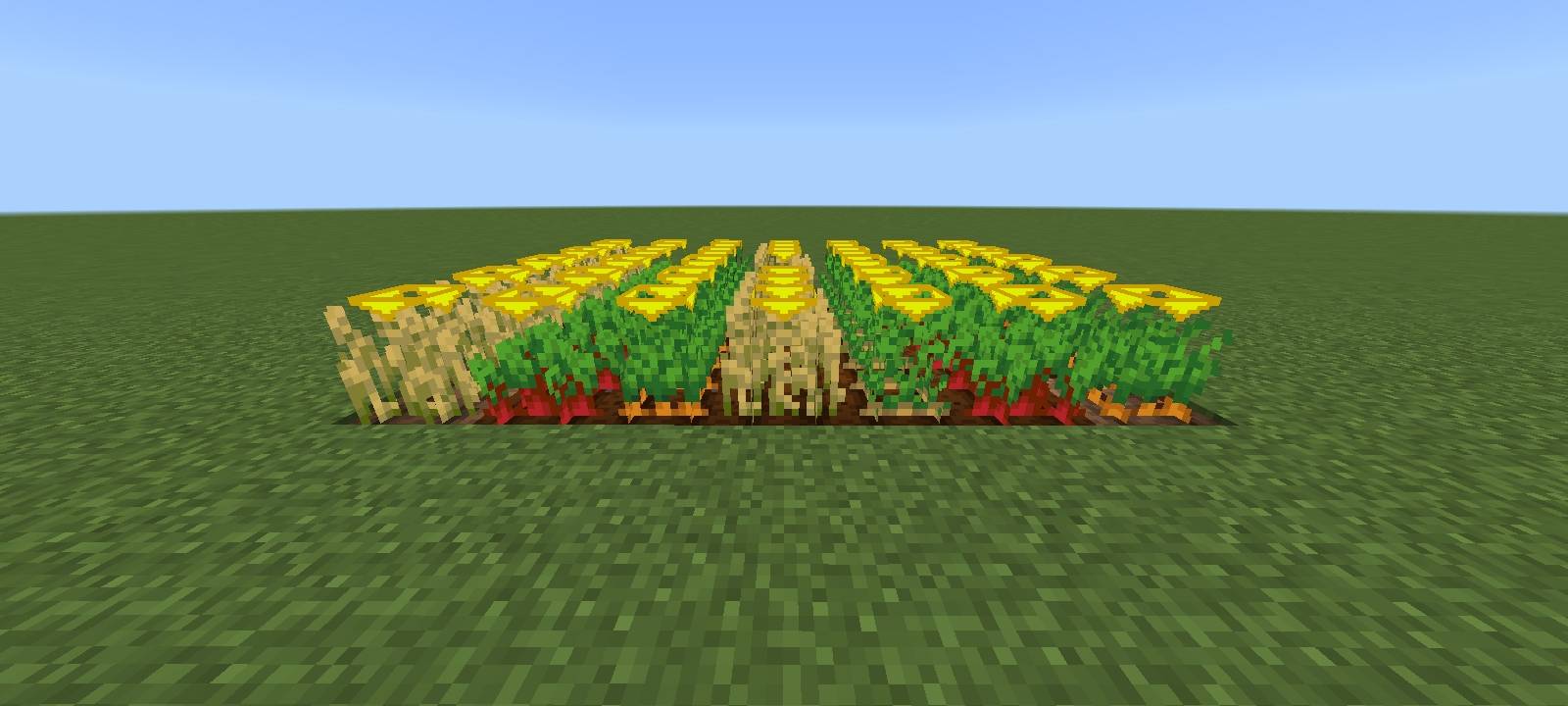
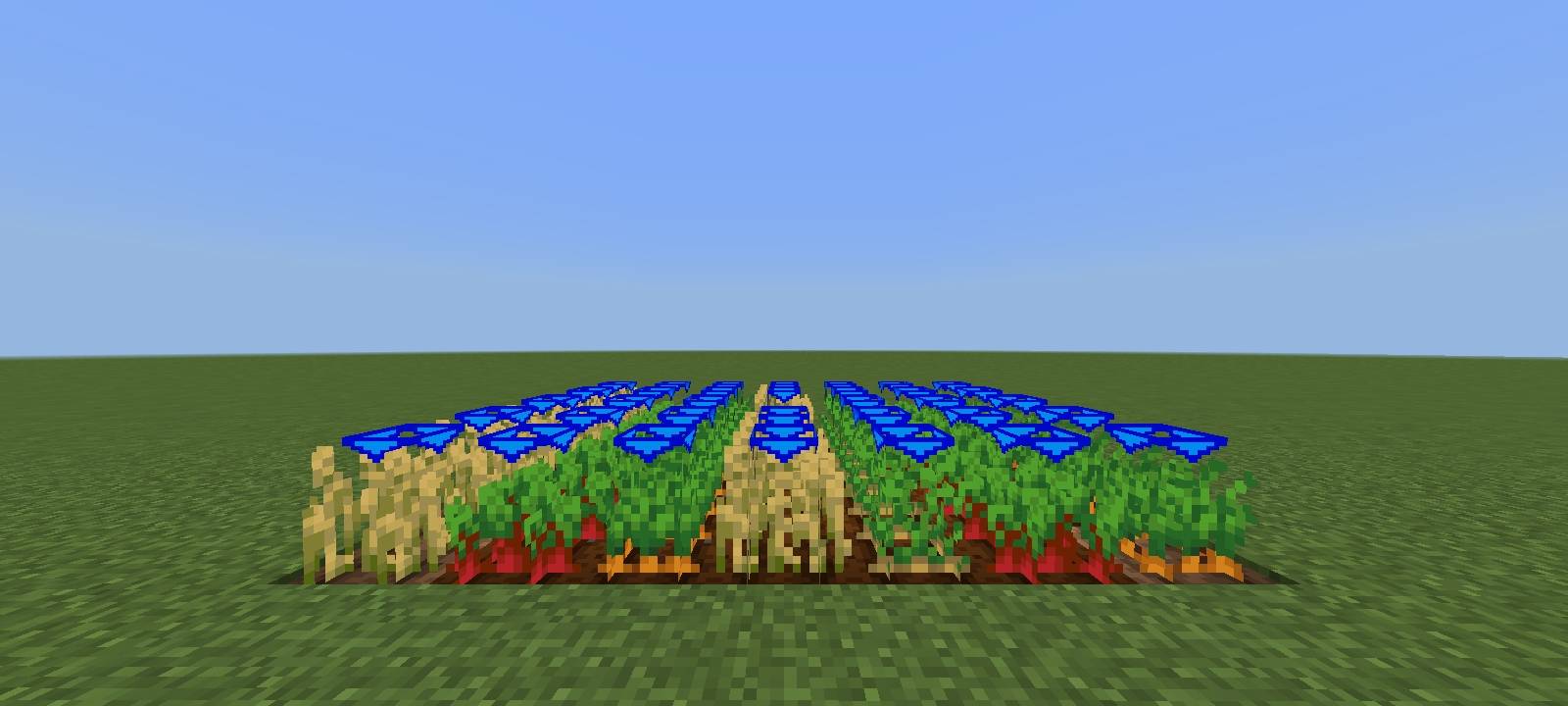
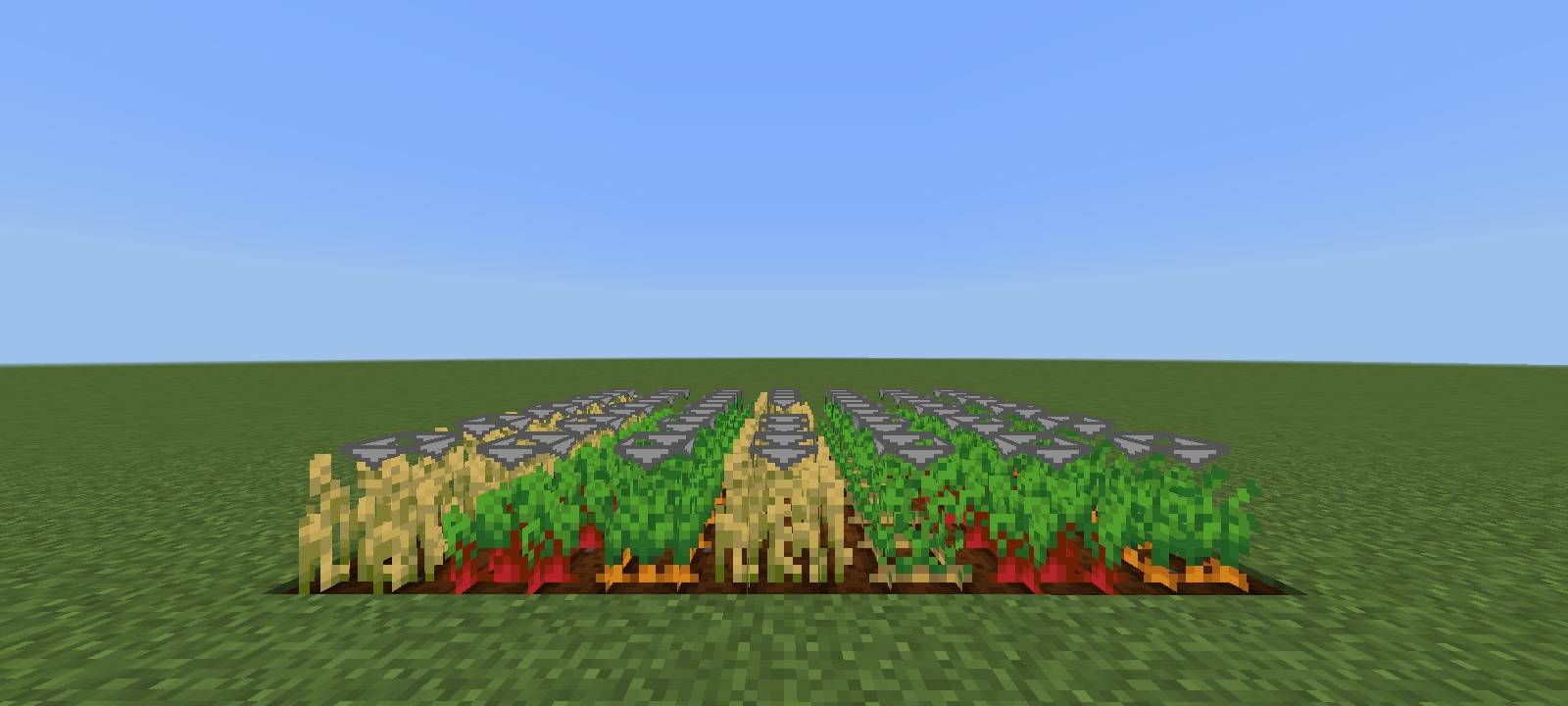
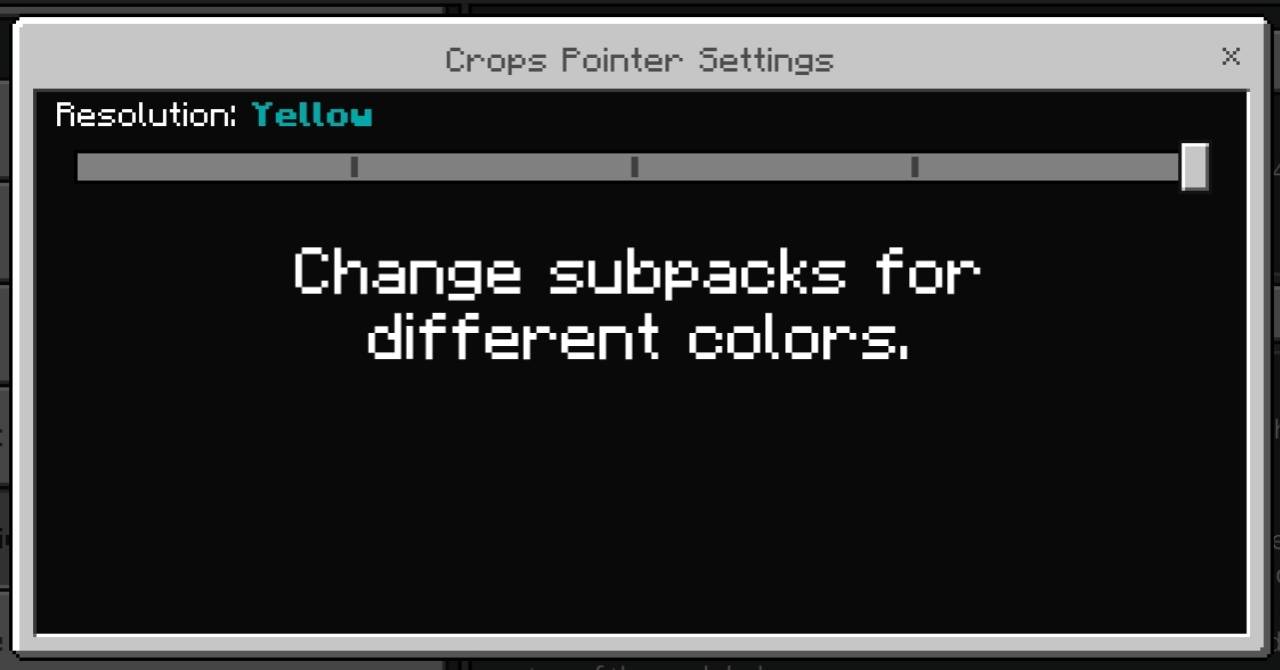
This texture pack enhances farming in Minecraft by adding clear visual indicators above fully grown crops, helping players quickly identify which plants are ready for harvest. It displays customizable arrow pointers (in blue, red, gray, yellow, or orange) exclusively above mature crops, eliminating the need for manual inspection and reducing harvest time.
The key features include:
- Arrow Indicators – Only fully grown crops display an arrow above them, making harvesting more efficient.
- Five Color Options – Choose between blue, red, gray, yellow, or orange arrows to match your preference or improve visibility in different biomes.
- No Guesswork – Instantly recognize which crops are ripe without checking growth stages, improving farming speed and convenience.
By providing an immediate visual cue, this pack streamlines farming, especially in large fields, and prevents accidental harvesting of immature crops. The color customization ensures the arrows remain visible regardless of terrain or lighting conditions, enhancing usability for both casual and dedicated farmers.
- Edition: Minecraft Bedrock
- File type: .mcpack
- Minecraft versions listed: 26.0.02, 26.0, 26.3
- How to install: Download the .mcpack. → Open it — Minecraft imports it under Resource Packs. → Activate it in Global Resources, or for one world under Resource Packs → Available.
- Where to get it: Opens on CurseForge — not every file is mirrored on our own servers.
Install steps are the general flow for this file type — How to install Minecraft Bedrock texture packs walks through it step by step.
- Save it as CropPointer.mcaddon before opening — it downloads as .mcpack, but it is a .mcaddon pack
- Manifest requires Minecraft 1.17.0 or newer
- Complete pack — everything it depends on is inside the file
- Download size: 71 KB
- Download link checked 6 Oct 2026 — working
These come from our own check of the pack file, not from the source page.