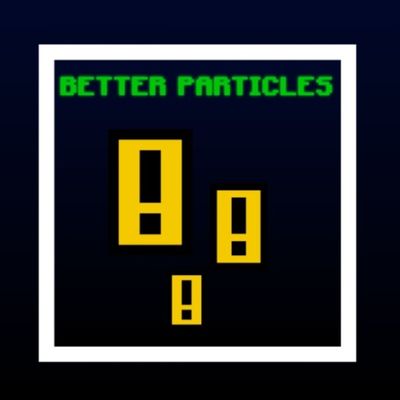


🌟 Potion Particles is a texture pack that will make the in-game potion particles more visible
⚙️ Good?
1.Easy Spot Invisible player
2.You can know which effect your opponent using
📥Installation guide
1.Download the (.mcpack)file
2.Import it to game
3.Active from Global Resources
👑Creator
AyonPlayz
📸Follow for Upcoming updates
Quick facts
- Edition: Minecraft Bedrock
- File type: .mcpack
- Minecraft version listed: 1.21
- How to install: Download the .mcpack. → Open it — Minecraft imports it under Resource Packs. → Activate it in Global Resources, or for one world under Resource Packs → Available.
- Where to get it: Opens on CurseForge — not every file is mirrored on our own servers.
Install steps are the general flow for this file type — How to install Minecraft Bedrock texture packs walks through it step by step.
Verified by MCModsHub
- Save it as Better Potion Particles.mcaddon before opening — it downloads as .mcpack, but it is a .mcaddon pack
- Manifest requires Minecraft 1.17.0 or newer
- Complete pack — everything it depends on is inside the file
- Download size: 22 KB
- Download link checked 26 Aug 2026 — working
These come from our own check of the pack file, not from the source page.