Cake’s Ore UI
Bedrock texture pack listed for Minecraft 1.20–1.21. File opened and checked on 30 Sep 2026; installs from the MC Bedrock Mods app on Android.
⬇ Download on CurseForge
NOT AFFILIATED WITH MOJANG AB AND/OR MICROSOFT!
The style that mojang has for their new Ore UI looks a lot better than vanilla bedrock. Sure, the performance needs to get ironed out, but I like how it looks. This is why I mainly use Ore UI packs.
However, most packs that tries to emulate said style weren't my cup of tea. Enchanted Games's pack hasn't been updated in more than 2 years, leading it to be innacurate, Goldenfrog's pack is not meant for Aton of ui packs and Tuff Golem's pack is fine. So, currently, as an resource pack creator who wanted to try out making something in JSON UI, I took matters in my own hands.
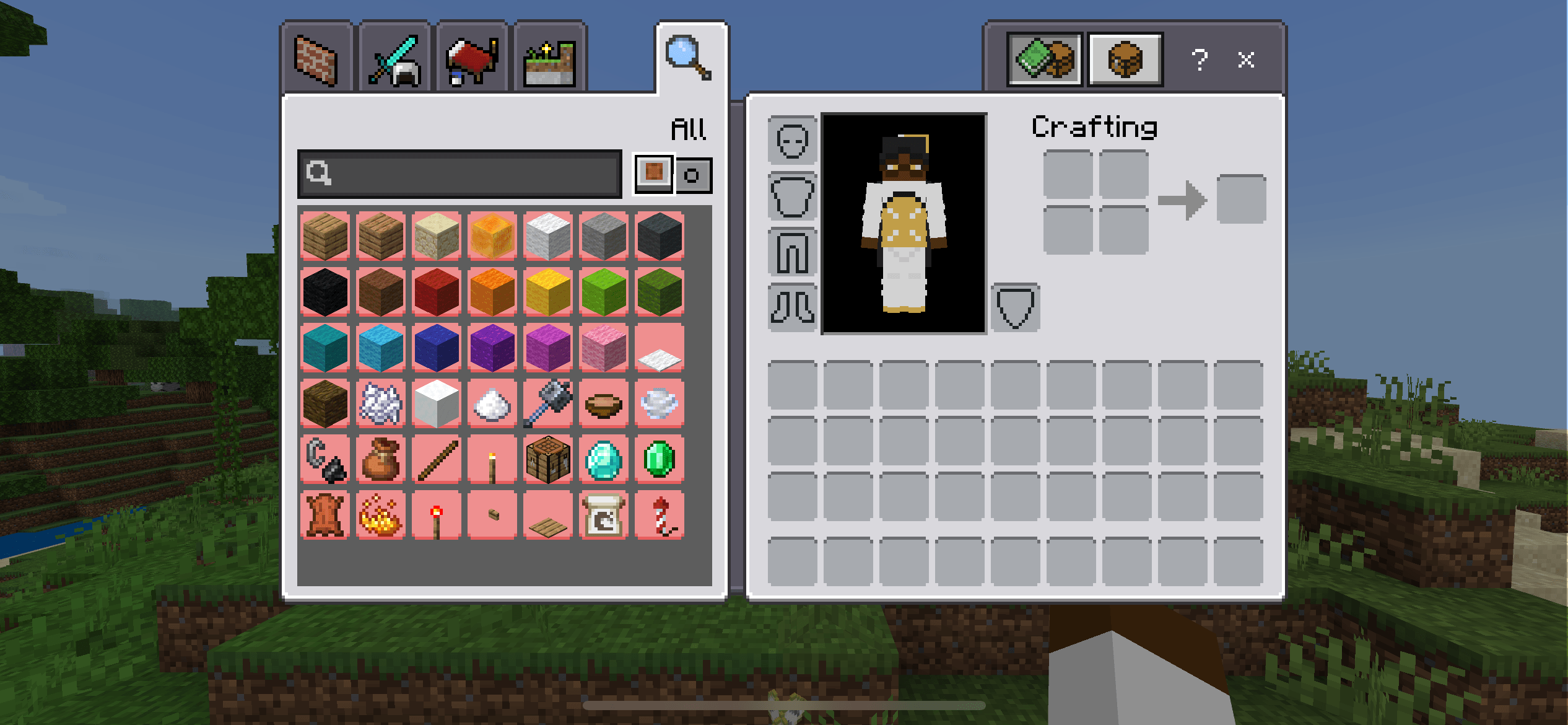
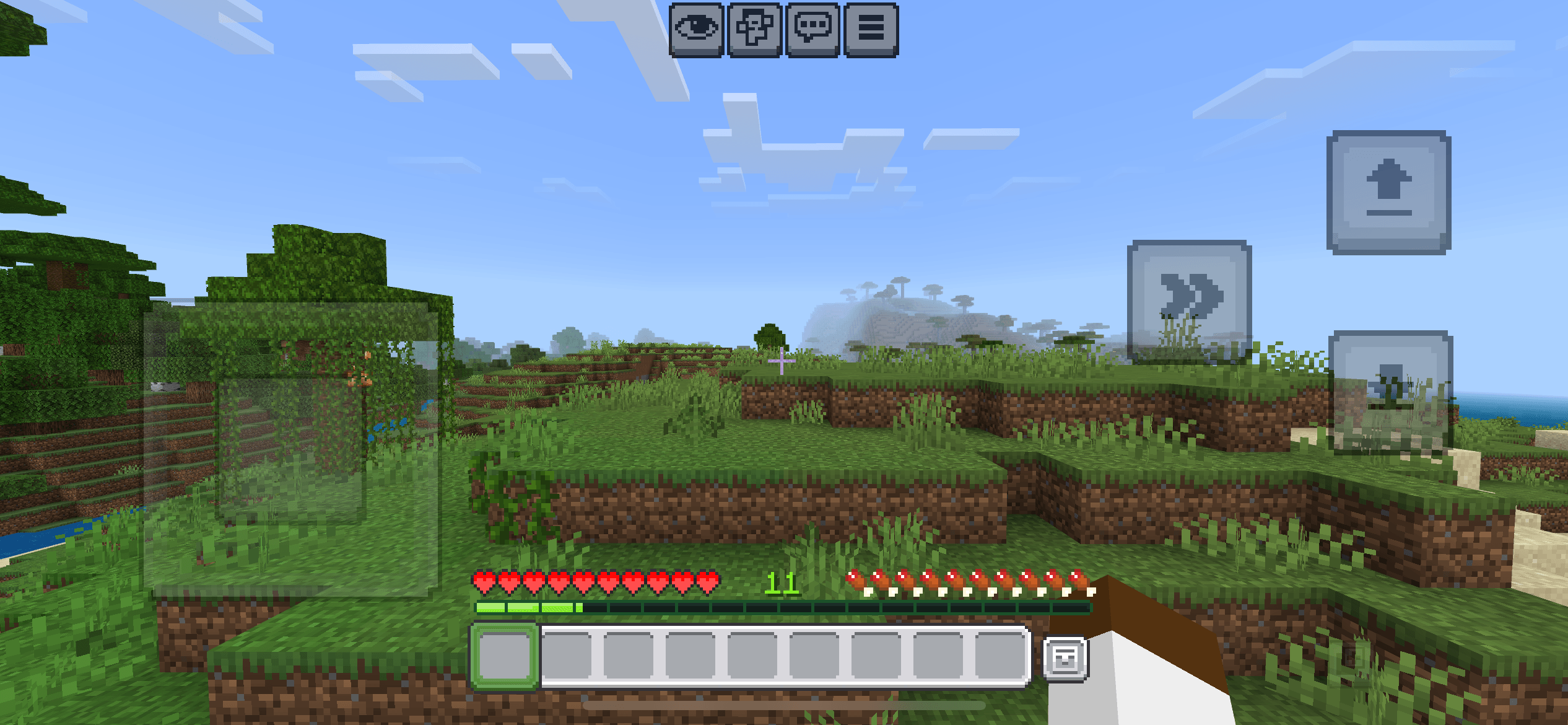
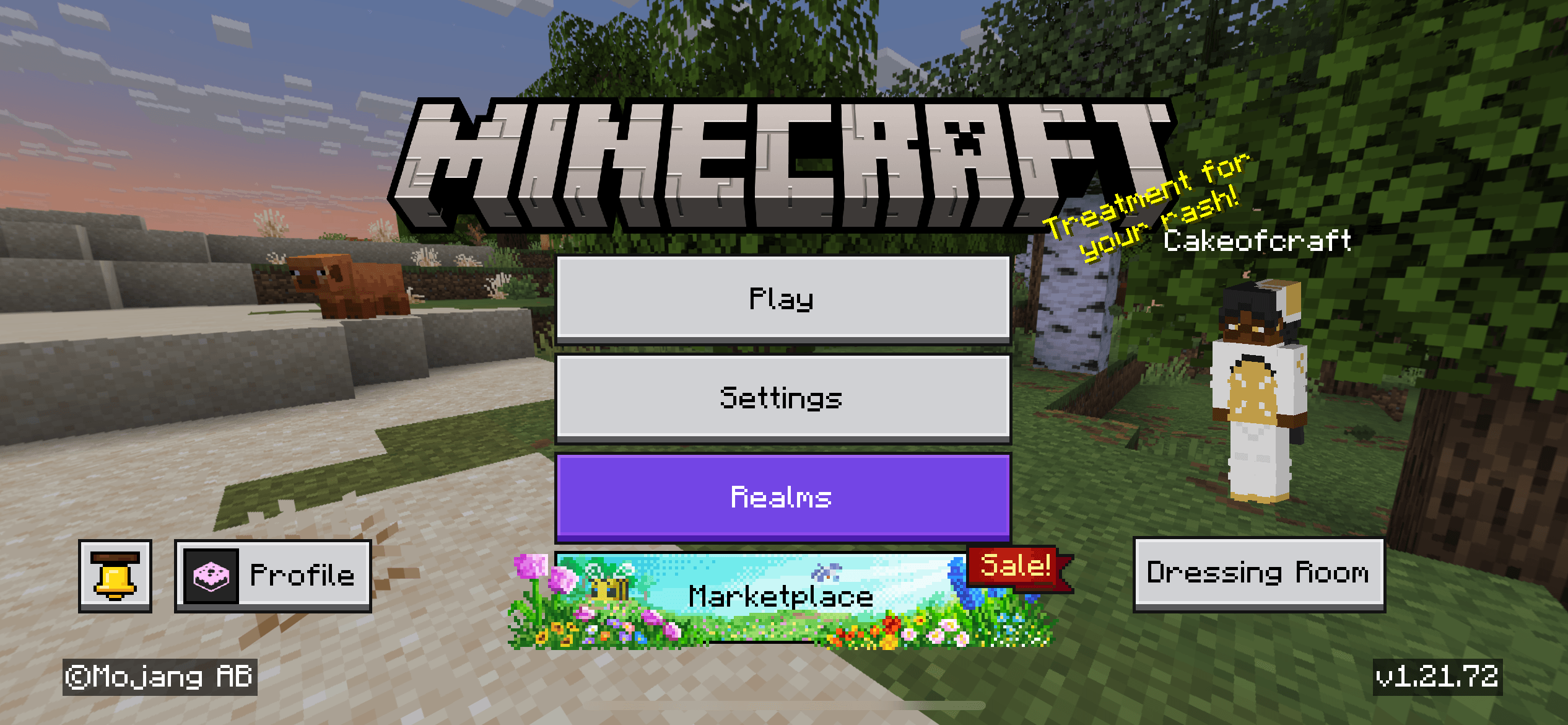
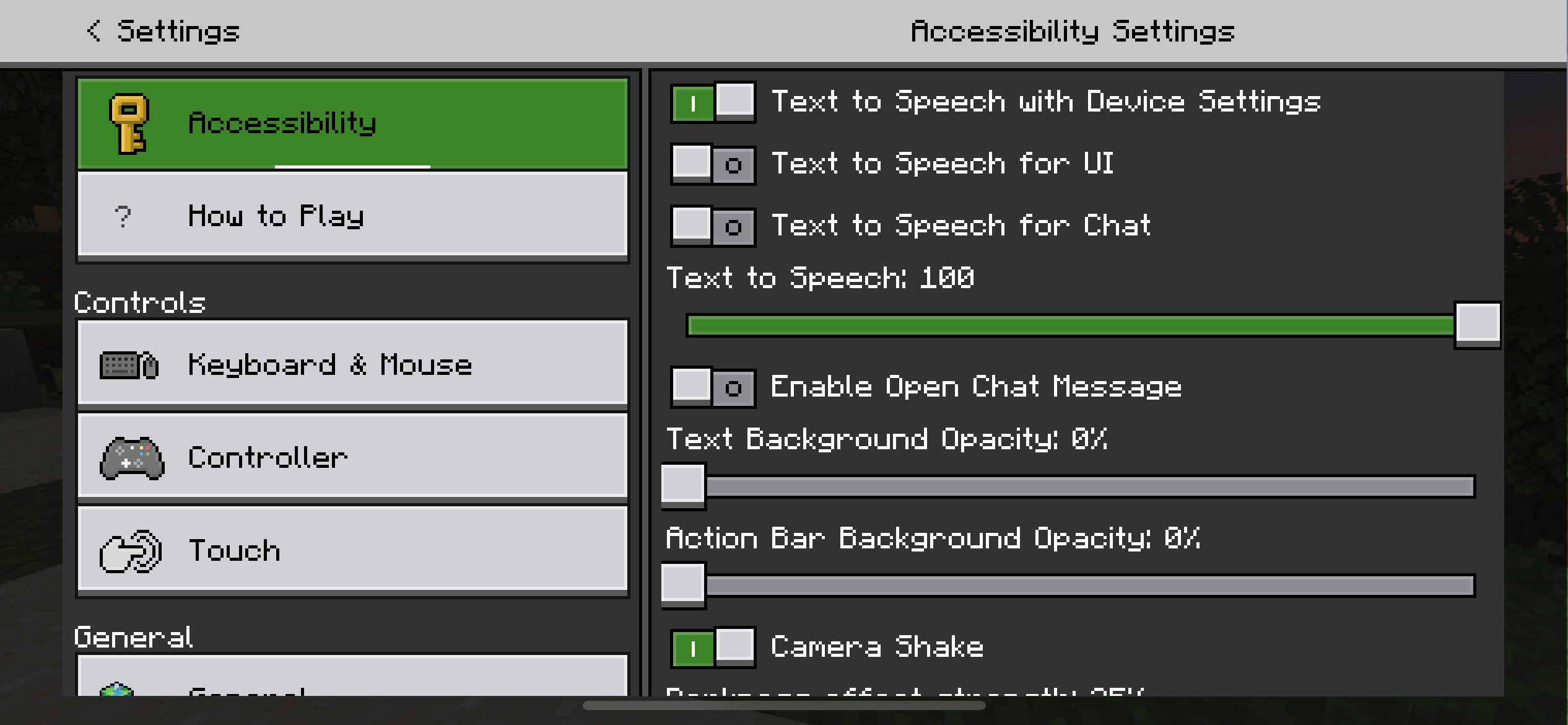
Cake's Ore UI (previously Ore UI-Styled Buttons & Toggles) is a pack that tries to emulate the Ore UI Style seen in certain menus, such as the create new world screen and the play screen, while keeping accuracy and compatibility from other most UI packs. The goal is to affect all UI with a style that matches Ore UI before JSON UI gets phased out.
Oh, and if that happens and Ore UI become customizable, I'll turn this into a tweak packs that changes certain Ore UI elements that I and most people don't like.
If you wish to use part of or the entire pack along with adding a feature of your own that could fit onto the pack, contact me via discord (cakeofcraft4414).
Headlining Features
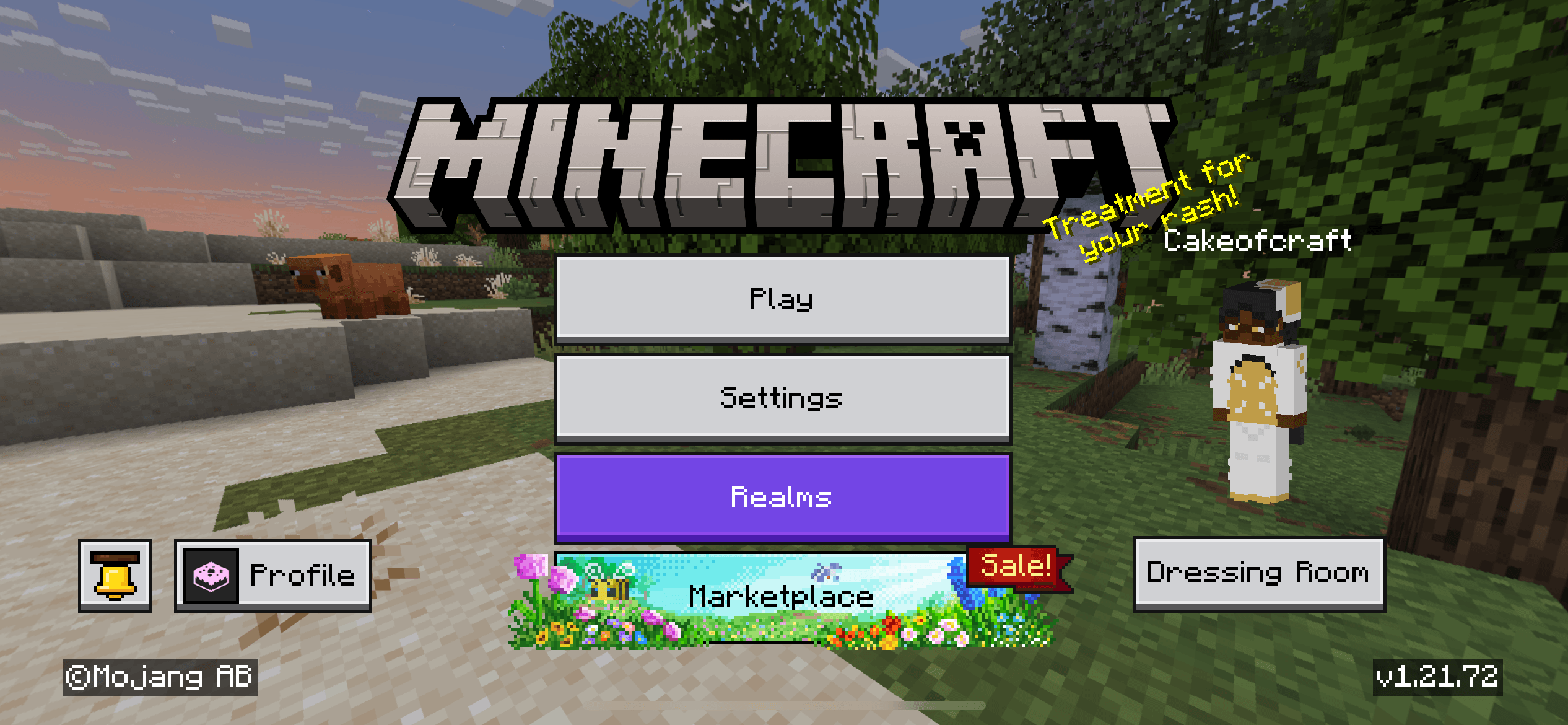
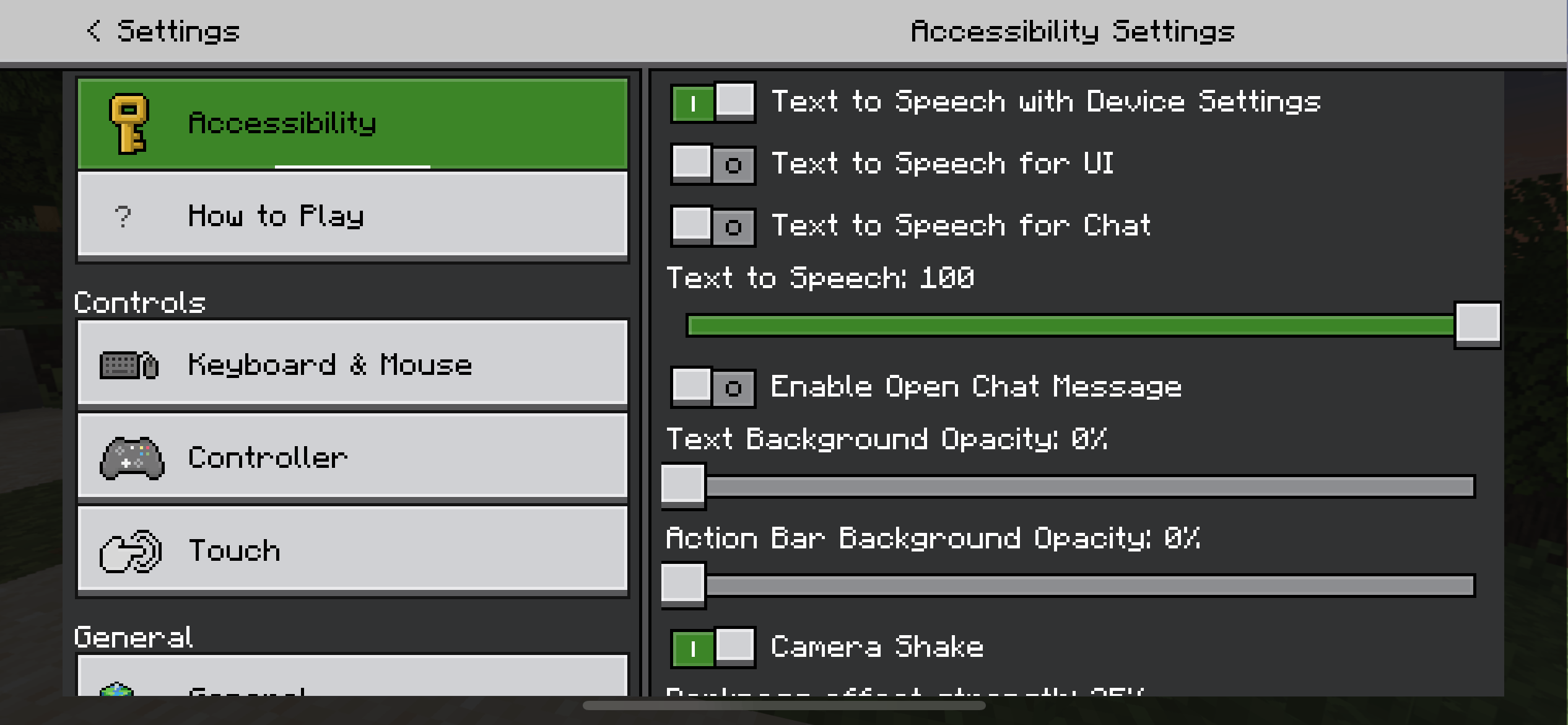
- Ore UI-Styled Button Border's for most Buttons
- Tabs and Ingame UI based on Ore UI Leaks
- Fallback features for when Ore UI-Styled Button Borders aren't available or break in the future
Screenshots
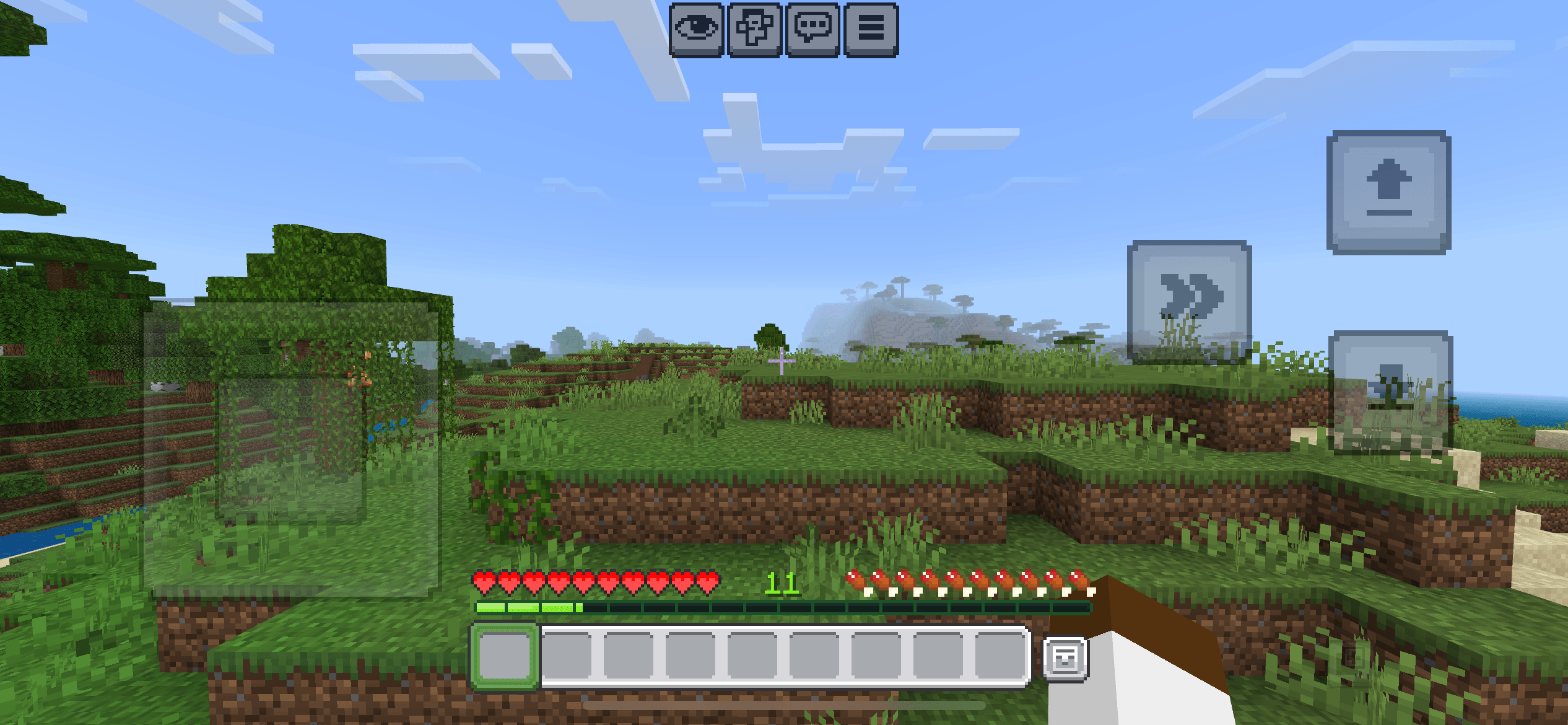
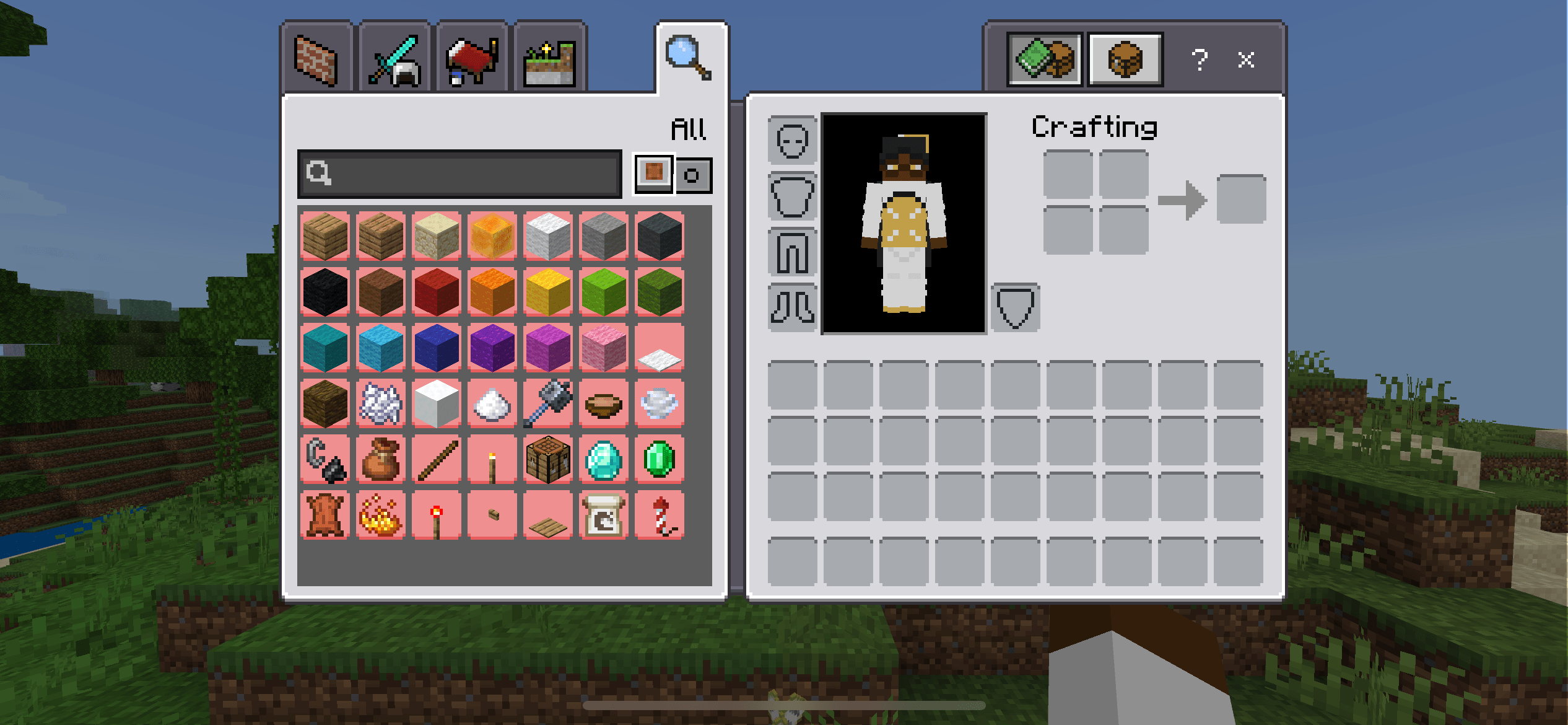
Known issues
This pack is still a work in progress, so certain things may be missing or broken in the moment and might get fixed later. Here are a list of known Issues:
-- Not all buttons uses the Ore UI-Styled Button Border as it requires code tweak/a rewrite to certain buttons. Fall backs are added when that happens. Here are a list of known border inconsistencies:
- Settings categories
- Dropdown
- Dressing Room button (Start screen)
- Misellaneous buttons for other resource packs
-- Certain Glyphs have the Ore UI Styled Button Border due to resource pack buttons.
-- Marketplace dialogs uses vanilla texture and i dont know why.
-- Dressing room button no longer shrink when pressed and Profile button is offsetting itself when hovered or pressed. (the variables to fixes it somehow only affects the Y axis)
- Edition: Minecraft Bedrock
- File type: .mcpack
- Minecraft versions listed: 1.20.40, 1.21.30, 1.21.50
- How to install: Download the .mcpack. → Open it — Minecraft imports it under Resource Packs. → Activate it in Global Resources, or for one world under Resource Packs → Available.
- Where to get it: Opens on CurseForge — not every file is mirrored on our own servers.
Install steps are the general flow for this file type — How to install Minecraft Bedrock texture packs walks through it step by step.
- Save it as cakesoreui.mcaddon before opening — it downloads as .mcpack, but it is a .mcaddon pack
- Manifest requires Minecraft 1.20.0 or newer
- Complete pack — everything it depends on is inside the file
- Download size: 96 KB
- Download link checked 5 Oct 2026 — working
These come from our own check of the pack file, not from the source page.