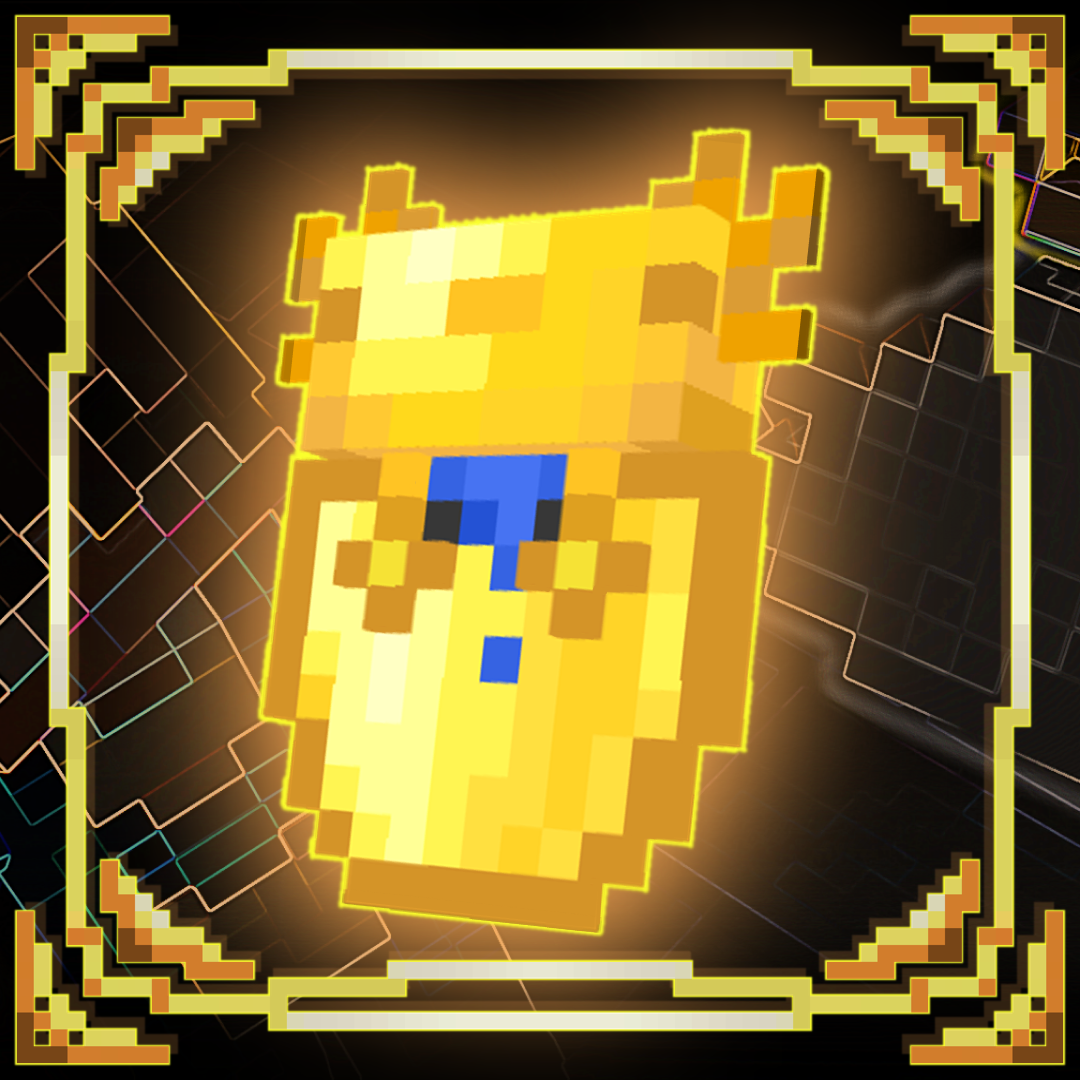
Axolotl Shield
Bedrock texture pack listed for Minecraft 1.20–1.21. File opened and checked on 29 Sep 2026; installs from the MC Bedrock Mods app on Android.
I've chosen to replace the default shield because it's boring. Introducing to you, the Axolotl Shield. Axolotl Shield is an entirely fresh look that will…
⬇ Download on CurseForgeThe Pack comes with more then 3 options for the shield animation, Default, Java Shield, and Different Pack Shield Animations, and Complex Left Hand. The rest is are textures.
Default
This option stays permanently to the default one
<figure class="image align-center">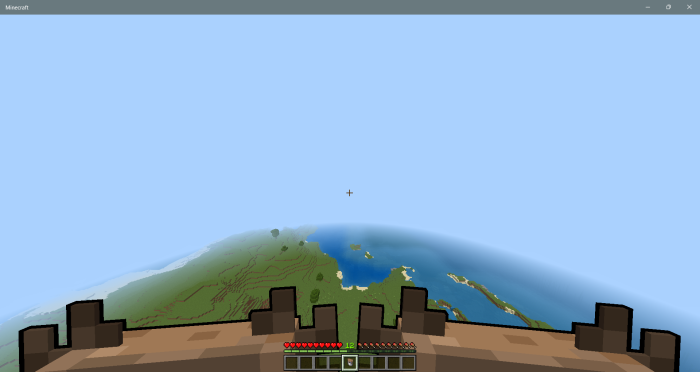 </figure>
Java Shield
This one makes the shields rotated at a 90° degree angle while lowering the block animation. Thanks to <mark class="marker-green">xAssassin</mark> for the Java Shield Animation
<figure class="image align-center">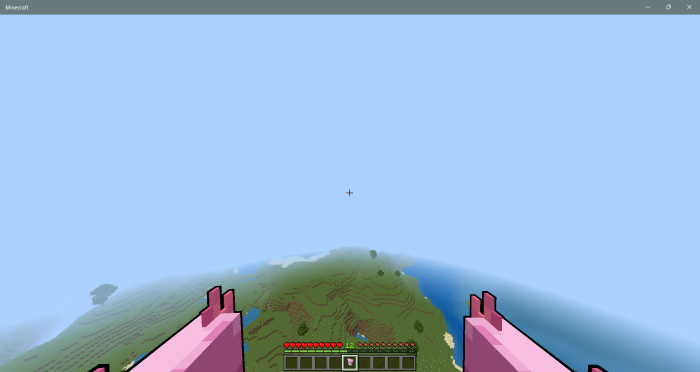 </figure>
In the pack, there are different textures to the axolotl so that you 🫵 can pick you favorite. The animation is Different Pack Shield Animations when a texture is selected for the shield
- Edition: Minecraft Bedrock
- File type: .mcpack
- Minecraft version listed: 1.21.70
- How to install: Download the .mcpack. → Open it — Minecraft imports it under Resource Packs. → Activate it in Global Resources, or for one world under Resource Packs → Available.
- Where to get it: Opens on CurseForge — not every file is mirrored on our own servers.
Install steps are the general flow for this file type — How to install Minecraft Bedrock texture packs walks through it step by step.
- Pack type: .mcpack — a single pack
- Manifest requires Minecraft 1.20.80 or newer
- Complete pack — everything it depends on is inside the file
- Download size: 1.0 MB
- Download link checked 6 Oct 2026 — working
These come from our own check of the pack file, not from the source page.