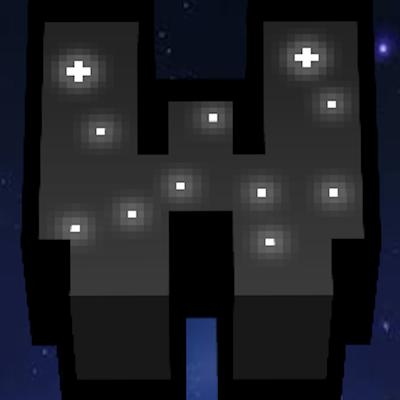
WtzK Pack v2
Bedrock texture pack listed for Minecraft 1.21. File opened and checked on 6 Oct 2026; installs from the MC Bedrock Mods app on Android.
WtzK Pack - v2 is a customizable Minecraft texture pack featuring a clean UI and GUI, custom music, fonts, armor, particles, mini tools, inventory, and…
⬇ Download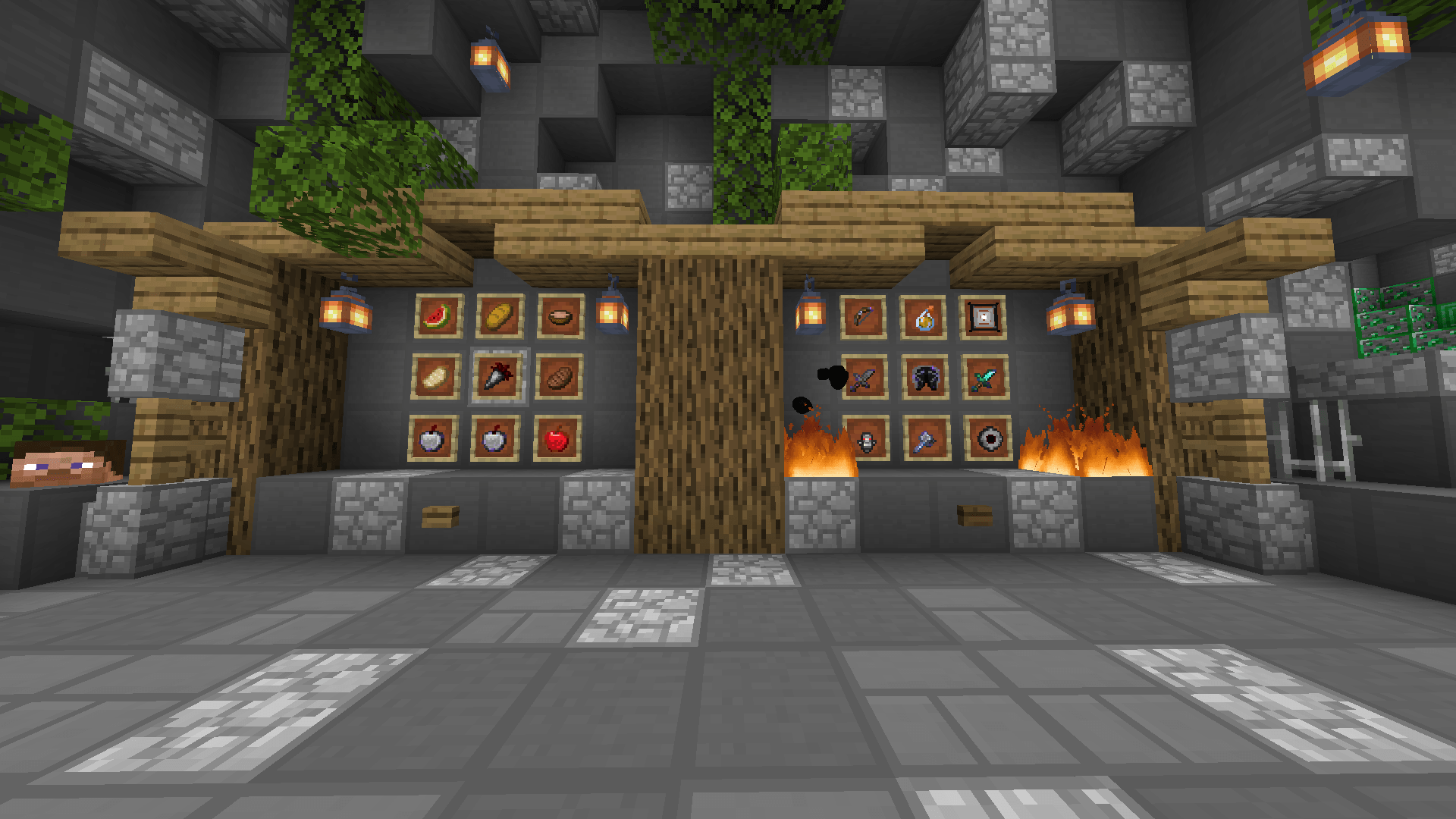
WtzK Pack - v2
What's new?
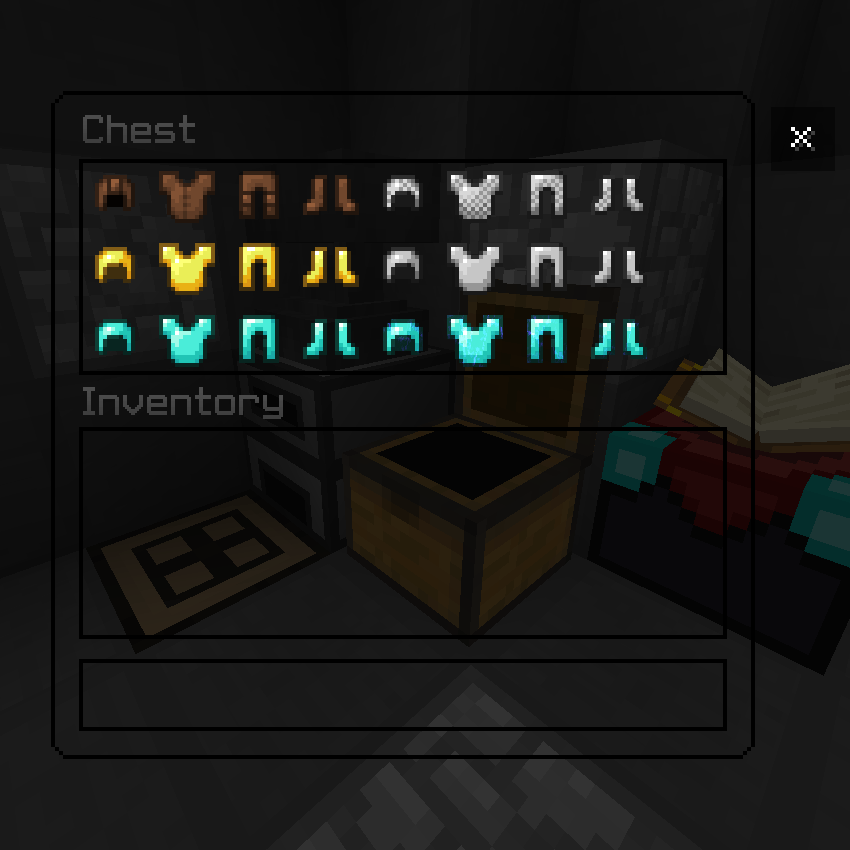
- Clean UI, both for containers and the Menu.
- Custom Menu Music.
- Custom Font.
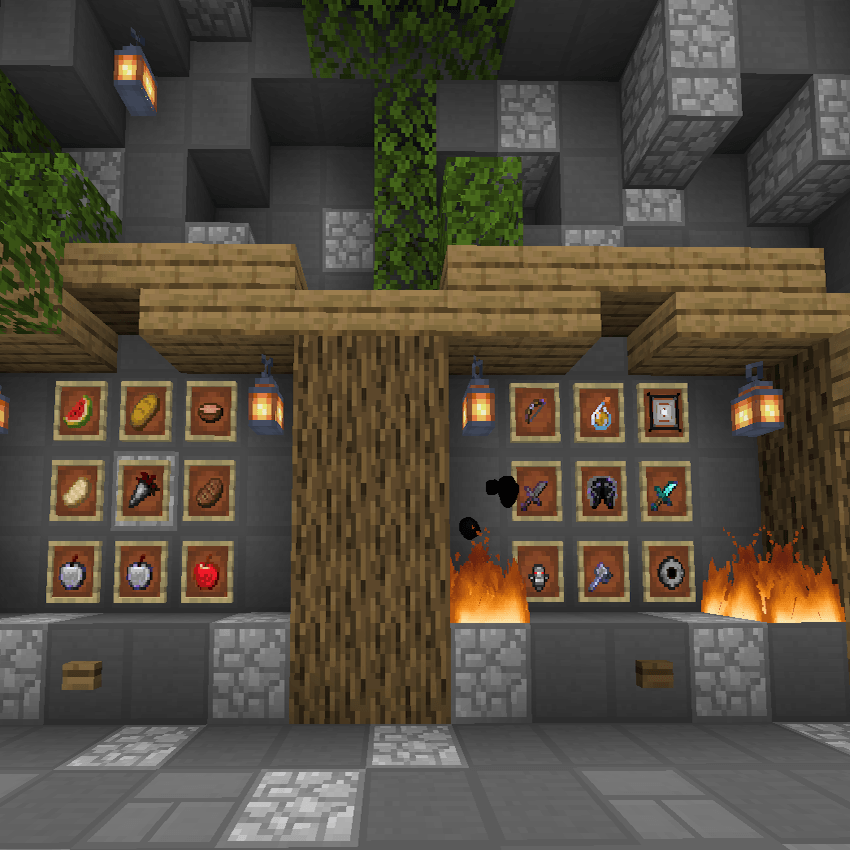
- Custom Inventory.
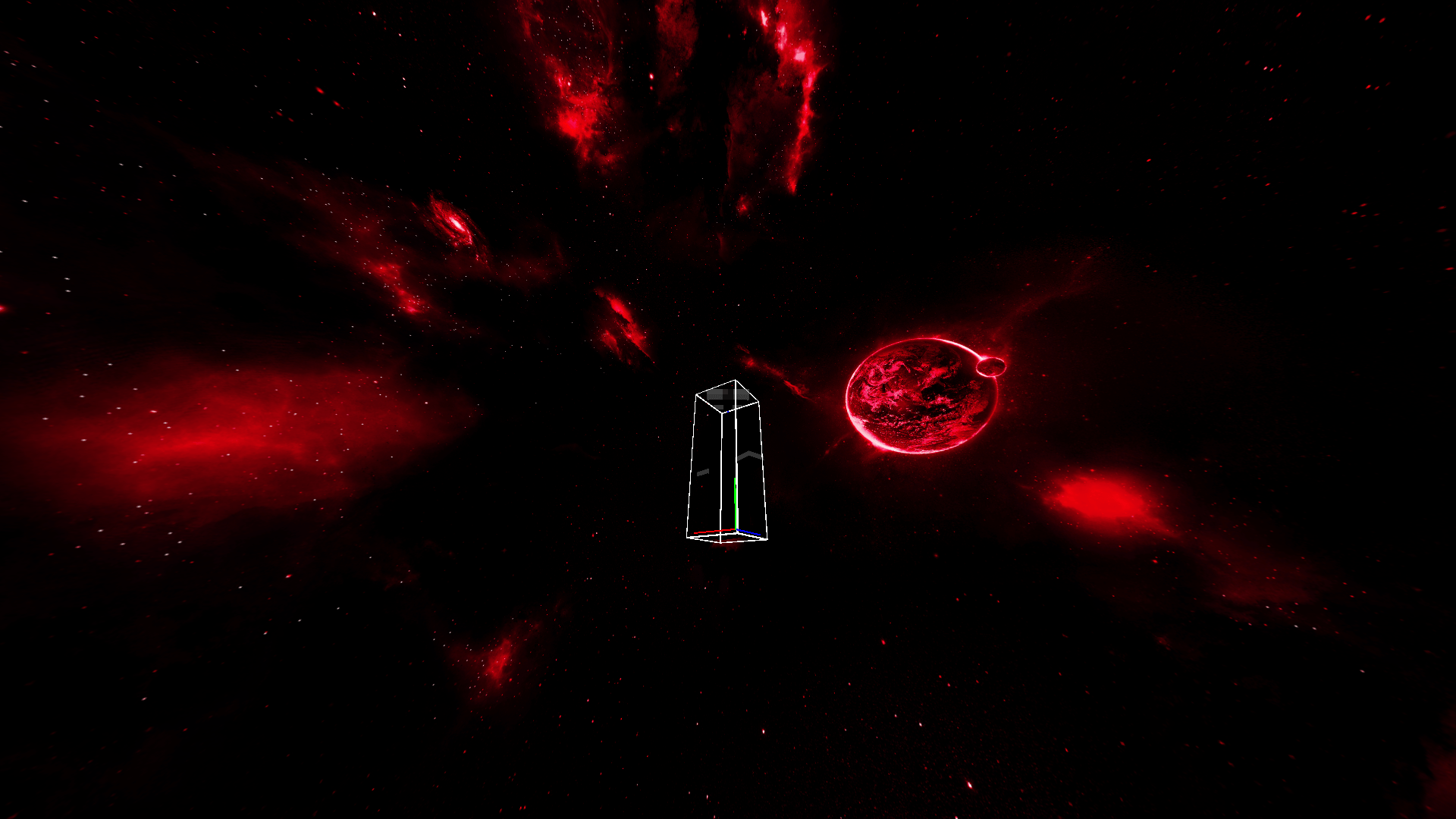
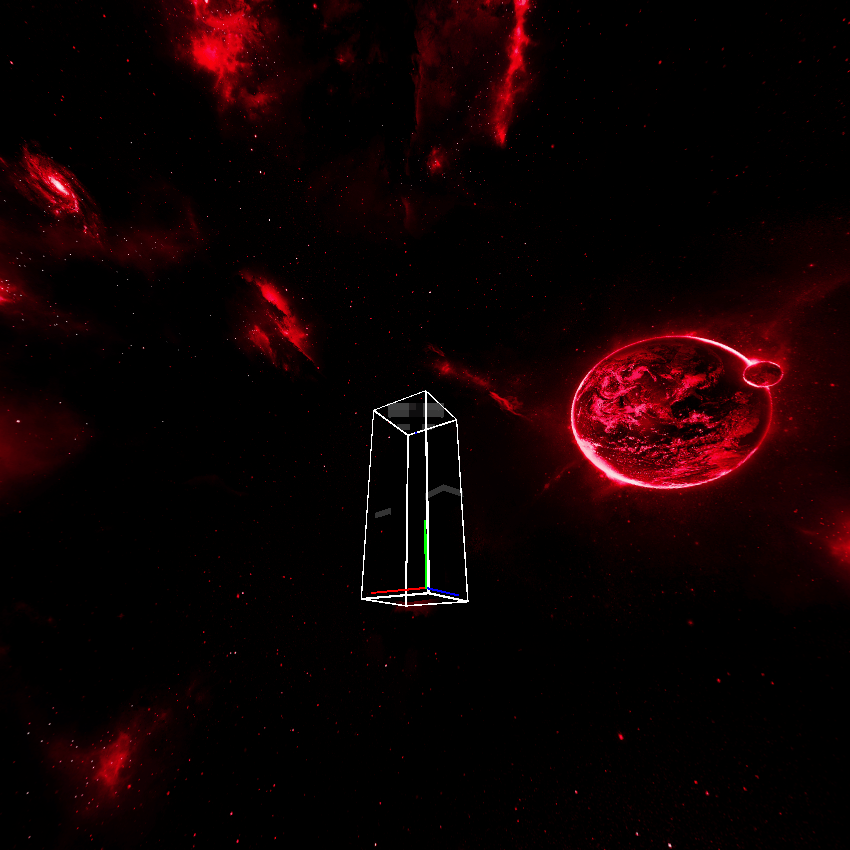
- Custom Sky.
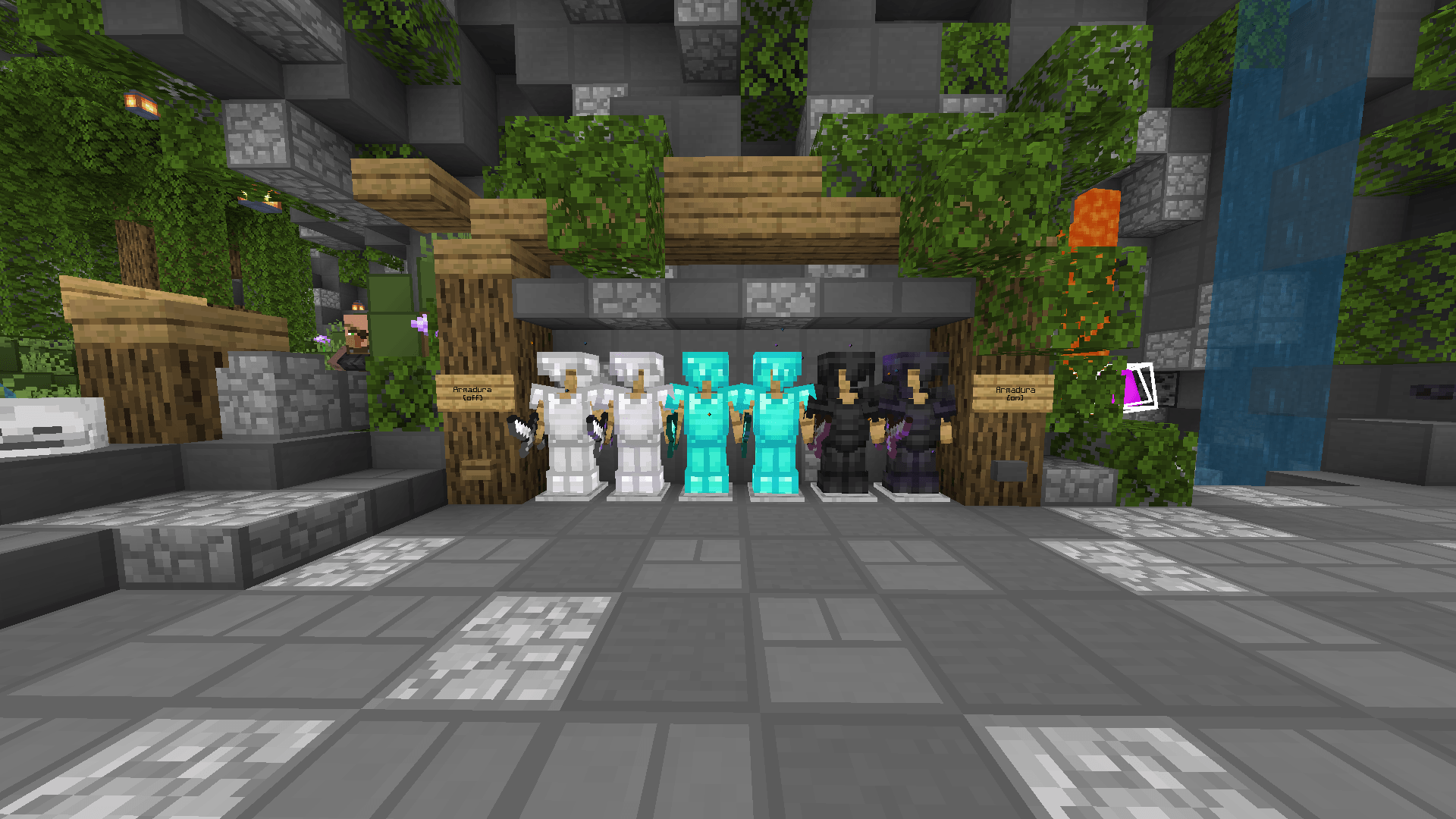
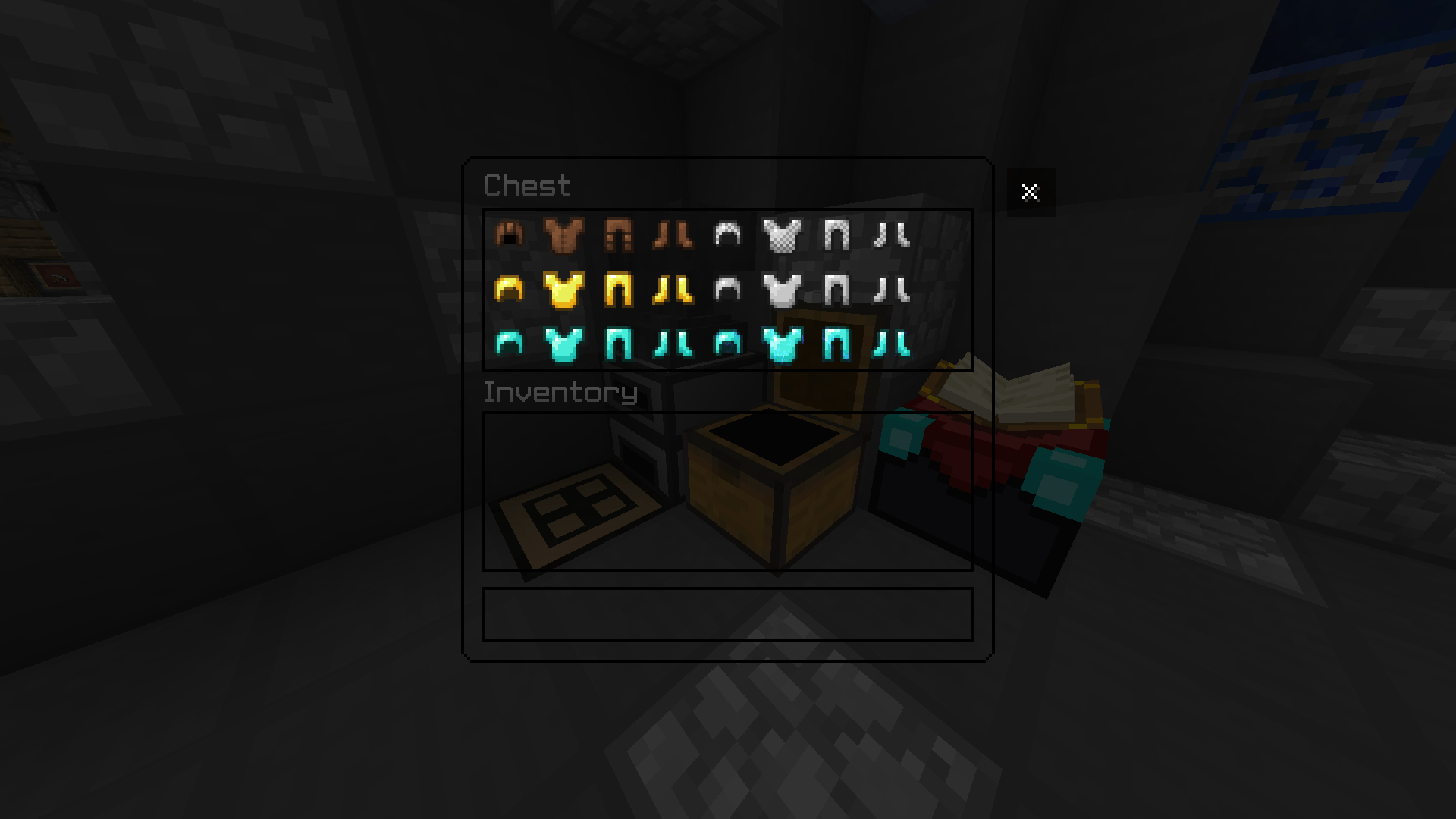
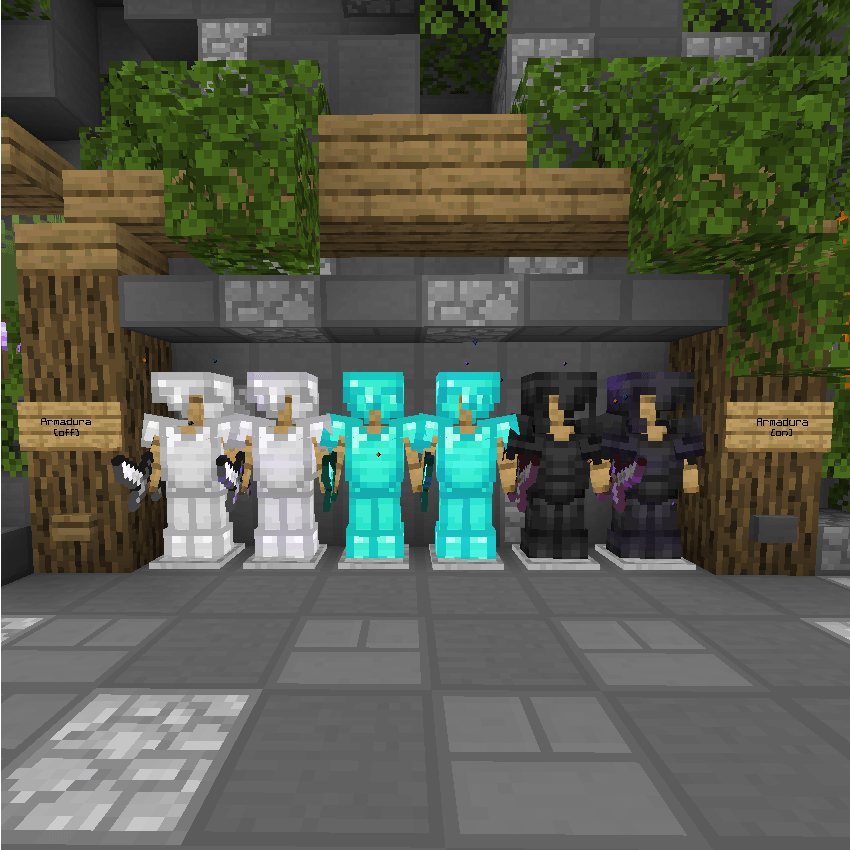
- Custom Armor.
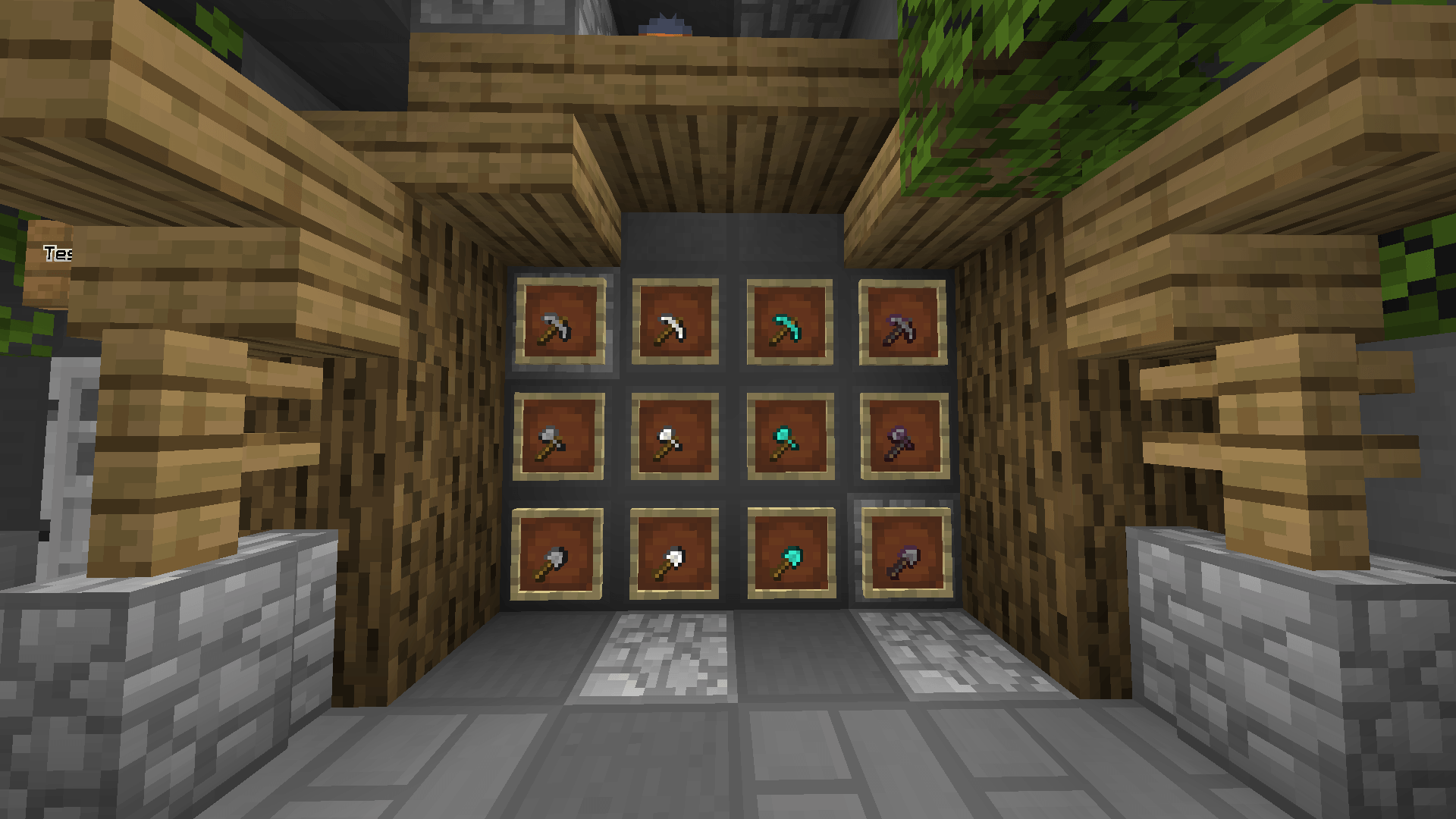
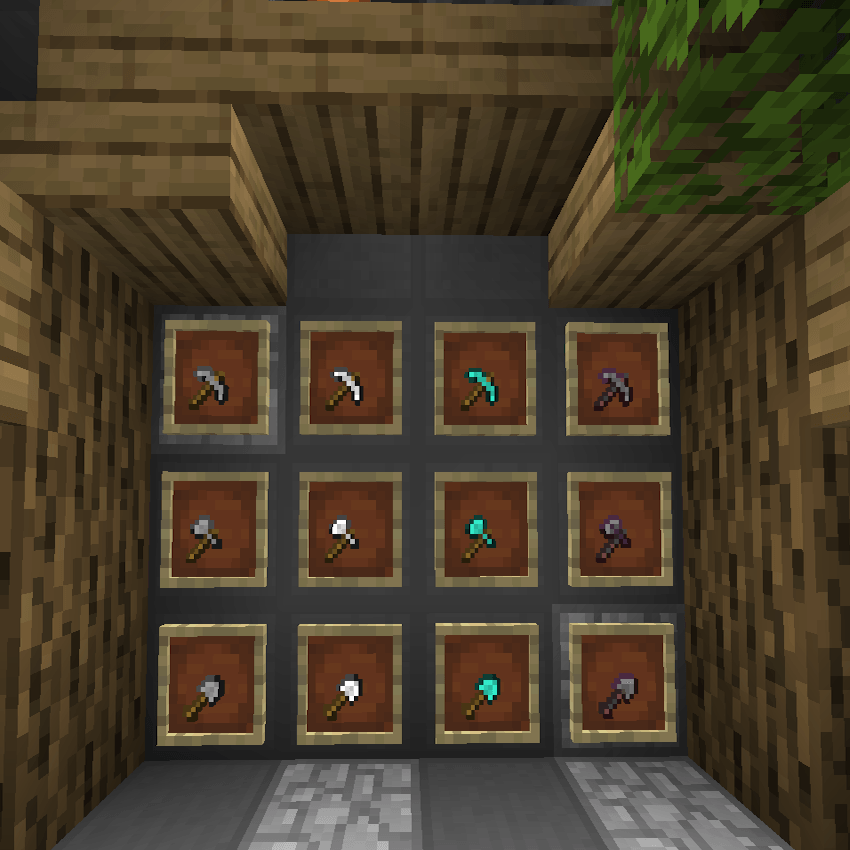
- Mini Tools Implemented.
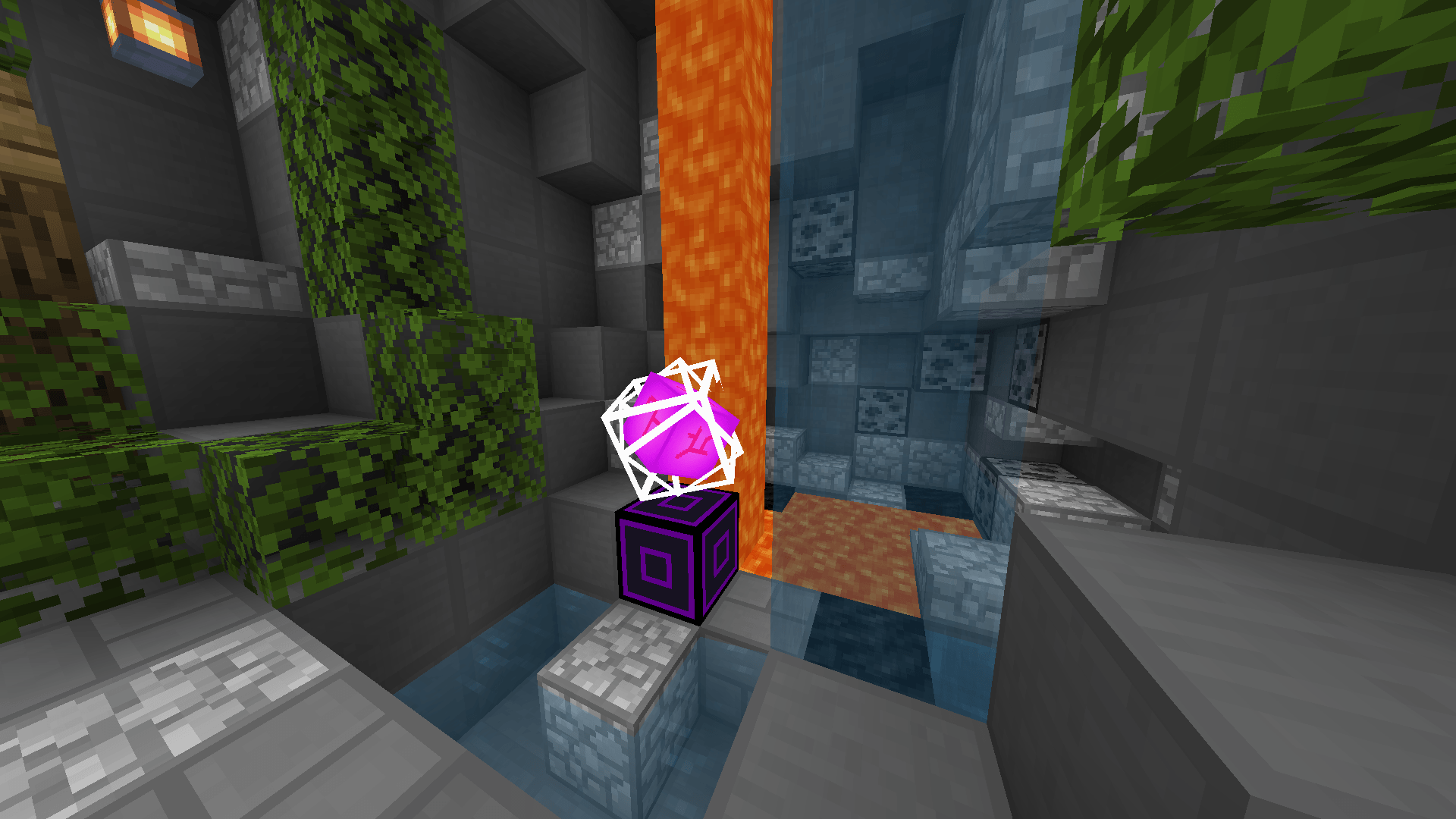
- Custom Particles.
- Custom Chat.
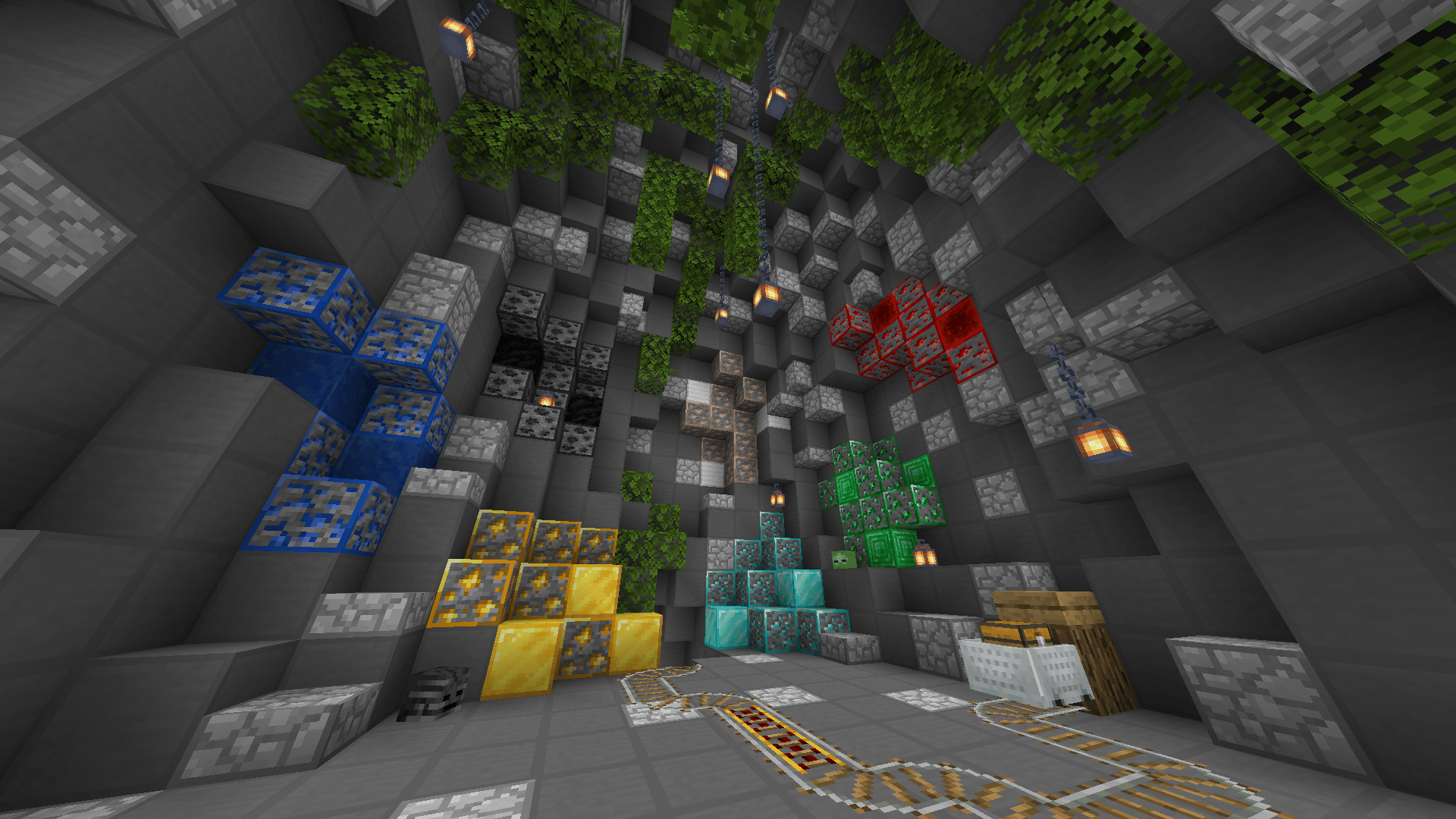
- Custom Blocks.
All this and much more!
Main Additions:
"Subpacks" have been added, allowing for a greater level of customization in your gameplay. You can switch between with or without an active Hitbox and a X-Ray Version.
How to configure Subpacks!
Once you download the texture, simply click on it when it's activated. A gear button (Configuration) will appear. Click on it and a screen with Subpack options will open. Just drag the button to the side and you can change to your preferred option!
Don't worry about the file size, it won't lower your FPS.
NOTE: This was made using the CLASSIC version of the UI. The POCKET version is incomplete.
Ingame Screenshots:
- Armors:
- Items:
- Tools:
- Ores: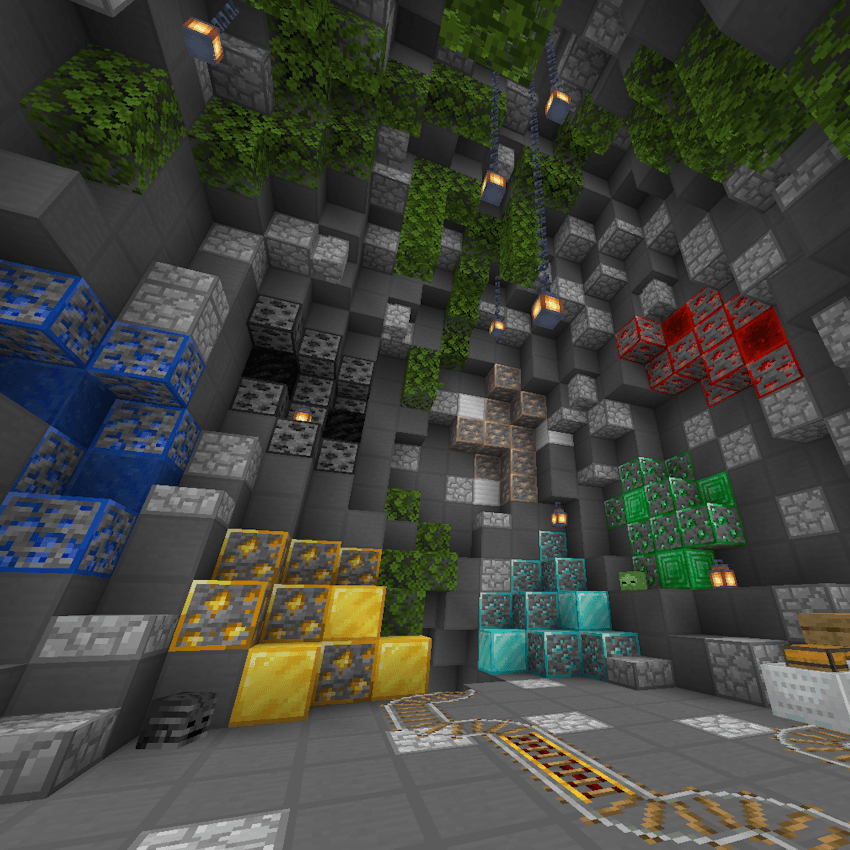
- Crystal:
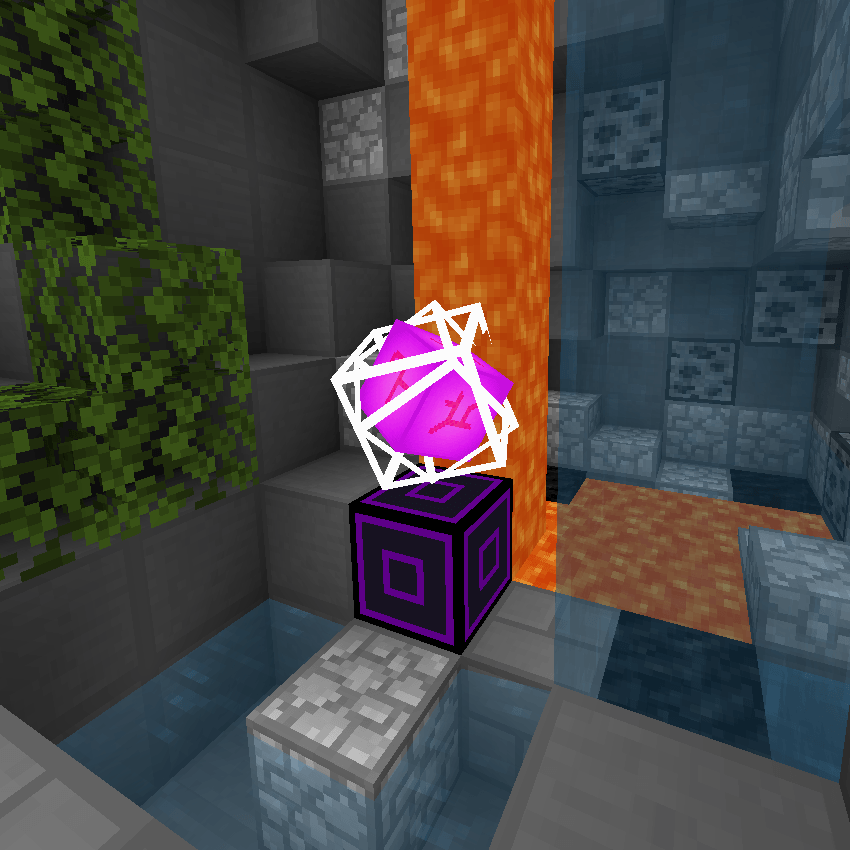
- UI:
- Cubemap:
- Credits
Discord: wiitzk
- Edition: Minecraft Bedrock
- File type: .mcpack
- Minecraft versions listed: 1.21.93, 1.21.90, 1.21.94
- How to install: Download the .mcpack. → Open it — Minecraft imports it under Resource Packs. → Activate it in Global Resources, or for one world under Resource Packs → Available.
- Where to get it: In MCModsHub, or directly above on this page.
Install steps are the general flow for this file type — How to install Minecraft Bedrock texture packs walks through it step by step.
- Save it as WtzK Pack - v2 - Safe.mcaddon before opening — it downloads as .mcpack, but it is a .mcaddon pack
- Complete pack — everything it depends on is inside the file
- Download size: 29.4 MB
- Download link checked 3 Aug 2026 — working
These come from our own check of the pack file, not from the source page.