Texture packsBedrock
Sunlight Graphics
I don't know my version
Open Minecraft and look at the bottom-left corner of the main screen — the version is printed there, like v1.26.30.
The game writes a 1. in front; the buttons above leave it off. v1.26.30 in the game is 26.30 here.

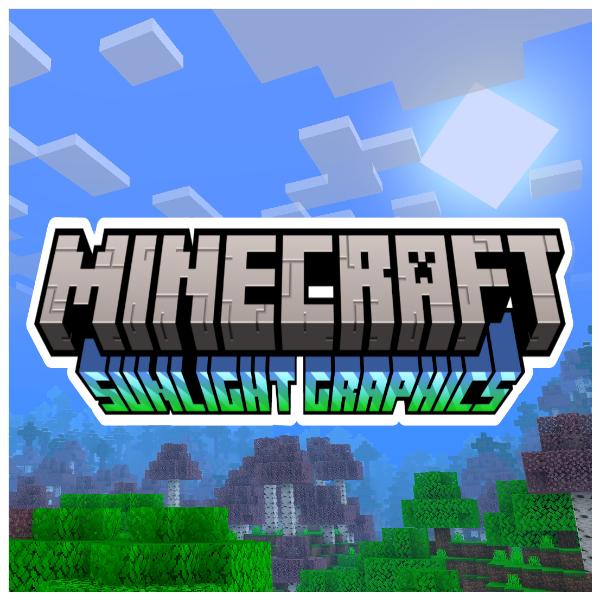
The new version 1.1 of sunlight-graphics arrives after so long. Sunlight charts are the counterpart to moonlight charts; By counterpart I mean a more vivid and colorful package. Since this pack only modifies the textures, it does not present any type of lag and the best of all is that it can be used on any device compatible with Minecraft Bedrock Edition.
Screenshots
- Day and night.

- Sunset and sunrise.


Featured
- Beautiful skies day and night.
- Aesthetic and colorful atmosphere.
- Clear water with simple and simple texturing.
- Blue fog that gives more aesthetics to the environment.
- Heavy fog in the rain.
- Sun and moon with a diagonal shape.
- Does not present any type of performance lag.
Notes
- It has 4 different versions which are, The Full version that has all the features, The Plant Movement version that brings the movement of plants, The Double layers of clouds version that brings double layers of clouds and the default version.
- This package is not a shader.
- May be modified for personal use only.
- It is forbidden to distribute this texture pack with modifications in the code.
- You may not take this resource pack and publish it in your own name.
- It is possible that this resource pack has any, if so, please report the bug to me on my Discord.
- This texture pack works on any device.
- This resource pack is compatible with minecraft versions +1.18.30 which means that it is also compatible with (Renderdragon).
- It has 4 different versions which are, The Full version that has all the features, The Plant Movement version that brings the movement of plants, The Double layers of clouds version that brings double layers of clouds and the default version.
If you want to have better quality content, I invite you to donate your grain of sand.
Quick facts
- Edition: Minecraft Bedrock
- File type: .mcpack
- Minecraft versions listed: 1.21.101, 1.21.30, 1.21.50
- How to install: Download the .mcpack. → Open it — Minecraft imports it under Resource Packs. → Activate it in Global Resources, or for one world under Resource Packs → Available.
- Where to get it: Opens on CurseForge — not every file is mirrored on our own servers.
Install steps are the general flow for this file type — How to install Minecraft Bedrock texture packs walks through it step by step.
Verified by MCModsHub
- Save it as ¡Sunlight Graphics - Double layer Of Clouds v1.1!.mcaddon before opening — it downloads as .mcpack, but it is a .mcaddon pack
- Manifest requires Minecraft 1.1.0 or newer
- Complete pack — everything it depends on is inside the file
- Download size: 2.0 MB
- Download link checked 25 Aug 2026 — working
These come from our own check of the pack file, not from the source page.
