Seathrough Xray
Bedrock texture pack listed for Minecraft 1.19–26.x. File opened and checked on 20 Sep 2026; installs from the MC Bedrock Mods app on Android.
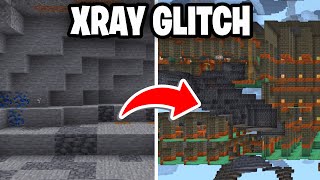
Find ores faster, spot traps sooner, and see clearly with X-Ray, outlined ores, danger markers, cleaner fluids, and smarter indicators.
⬇ Download on CurseForge
Pack Features
- Advanced customizable X-Ray (works in all dimensions)
- High-contrast outlined ores
- Pumpkin, spyglass, and burning indicators
- Suspicious sand and gravel indicators
- Powdered snow indicator
- Infested stone and deepslate indicators
- Trapped chest indicators
- More transparent rain, water, lava, and snow
- Lower shields, totems, and fire overlays
- Brighter, easier-to-see tripwires
- Ore Illuminator
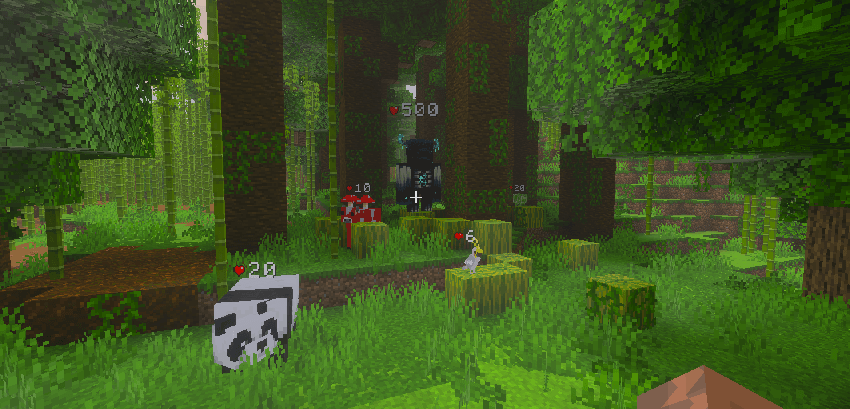
- Health Indicator
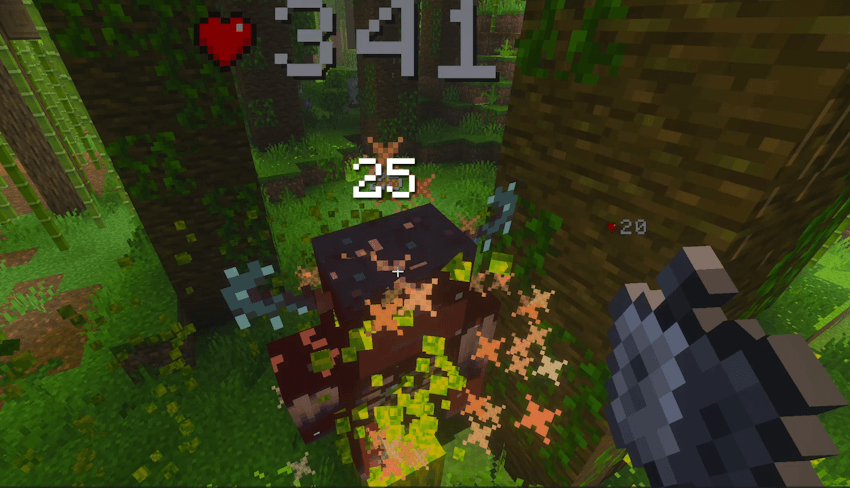
- Damage Indicator
Plus many other small quality-of-life tweaks!
Watch the feature showcase video on YouTube.
X-Ray Setup

If the pack is installed correctly, this notification should appear at the top of your screen.
How to use X-Ray on servers — watch this video.
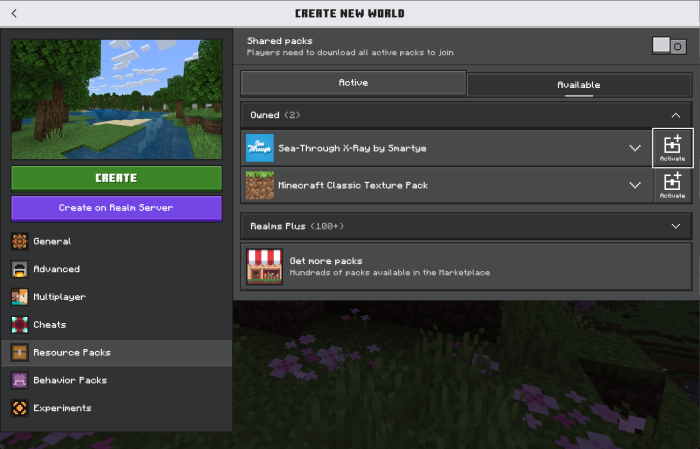
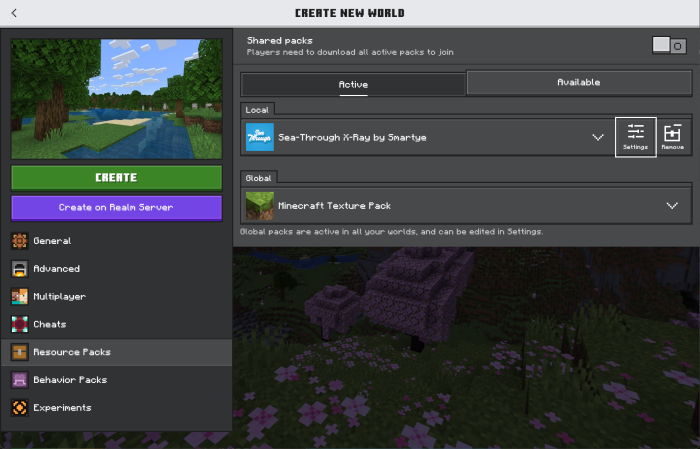
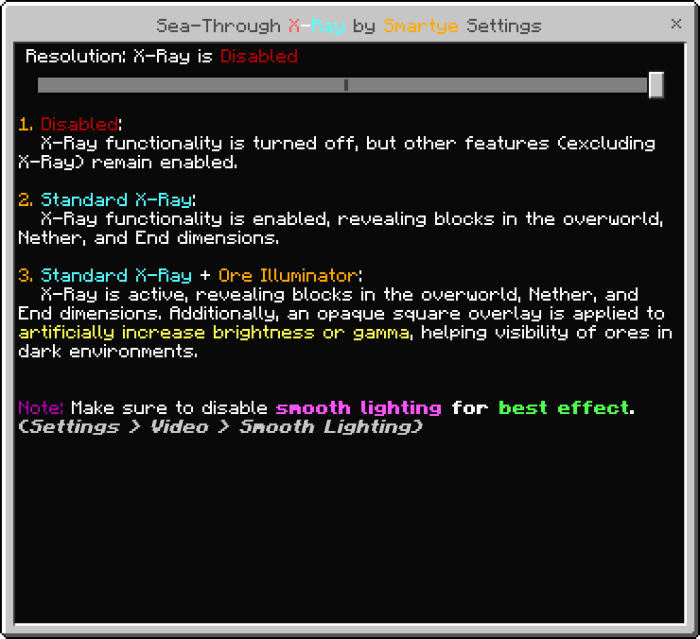

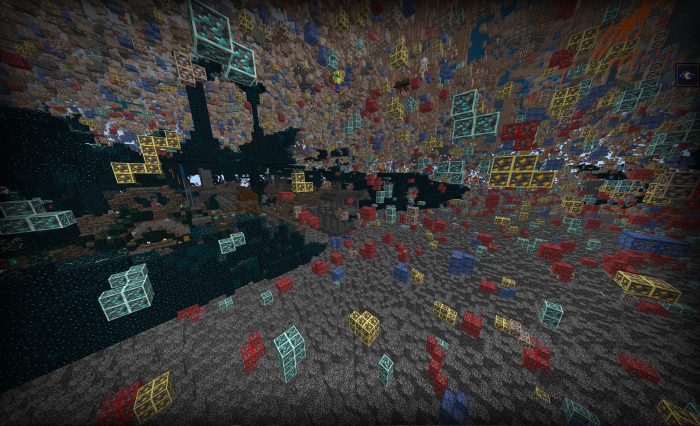
X-Ray Results
- Turn off Smooth Lighting and use Night Vision Potions for better visibility in dark areas.
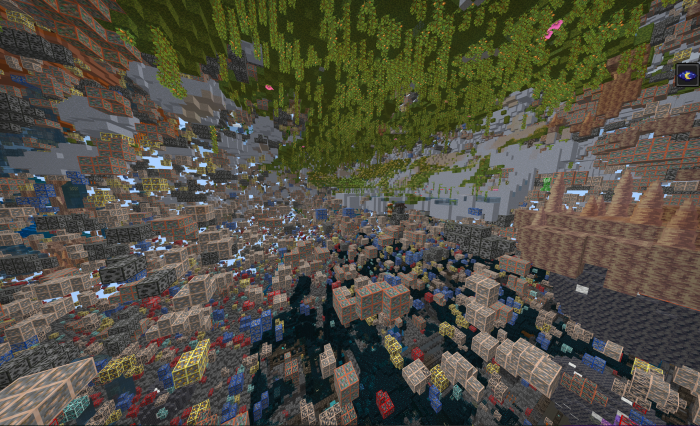

Other Features
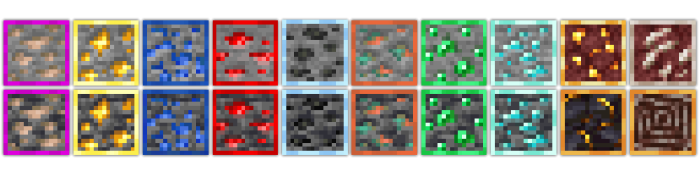
High-Contrast Outlined Ores
- Makes ores easier to spot.

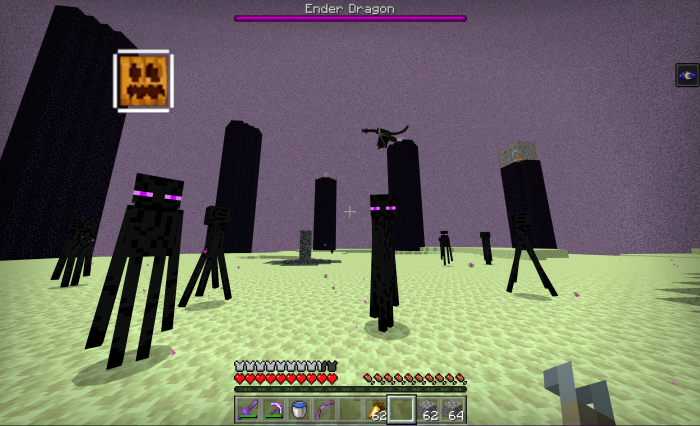
Pumpkin Indicator
- When wearing a pumpkin, the full pumpkin overlay is removed and a small pumpkin icon appears in the upper-left corner. This is useful when traveling in the End.

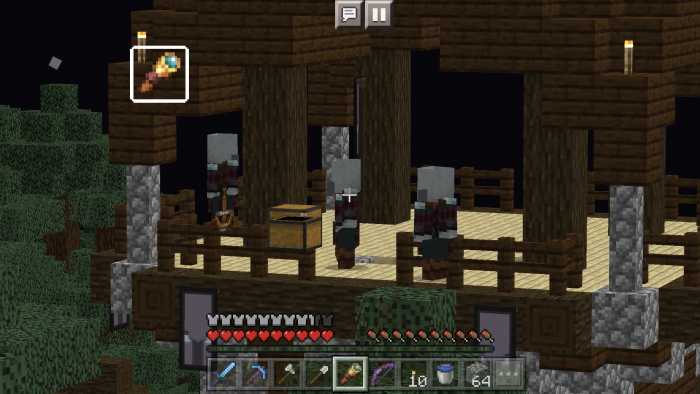
Spyglass Indicator
- When using a spyglass, the spyglass overlay is removed and a small spyglass icon appears in the upper-left corner.
- The Pumpkin, Spyglass, and Burning indicators can all appear at the same time.
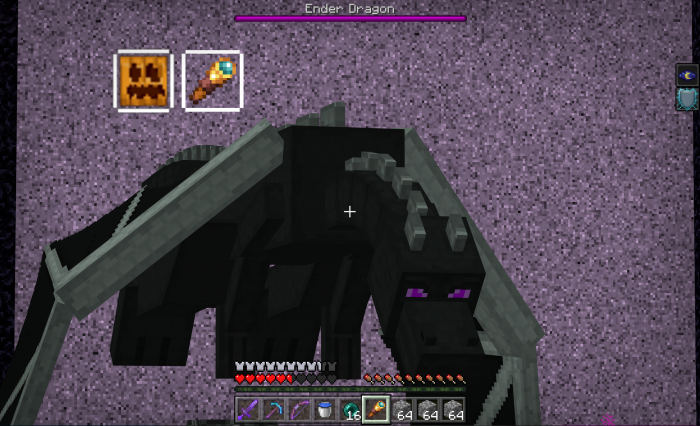
Burning Indicator
- When you are on fire, the fire overlay is removed and a small burning icon appears in the upper-left corner.
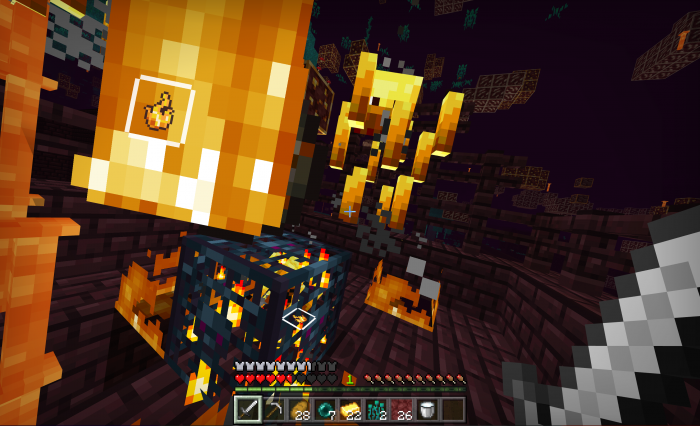

Suspicious Sand & Gravel Indicators
Suspicious sand and suspicious gravel are marked with barricade tape on all sides, making them easier to find.
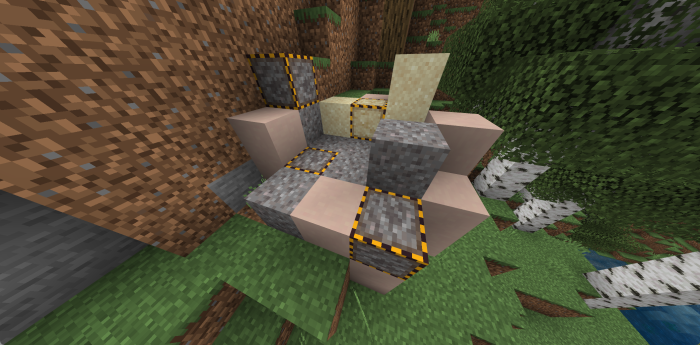
Powdered Snow Indicator
Powdered snow is marked with barricade tape on all sides, making it easier to spot before you fall in.
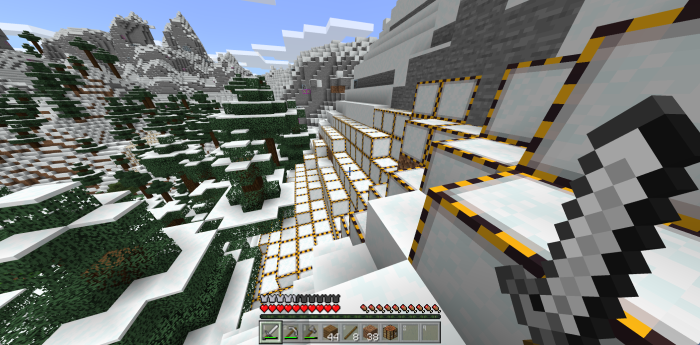

Infested Stone & Deepslate Indicators
Infested stone and infested deepslate are marked with barricade tape on all sides, making them easier to avoid while mining.
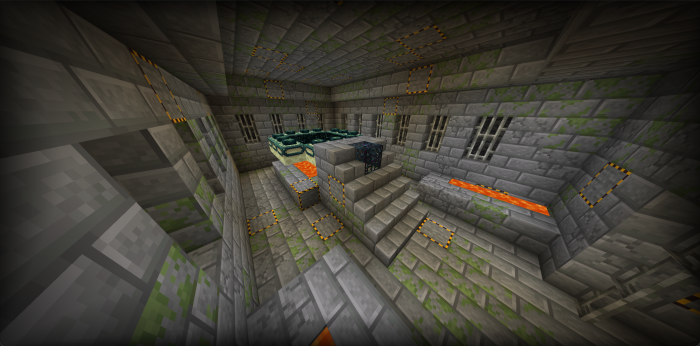

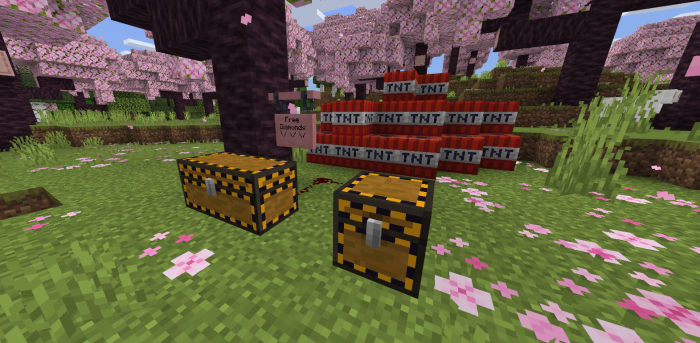
Trapped Chest Indicators
Trapped chests, including double trapped chests, are marked with barricade tape on all sides so they are easier to identify.

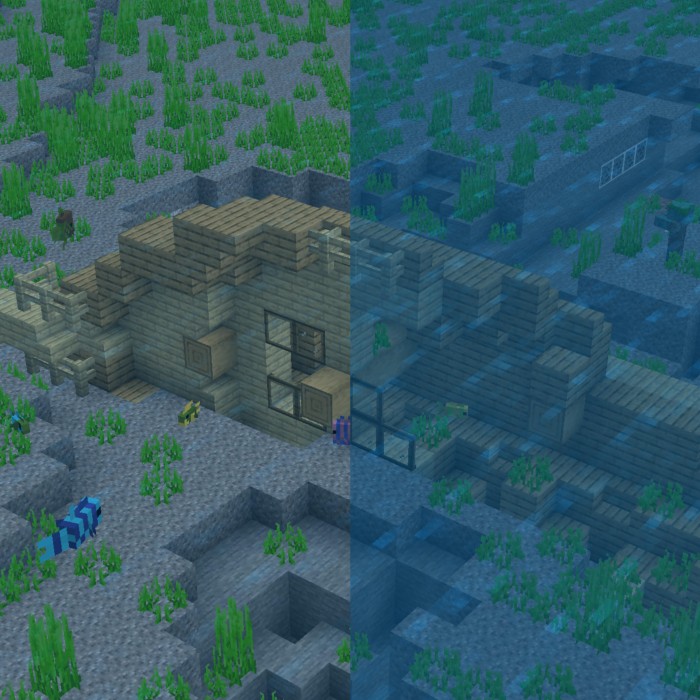
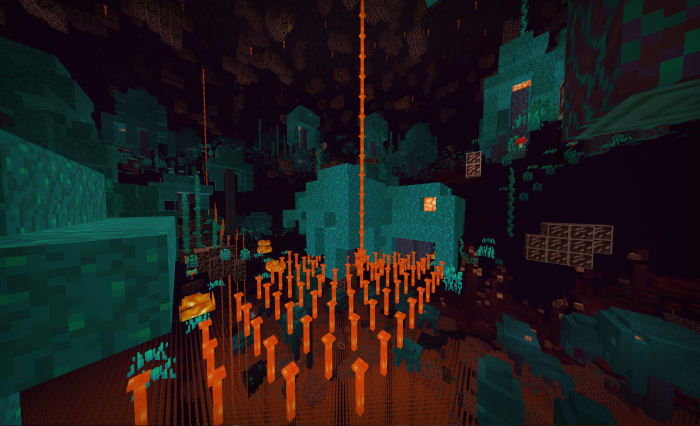
Translucent Rain, Water, Lava, and Snow
- Improves water clarity.
- Replaces lava’s block shape with end rods for better visibility.

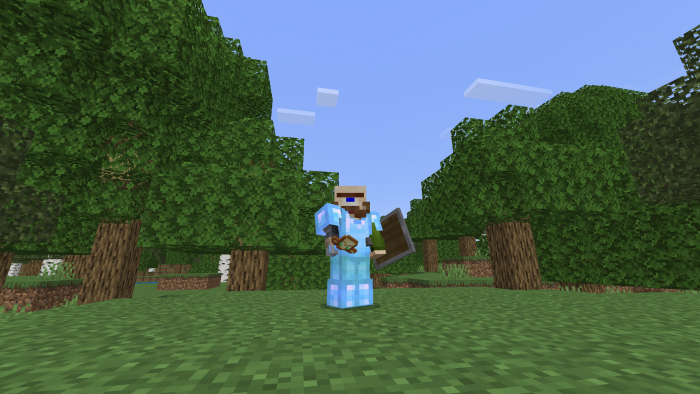
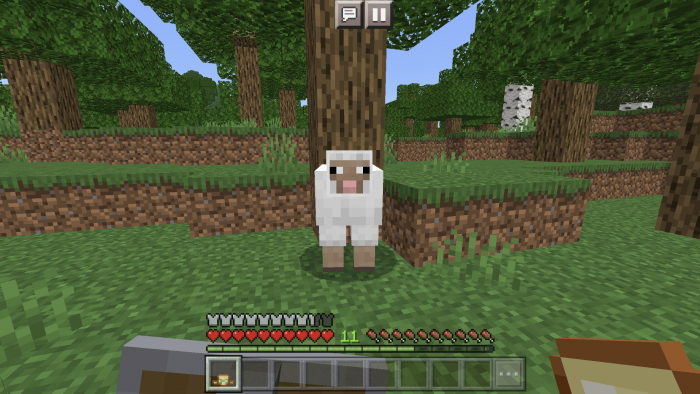
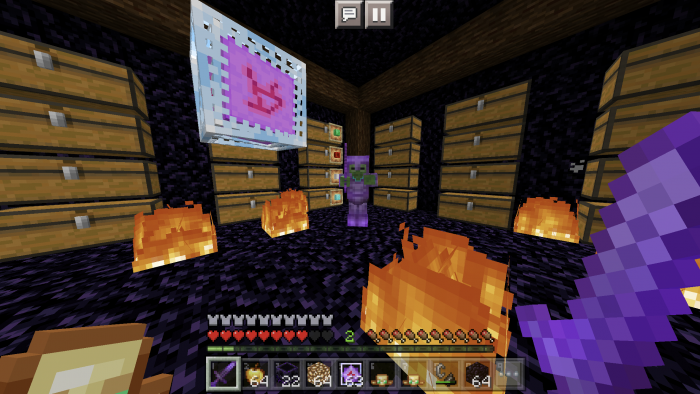
Lowered Shields, Totems, and Fire Overlays
Lowers shields, totems, and fire overlays so they take up less space on your screen.
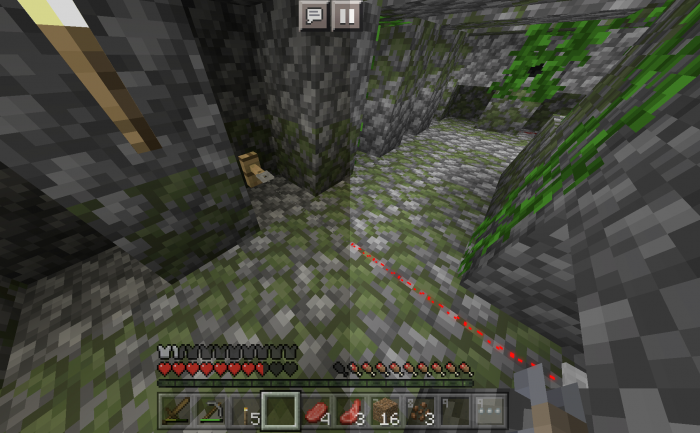
Brighter Tripwires
- Changes tripwires to a bright red color, making them much easier to see.
Before and After:
Ore Illuminator
For best results, turn off Smooth Lighting before using the Ore Illuminator.
Alternative methods for infinite night vision may exist, but many require modifying Minecraft’s game files and may not work on every device.
Comparison: Standard X-Ray vs. Standard X-Ray + Ore Illuminator.
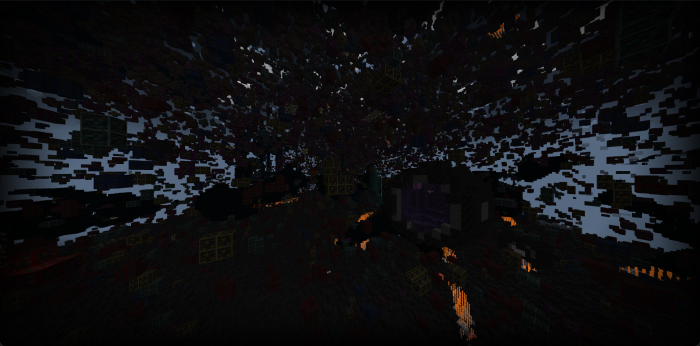
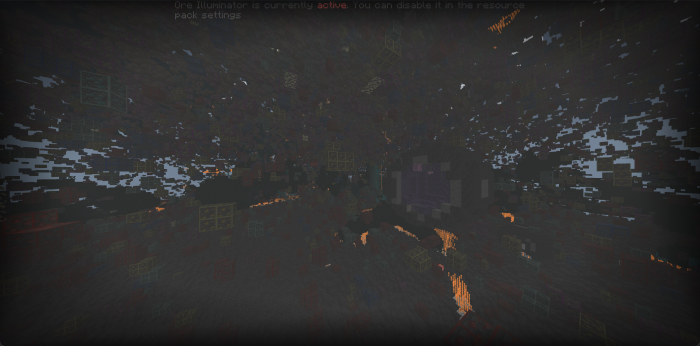
Health Indicators for Mobs and Players
Shows health indicators for mobs and players.
Damage Indicator
- Instantly shows how much damage you deal to players and mobs.
- Edition: Minecraft Bedrock
- File type: .mcpack
- Minecraft versions listed: 1.19, 1.20, 1.21
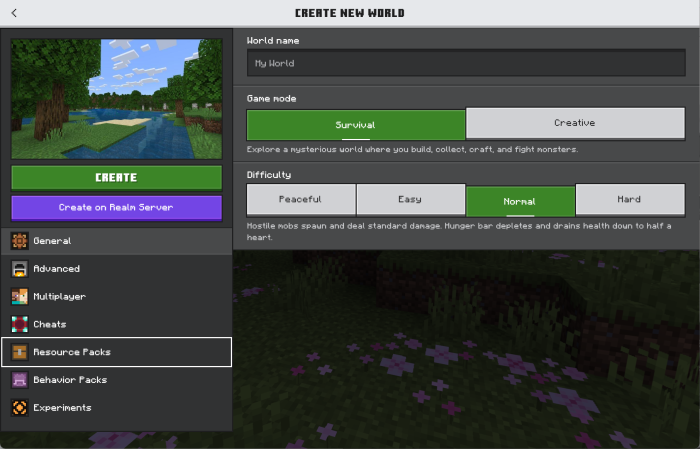
- How to install: Download the .mcpack. → Open it — Minecraft imports it under Resource Packs. → Activate it in Global Resources, or for one world under Resource Packs → Available.
- Where to get it: Opens on CurseForge — not every file is mirrored on our own servers.
Install steps are the general flow for this file type — How to install Minecraft Bedrock texture packs walks through it step by step.
- Save it as Sea-Through.mcaddon before opening — it downloads as .mcpack, but it is a .mcaddon pack
- Manifest requires Minecraft 1.26.0 or newer
- Complete pack — everything it depends on is inside the file
- Download size: 910 KB
- Download link checked 26 Oct 2026 — working
These come from our own check of the pack file, not from the source page.