
Texture packsBedrock
Light Mode Ore UI
Bedrock texture pack listed for Minecraft 1.16–1.21. File opened and checked on 29 Sep 2026; installs from the MC Bedrock Mods app on Android.
⬇ Download on CurseForge
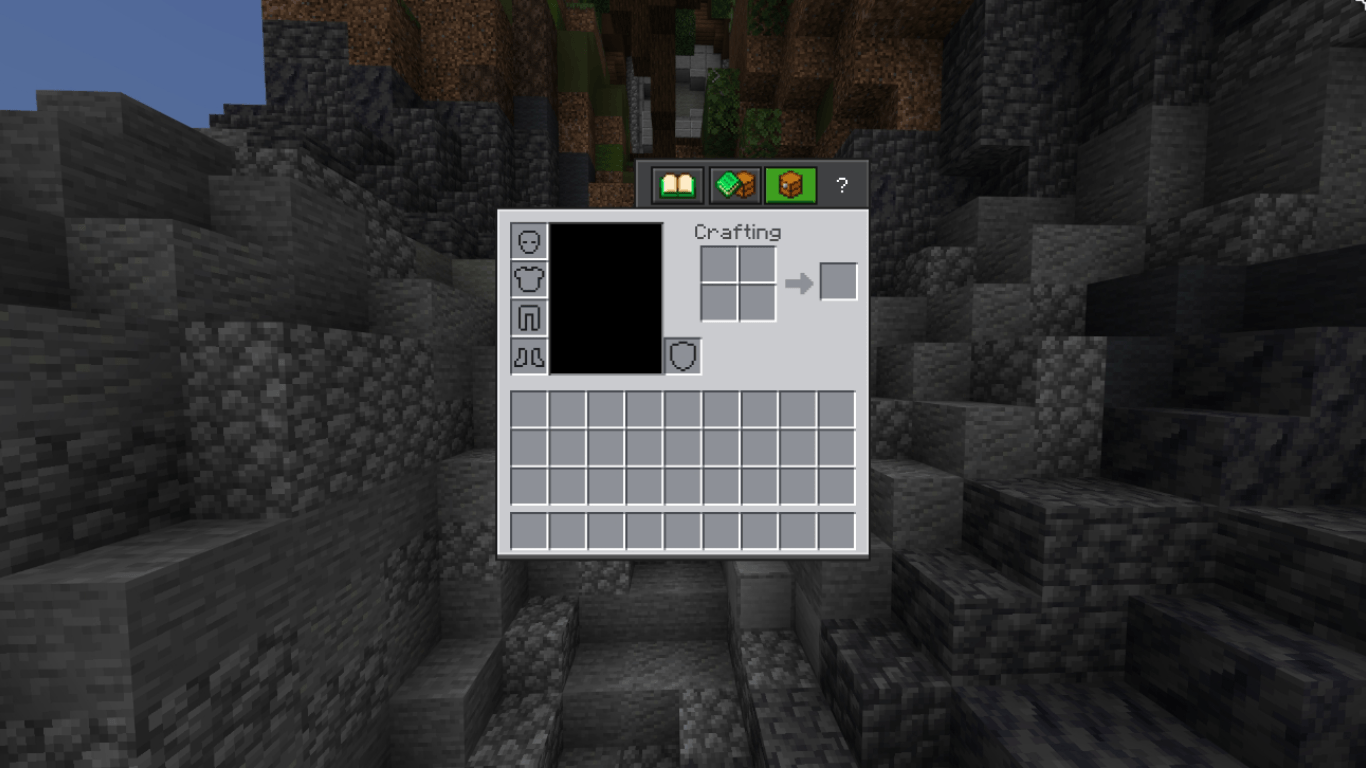
Ore UI Enhancements
⛏️ ORE UI ENHANCEMENTS
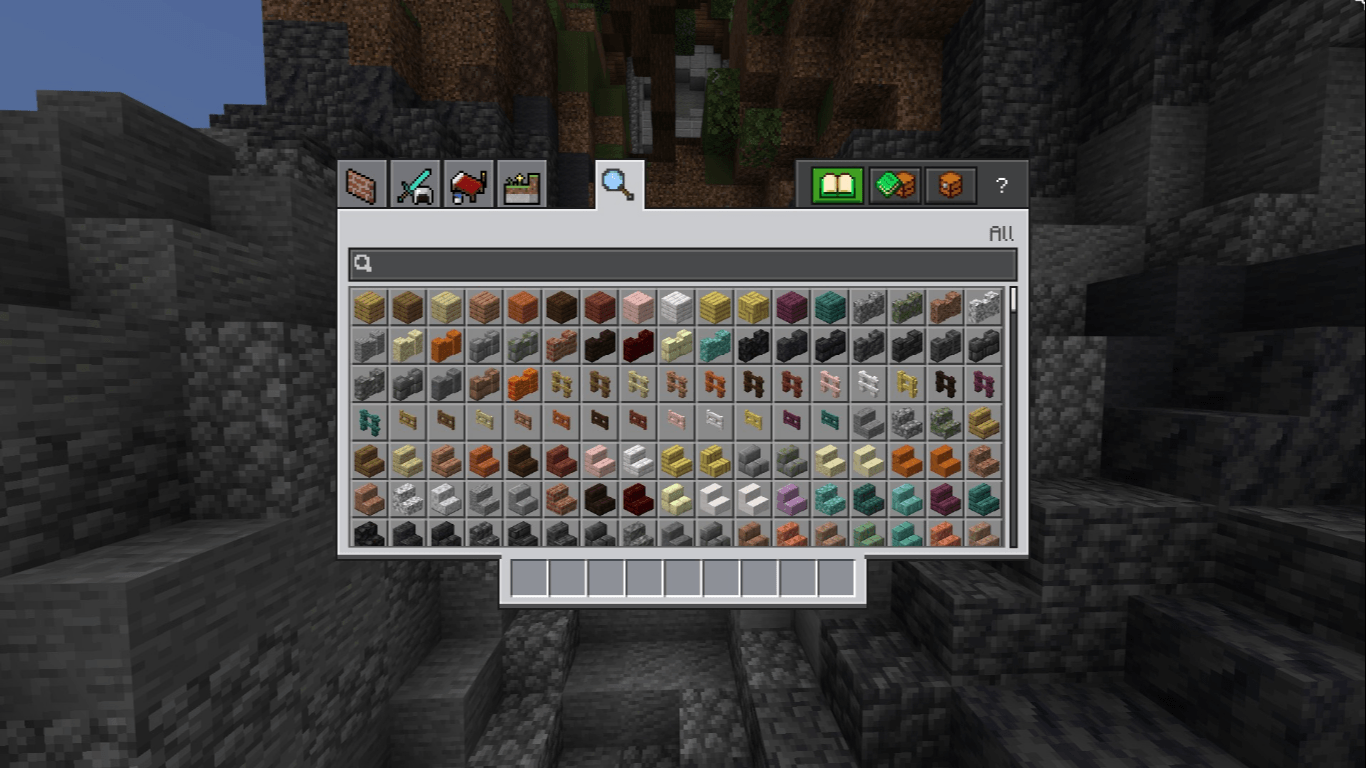
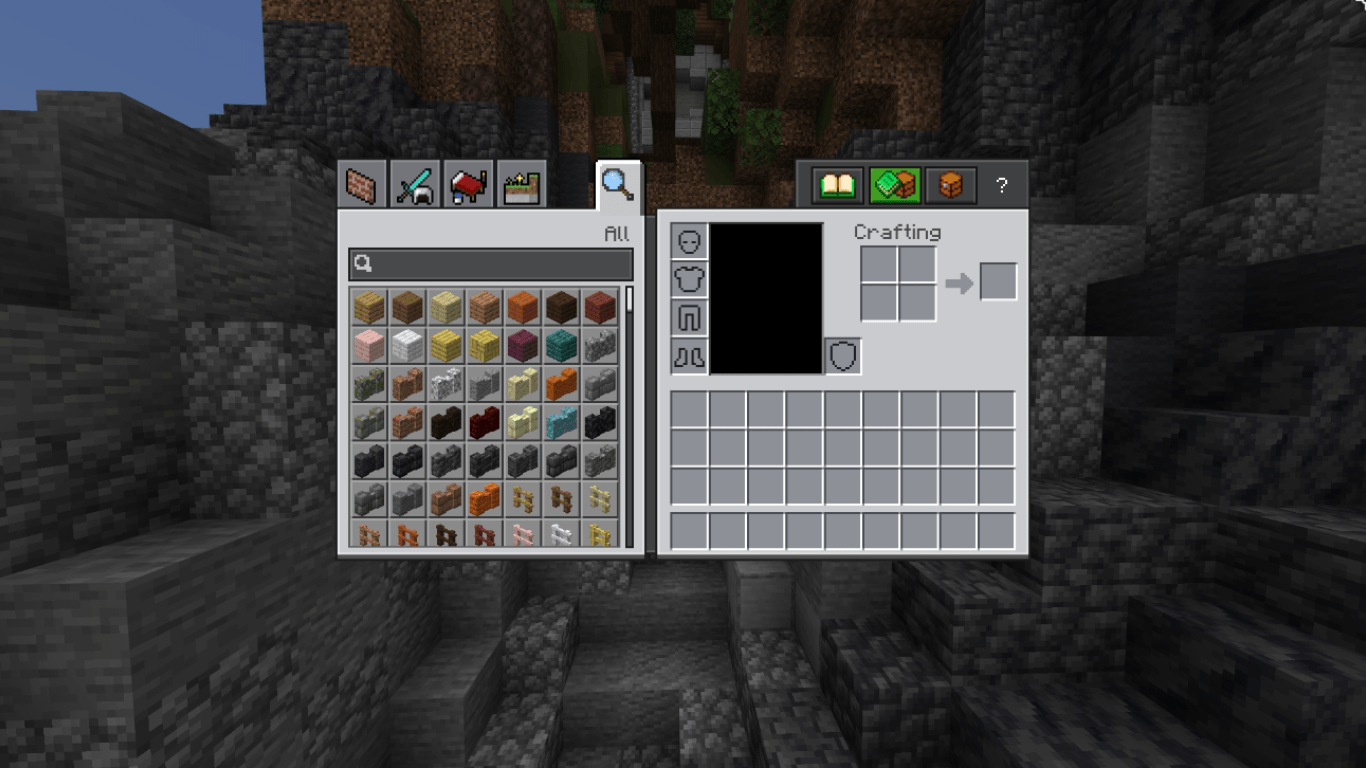
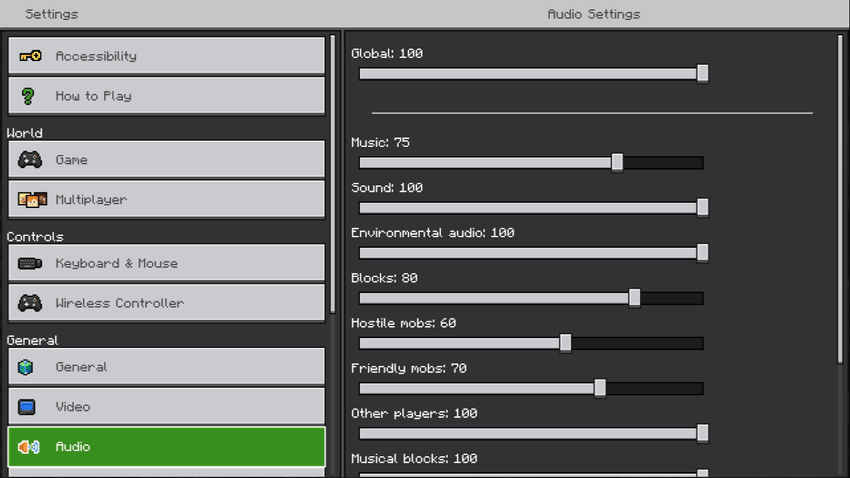
The style Mojang uses for the newer Ore UI looks a lot better than the default vanilla Bedrock interface.
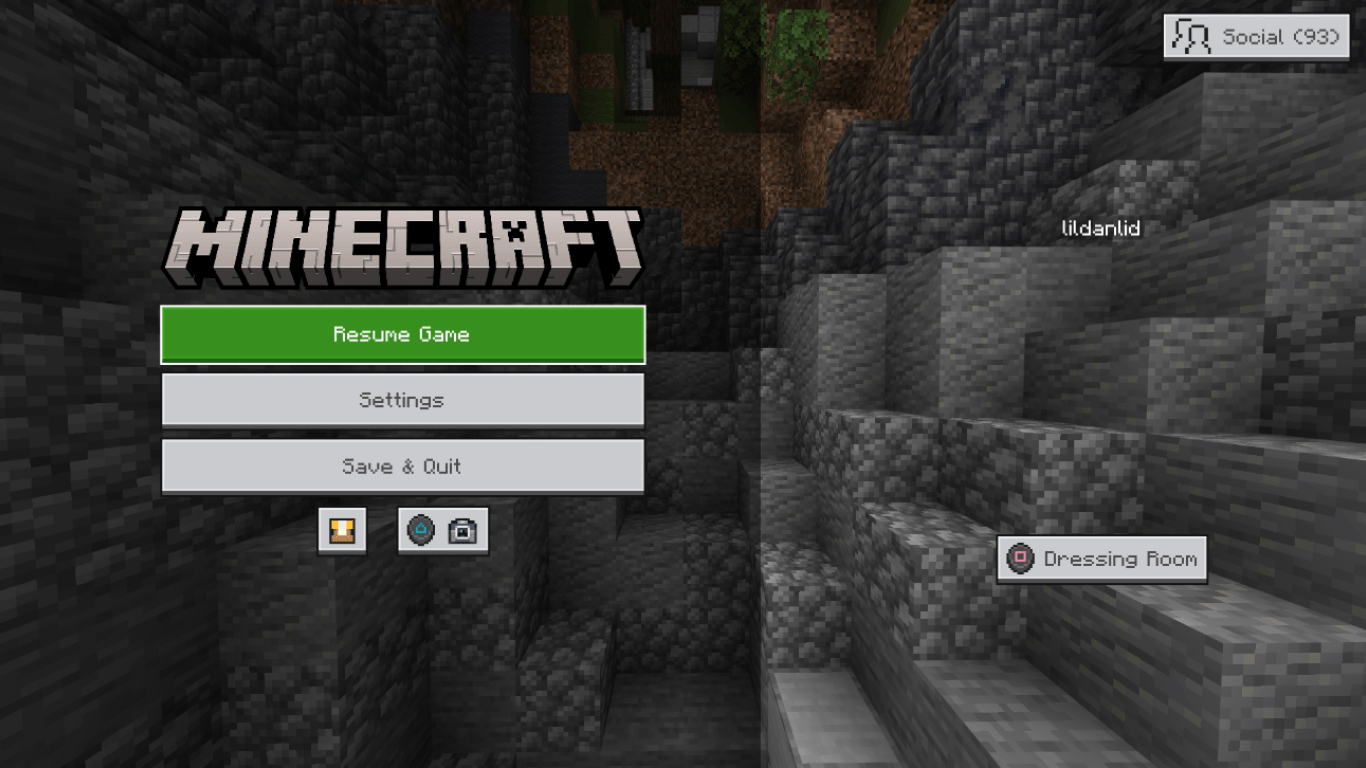
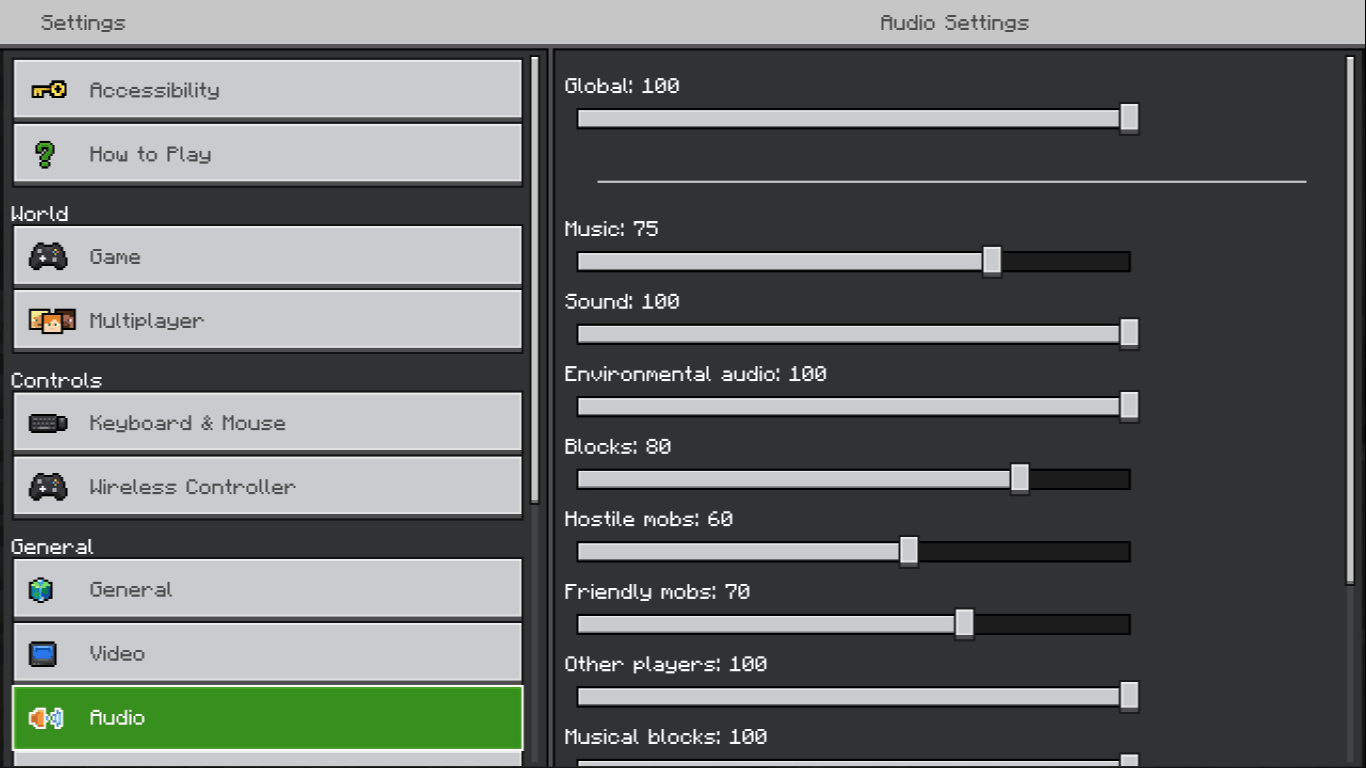
This pack updates the Settings and Pause Screen Marketplace button styling.
🖥️ UI IMPROVEMENTS
- Updated Settings screen styling
- Updated Pause Screen Marketplace button
- Cleaner Ore UI-inspired visuals
- Keeps the overall Bedrock interface familiar
🖼️ PREVIEWS
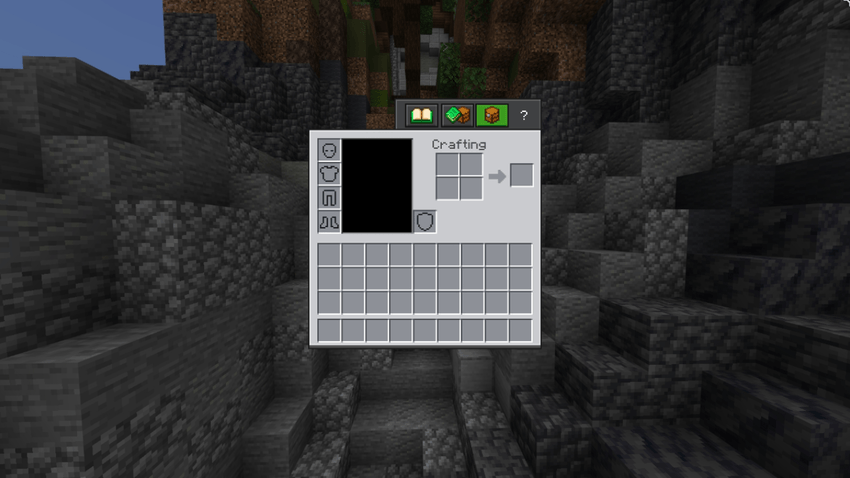
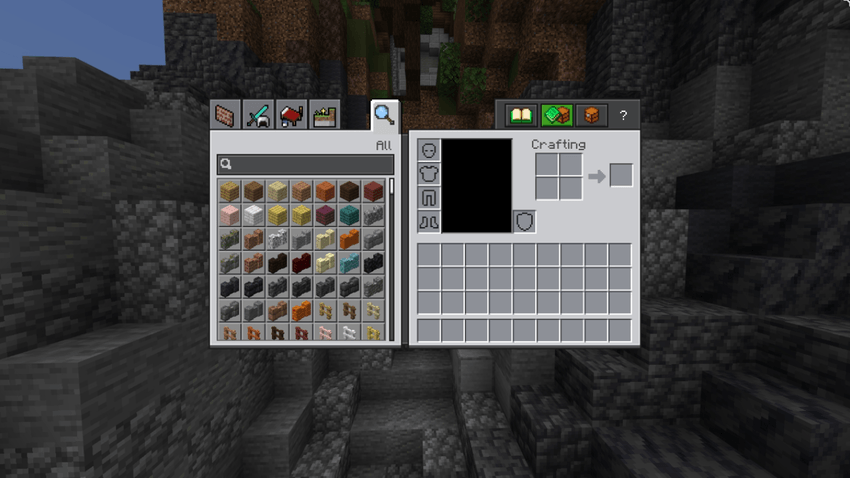
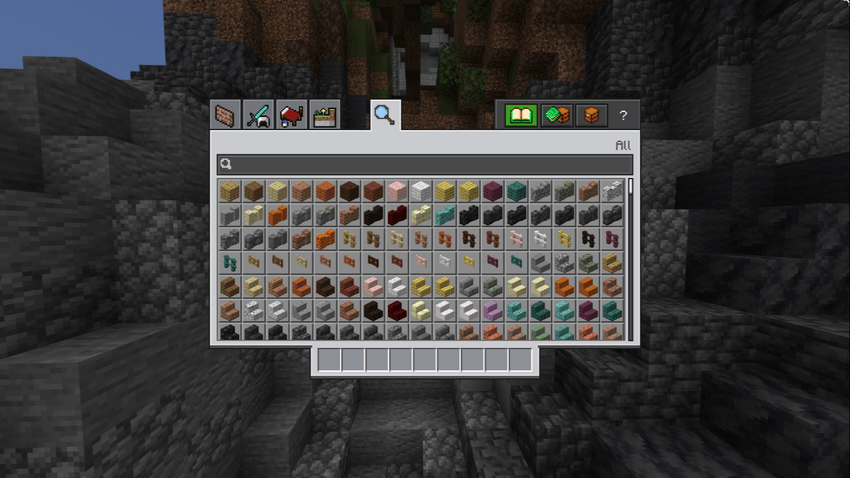

[Support](https://billing.kinetichosting.com/aff.php?aff=1371)
Quick facts
- Edition: Minecraft Bedrock
- File type: .mcpack
- Minecraft version listed: 1.21.122
- How to install: Download the .mcpack. → Open it — Minecraft imports it under Resource Packs. → Activate it in Global Resources, or for one world under Resource Packs → Available.
- Where to get it: Opens on CurseForge — not every file is mirrored on our own servers.
Install steps are the general flow for this file type — How to install Minecraft Bedrock texture packs walks through it step by step.
File checked by MCModsHub
- Save it as Ore UI.mcaddon before opening — it downloads as .mcpack, but it is a .mcaddon pack
- Manifest requires Minecraft 1.16.0 or newer
- Complete pack — everything it depends on is inside the file
- Download size: 292 KB
- Download link checked 6 Oct 2026 — working
These come from our own check of the pack file, not from the source page.