Texture packsBedrock
PandaMine's No Block Rotations (FPS Boost)
Bedrock texture pack listed for Minecraft 1.21–26.x. File opened and checked on 21 Sep 2026; installs from the MC Bedrock Mods app on Android.
I don't know my version
Open Minecraft and look at the bottom-left corner of the main screen — the version is printed there, like v1.26.30.
The game writes a 1. in front; the buttons above leave it off. v1.26.30 in the game is 26.30 here.
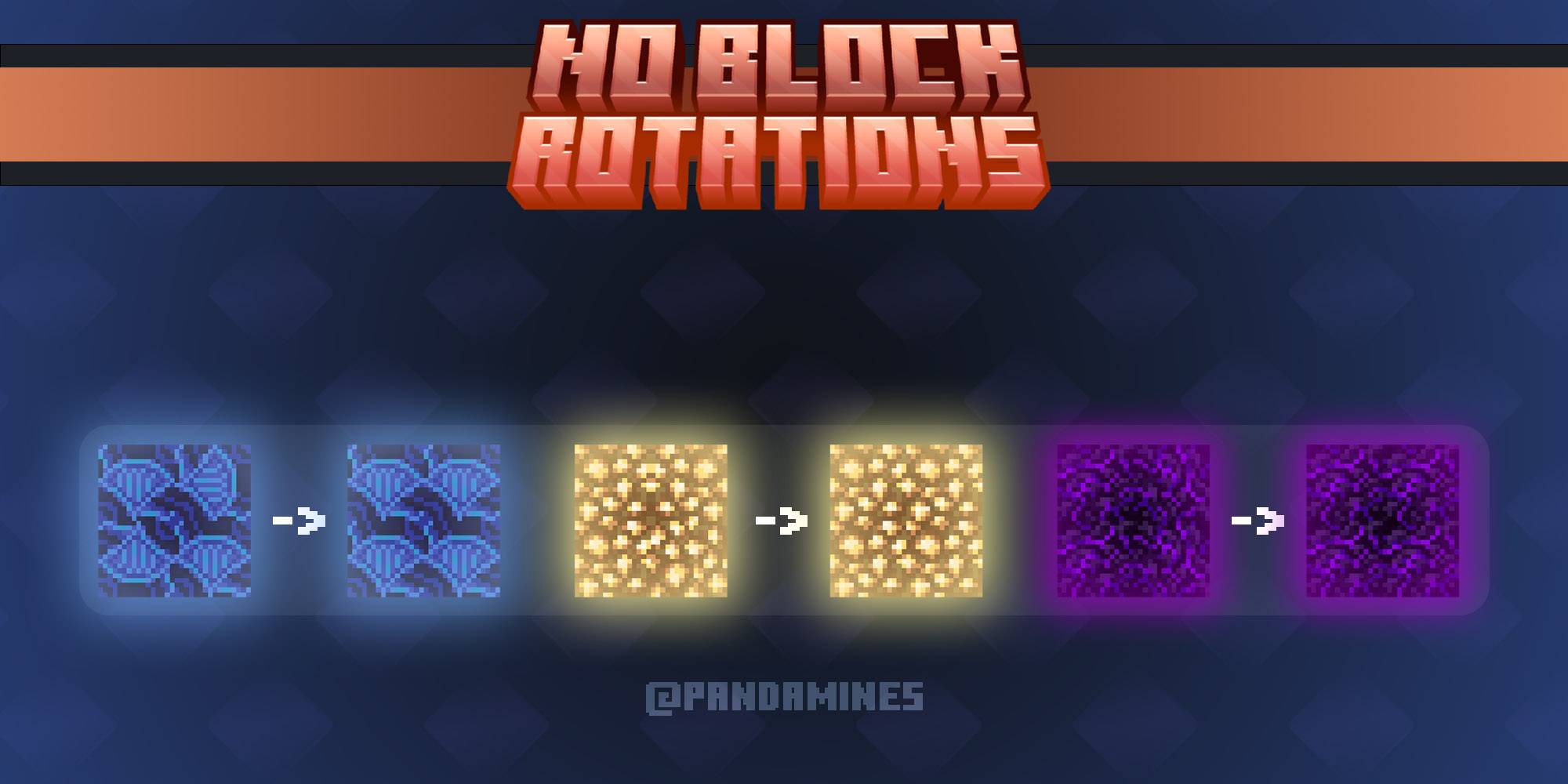
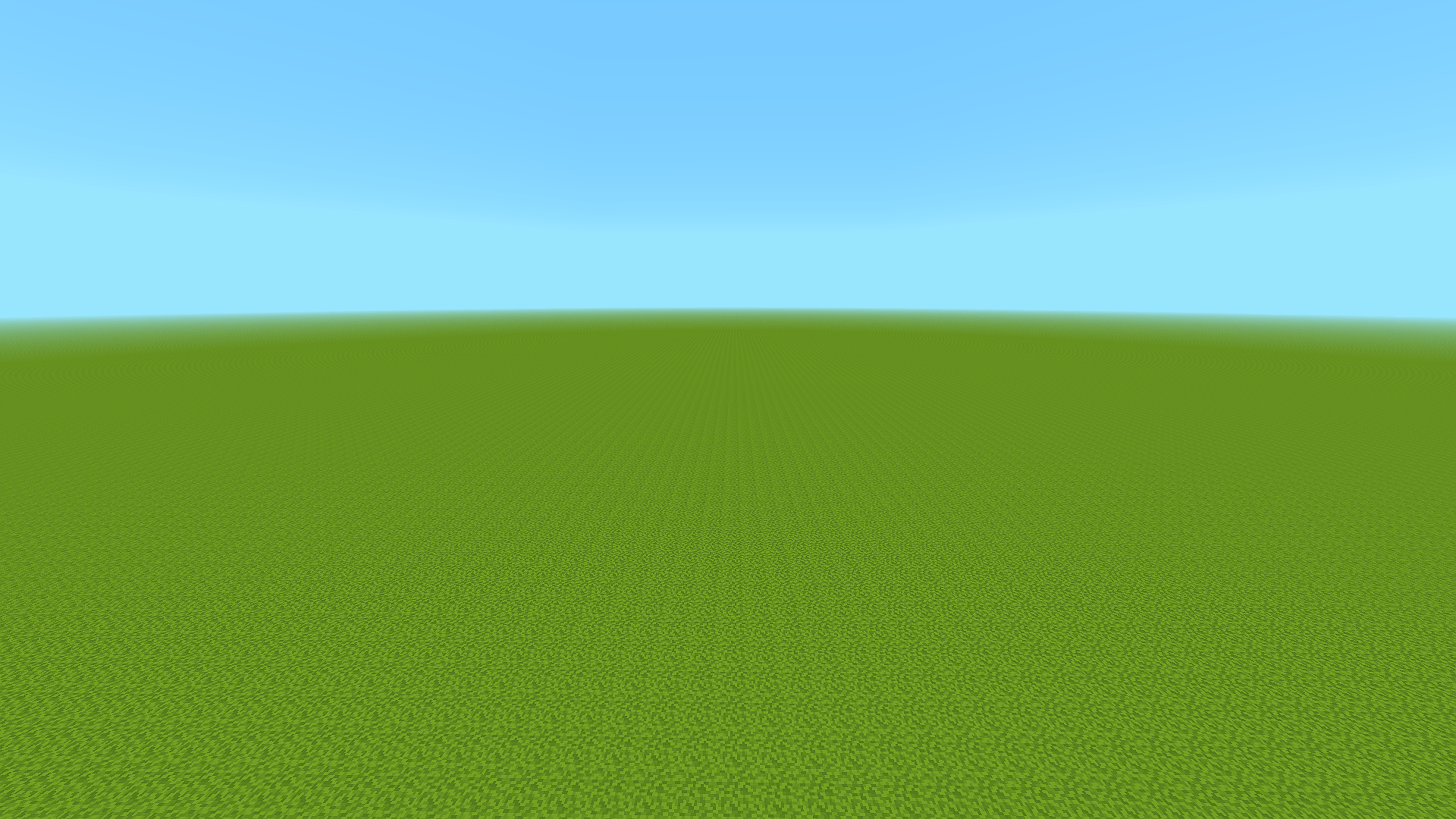
Removes rotations from all blocks giving straight look for terrain and making world seed impossible to find for others, useful for speedrunners!
Requires:
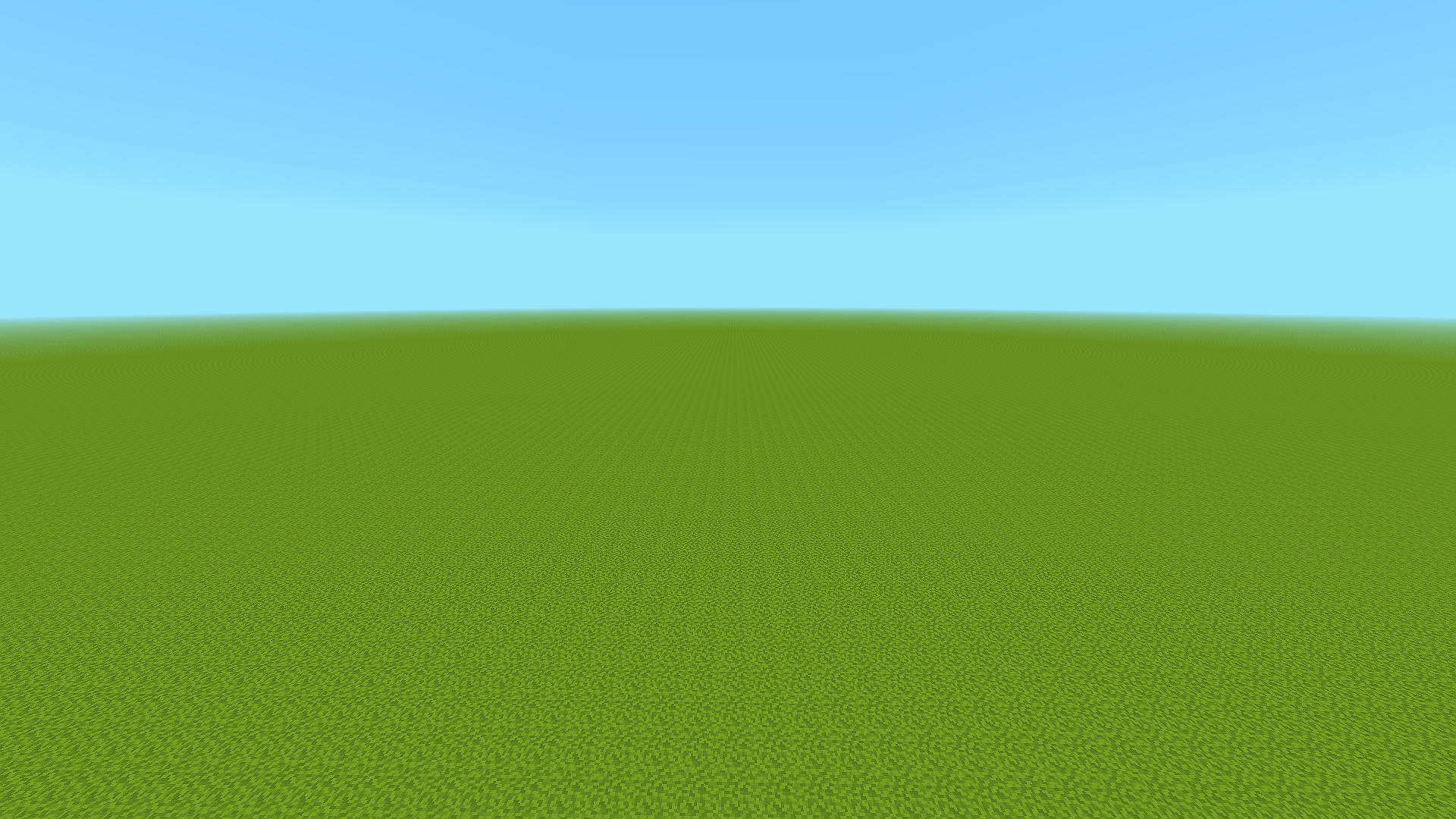
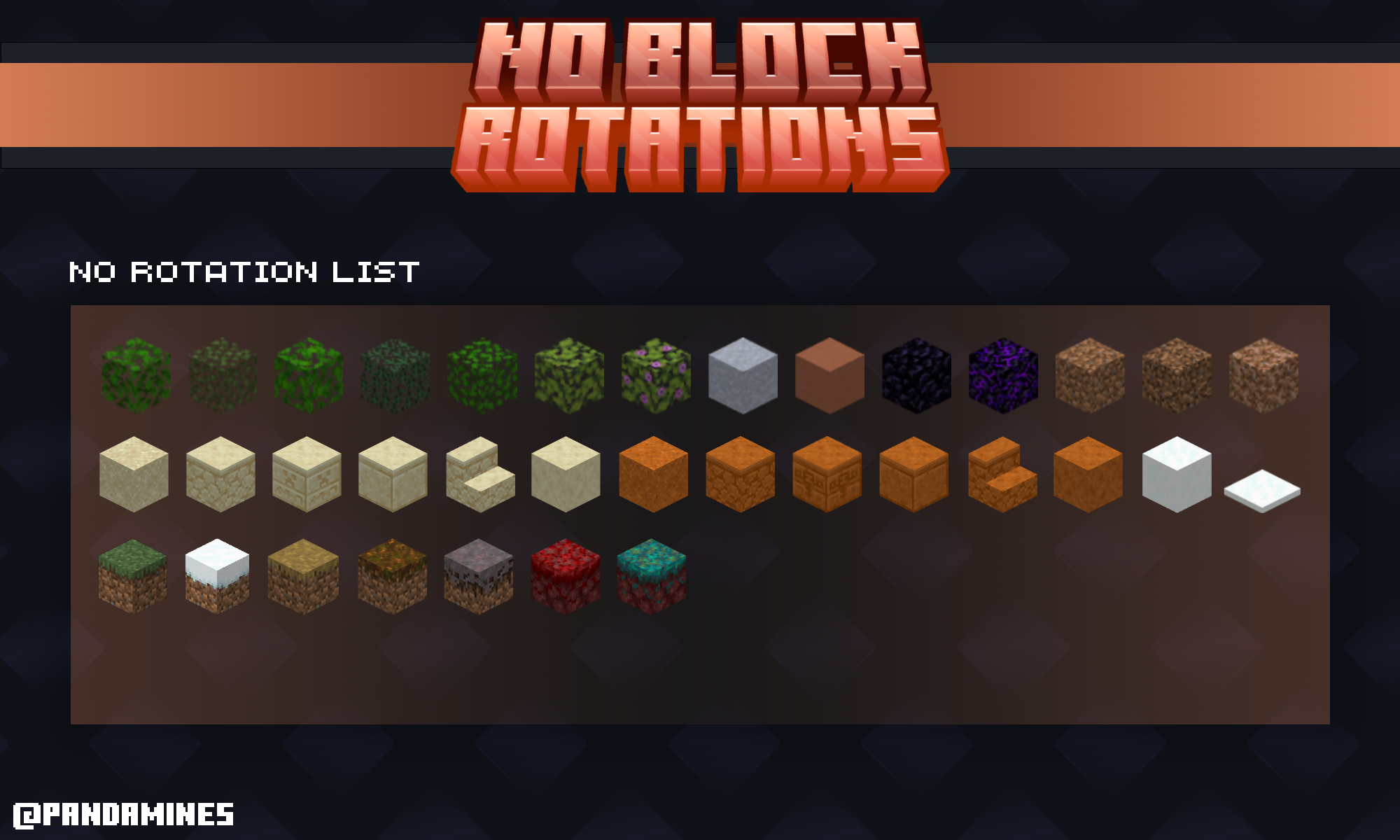
Blocks with removed Rotations:
- Leaves
- Clay
- Hardened Clay
- Stained Hardened Clay
- Obsidian
- Crying Obsidian
- Glowstone
- Netherrack
- Magma
- Lava
- Deepslate
- Infested Deepslate
- Sculk
- Dirt
- Coarse Dirt
- Dirt with Roots
- Sand
- Sandstone
- Chiseled Sandstone
- Cut Sandstone
- Sandstone Stairs
- Smooth Sandstone
- Red Sand
- Red Sandstone
- Chiseled Red Sandstone
- Cut Red Sandstone
- Red Sandstone Stairs
- Smooth Red Sandstone
- Sponge
- Wet Sponge
- Snow
- Snow layer
- Grass
- Snowy Grass
- Grass path
- Podzol
- Mycelium
- Crimson Nylium
- Warped Nylium
Terms of Use:
Allowed ✅
- Showcase the pack/addon in any video as long as I PandaMine5 am credited properly with ModBay/Curseforge link.
- You can modify this texture pack for personal use.
- Share this texture pack using ModBay/CurseForge link.
Not Allowed ❌
- Steal the code for any addon or texture pack.
- Modify the pack for Public use.
- Upload it on any 3rd-party website.
- Showcase or use the pack in videos without proper credits.
- Share the mediafire or any direct links to the pack.
Unauthorized use of this content is strictly prohibited under intellectual property laws.
Violators will face DMCA takedowns, legal claims, and financial penalties.
About
Author: PandaMine5
Discord: pandamine5x
Rate & Share This Mod!

Quick facts
- Edition: Minecraft Bedrock
- File type: .mcpack
- Minecraft versions listed: 26.40, 1.21.90, 1.21.94
- How to install: Download the .mcpack. → Open it — Minecraft imports it under Resource Packs. → Activate it in Global Resources, or for one world under Resource Packs → Available.
- Where to get it: Opens on CurseForge — not every file is mirrored on our own servers.
Install steps are the general flow for this file type — How to install Minecraft Bedrock texture packs walks through it step by step.
File checked by MCModsHub
- Pack type: .mcpack — a single pack
- Complete pack — everything it depends on is inside the file
- Download size: 3 KB
- Download link checked 6 Oct 2026 — working
These come from our own check of the pack file, not from the source page.