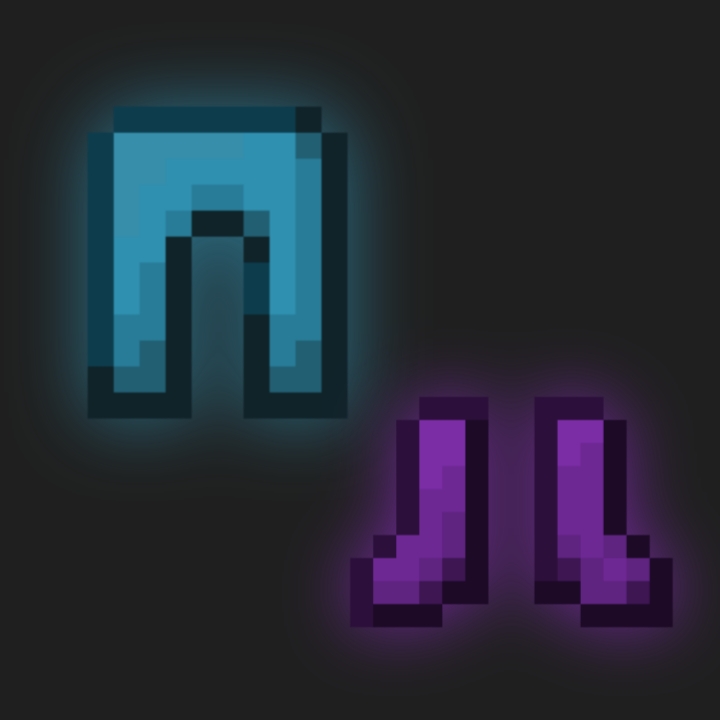
Smooth Leather Armor
Bedrock texture pack listed for Minecraft 1.18–1.21. Download on the author's site.
This pack make leather armor more smooth and clean. It remove the rough texture so the dye look like one solid color. It only change the leather armor.
⬇ Download on CurseForge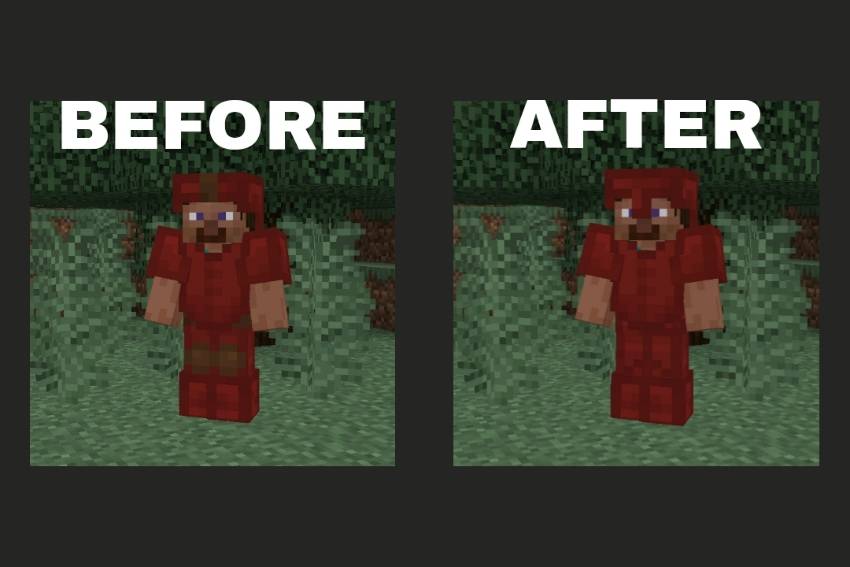
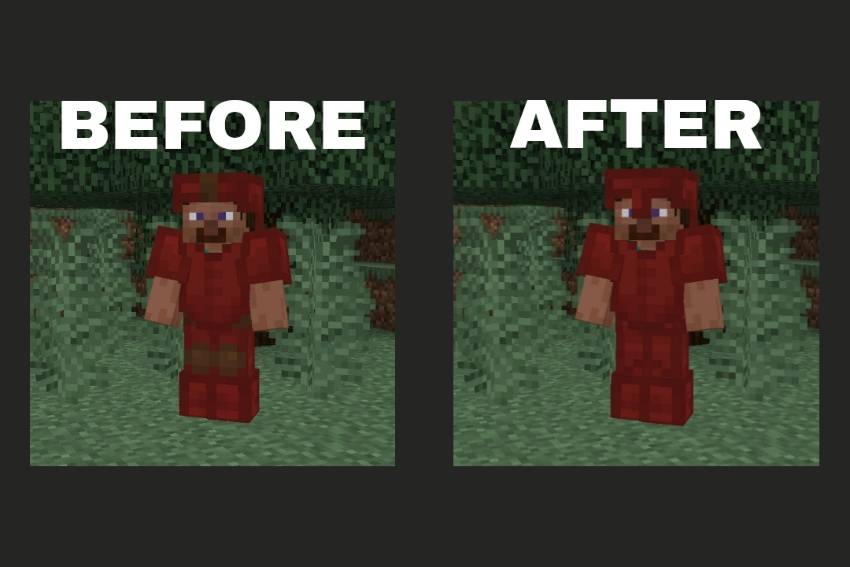
In Minecraft, leather armor never really dyes all the way, it always keep that annoying brown bit showing.
This pack kinda fix that problem.
Now when you dye leather armor, the color go full on, no brown showing, and the whole thing look smoother and more clean.
It just make the armor look better overall.
- Edition: Minecraft Bedrock
- File type: .mcpack
- Minecraft versions listed: 1.18, 1.19, 1.20
- How to install: Download the .mcpack. → Open it — Minecraft imports it under Resource Packs. → Activate it in Global Resources, or for one world under Resource Packs → Available.
- Where to get it: Opens on CurseForge — not every file is mirrored on our own servers.
Install steps are the general flow for this file type — How to install Minecraft Bedrock texture packs walks through it step by step.
Smooth Leather Armor is a free Minecraft Bedrock texture pack. Compatible with Minecraft 1.18, 1.19, 1.20, 1.21. Downloaded 562 times (via CurseForge). Download it and open it directly in the game.