X377a
Bedrock texture pack listed for Minecraft 1.17–26.x. File opened and checked on 6 Oct 2026; installs from the MC Bedrock Mods app on Android.
A PvP texture pack in Minecraft is a pack that changes the game’s look to help players fight better. It makes weapons clearer, reduces lag, and removes…
⬇ Download on CurseForge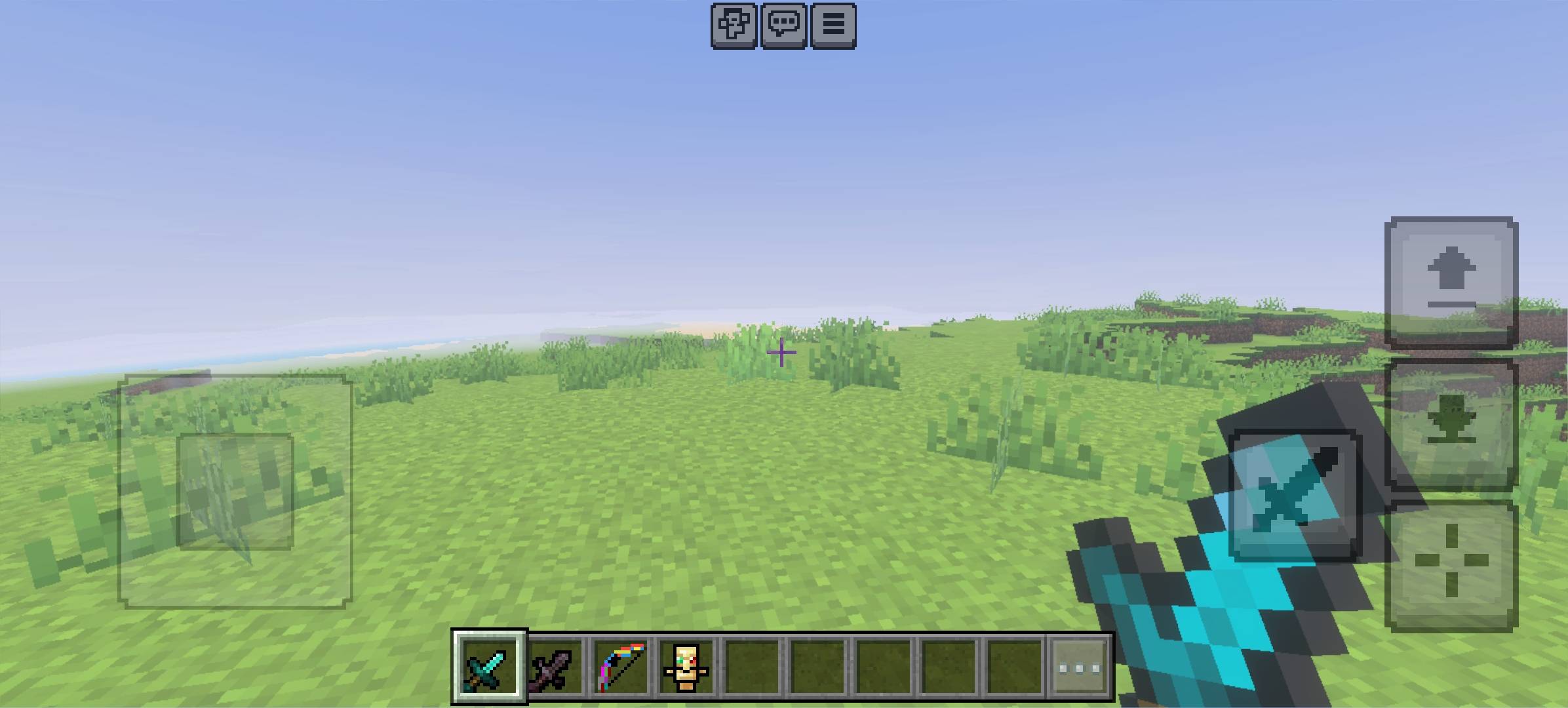
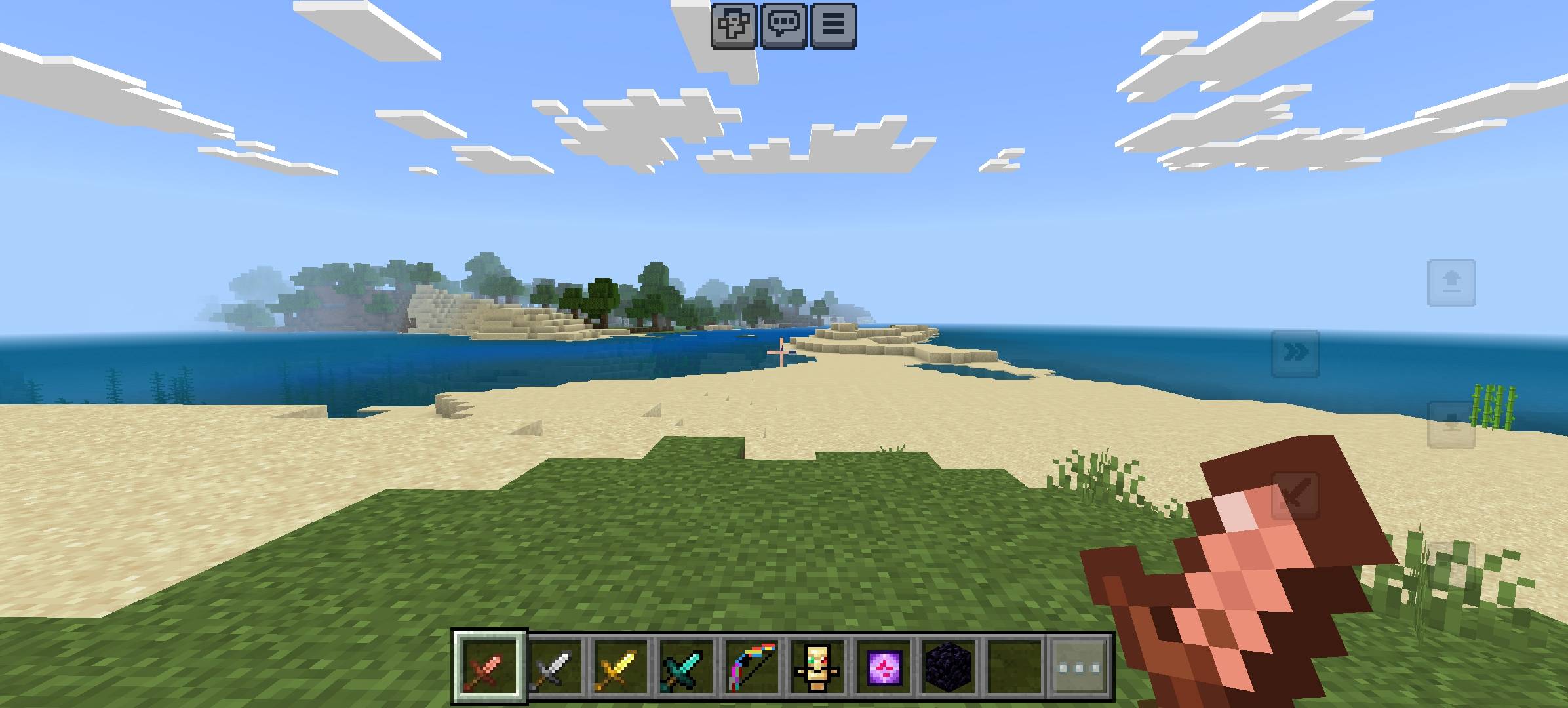
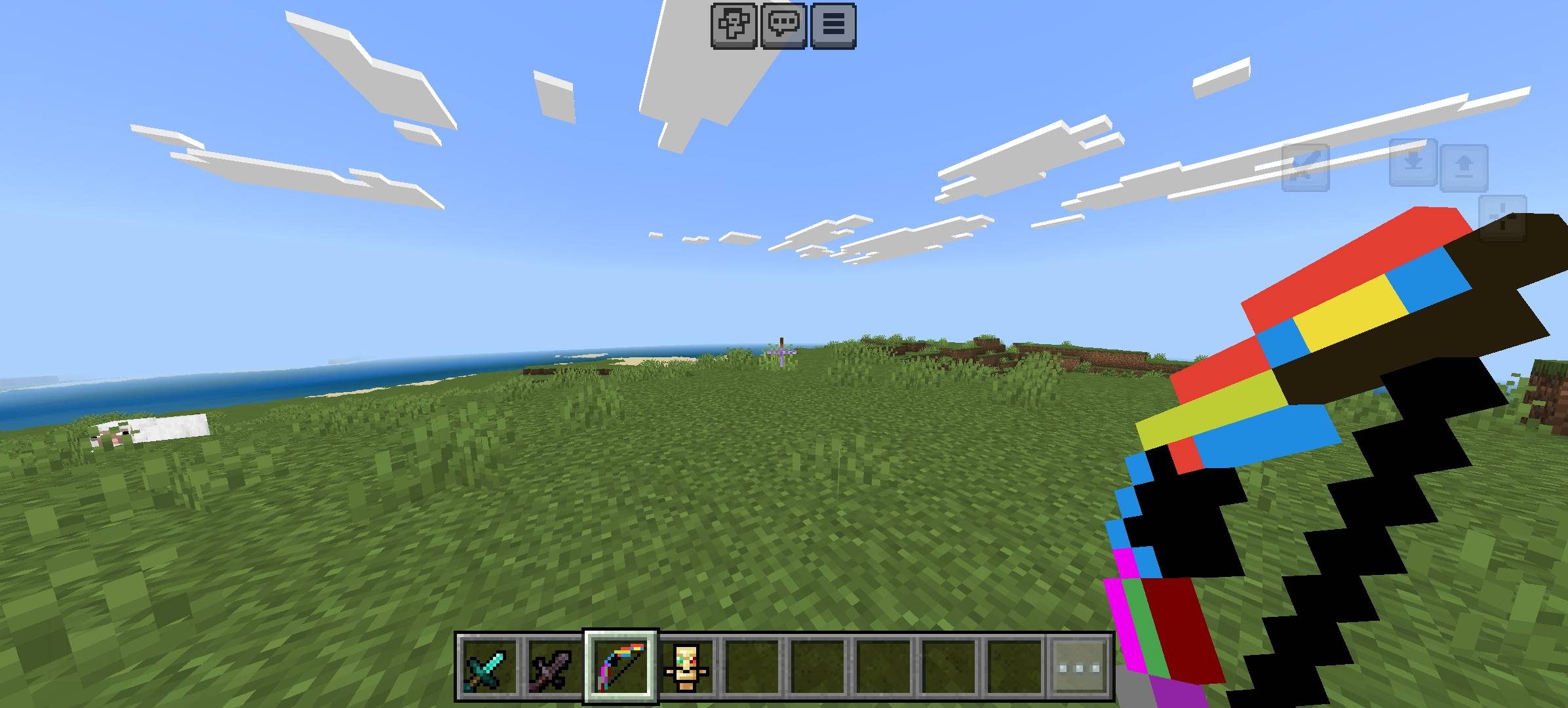
A PvP texture pack in Minecraft is a custom pack that changes the game’s appearance to make player-versus-player combat easier and smoother. Instead of focusing on realistic or fancy graphics, this type of pack is designed to improve performance and visibility during fights.
In a PvP texture pack, many textures are simplified or made cleaner. Weapons like swords are often smaller so they don’t block your view while fighting. The crosshair is usually more visible to help with accurate aiming. Effects such as fire, explosions, and particles are reduced so they don’t cover the screen and distract the player. Armor and tools may also have brighter or clearer designs so you can quickly recognize them during combat.
- Edition: Minecraft Bedrock
- File type: .mcpack
- Minecraft versions listed: 1.21.101, 1.21.111, 1.21.114
- How to install: Download the .mcpack. → Open it — Minecraft imports it under Resource Packs. → Activate it in Global Resources, or for one world under Resource Packs → Available.
- Where to get it: Opens on CurseForge — not every file is mirrored on our own servers.
Install steps are the general flow for this file type — How to install Minecraft Bedrock texture packs walks through it step by step.
- Pack type: .mcpack — a single pack
- Manifest requires Minecraft 1.17.0 or newer
- Complete pack — everything it depends on is inside the file
- Download size: 1.7 MB
- Download link checked 6 Oct 2026 — working
These come from our own check of the pack file, not from the source page.