Glint Ores
Bedrock texture pack listed for Minecraft 1.20–1.21. File opened and checked on 4 Oct 2026; installs from the MC Bedrock Mods app on Android.
⬇ Download on CurseForge
Sometimes when you're down in the depths and you're low on torches or are busy fighting monsters, you may unknowingly walk straight past a precious ore, losing out on valuable materials.
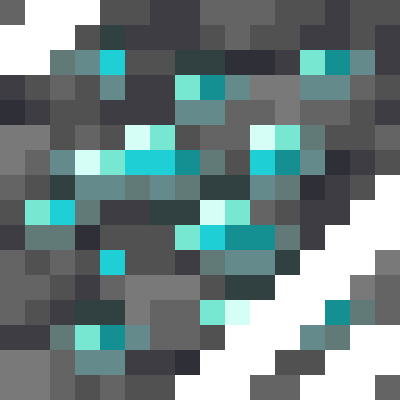
This texture pack adds an animated glint overlay texture to every single ore in the game (as shown below), to try and help you see every single ore you walk past when caving. The moving texture should help draw you eye to the ores. This pack is especially helpful when mining at Deepslate level, even more so for Deepslate Coal Ore which can sometimes be tricky to spot amongst deepslate blocks.
This pack should also reduce the chance of mistaking Glow Lichen for Diamonds, as there is no glint for Glow Lichen.
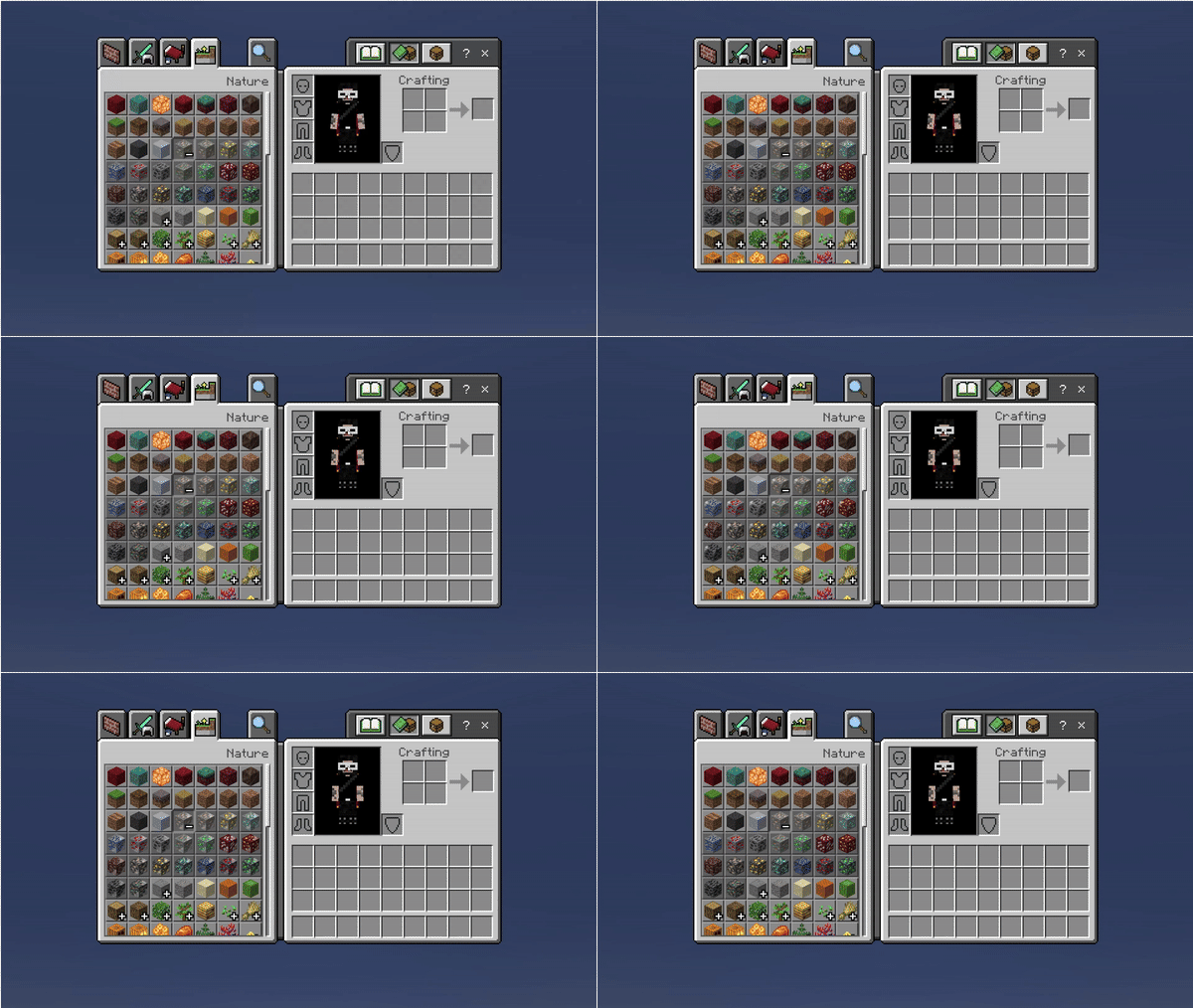
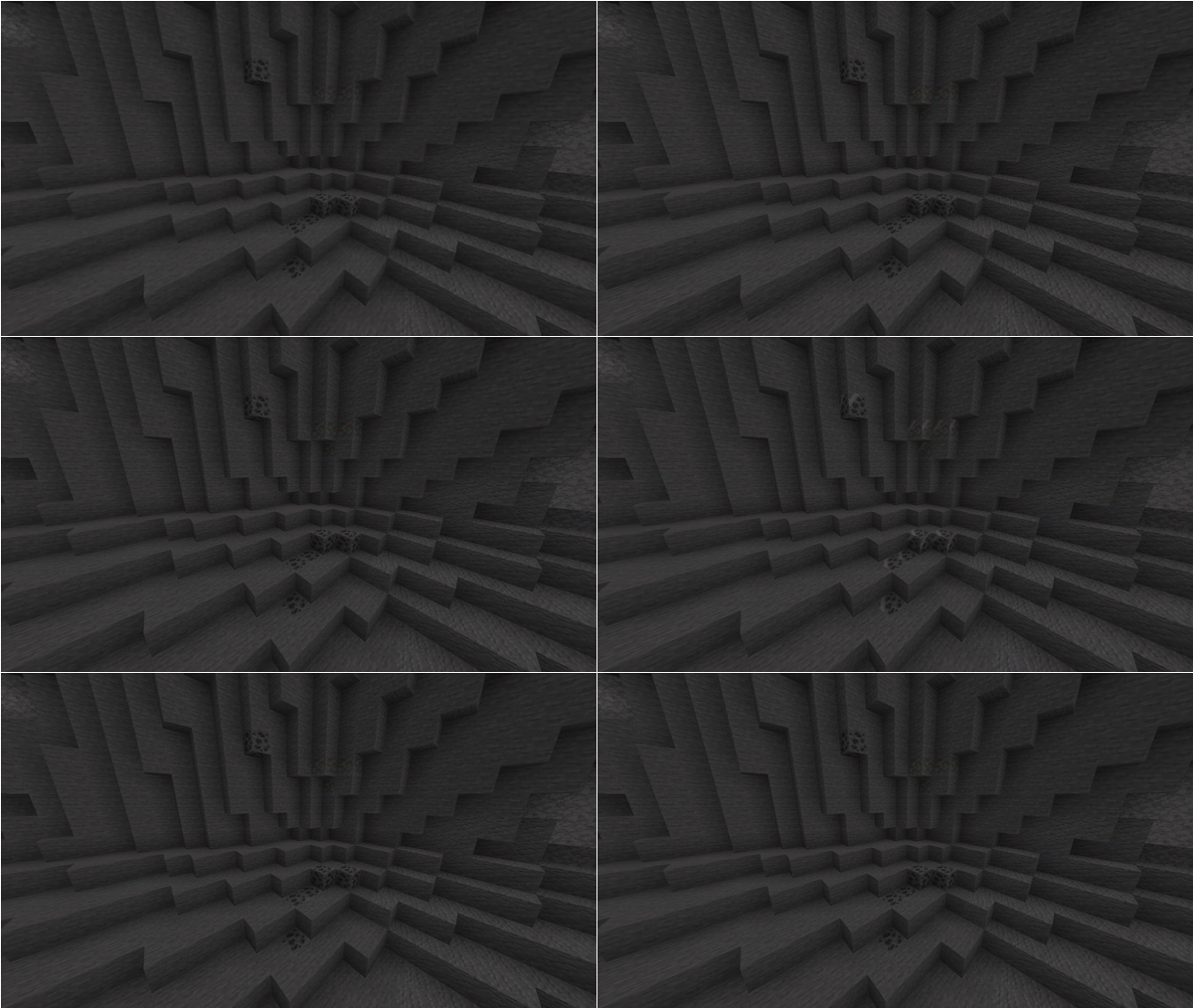
This pack is perfect for people on lower end devices who can't run vibrant visuals in order to be able to use glowing ores texture packs!
- Edition: Minecraft Bedrock
- File type: .mcpack
- Minecraft versions listed: 1.21.101, 1.21.100, 1.21.111
- How to install: Download the .mcpack. → Open it — Minecraft imports it under Resource Packs. → Activate it in Global Resources, or for one world under Resource Packs → Available.
- Where to get it: Opens on CurseForge — not every file is mirrored on our own servers.
Install steps are the general flow for this file type — How to install Minecraft Bedrock texture packs walks through it step by step.
- Save it as Glint Ores.mcaddon before opening — it downloads as .mcpack, but it is a .mcaddon pack
- Manifest requires Minecraft 1.20.0 or newer
- Complete pack — everything it depends on is inside the file
- Download size: 55 KB
- Download link checked 6 Oct 2026 — working
These come from our own check of the pack file, not from the source page.