Texture packsBedrock
Hidden Coordinates
Bedrock texture pack listed for Minecraft 1.21. File opened and checked on 5 Oct 2026; installs from the MC Bedrock Mods app on Android.
Are you tired and frustrated when creating videos or streaming content just to see your coordinates? Well, that issue won't exist anymore. You're welcome…
⬇ Download on CurseForge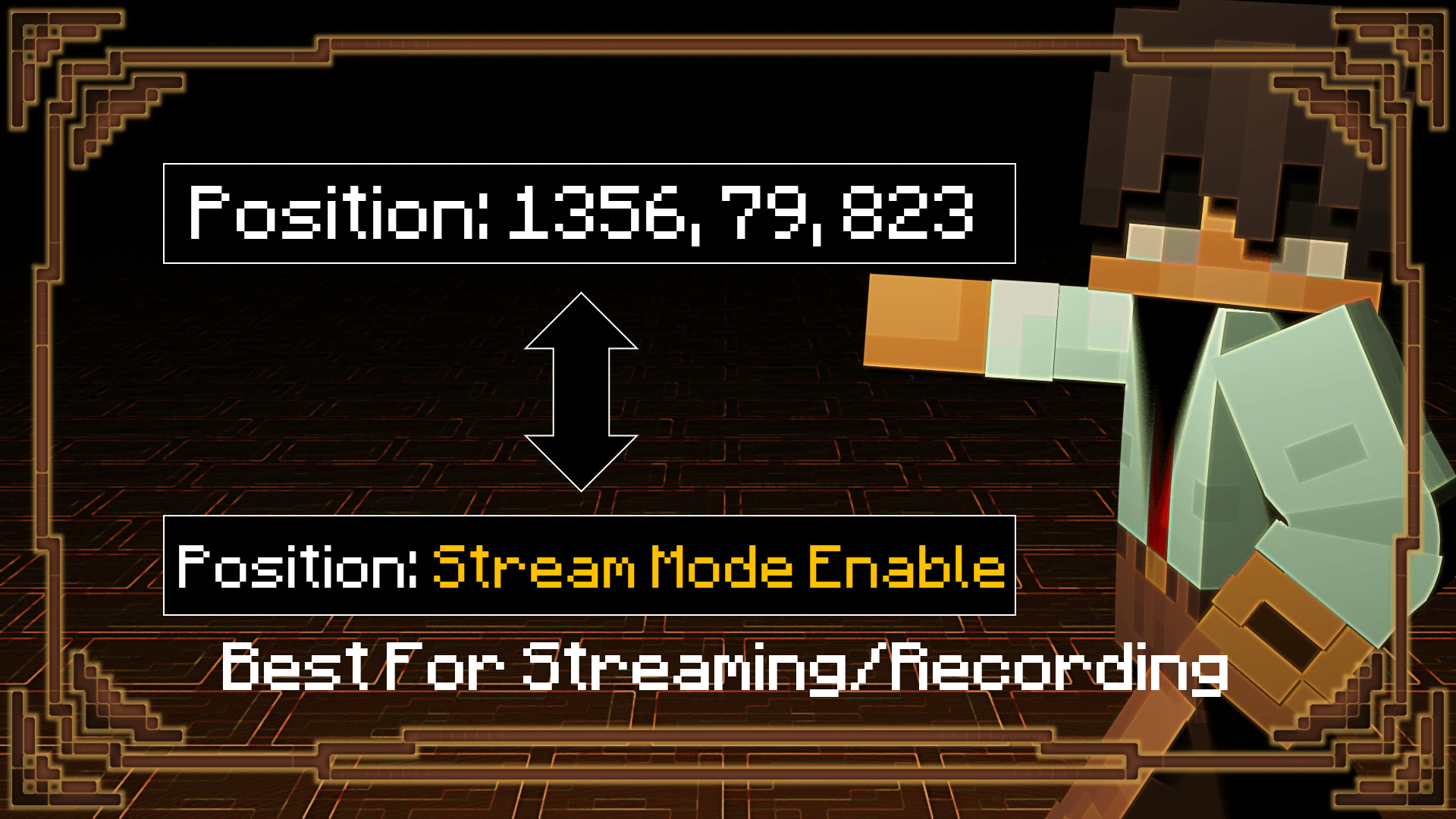
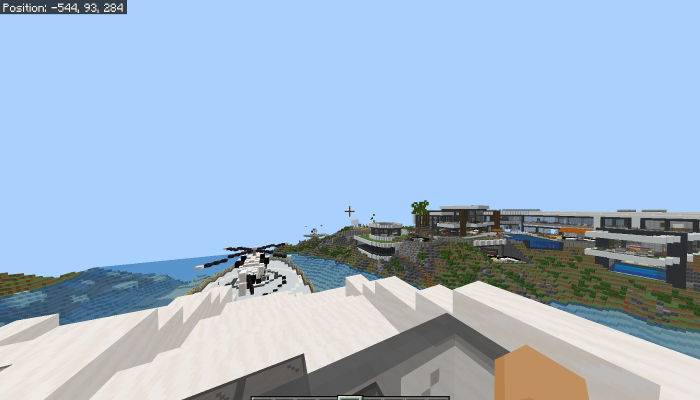
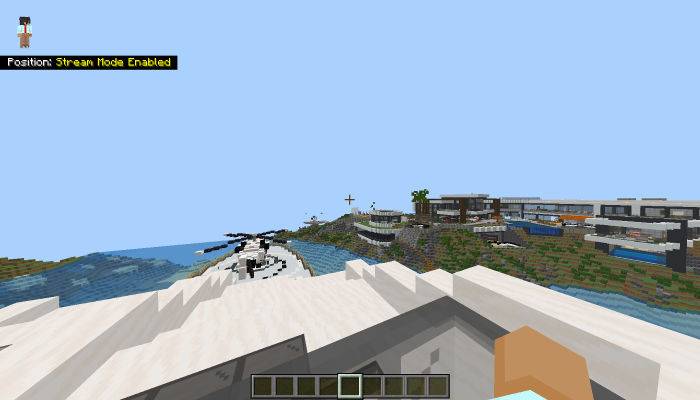
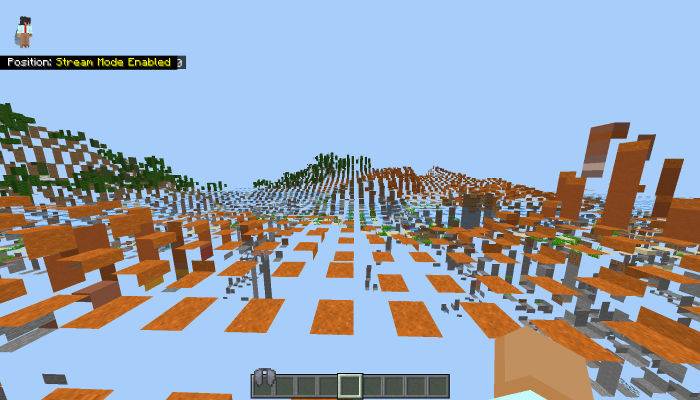
The pack can be used for screensharing, recording, streaming, and taking screenshots all while being extremely easy to use. The use of paper doll is to not display coords and when paper doll is off, the coords appear. Here's a demonstration.
Paper Doll Off
Paper Doll On
If your coordinates for the x, y, and z coords are too high, the non-display does reach a point where the end of the number(s) is seen.
IMPORTANT REMINDER!!!
-
Use this link when posting about this pack
-
No claiming the pack is yours
-
If your going to edit anything in the pack and post it (MAKE SURE TO INCLUDE THIS LINK)
This pack uses the hud_screen.json
You can join my discord to download other packs that might not have been posted yet - https://discord.gg/5s9JuQDASw
If the link doesn't work you can dm that you want to join my discord and I'll send you the invite - biggamers4u
Quick facts
- Edition: Minecraft Bedrock
- File type: .mcpack
- Minecraft version listed: 1.21.82
- How to install: Download the .mcpack. → Open it — Minecraft imports it under Resource Packs. → Activate it in Global Resources, or for one world under Resource Packs → Available.
- Where to get it: Opens on CurseForge — not every file is mirrored on our own servers.
Install steps are the general flow for this file type — How to install Minecraft Bedrock texture packs walks through it step by step.
File checked by MCModsHub
- Pack type: .mcpack — a single pack
- Manifest requires Minecraft 1.21.30 or newer
- Complete pack — everything it depends on is inside the file
- Download size: 1.1 MB
- Download link checked 6 Oct 2026 — working
These come from our own check of the pack file, not from the source page.