
Death Coordinate
I don't know my version
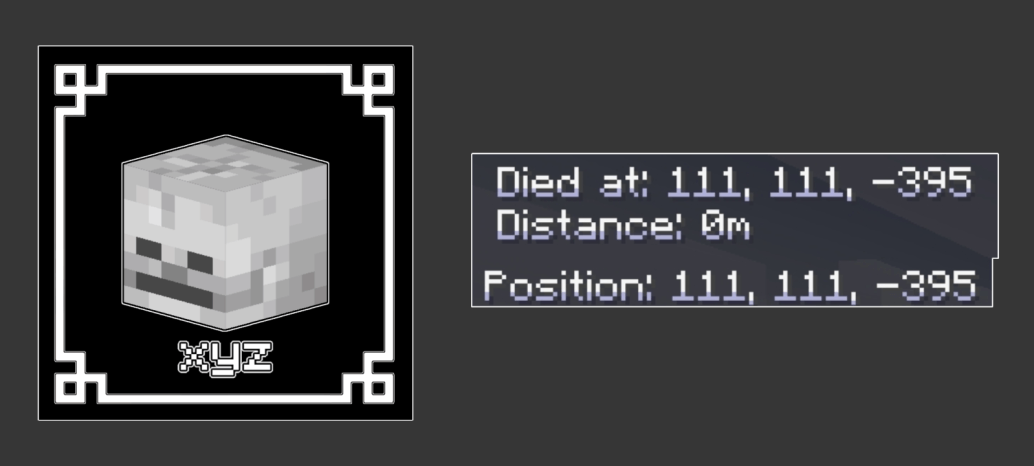
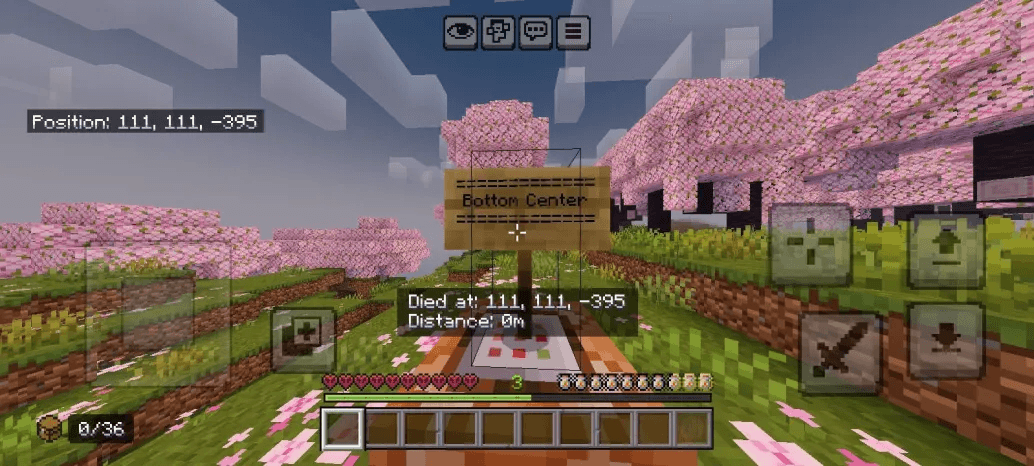
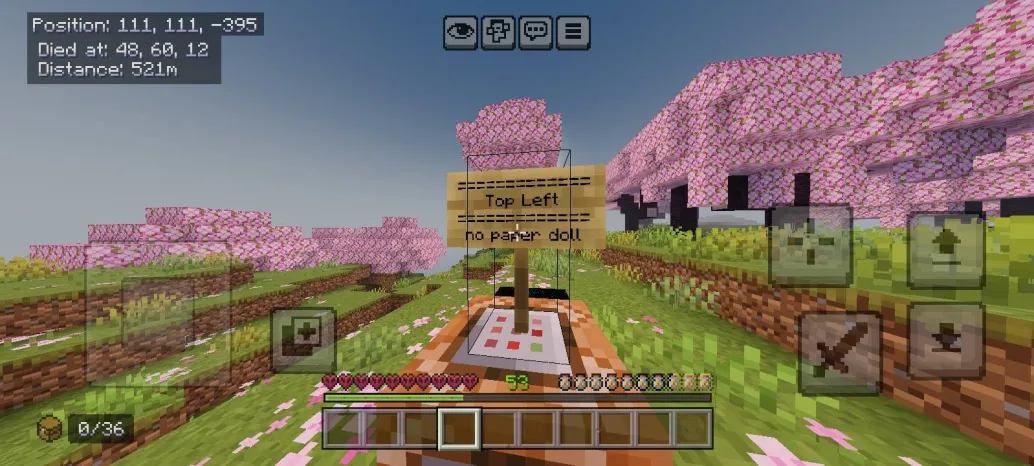
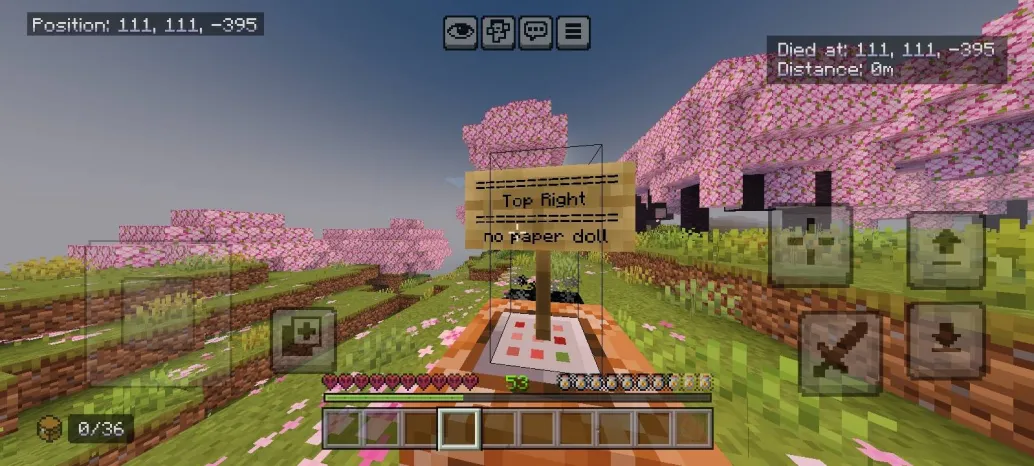
Death Coordinate
Made by Dex
Ever died and had NO idea where you were? Yeah that's actually painful. Death Coordinate fixes that by showing exactly where you died right on your HUD — no commands, no mods, just install and go.
What it does
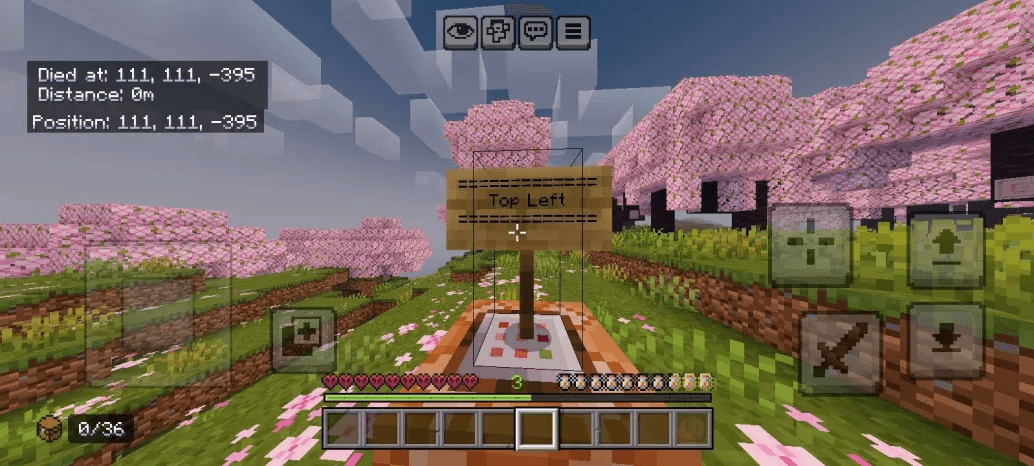
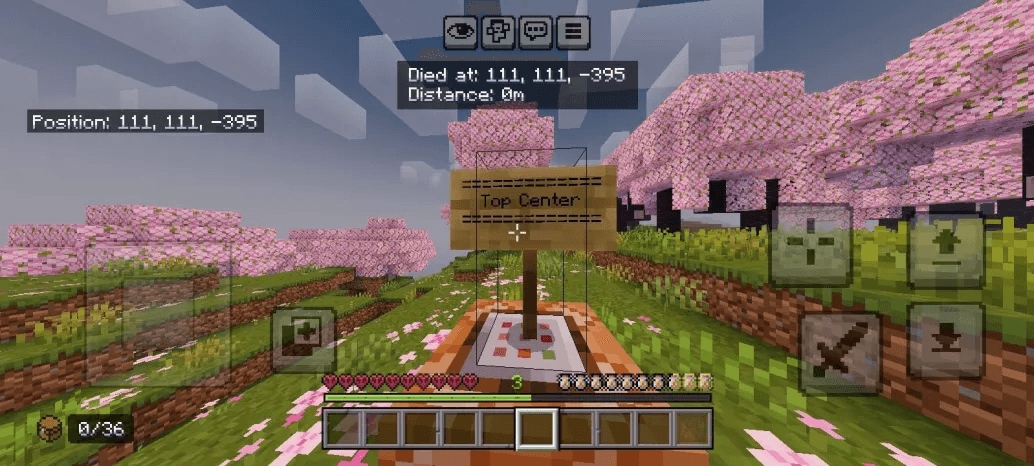
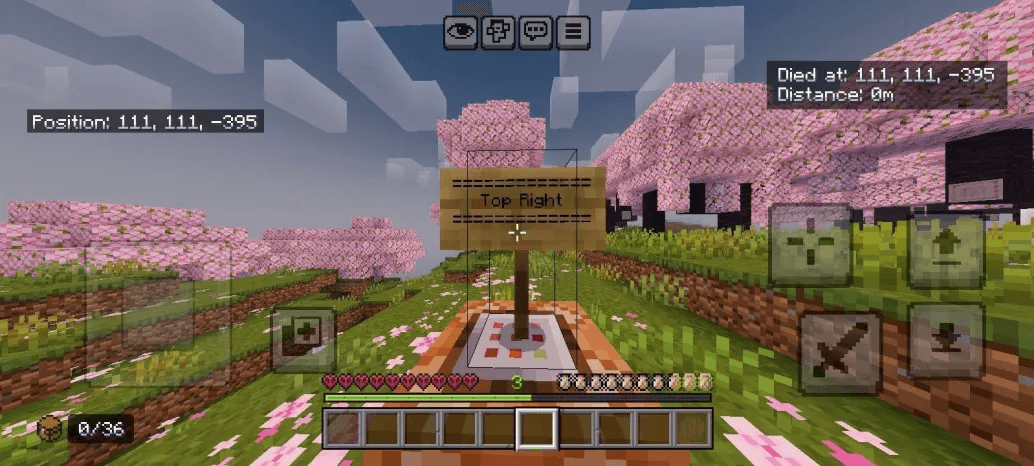
Shows your death coordinates and distance right after you die
Stays on screen so you can actually run back and get your stuff
Subpacks
- Top Left
- Top Center
- Top Right
- Bottom Center
Now auto align with Hide Paper Doll On 0.2
⚠️ You need show coordinate to be on.
⚠️ Coords will disappear if you leave the world or change dimension.
- Edition: Minecraft Bedrock
- File type: .mcpack
- Minecraft versions listed: 26.0, 26.20, 26.3
- How to install: Download the .mcpack. → Open it — Minecraft imports it under Resource Packs. → Activate it in Global Resources, or for one world under Resource Packs → Available.
- Where to get it: Opens on CurseForge — not every file is mirrored on our own servers.
Install steps are the general flow for this file type — How to install Minecraft Bedrock texture packs walks through it step by step.
- Save it as Death_Coordinate.mcaddon before opening — it downloads as .mcpack, but it is a .mcaddon pack
- Manifest requires Minecraft 1.21.100 or newer
- Complete pack — everything it depends on is inside the file
- Download size: 60 KB
- Download link checked 16 Sept 2026 — working
These come from our own check of the pack file, not from the source page.