Home›Bedrock›Texture packs›PandaMine's Enhanced Touch Controls (Invisible Touch Buttons, Inventory Button Hider, F1 Button)

Texture packsBedrock
PandaMine's Enhanced Touch Controls (Invisible Touch Buttons, Inventory Button Hider, F1 Button)
Bedrock texture pack listed for Minecraft 1.19–26.x. File opened and checked on 24 Oct 2026; installs from the MC Bedrock Mods app on Android.
Changes Touch Controls textures, adds stone D-Pad and makes buttons transparent, adds F1 button & No Inventory button. Works on 1.19 - 1.26 and Servers!
⬇ Download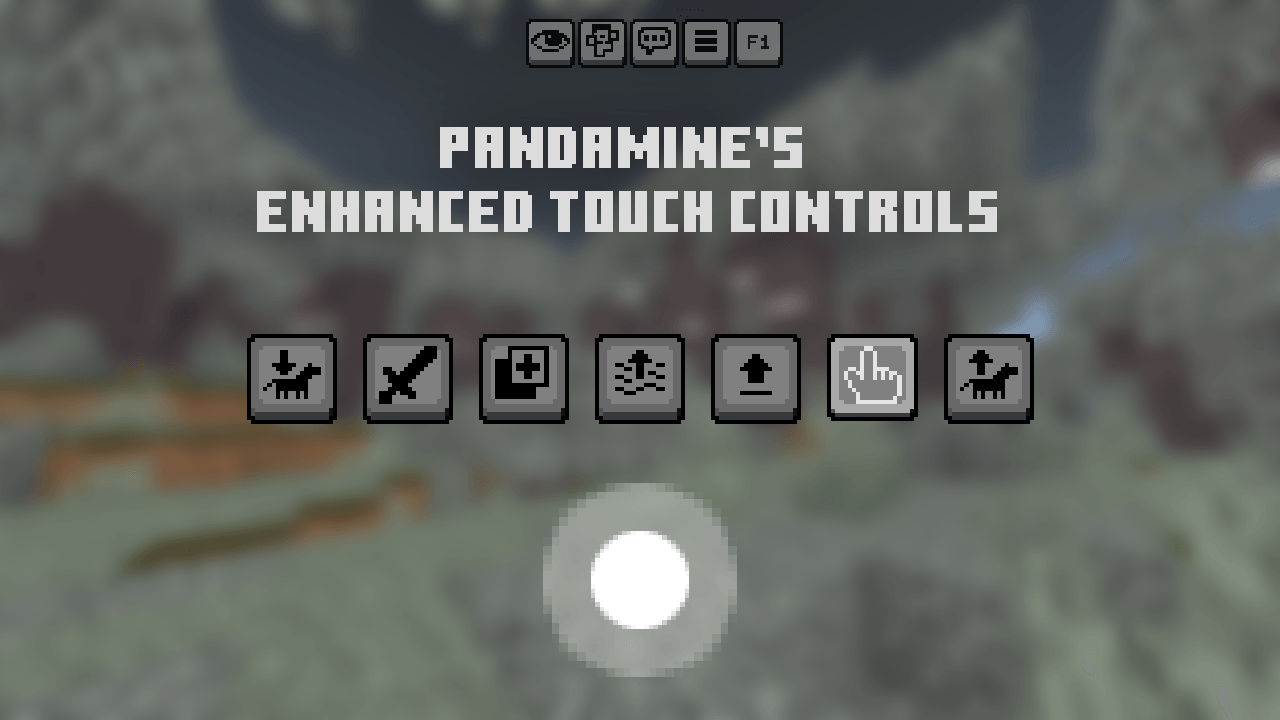
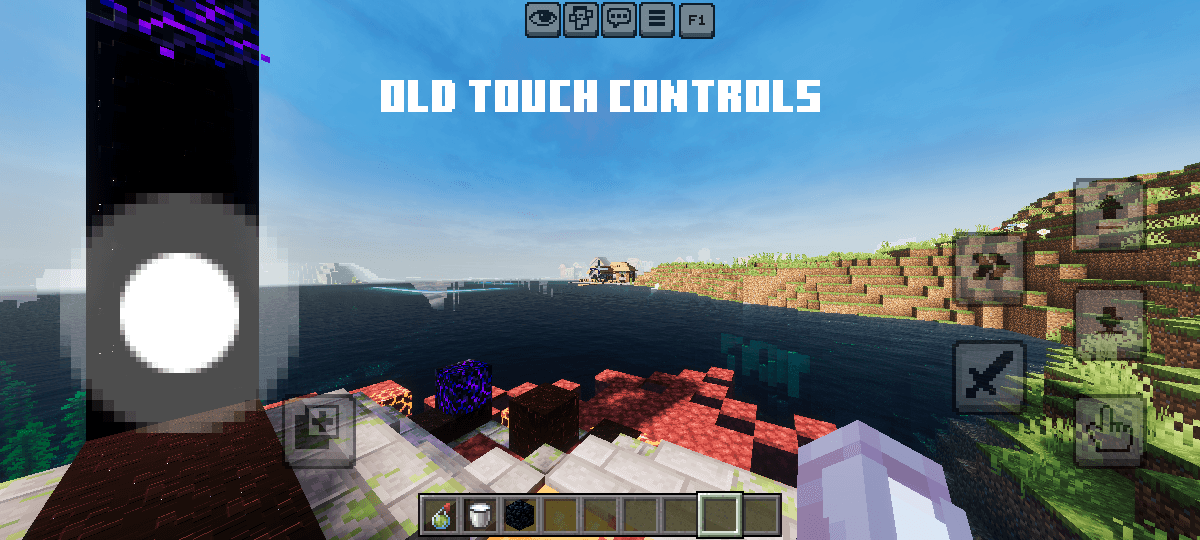
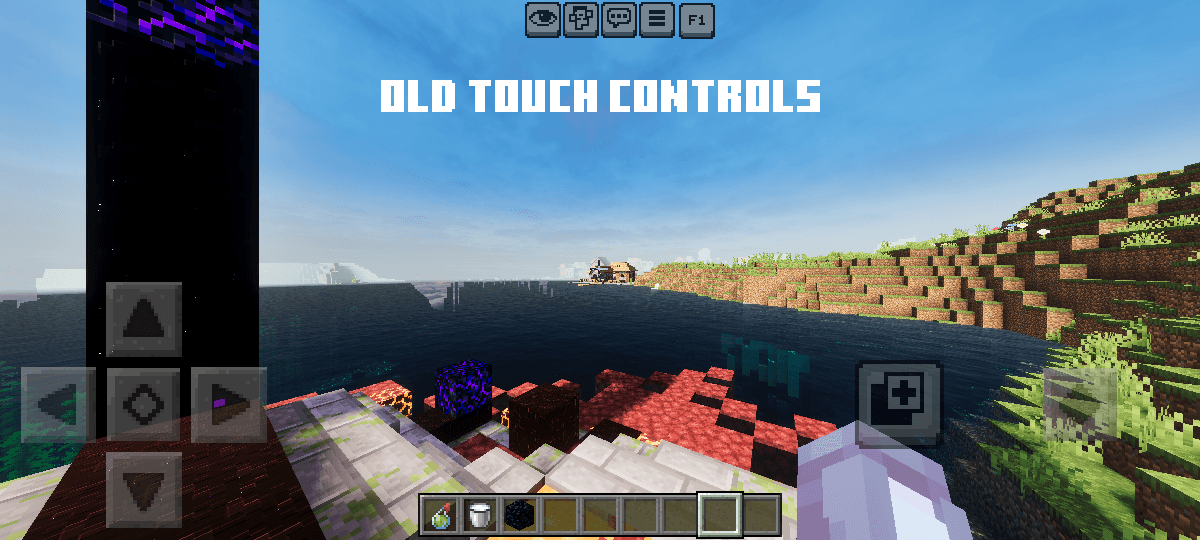
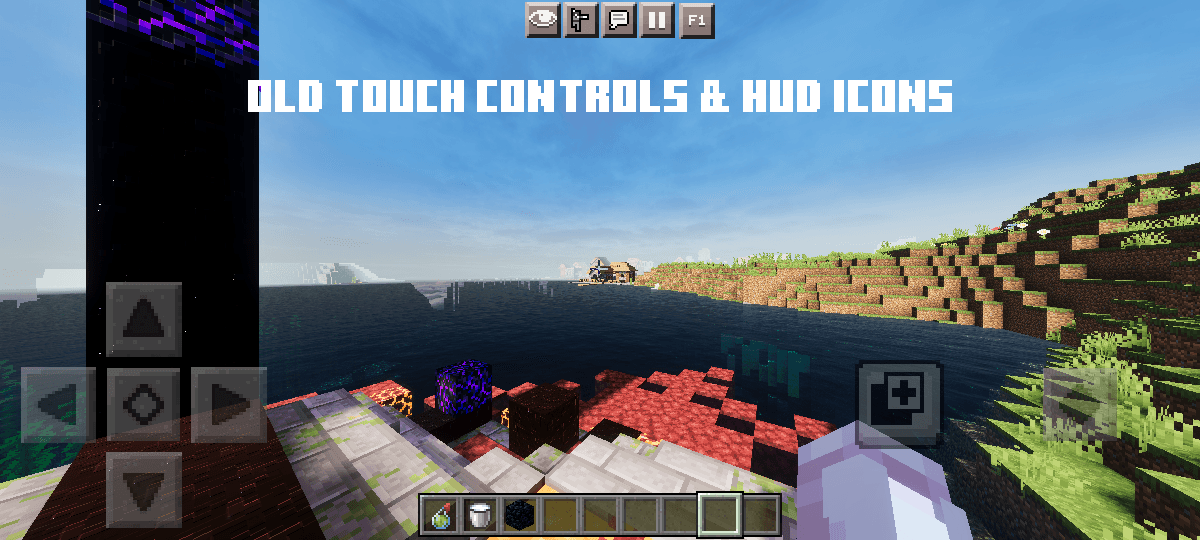
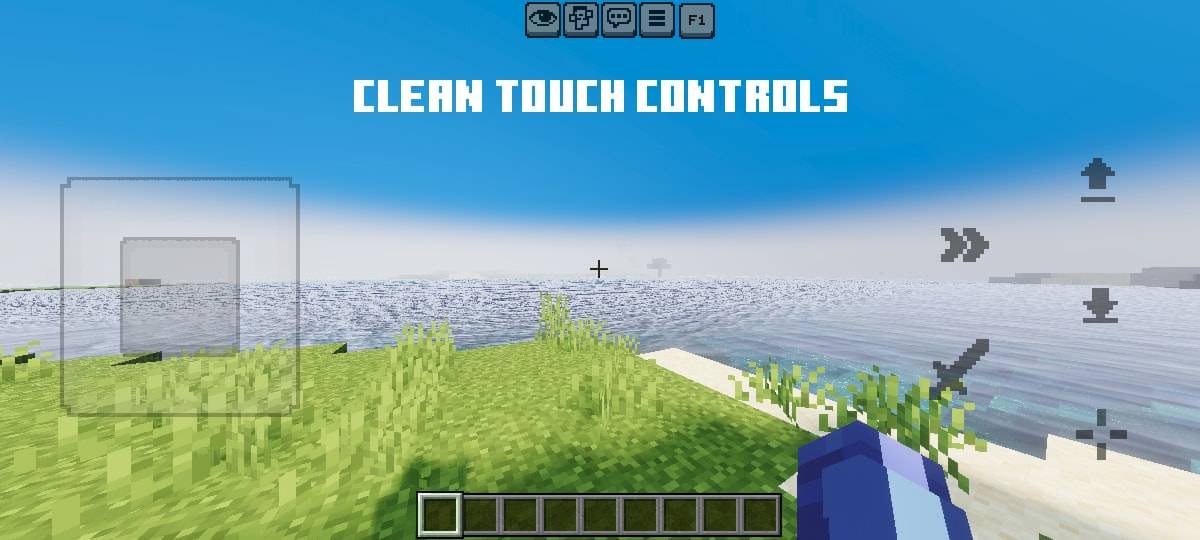
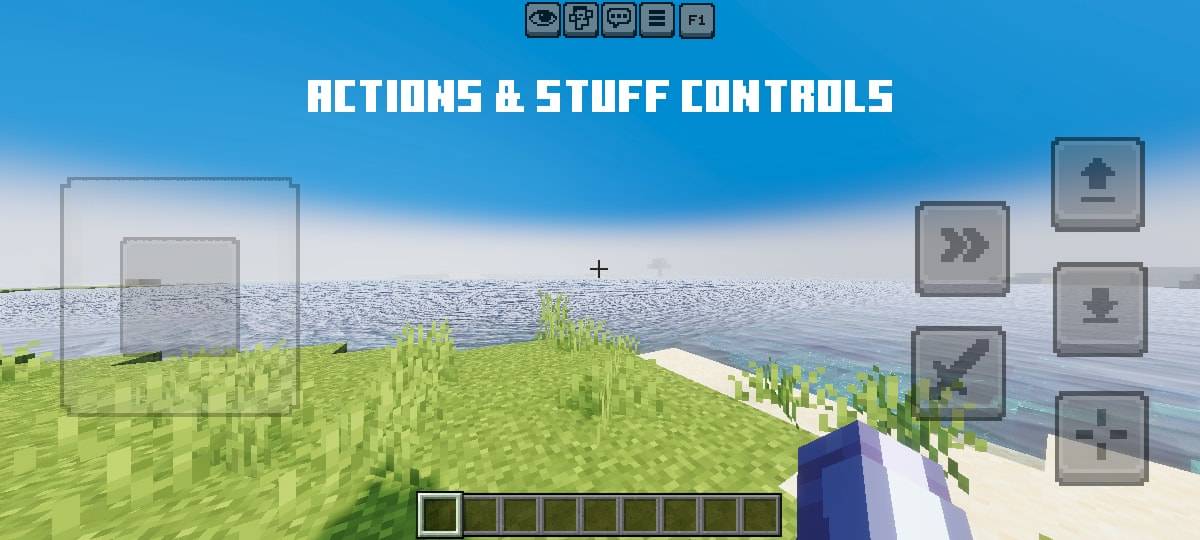
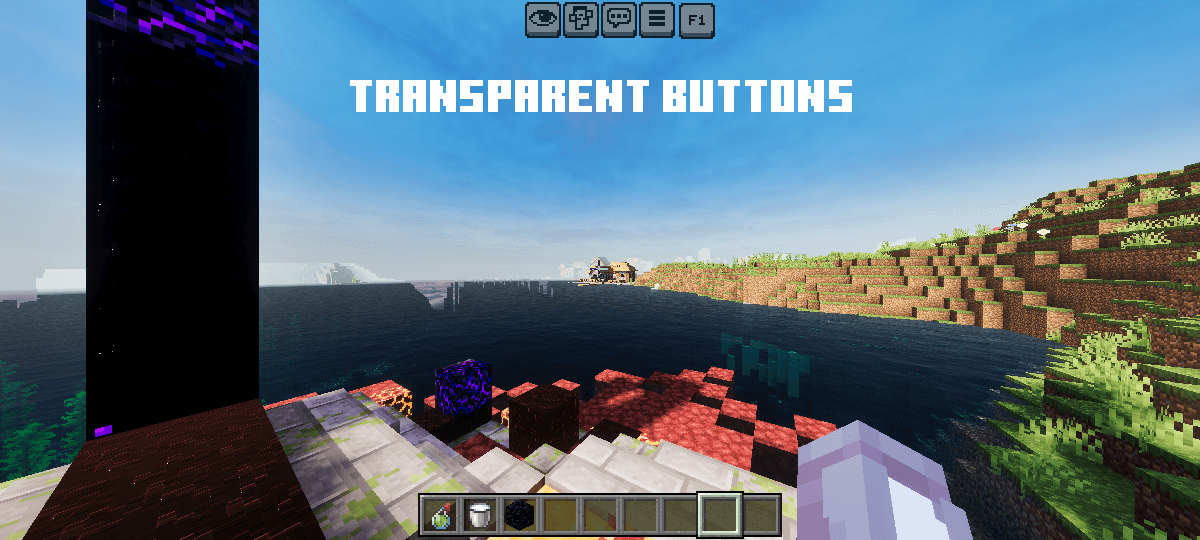
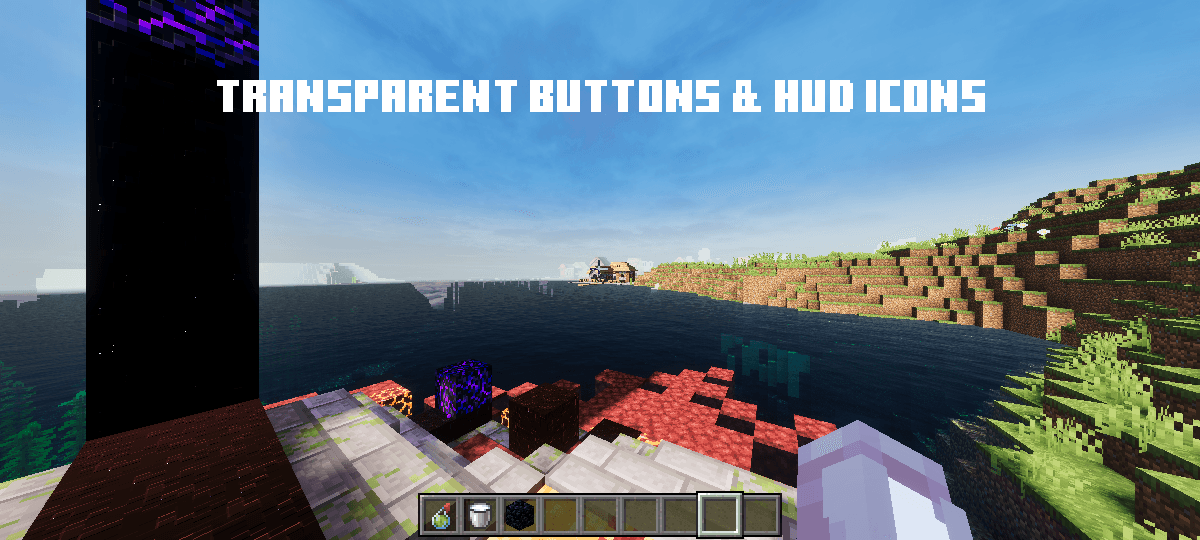
Improves Touch Controls textures, adds F1 button and makes buttons transparent.
Features:
- Adds F1 button
- Adds No Inventory Button
- Old / Transparent Controls & Top Buttons
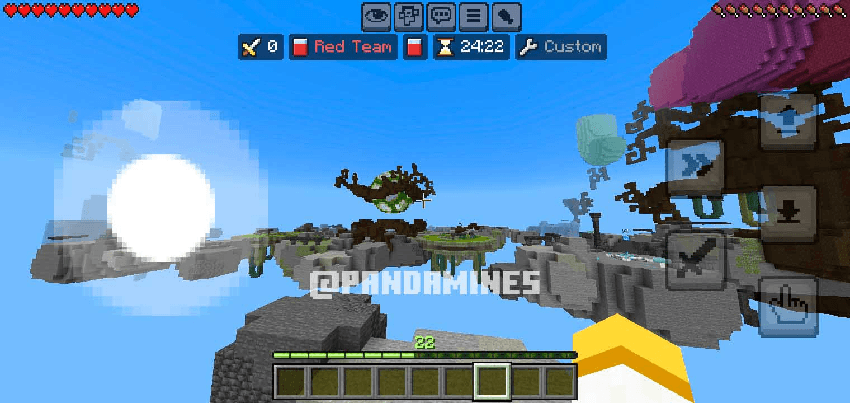
- Works with Vibrant Visuals and Servers
- Better HUD UI performance
Subpacks:
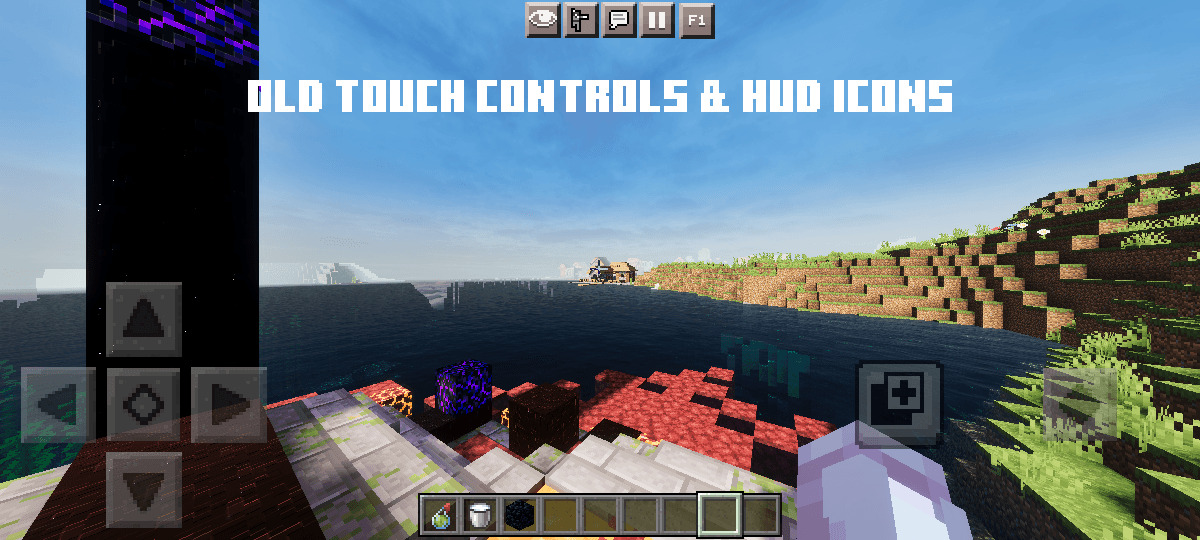
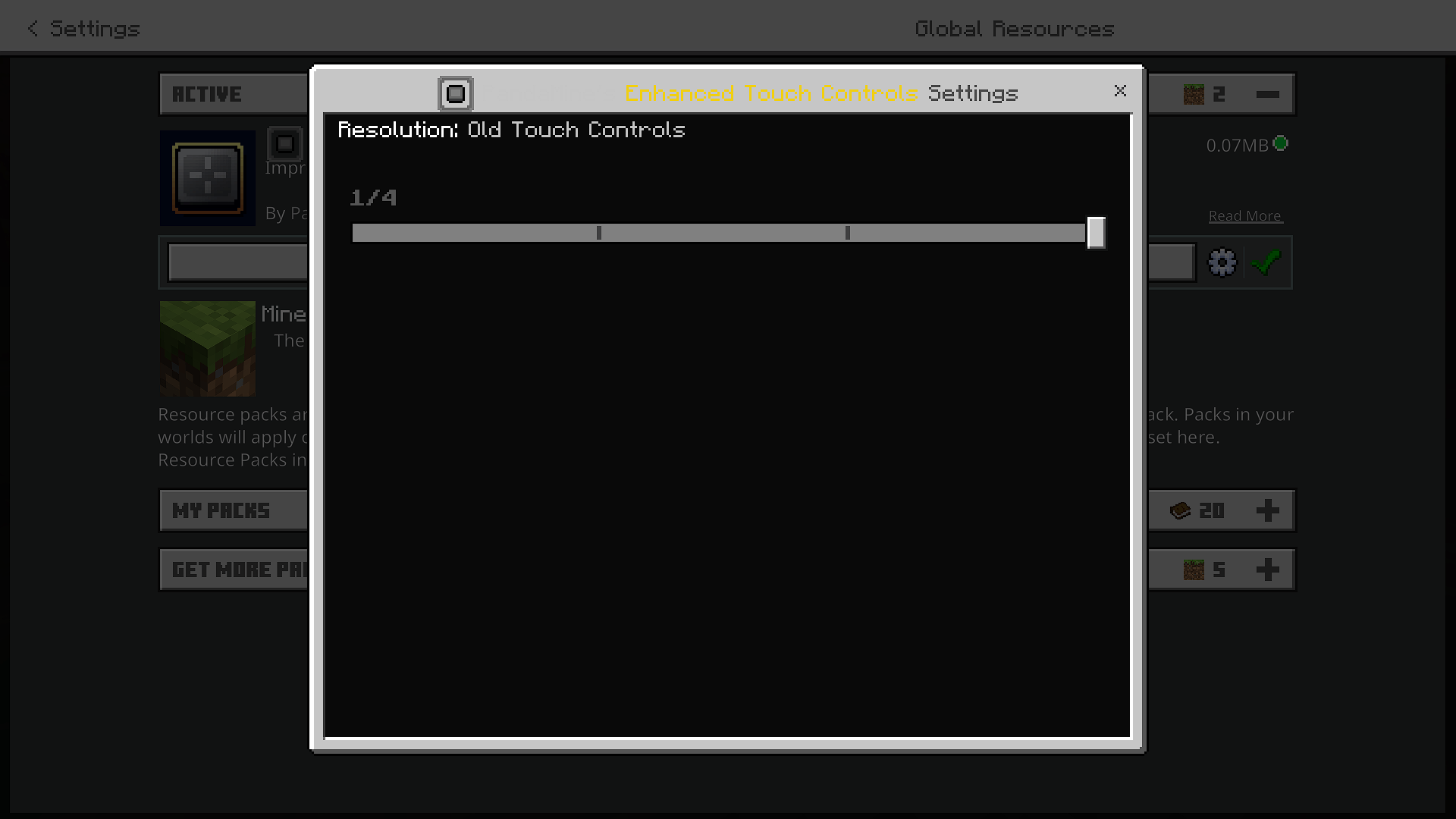
- Old Touch Controls + Top Buttons
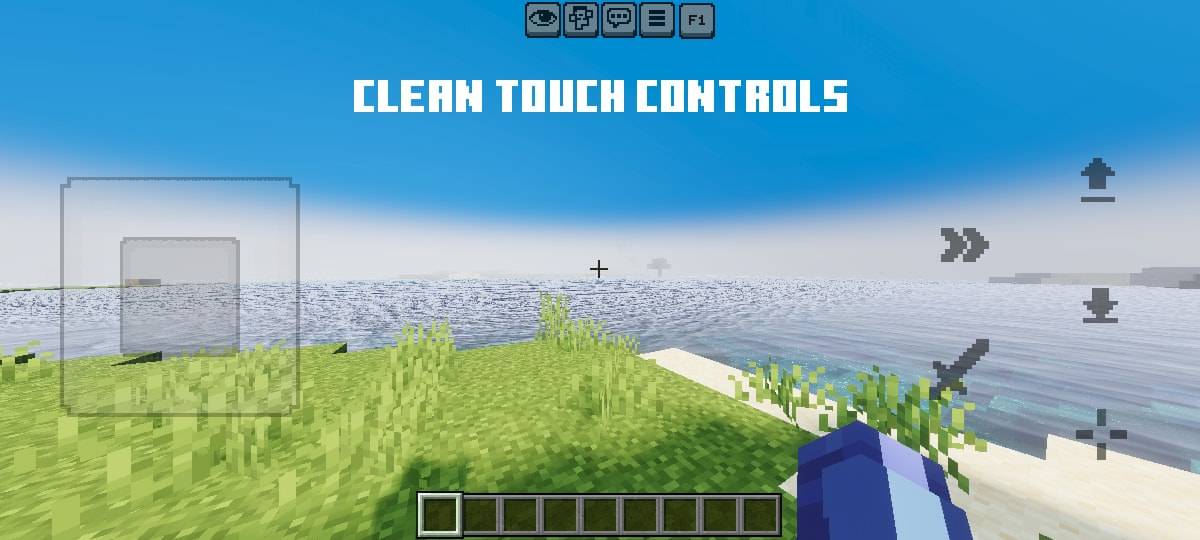
- Clean Touch Controls
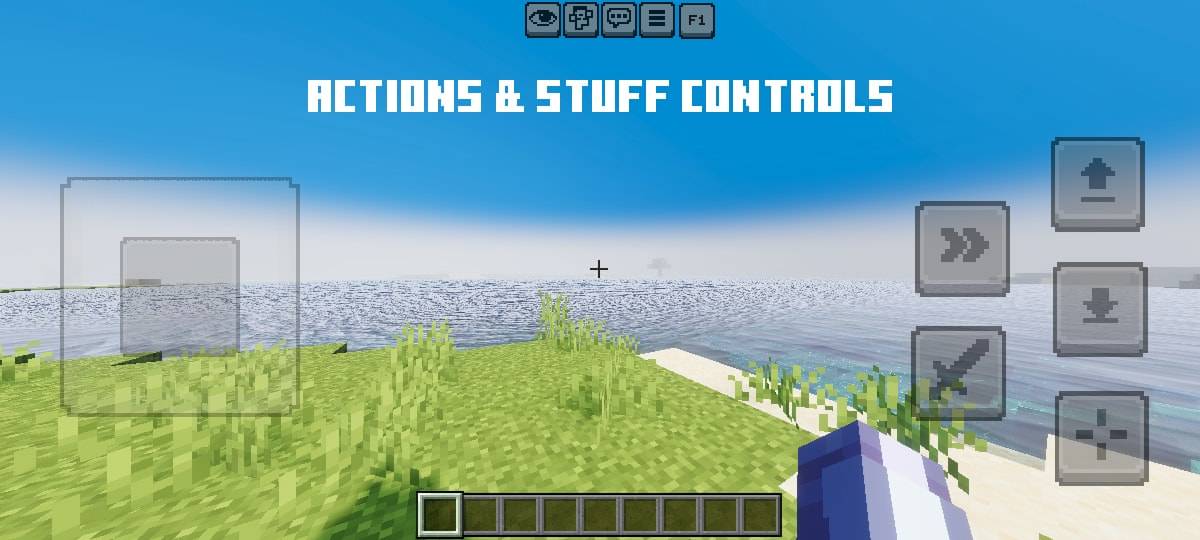
- Actions & Stuff-like Controls
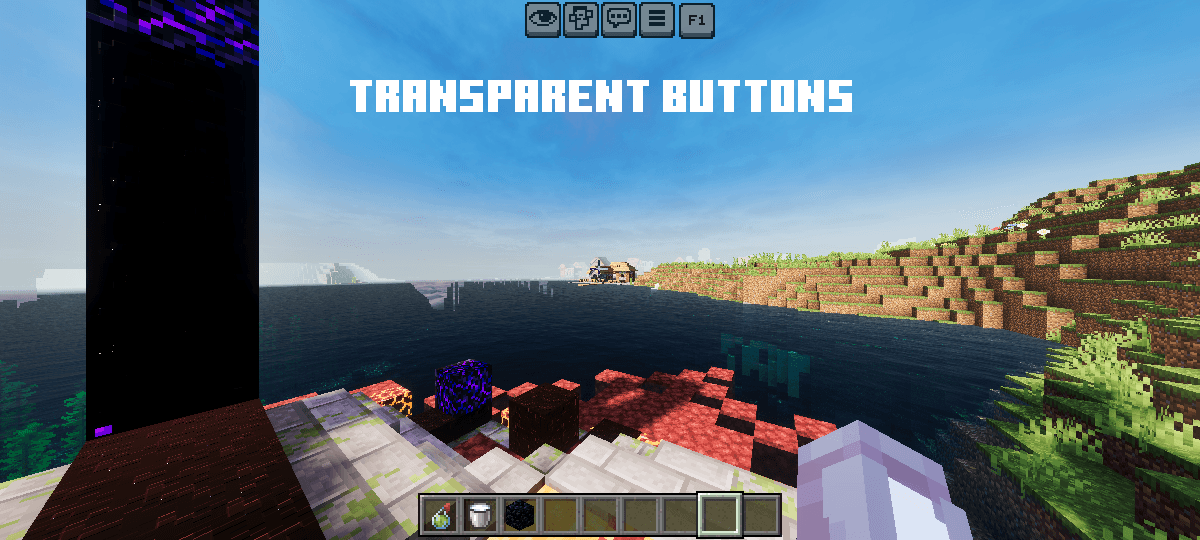
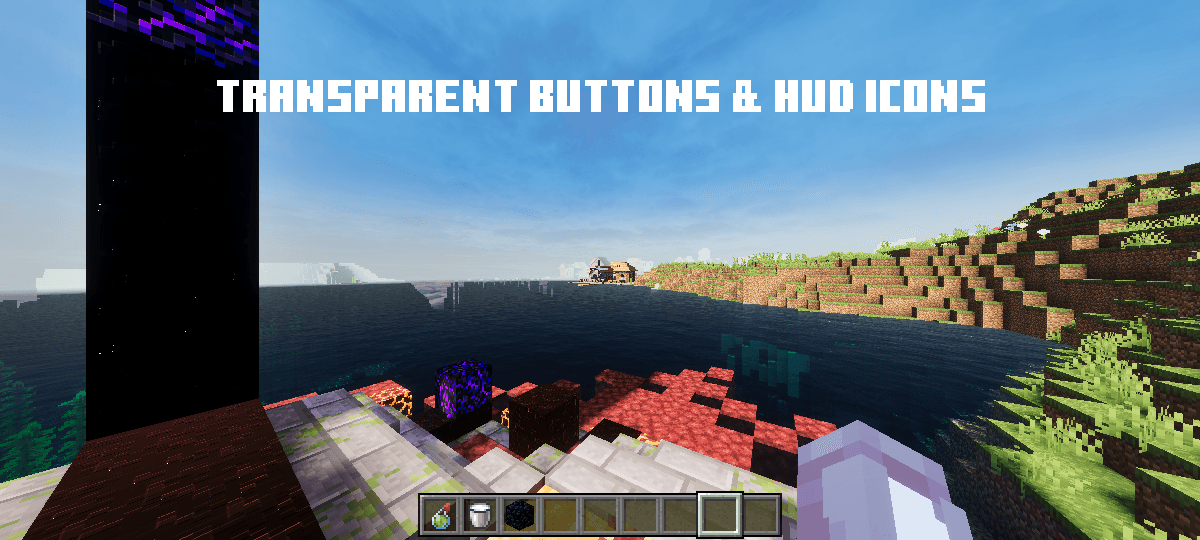
- Transparent Buttons + Top Buttons
Requires:
Old Touch Controls
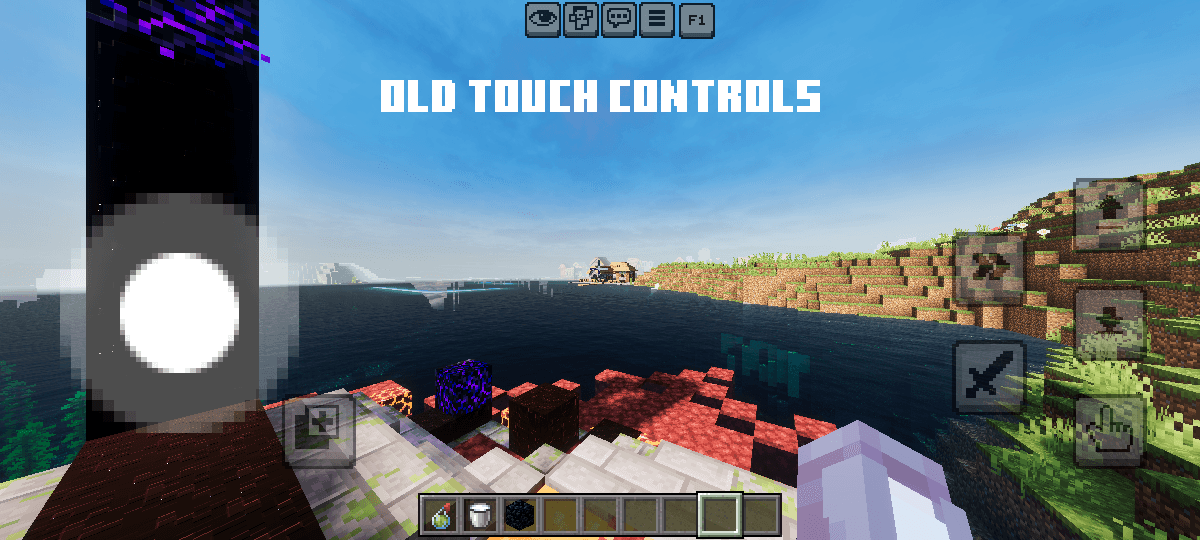
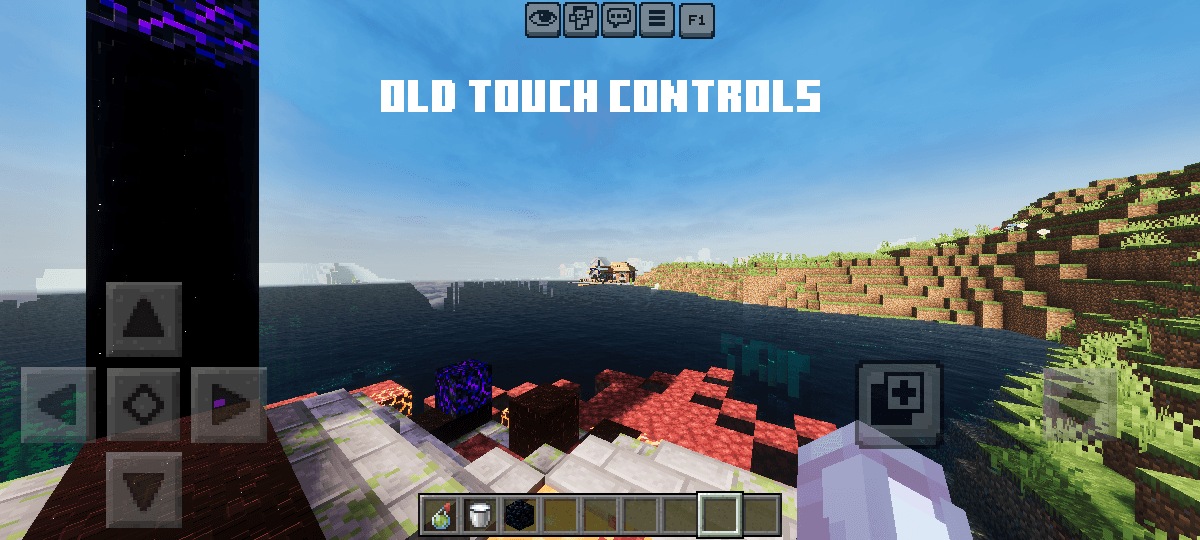
Old Touch Controls & Hud Icons
Clean Touch Controls
Actions & Stuff-like Controls
Transparent Buttons
Transparent Buttons & Hud Icons
Works on Servers
Allowed ✅
- Showcase the pack in any video as long there's this Curseforge or MCPEDL link.
Not Allowed ❌
- Steal any code or assets (like icons, textures..) for any addon or texture pack and claim as own.
- Monetize for own benefit.
- Upload and share on any 3rd-party website.
- Violating this will get you DMCA takedowns, and upto 80% revenue share if it was monetized.
Violators will face DMCA takedowns, legal claims.
Contact
Discord: pandamine5x
Quick facts
- Edition: Minecraft Bedrock
- File type: .mcpack
- Minecraft versions listed: 26.30, 26.50, 1.19
- How to install: Download the .mcpack. → Open it — Minecraft imports it under Resource Packs. → Activate it in Global Resources, or for one world under Resource Packs → Available.
- Where to get it: In MCModsHub, or directly above on this page.
Install steps are the general flow for this file type — How to install Minecraft Bedrock texture packs walks through it step by step.
File checked by MCModsHub
- Pack type: .mcaddon — behaviour and resource pack in one file
- Complete pack — everything it depends on is inside the file
- Download size: 203 KB
- Download link checked 17 Jul 2026 — working
These come from our own check of the pack file, not from the source page.