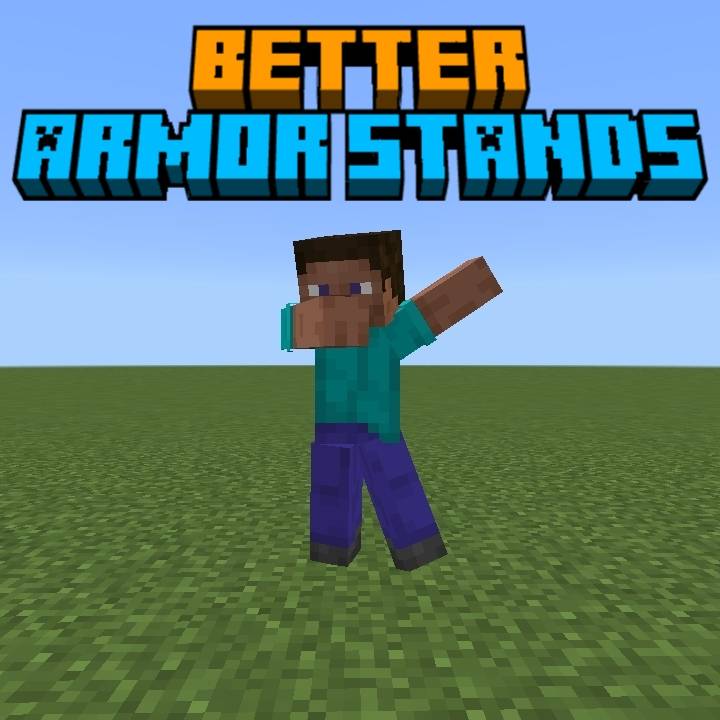
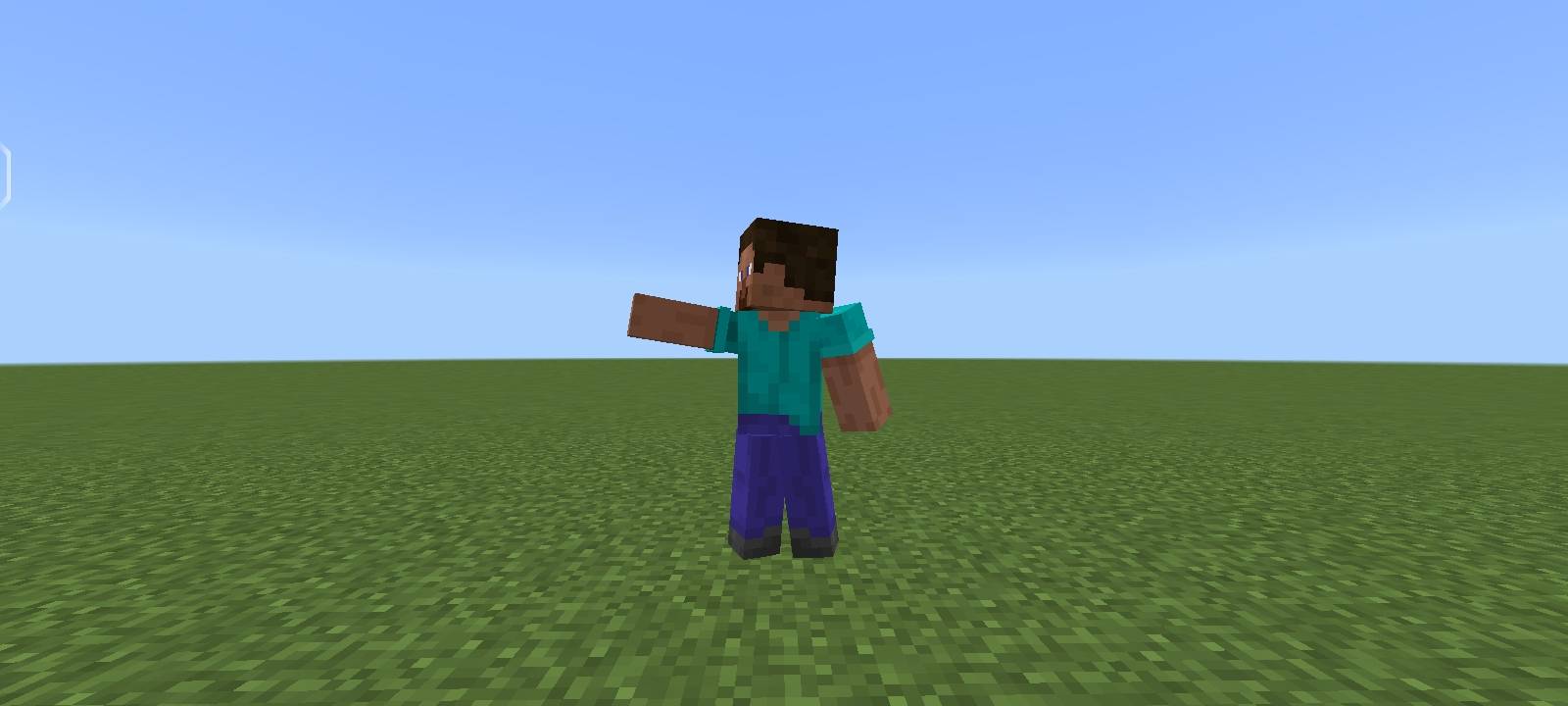
Better Armor Stands
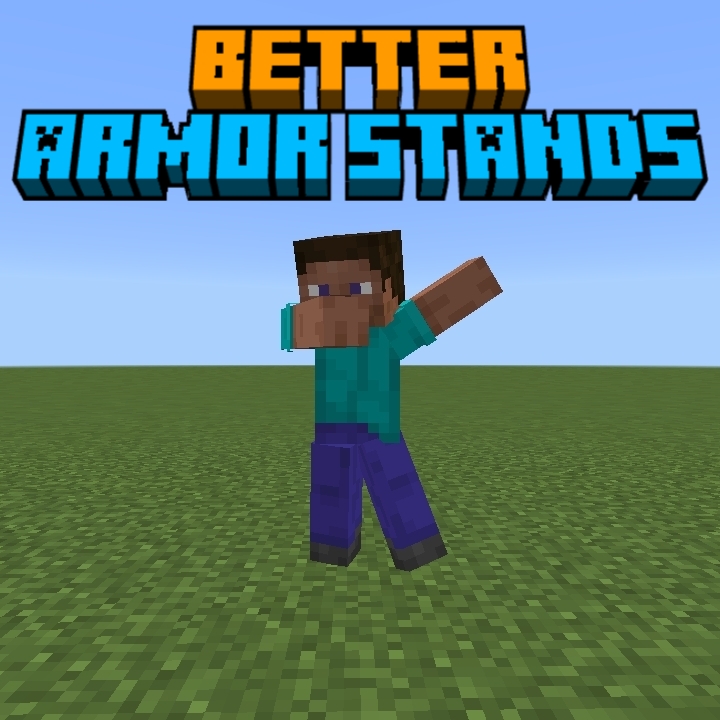
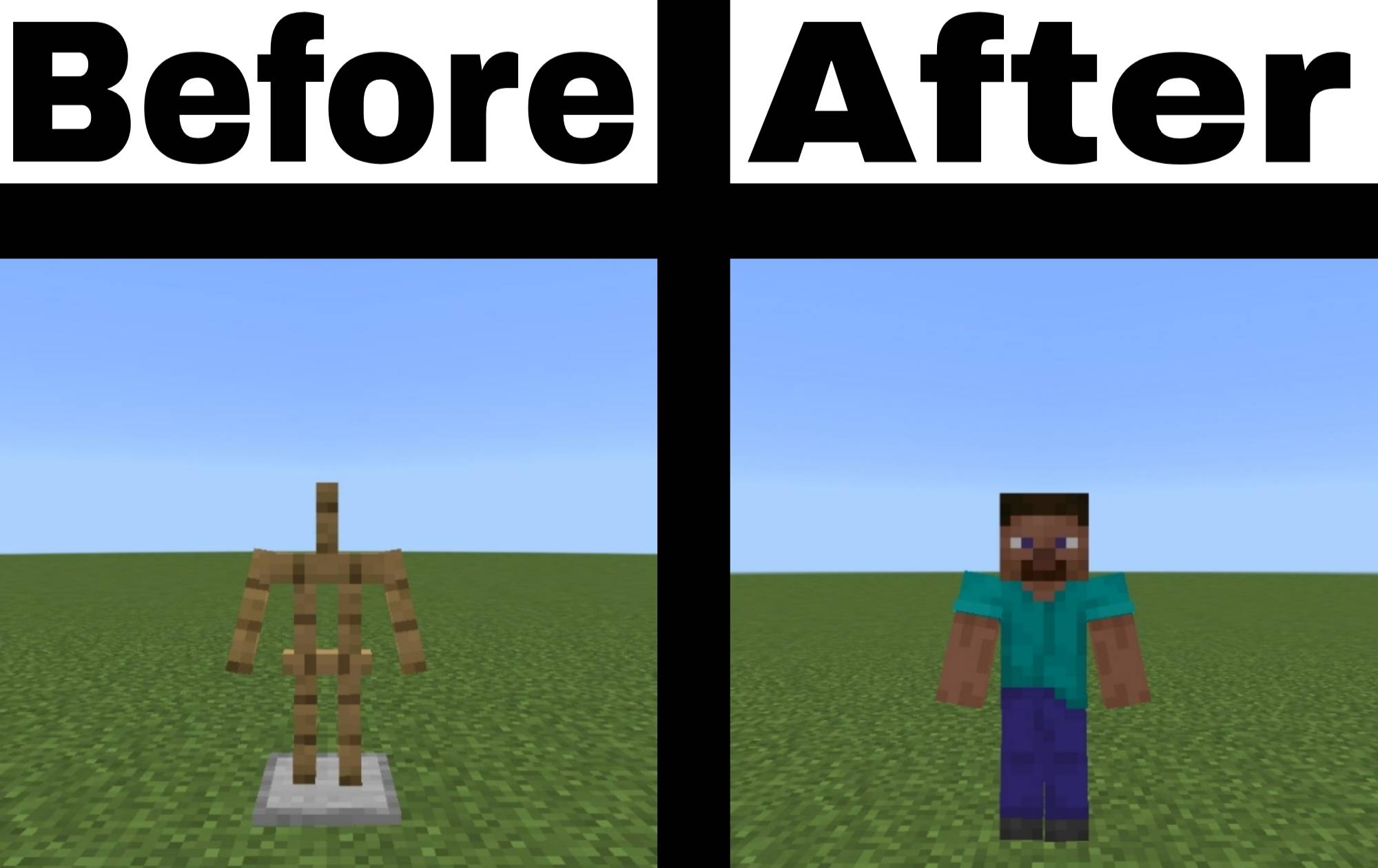
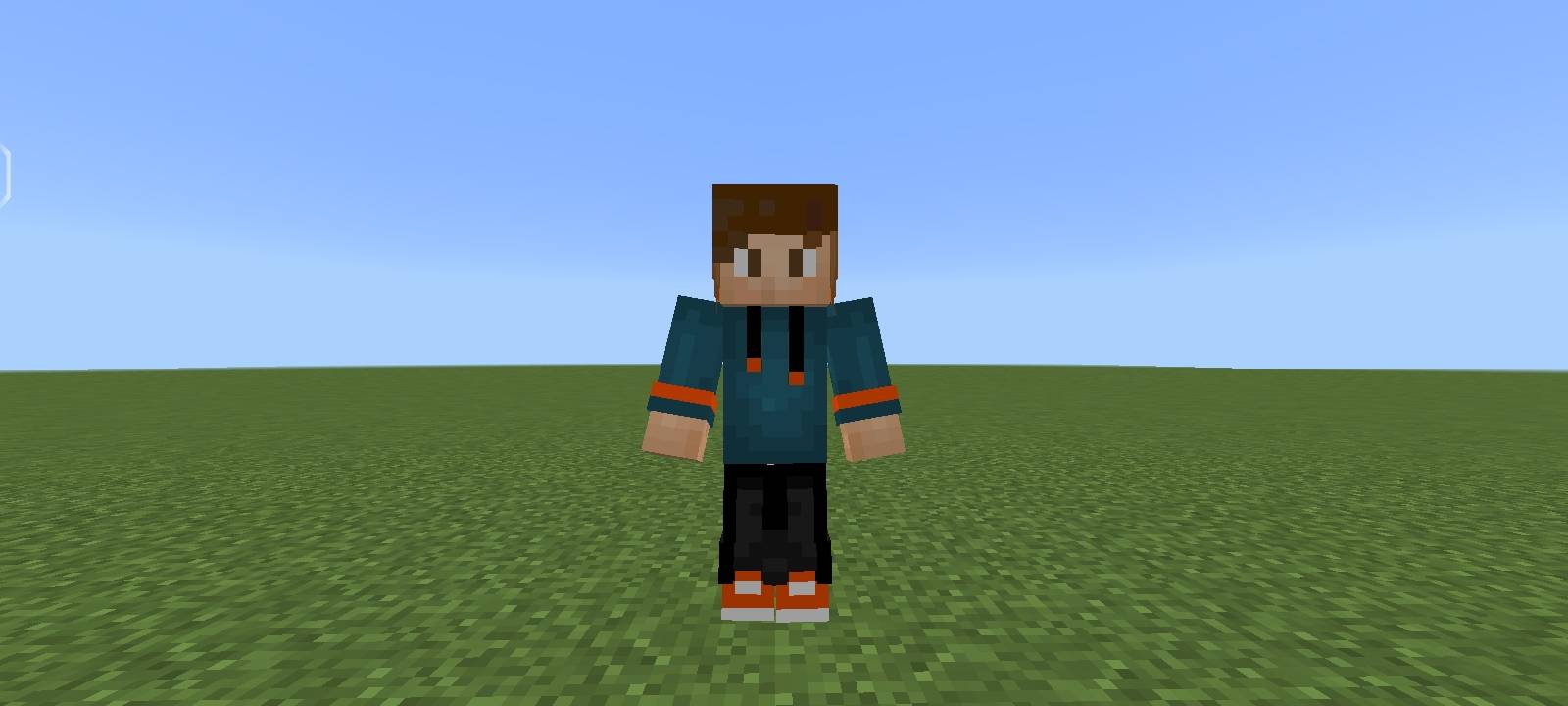
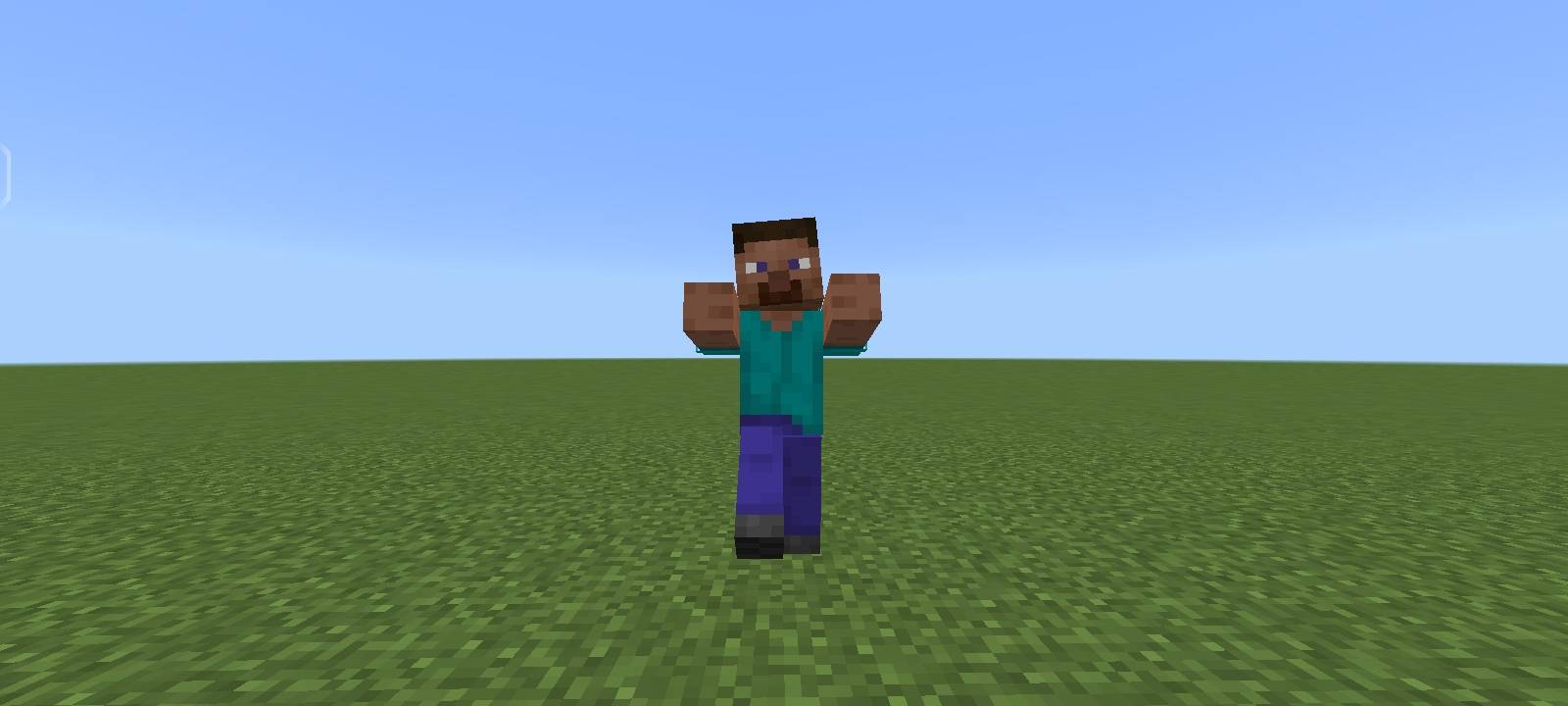
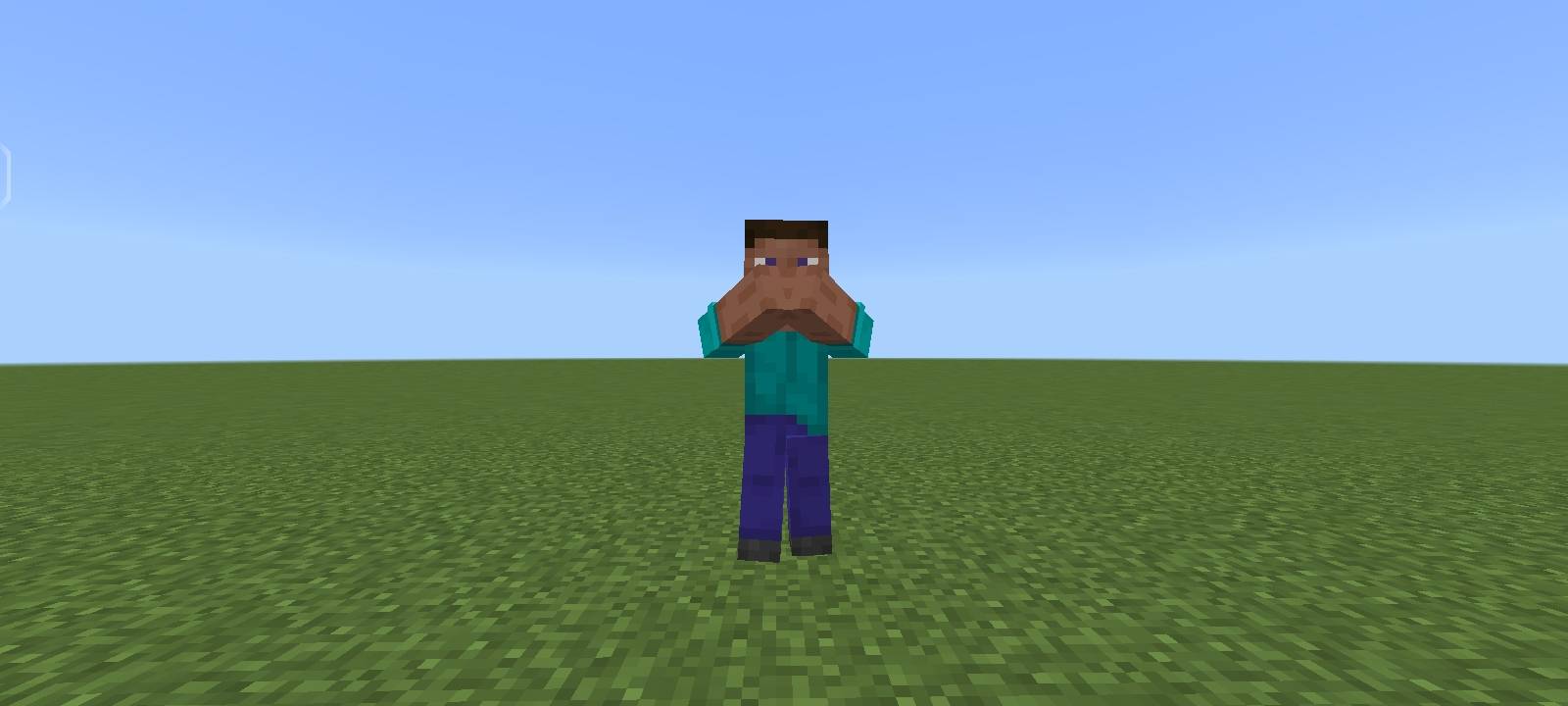
Better Armor Stands is a texture pack that gives you full control over how armor stands look in Minecraft.
Choose between default Minecraft skins or your own custom skin — all using a simple and flexible setup.
Comes with a tutorial.txt file for ease to setup! Works for the latest version of Minecraft Bedrock Edition.
Perfect for:
Decoration builds 🏰
Roleplay worlds 🎭
Maps & showcases 🗺️
Cinematic screenshots 📸
---
✨ Features
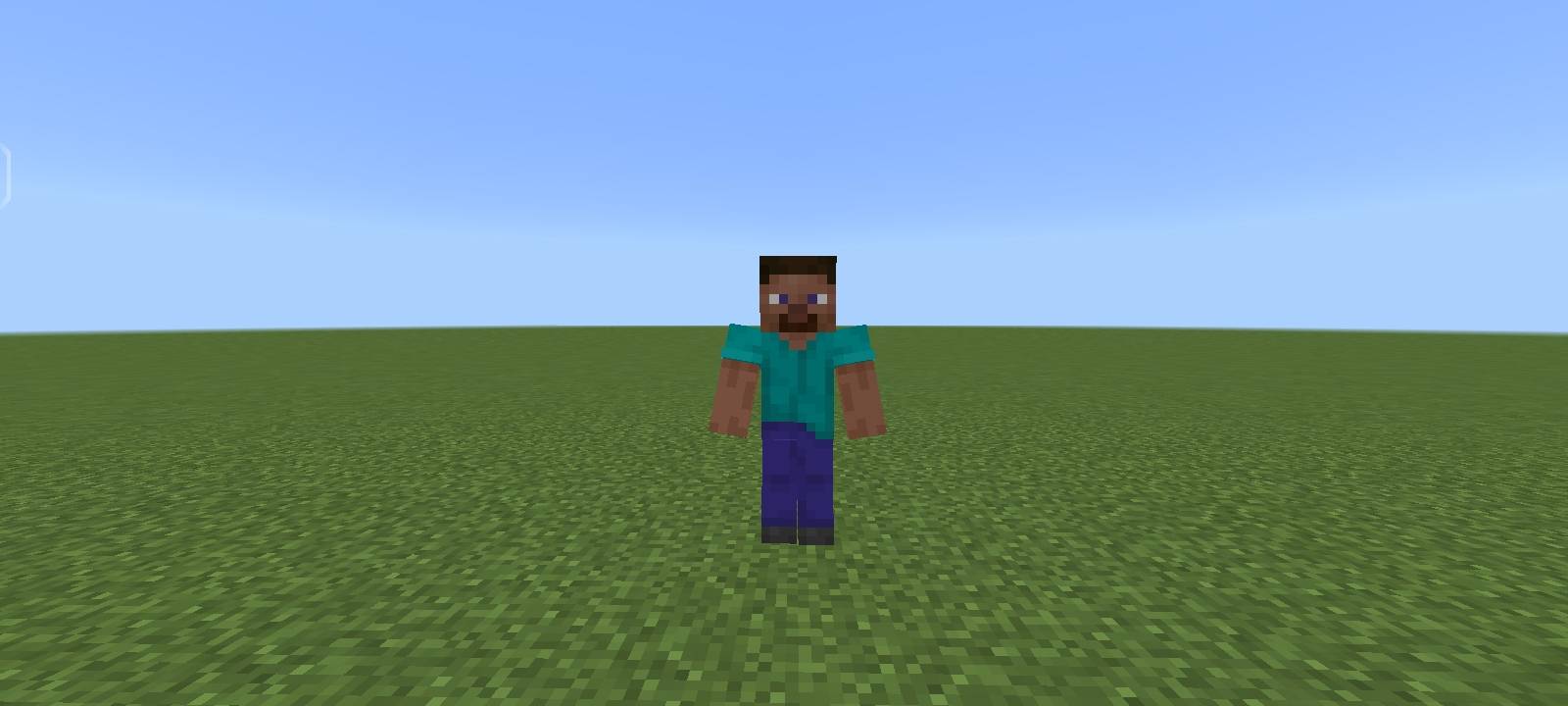
Apply default and Minecraft-style skins to armor stands
Use custom skins (your own or downloaded)
No gameplay changes — visual only
Lightweight and performance-friendly
---
🛠 How It Works
The pack includes different options that let you decide how armor stands appear:
Default Minecraft skins
Custom skin support
A tutorial.txt file is included in the pack to guide you step by step.
————
❤️ Credits 🙏
Default skin files from minecraft.wiki.
Based on original code and textures by Mojang.
————
Also check out my other projects!
- Edition: Minecraft Bedrock
- File type: .mcpack
- Minecraft versions listed: 1.21.130, 1.21.131, 1.21.132
- How to install: Download the .mcpack. → Open it — Minecraft imports it under Resource Packs. → Activate it in Global Resources, or for one world under Resource Packs → Available.
- Where to get it: Opens on CurseForge — not every file is mirrored on our own servers.
Install steps are the general flow for this file type — How to install Minecraft Bedrock texture packs walks through it step by step.
- Save it as Better_Armor_Stands_v1.0.0.mcaddon before opening — it downloads as .mcpack, but it is a .mcaddon pack
- Manifest requires Minecraft 1.21.100 or newer
- Complete pack — everything it depends on is inside the file
- Download size: 289 KB
- Download link checked 16 Sept 2026 — working
These come from our own check of the pack file, not from the source page.