Slim Skin Fixer
Bedrock texture pack listed for Minecraft 1.19–1.21. File opened and checked on 5 Oct 2026; installs from the MC Bedrock Mods app on Android.
⬇ Download on CurseForge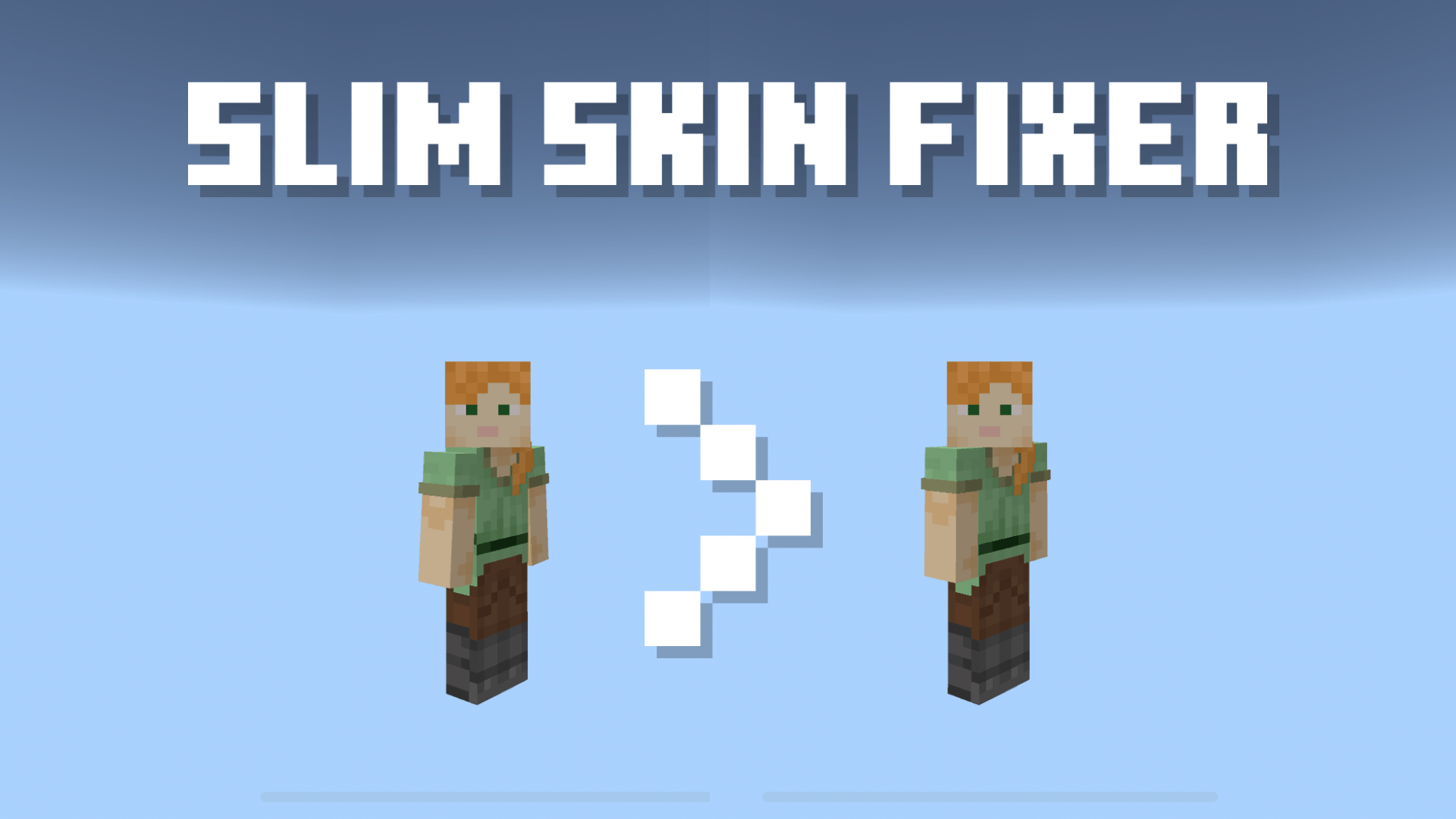


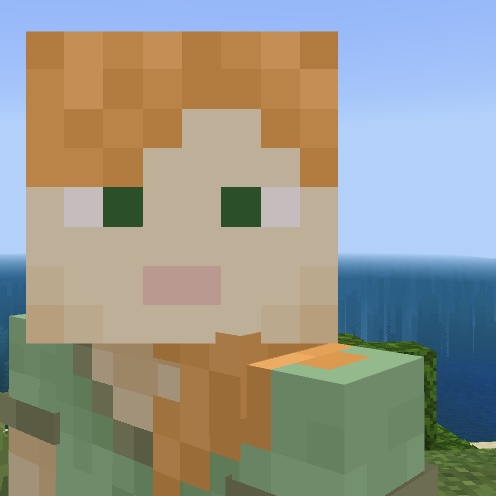
In Java Edition 1.15, Mojang made a change to slim skins which raises their arms to match classic skin. This change has however, not been transferred to Bedrock Edition yet.
Moreover, item positions were not edited to be centered to the player's arm. This causes packs with flat items to have the item offcentered.
This is were this pack comes in. It not only fixes the 2 issues listed here but also has a compatibility mode, so you can enjoy the game with this pack without breaking most animation packs.
The arms of your skin will go from this:

To this:

Important Note
Due to content errors, the pack isn't enabled on the dressing room render. This extends to the paperdoll when in compatibility mode.
Additionally, if you're device is affected by MCPE-126660, you'll need to be in first person for the pack to apply. This is a temporary workaround until the bug is fixed.
- Edition: Minecraft Bedrock
- File type: .mcpack
- Minecraft versions listed: 1.20.40, 1.21.30, 1.21.50
- How to install: Download the .mcpack. → Open it — Minecraft imports it under Resource Packs. → Activate it in Global Resources, or for one world under Resource Packs → Available.
- Where to get it: Opens on CurseForge — not every file is mirrored on our own servers.
Install steps are the general flow for this file type — How to install Minecraft Bedrock texture packs walks through it step by step.
- Save it as slimskinfixer.mcaddon before opening — it downloads as .mcpack, but it is a .mcaddon pack
- Manifest requires Minecraft 1.19.0 or newer
- Complete pack — everything it depends on is inside the file
- Download size: 20 KB
- Download link checked 6 Oct 2026 — working
These come from our own check of the pack file, not from the source page.