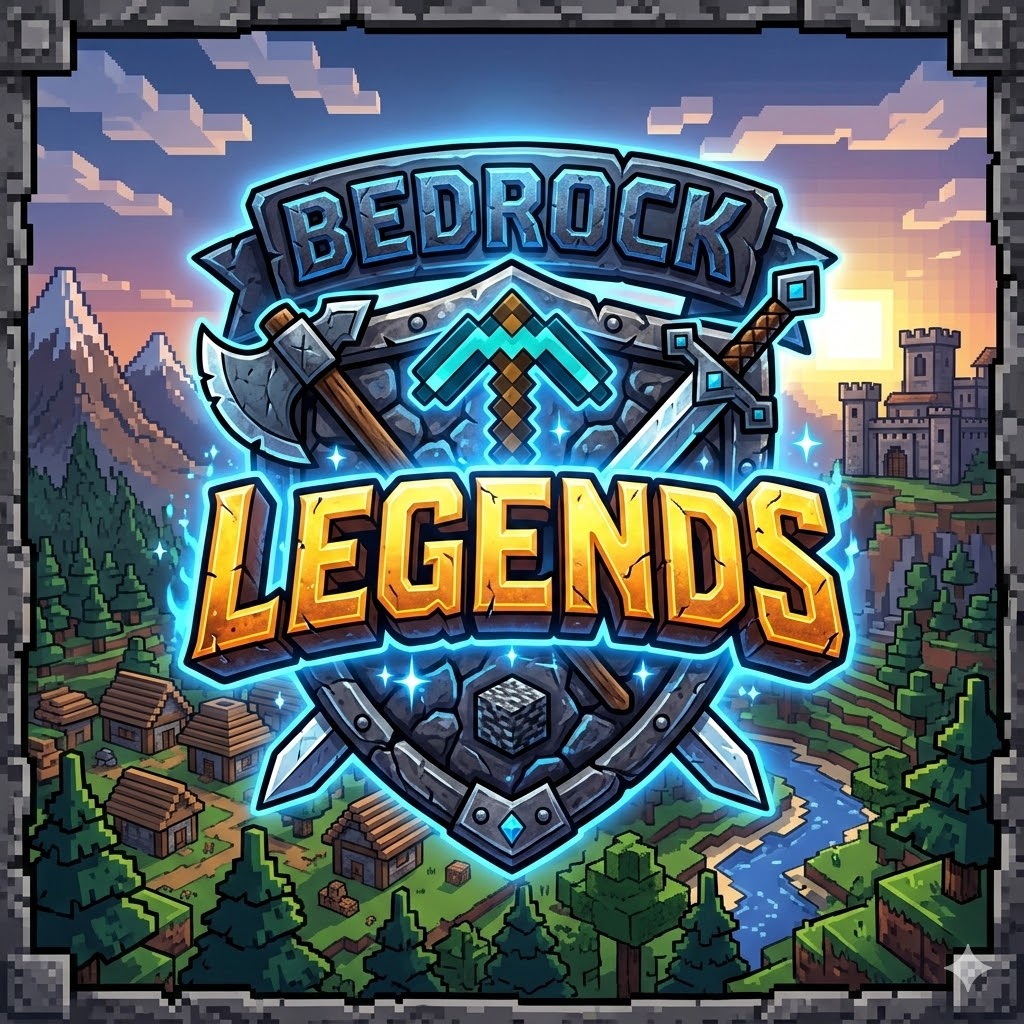


Elevate your combat experience with Bedrock Legends V1.0! Designed specifically for the Bedrock Edition community, this pack focuses on sleek visuals, high performance, and competitive clarity.
✨ What’s Inside?
Legendary Weapons: Custom-designed Swords and Axes that look sharp and feel powerful in every hit. 🗡️🪓
Enhanced PvP Visuals: Optimized textures to give you a clear view of your surroundings during intense battles.
Cool Apples: Completely redesigned Golden and Enchanted Apples with a modern, vibrant look. 🍎✨
🛠️ Installation Guide:
Click the Download button on this page.
Open the .mcpack file with Minecraft Bedrock Edition.
Go to Settings > Global Resources.
Activate Bedrock Legends V1.0
- Edition: Minecraft Bedrock
- File type: .mcpack
- Minecraft versions listed: 1.20.40, 1.21.2, 1.20.60
- How to install: Download the .mcpack. → Open it — Minecraft imports it under Resource Packs. → Activate it in Global Resources, or for one world under Resource Packs → Available.
- Where to get it: Opens on CurseForge — not every file is mirrored on our own servers.
Install steps are the general flow for this file type — How to install Minecraft Bedrock texture packs walks through it step by step.
- Save it as Bedrock Legends.mcaddon before opening — it downloads as .mcpack, but it is a .mcaddon pack
- Complete pack — everything it depends on is inside the file
- Download size: 113 KB
- Download link checked 26 Aug 2026 — working
These come from our own check of the pack file, not from the source page.