红区亮显夜矿透 RedstoneTech Shader
Bedrock texture pack listed for Minecraft 26.x. File opened and checked on 17 Sep 2026; installs from the MC Bedrock Mods app on Android.
I don't know my version
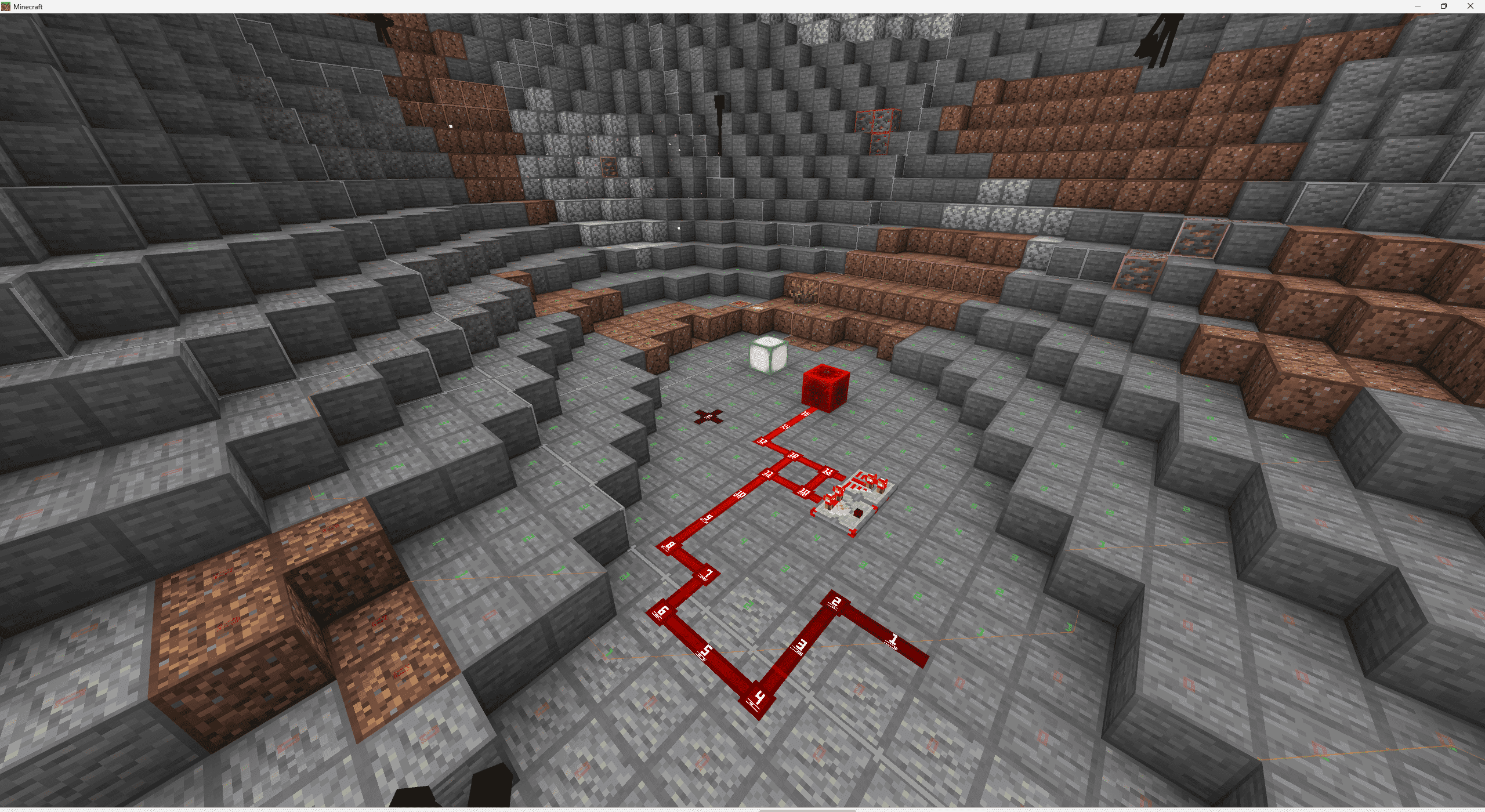
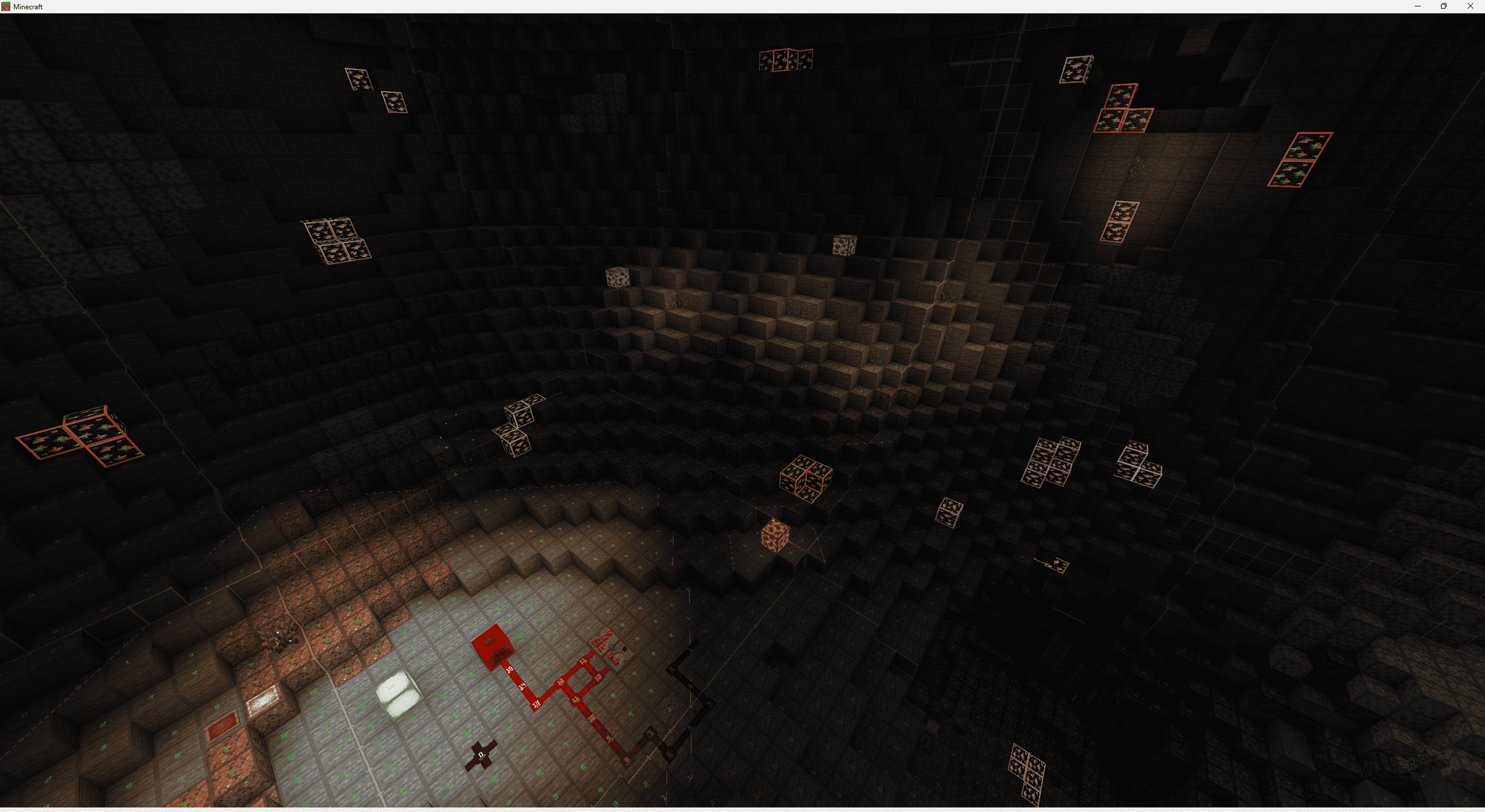
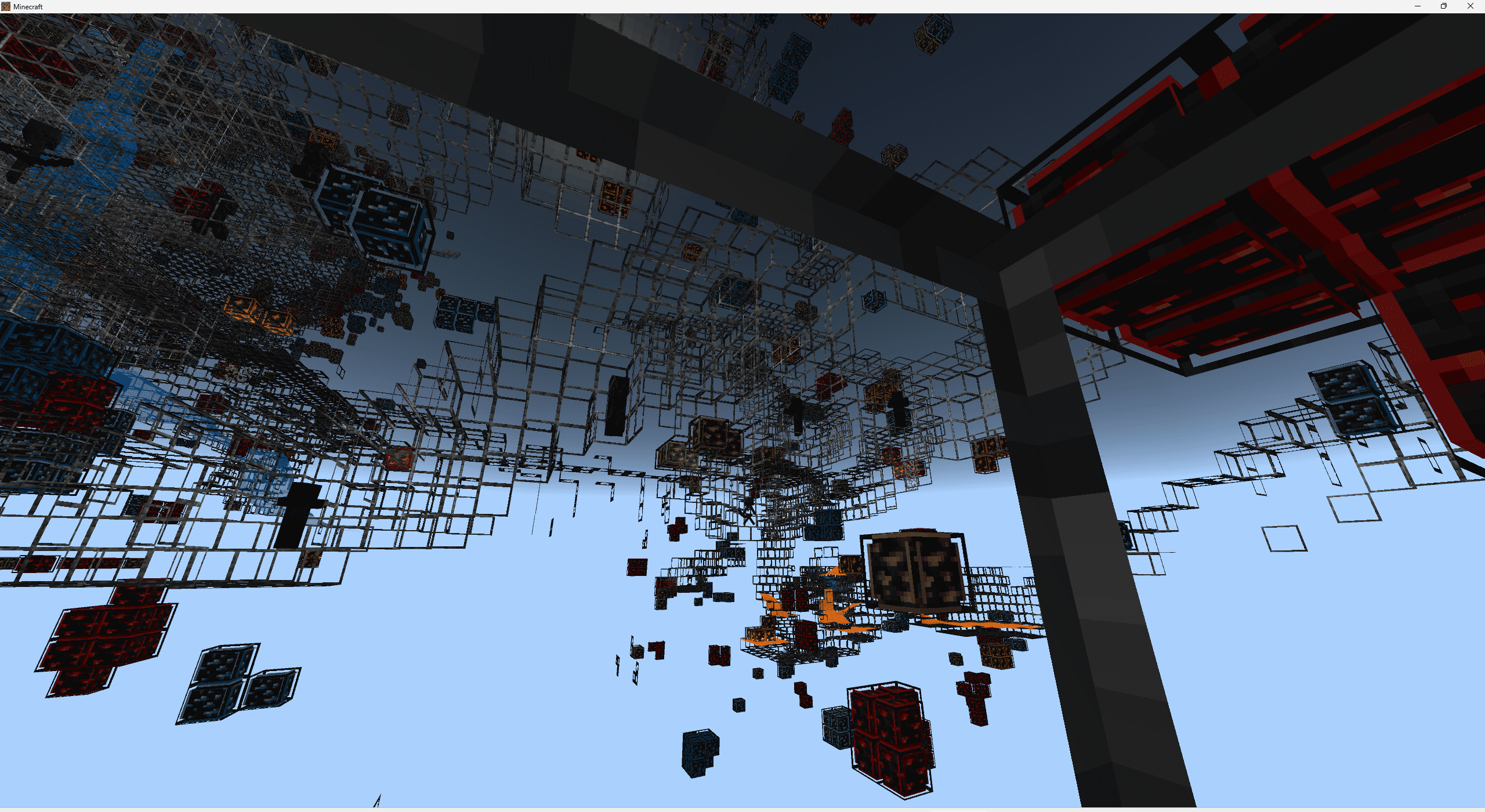
RedstoneTech Shader is a technical shader designed for redstone contents, supporting Windows, Android, and iOS platforms, compatible with version 26.10 and above.
This shader includes the following features:
- Redstone signal strength display
- Chunk border display
- Block light level display
- Mob spawnable light level indicators
- Glowing ores
- Water and lava fog removal
- Global night vision
These features can be freely configured through subpacks.
How to use the shader:
1. Keep the Redstone shader version consistent with the game version.
2. Use LeviLauncher (Windows or Android) / mbl2 (Android) / HynisLoader (iOS) to load the resource pack, and switch to the subpack you would like.
Or manually replace the relevant part of the original file renderer/materials/RenderChunk.material.bin.
3. Enjoy the game :)
Note: Due to differences in shader code—such as lighting calculations—across different game versions, please ensure that the resource pack version you download matches your Minecraft game version. If there is no change, try minimizing the game and then tapping back into it; if it turns into the void, it is because the shader and game version are inconsistent.
Project address: https://github.com/Jumao15071/RedstoneTech-Shaders
- Edition: Minecraft Bedrock
- File type: .mcpack
- Minecraft versions listed: 26.50, 26.30, 26.10
- How to install: Download the .mcpack. → Open it — Minecraft imports it under Resource Packs. → Activate it in Global Resources, or for one world under Resource Packs → Available.
- Where to get it: Opens on CurseForge — not every file is mirrored on our own servers.
Install steps are the general flow for this file type — How to install Minecraft Bedrock texture packs walks through it step by step.
- Pack type: .mcpack — a single pack
- Manifest requires Minecraft 1.26.30 or newer
- Complete pack — everything it depends on is inside the file
- Download size: 975 KB
- Download link checked 6 Oct 2026 — working
These come from our own check of the pack file, not from the source page.