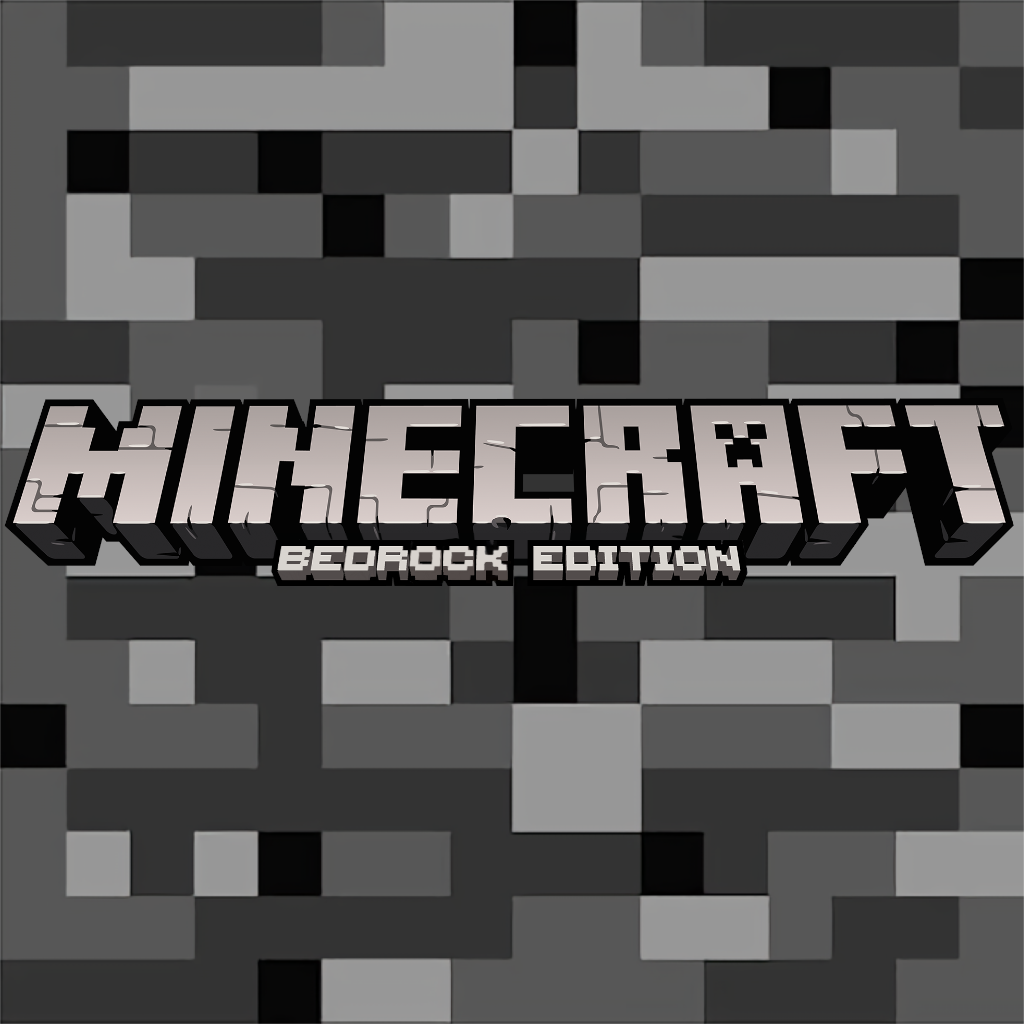
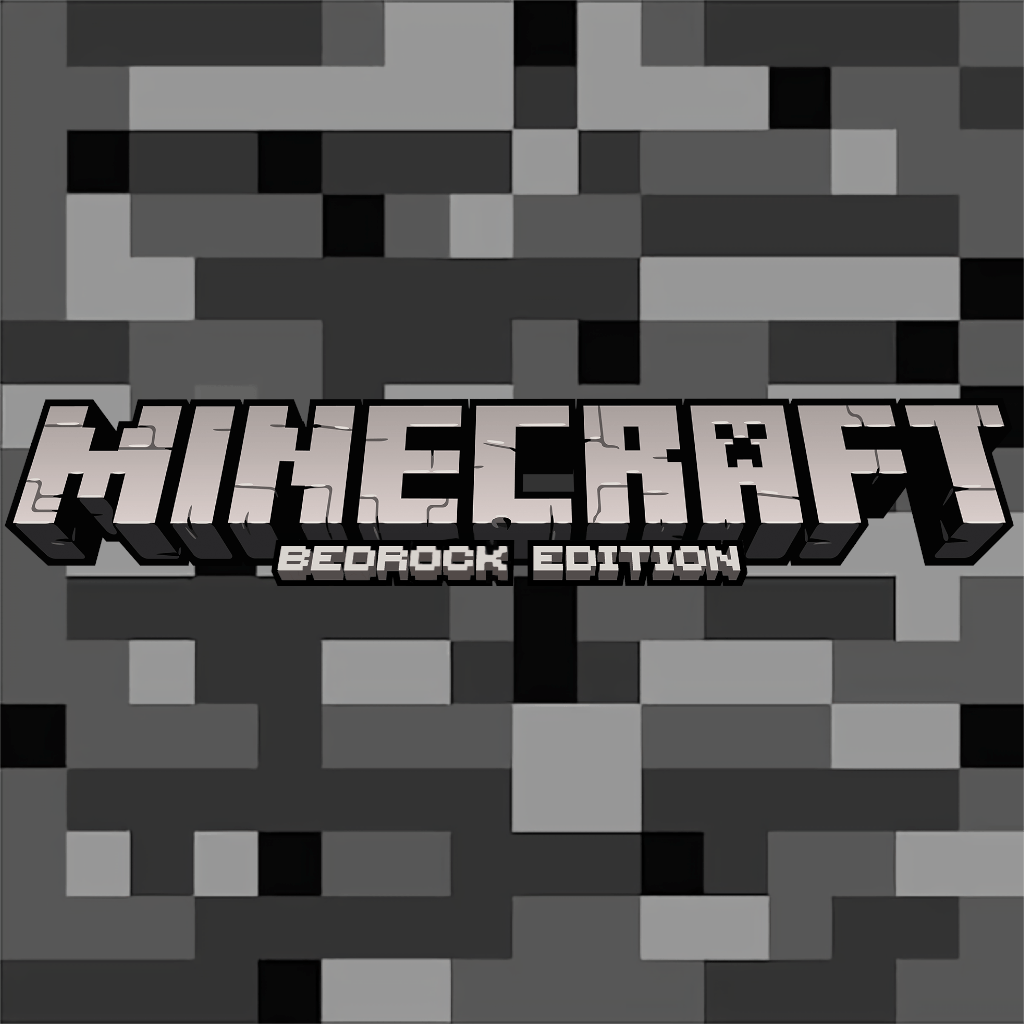
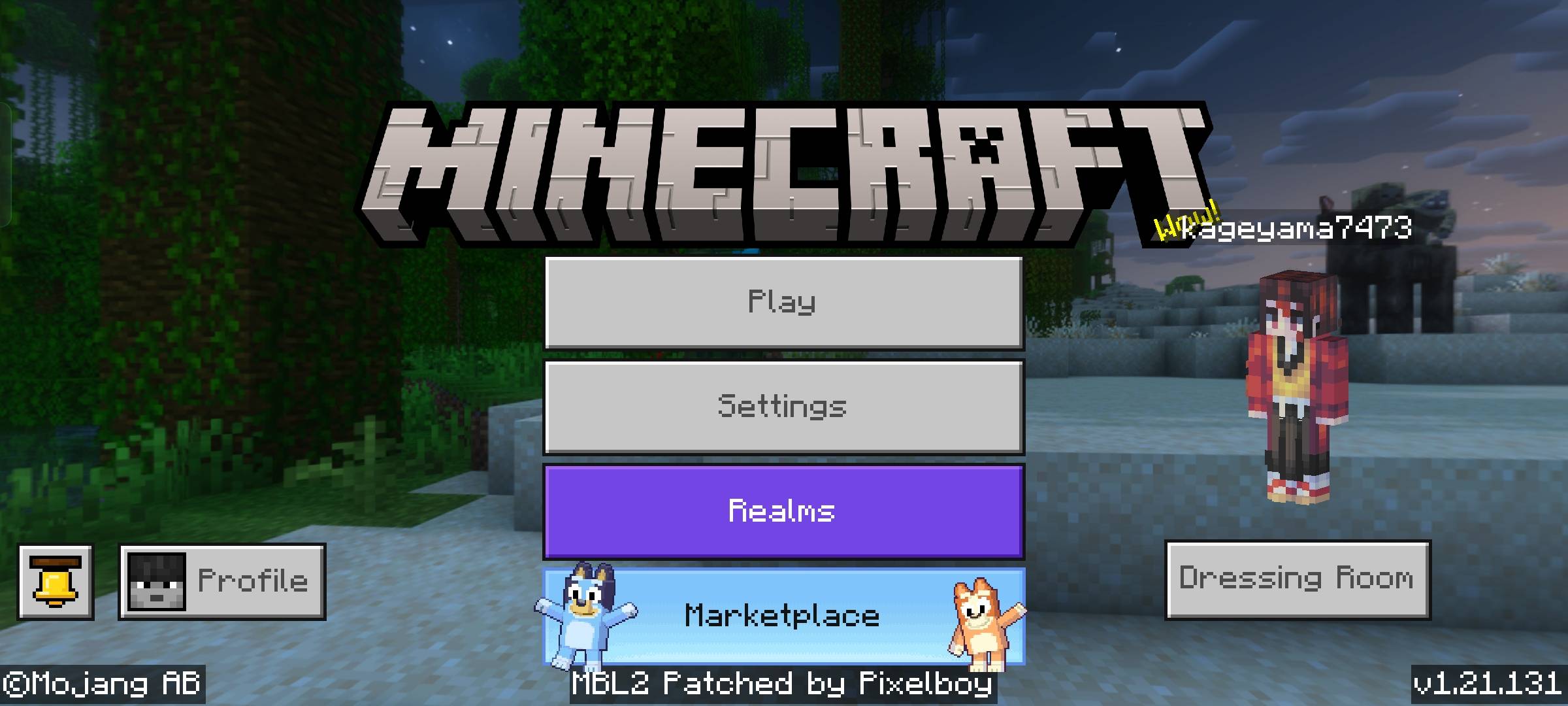
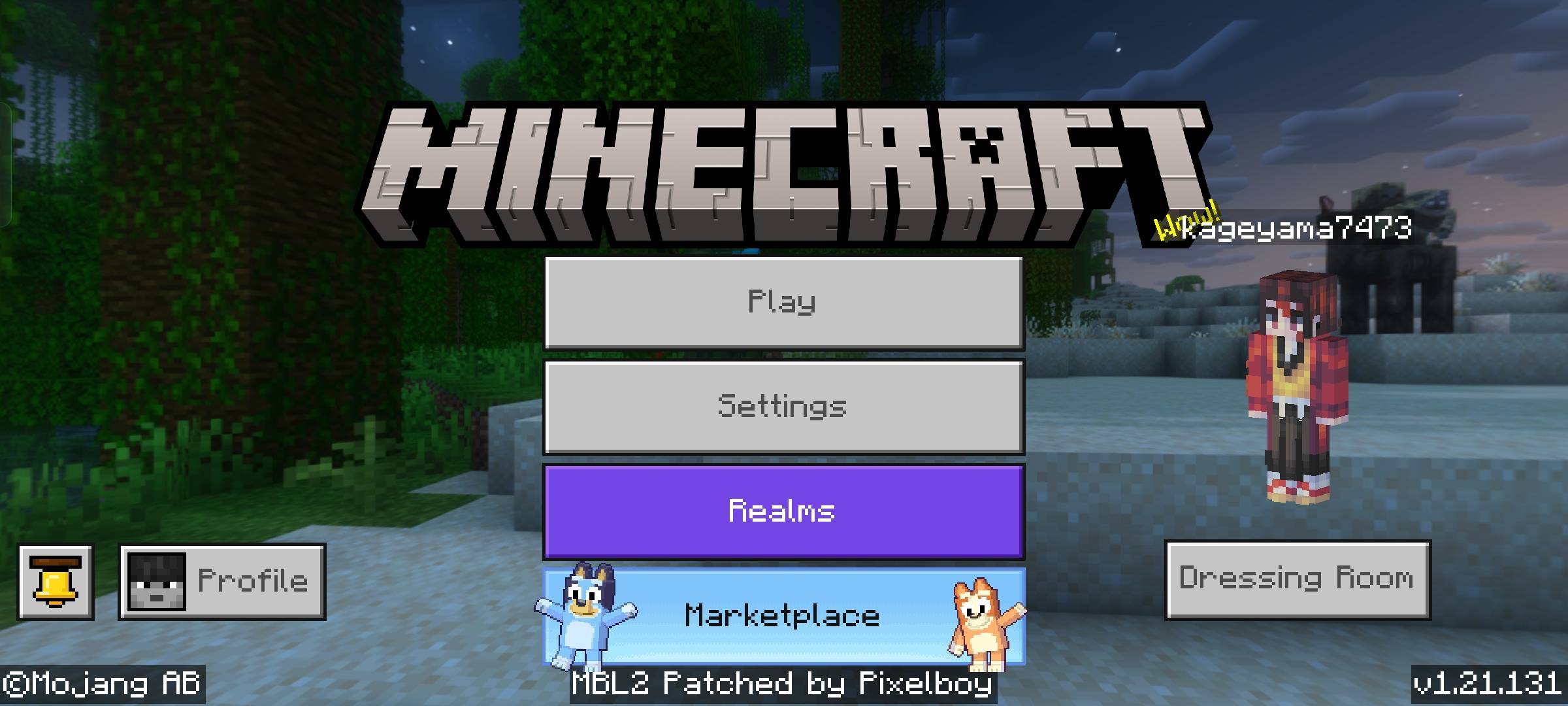
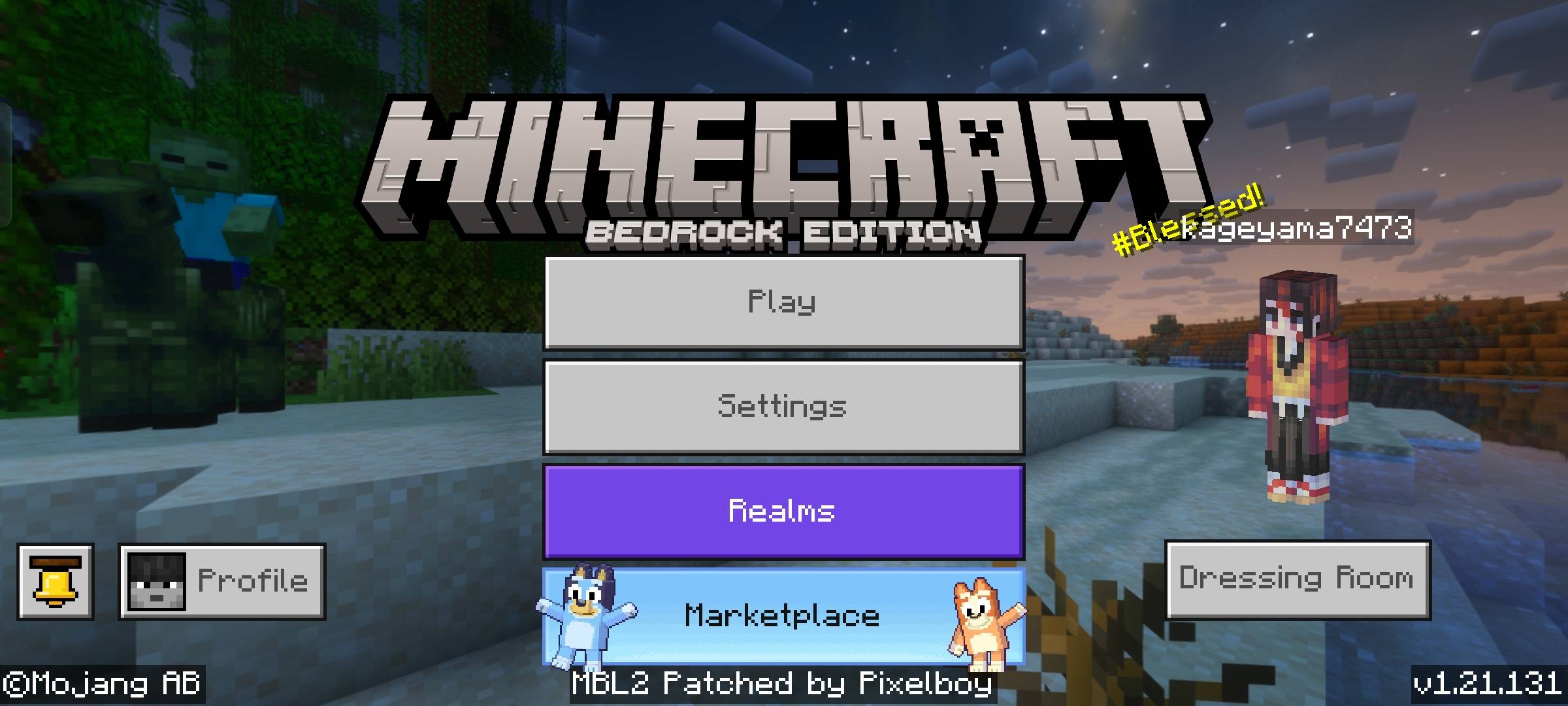
**Change your minecraft title to bedrock title without using bedrock edition just a mod**.
- easy to use just enable the mod in global resources
- You can customise the title by putting image in RP/textures/ui/title.png but not share modified pack you can use it for your personal use.
- !The title.png resolution should be at 1937x365 if not it would not work properly!.
- Sorry for delay😮💨
Quick facts
- Edition: Minecraft Bedrock
- File type: .mcpack
- Minecraft versions listed: 1.20.40, 1.21.30, 1.21.50
- How to install: Download the .mcpack. → Open it — Minecraft imports it under Resource Packs. → Activate it in Global Resources, or for one world under Resource Packs → Available.
- Where to get it: Opens on CurseForge — not every file is mirrored on our own servers.
Install steps are the general flow for this file type — How to install Minecraft Bedrock texture packs walks through it step by step.
Verified by MCModsHub
- Save it as bedrock title mod v1.1.mcaddon before opening — it downloads as .mcpack, but it is a .mcaddon pack
- Manifest requires Minecraft 1.16.0 or newer
- Complete pack — everything it depends on is inside the file
- Download size: 482 KB
- Download link checked 16 Sept 2026 — working
These come from our own check of the pack file, not from the source page.