
Freddy Fazbear 4d Skin
Bedrock texture pack listed for Minecraft 1.20–26.x. File opened and checked on 25 Sep 2026; installs from the MC Bedrock Mods app on Android.
⬇ Download on CurseForgeThe author built this one for Minecraft 26.30. On other versions it may install and then do nothing.
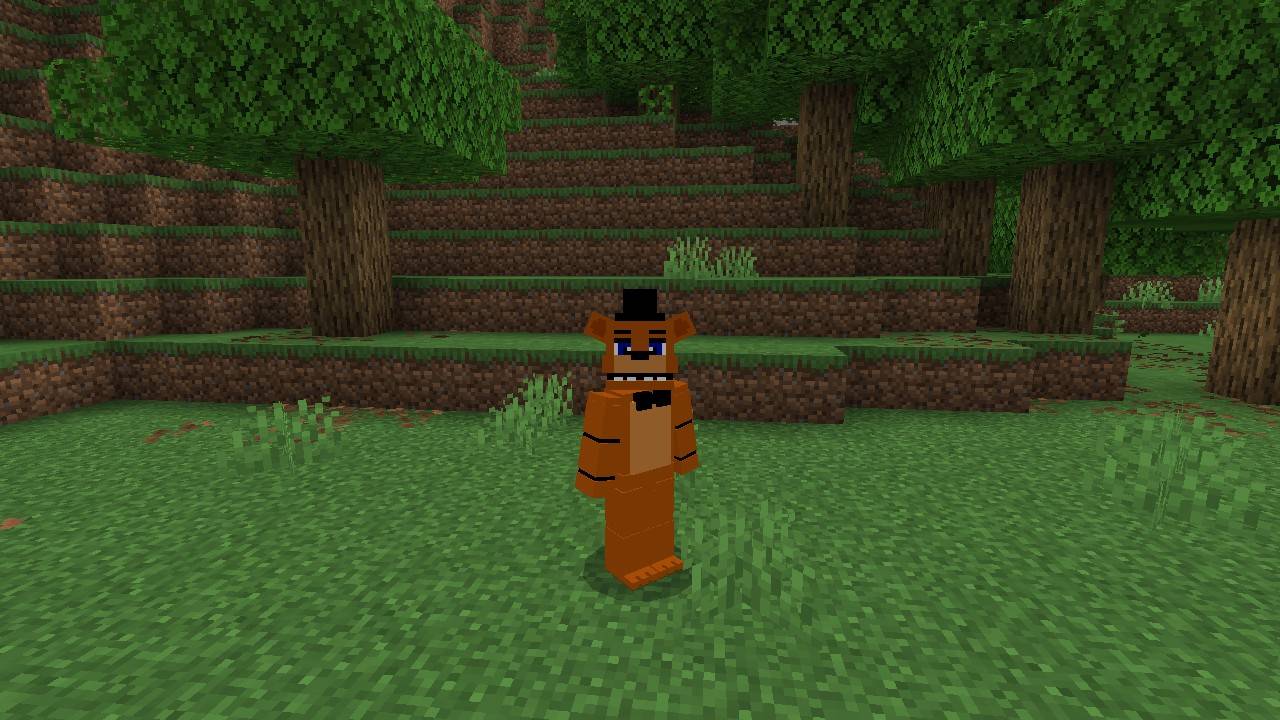
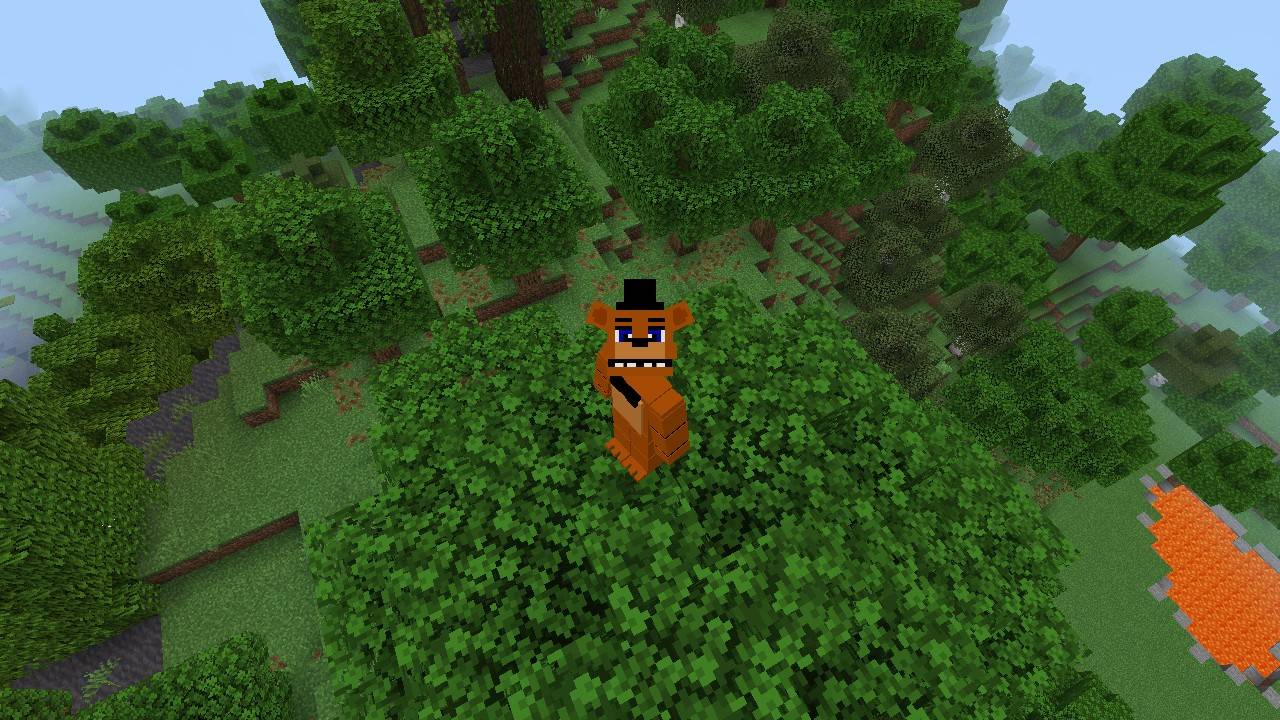
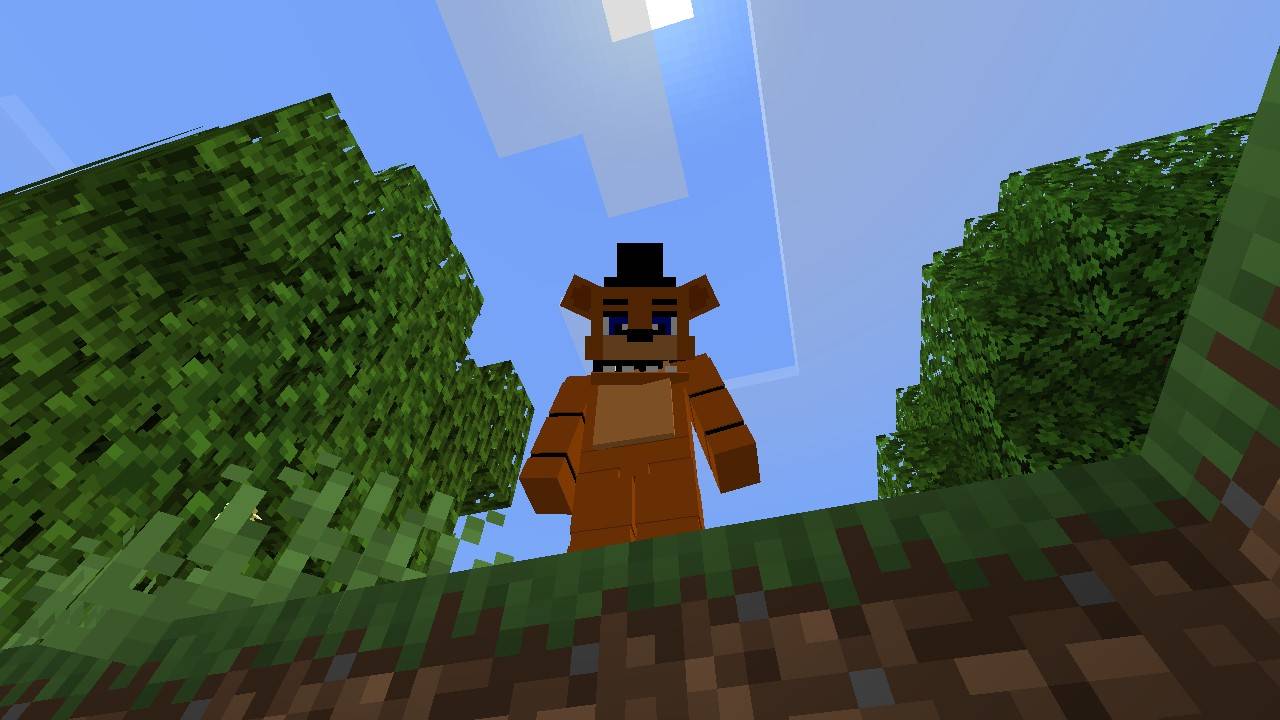
This texture pack lets you use a 4D Freddy Fazbear skin in your game without any extra add-ons, the skin includes a blinking animation
Just install the texture pack, select a character from the editor, and the skin will be ready to use.
Since it's a texture pack, only you can see it, this texture edits the player's structure, so other players' skins won't work correctly.
I hope you enjoy my style and my skins! I invite you to see my other skins
- Edition: Minecraft Bedrock
- File type: .mcpack
- Minecraft version listed: 26.30
- How to install: Download the .mcpack. → Open it — Minecraft imports it under Resource Packs. → Activate it in Global Resources, or for one world under Resource Packs → Available.
- Where to get it: Opens on CurseForge — not every file is mirrored on our own servers.
Install steps are the general flow for this file type — How to install Minecraft Bedrock texture packs walks through it step by step.
- Pack type: .mcpack — a single pack
- Manifest requires Minecraft 1.20.80 or newer
- Complete pack — everything it depends on is inside the file
- Download size: 145 KB
- Download link checked 6 Oct 2026 — working
These come from our own check of the pack file, not from the source page.