NENO SHADER
Bedrock texture pack listed for Minecraft 1.21–26.x. File opened and checked on 20 Sep 2026; installs from the MC Bedrock Mods app on Android.
NENO SHADER brings ultra-realism to Minecraft Bedrock players on low-end devices. Engineered for maximum optimization, it delivers breathtaking visuals…
I don't know my version
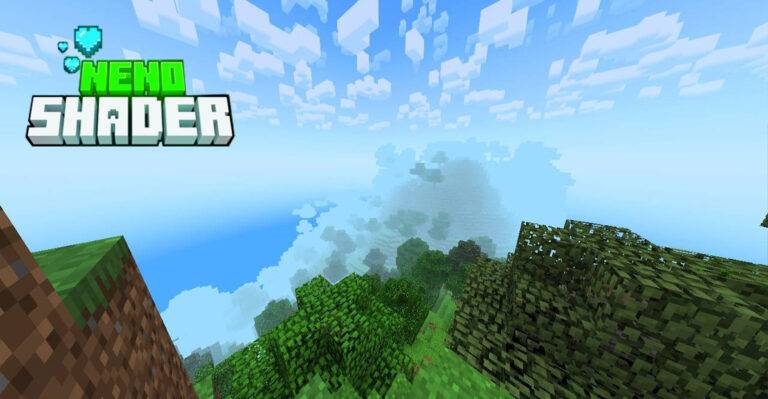
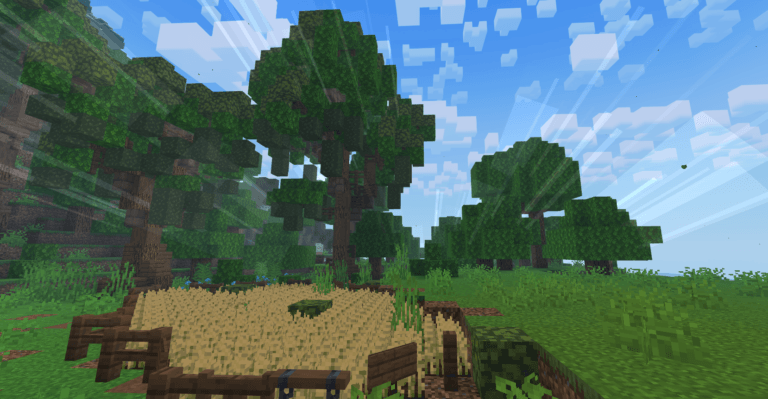
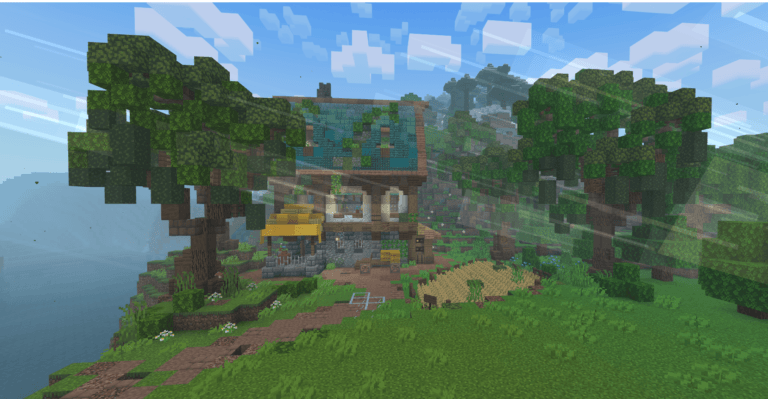
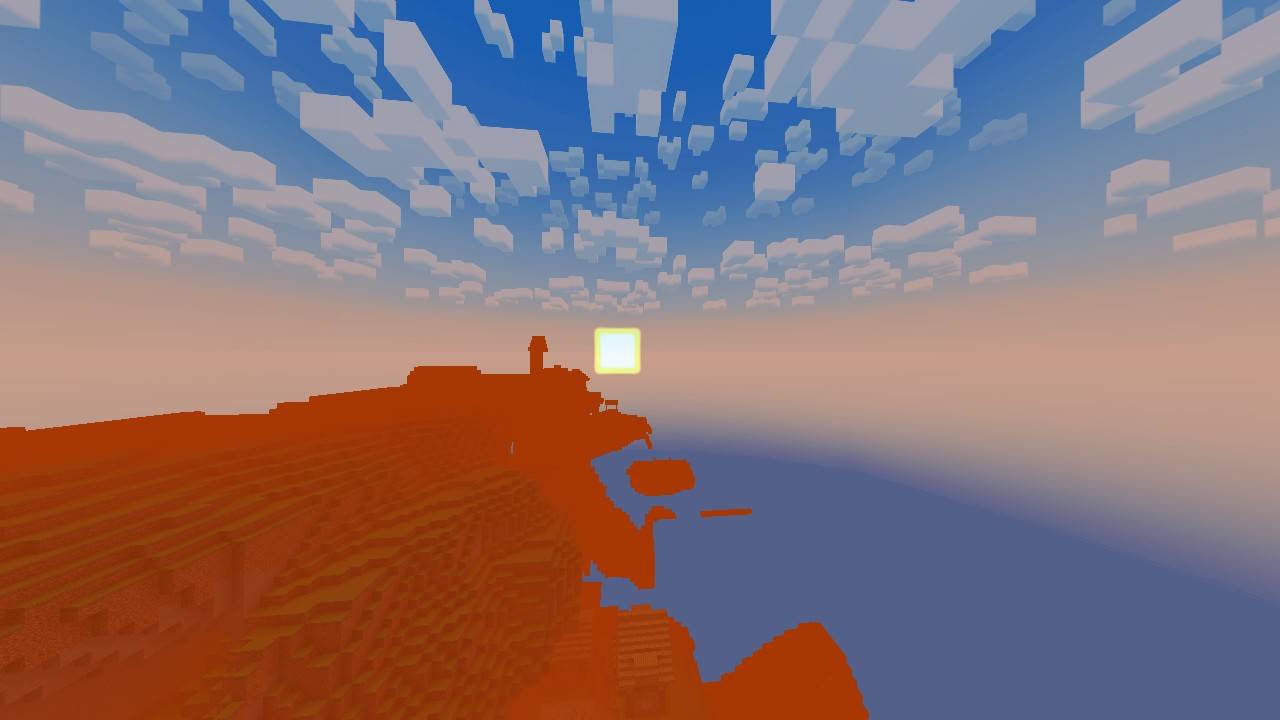
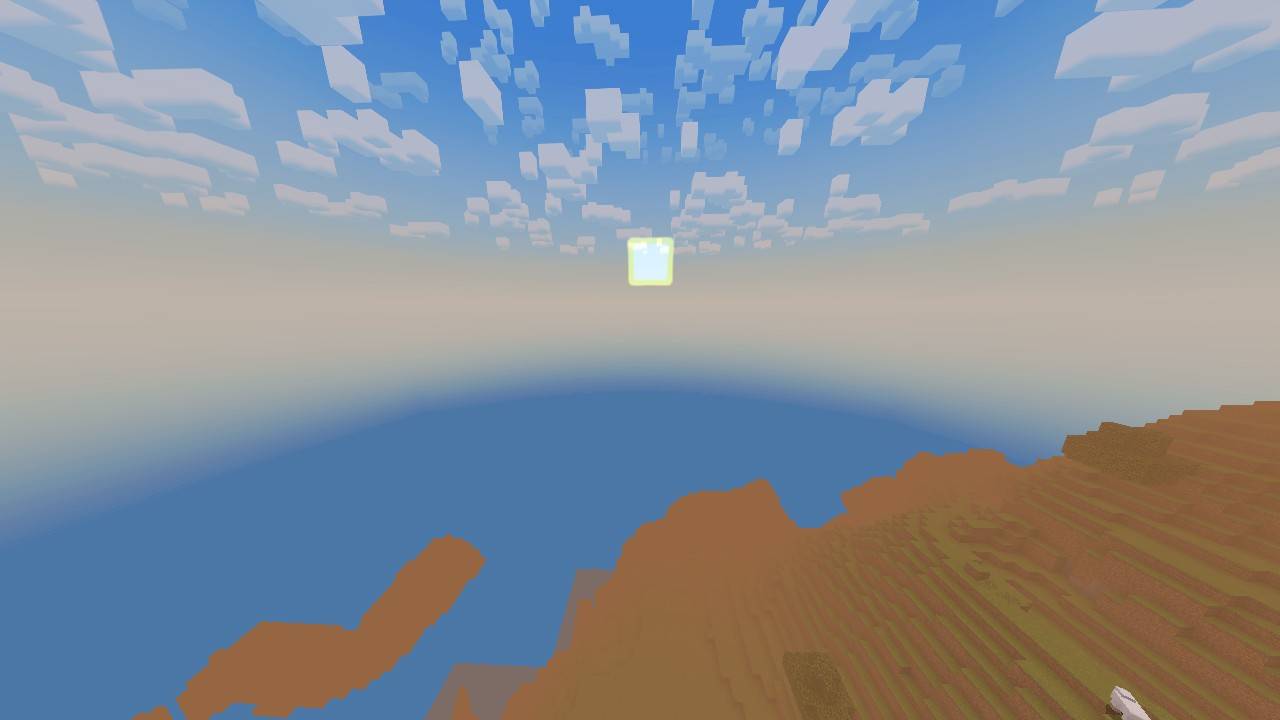
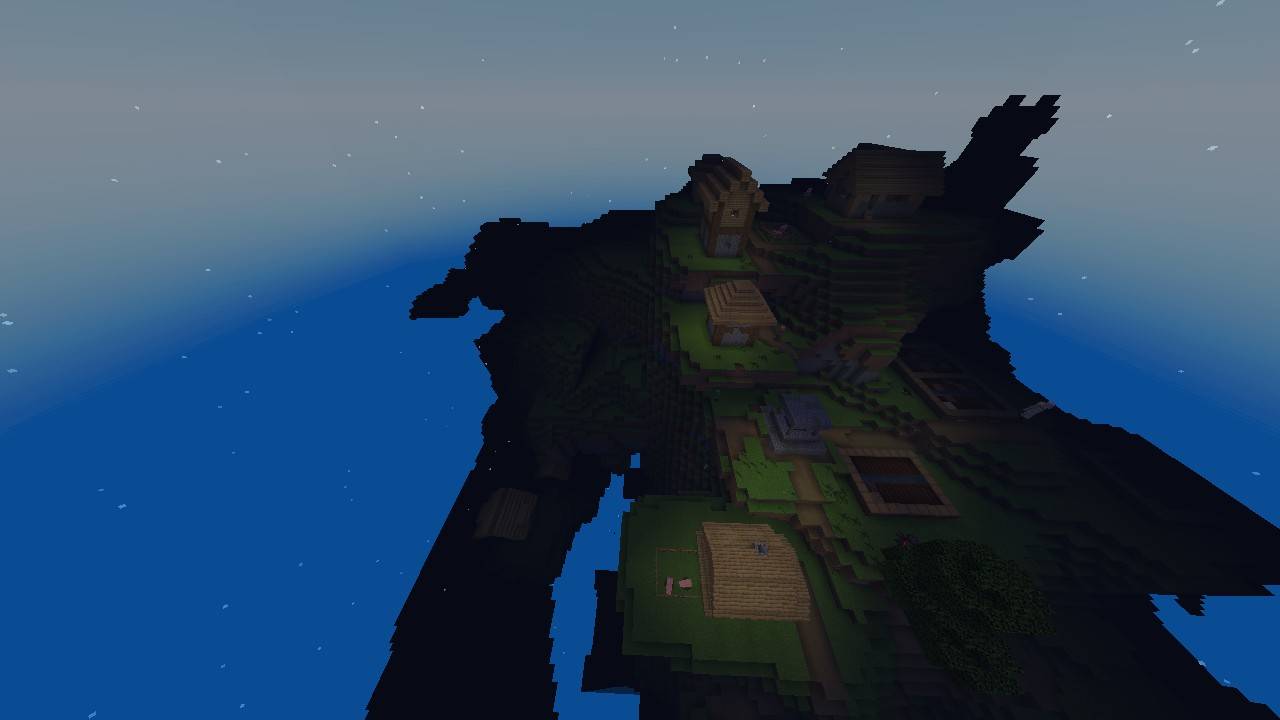
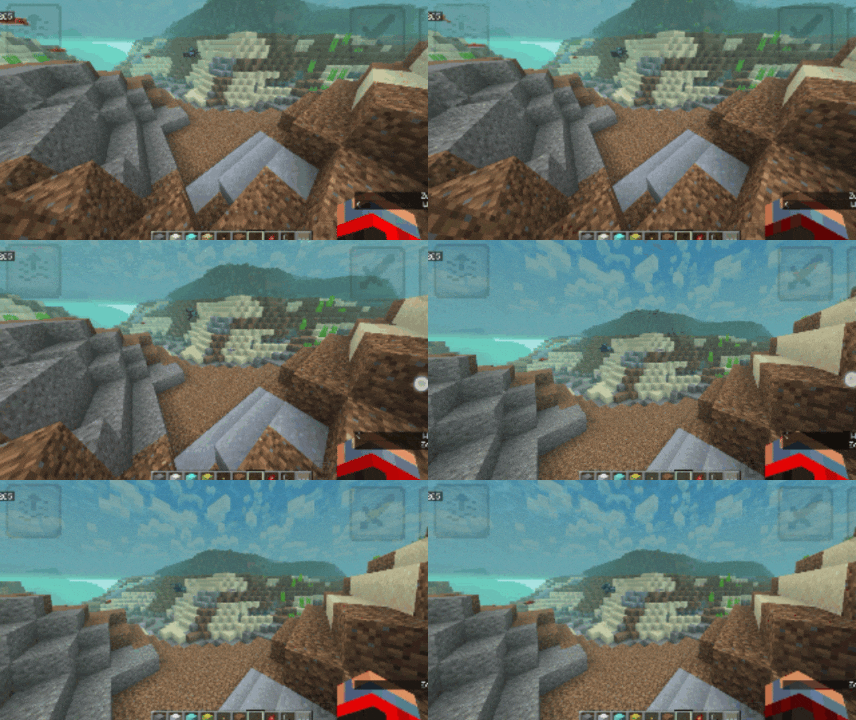
🌟 NENO SHADER: Ultra-Realism For Low-End Bedrock! 🌟
Tired of shaders that turn your Minecraft into a slideshow? Frustrated with complex installation guides, patched clients, and sudden FPS drops? Welcome to NENO SHADER—the ultimate graphics solution designed exclusively for Minecraft Bedrock Edition.
NENO SHADER redefines what is possible on low-end hardware. It completely transforms your vanilla Minecraft world into a breathtaking, ultra-realistic masterpiece without draining your device's performance. Whether you are playing on an older smartphone, a budget tablet, or a low-spec PC, this shader delivers premium visuals with absolutely zero lag.
✨ Features That Make NENO Shine
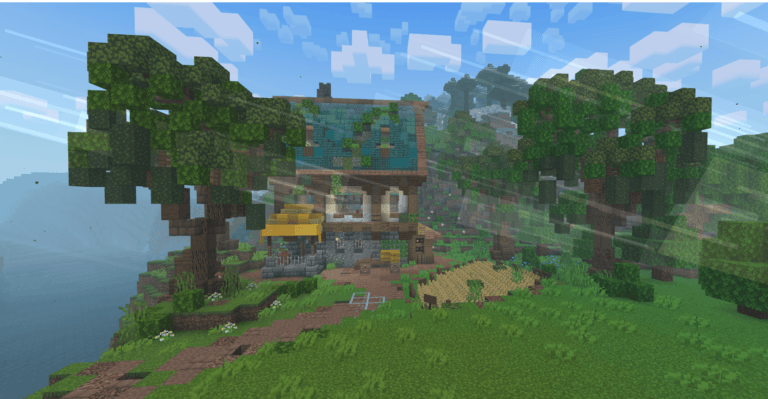
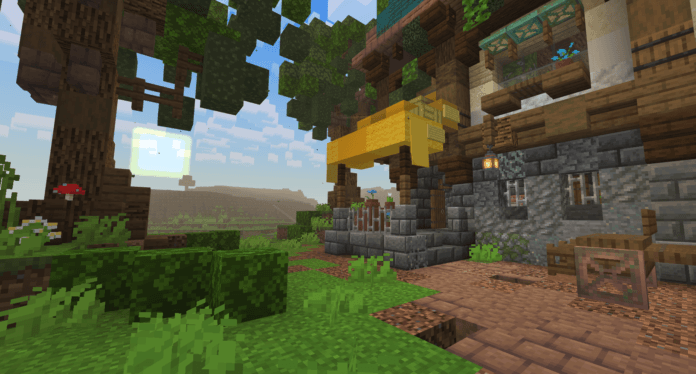
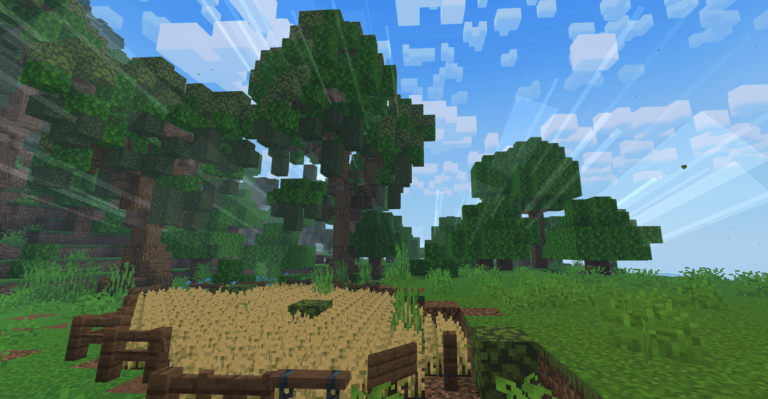
True Ultra-Realism: Experience a completely overhauled world. From enhanced atmospheric lighting and rich, vibrant color grading to beautiful skybox improvements, your worlds will look more alive than ever before.
Zero FPS Drop: Optimized to perfection. NENO Shader is engineered to maintain your maximum frame rate, giving you a fluid, butter-smooth gameplay experience.
No Patched Client Needed: Skip the headache! Unlike many modern Bedrock shaders that require modified APKs or third-party patching tools, NENO works seamlessly right out of the box.
Built for Low-End Devices: Made specifically for players who love high-tier graphics but don't have high-tier hardware. If your device can run Minecraft, it can run NENO.
🌟 Screenshots 🌟
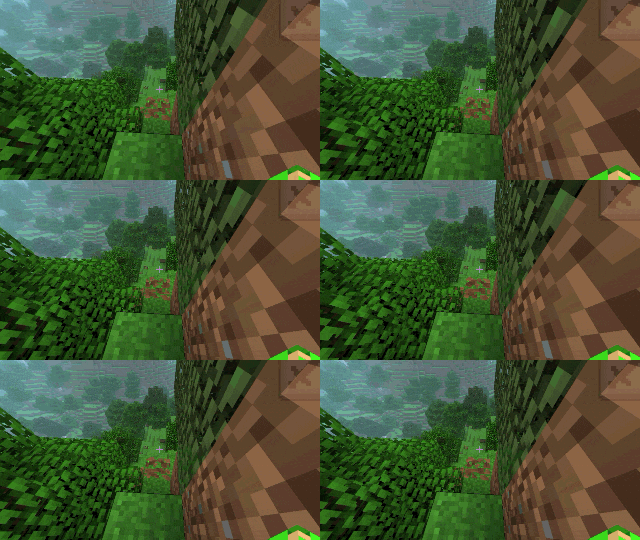
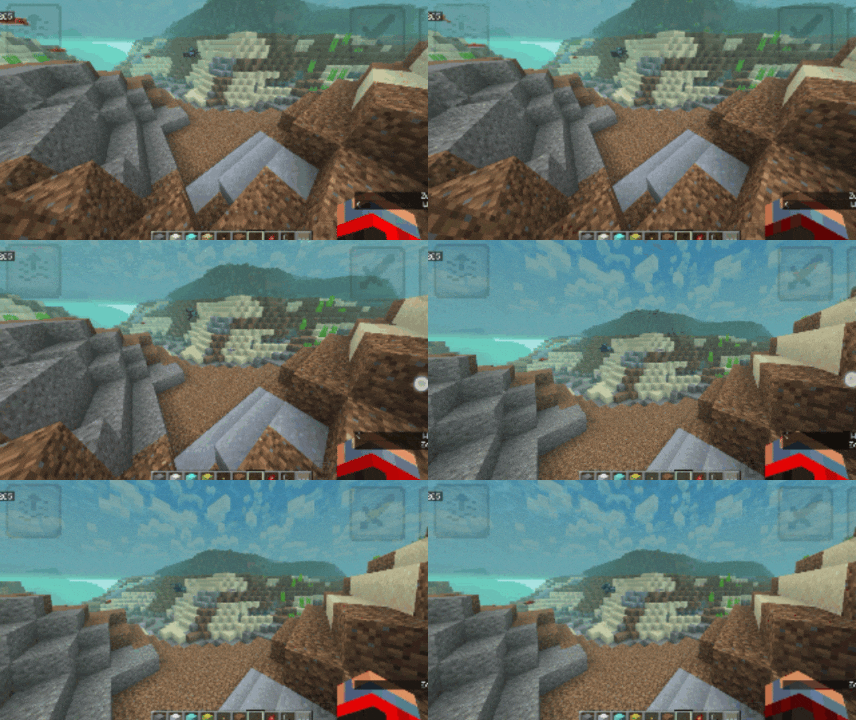
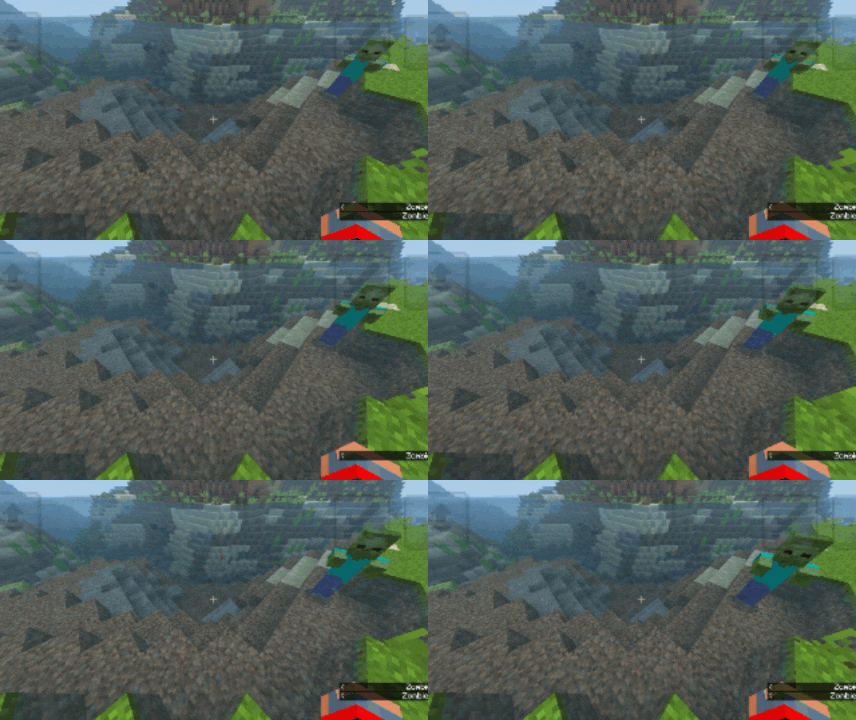
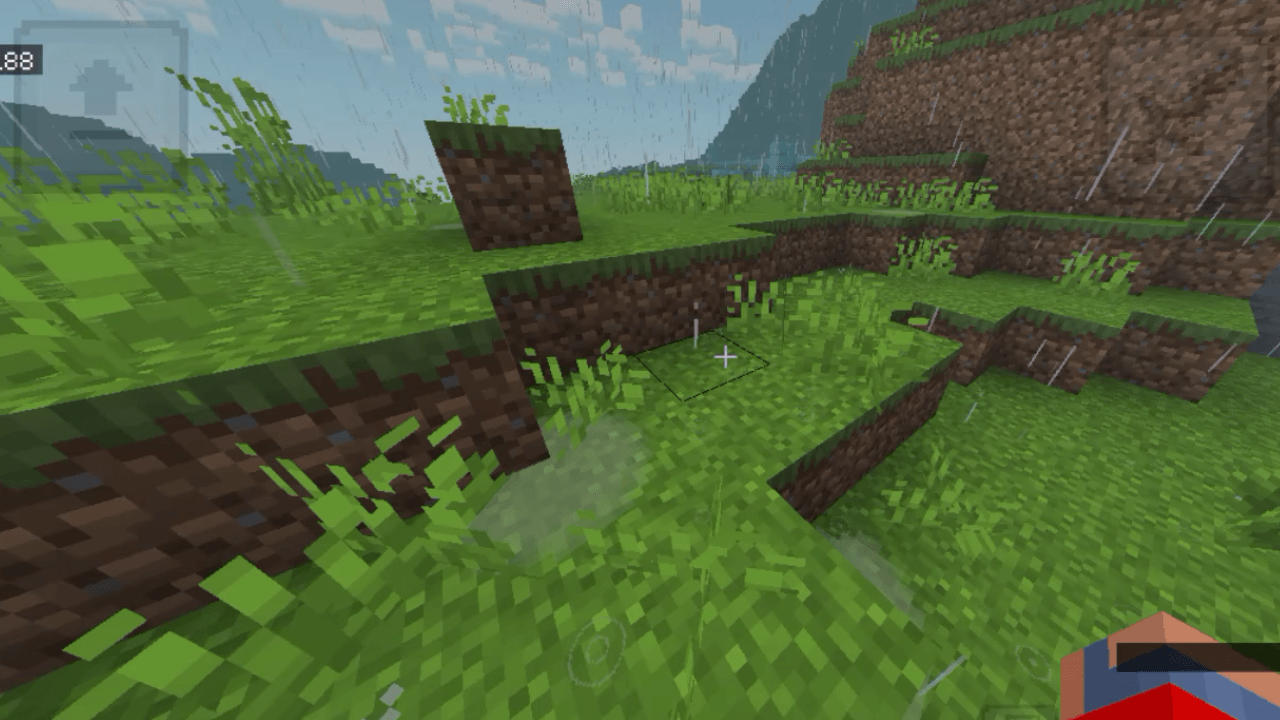
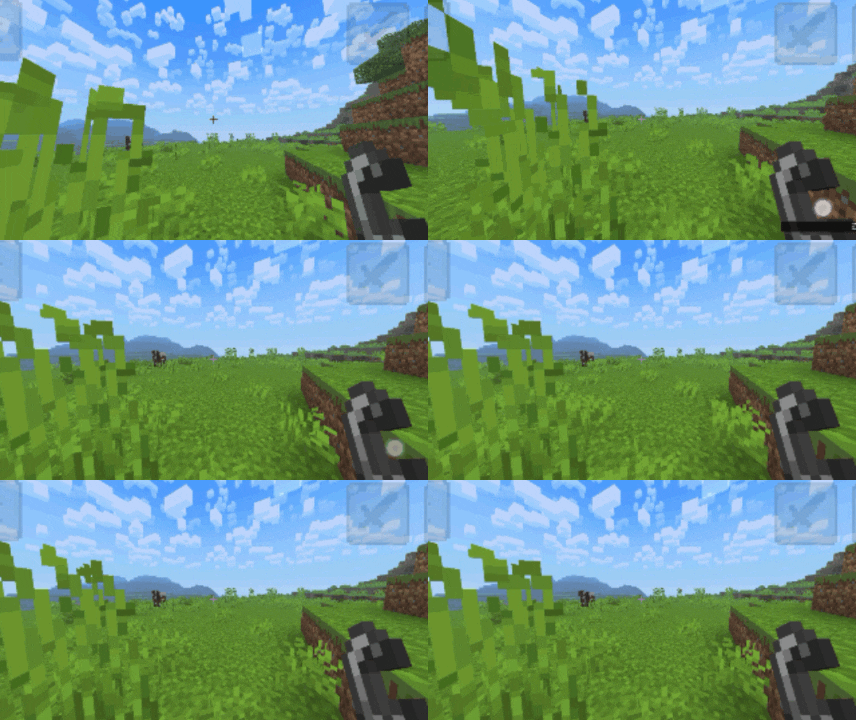 🛠️ Installation Guide (Quick & Easy)
Because NENO Shader doesn't require a patched client, setting it up is incredibly simple:
Download the NENO SHADER .mcpack file.
Click/Tap the file to automatically import it into Minecraft Bedrock.
Open Minecraft, go to Settings > Global Resources.
Activate NENO SHADER and enjoy your ultra-realistic world!
📌 Note from the Creator: NENO SHADER was built with a single goal in mind: to ensure no player is left behind. You don't need an expensive gaming rig to experience Minecraft in its most beautiful form. Download today and see the difference for yourself!
- Edition: Minecraft Bedrock
- File type: .mcpack
- Minecraft versions listed: 26.10, 26.20, 1.21.132
- How to install: Download the .mcpack. → Open it — Minecraft imports it under Resource Packs. → Activate it in Global Resources, or for one world under Resource Packs → Available.
- Where to get it: Opens on CurseForge — not every file is mirrored on our own servers.
Install steps are the general flow for this file type — How to install Minecraft Bedrock texture packs walks through it step by step.
- Save it as NENO SHADER v.3.7.mcaddon before opening — it downloads as .mcpack, but it is a .mcaddon pack
- Manifest requires Minecraft 1.26.10 or newer
- Complete pack — everything it depends on is inside the file
- Download size: 7.2 MB
- Download link checked 26 Oct 2026 — working
These come from our own check of the pack file, not from the source page.