
Armor 3D
Bedrock texture pack listed for Minecraft 1.21–26.x. File opened and checked on 21 Sep 2026; installs from the MC Bedrock Mods app on Android.
⬇ Download on CurseForge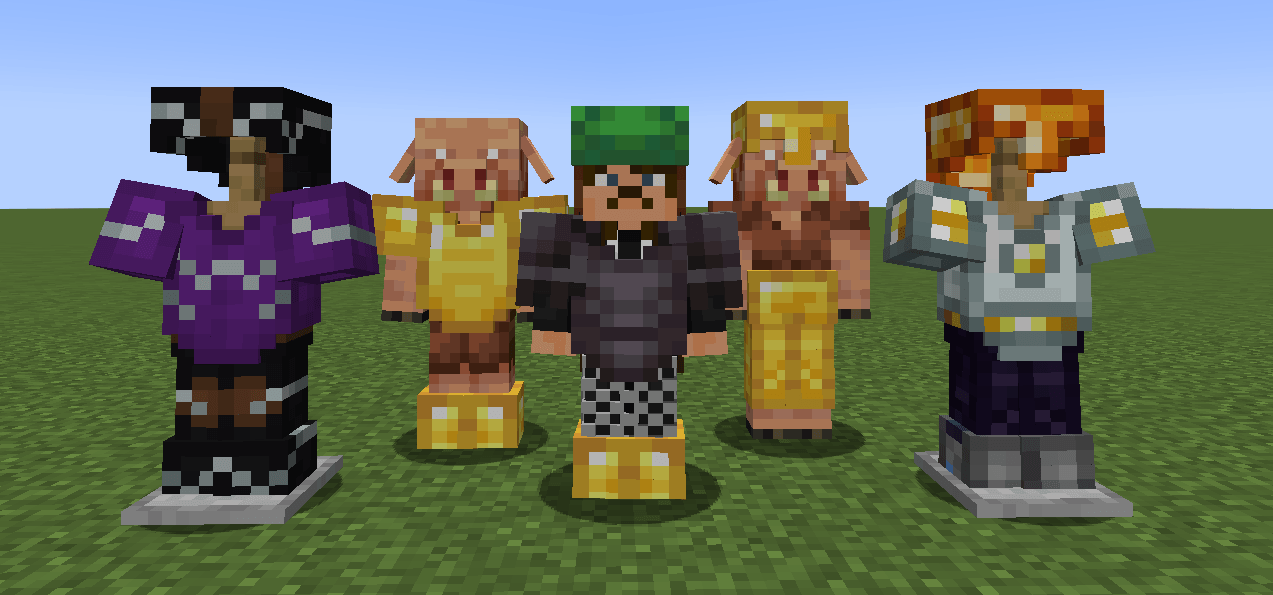
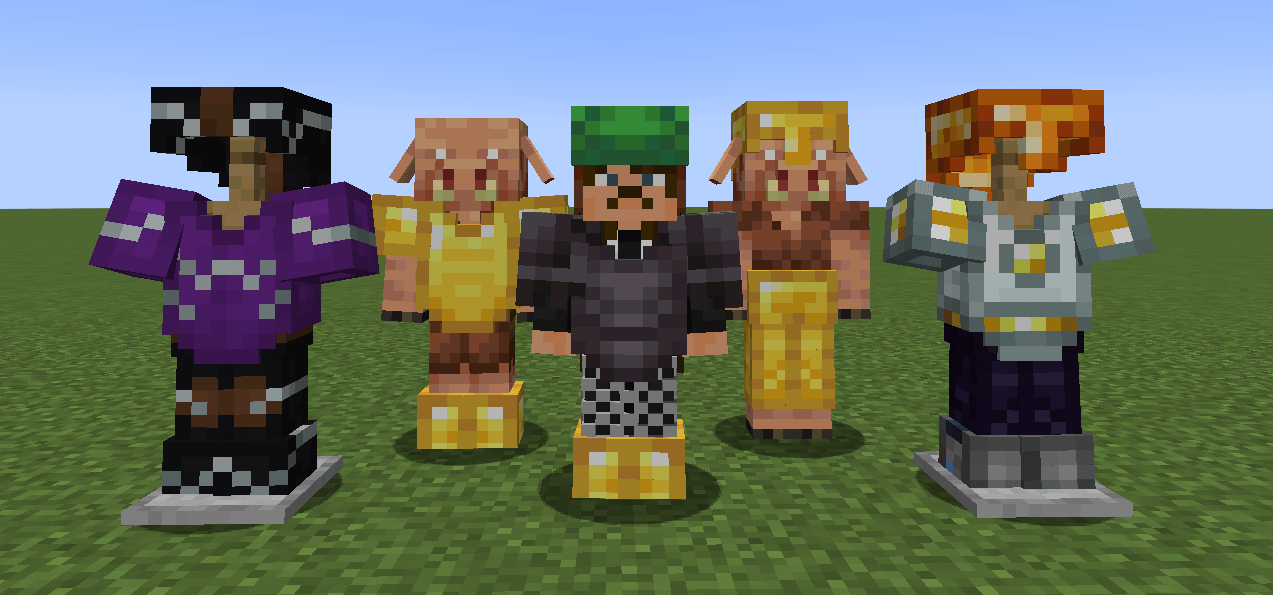
This texture pack enables rendering of the player and entity equipped armor/elytra in 3D with support for 16x resource packs.
This project is still a beta stage so expect few visual bugs. Although extensive precautions were taken to prevent frame rate drops, performance may decrease in areas with many armored entities. This is due to the dynamic armor model which ensures compatibility across all armors, but comes at a slight performance cost.
🟠 PLANNED FEATURES
- 3D Wolf Armor (with resource pack support)
- 3D Horse Armor (with resource pack support)
- Better Optimization
- 32x Resource Pack Support
- Addons compatibility
🟢 COMPATIBILITES
- Minecraft Preview (copper armor)
- Minecraft Copper Cape (elytra)
- Actions & Stuff
🔴 INCOMPATIBILITES
- Addons custom armors
SPONSORED BY J9 STUDIOS

- Edition: Minecraft Bedrock
- File type: .mcpack
- Minecraft versions listed: 1.21.30, 1.21.50, 1.21.81
- How to install: Download the .mcpack. → Open it — Minecraft imports it under Resource Packs. → Activate it in Global Resources, or for one world under Resource Packs → Available.
- Where to get it: Opens on CurseForge — not every file is mirrored on our own servers.
Install steps are the general flow for this file type — How to install Minecraft Bedrock texture packs walks through it step by step.
- Save it as 3d-armor-0.9.2-bedrock.mcaddon before opening — it downloads as .mcpack, but it is a .mcaddon pack
- Manifest requires Minecraft 1.21.1 or newer
- Complete pack — everything it depends on is inside the file
- Download size: 251 KB
- Download link checked 6 Oct 2026 — working
These come from our own check of the pack file, not from the source page.