
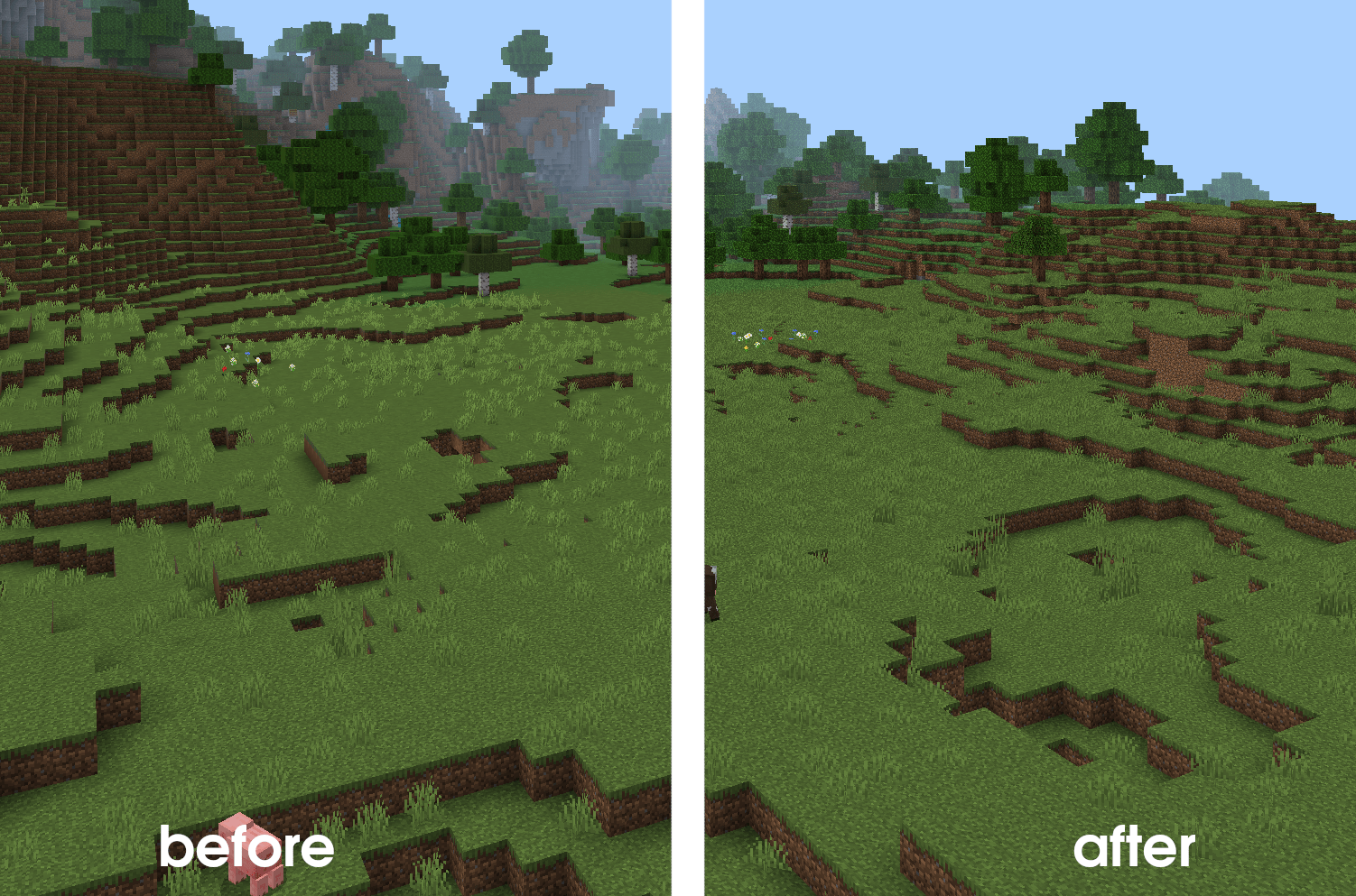
Simple resource pack that reproduces Java Edition's Mipmap Levels settings in bedrock edition. Mipmap Levels is a Java Edition settings option that defines how blurred distant textures are. Disabling that might improve performance in certain scenarios and fixes HD pack texture blurriness
pack config
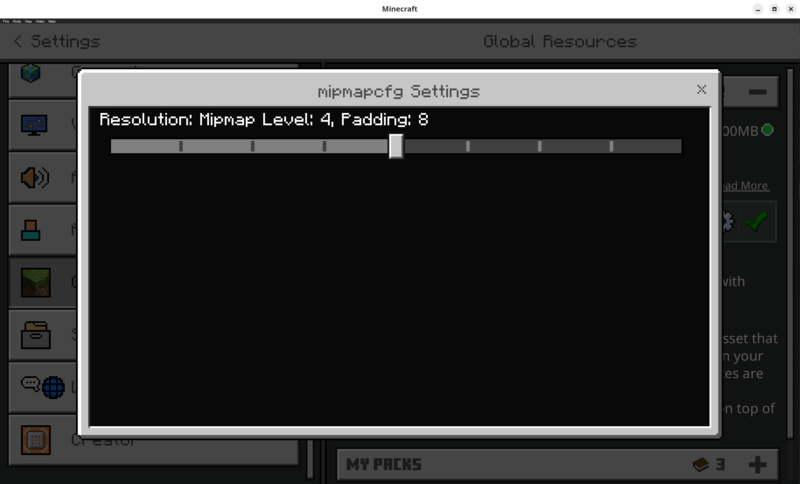
Mipmap levels are configured via subpacks. There're 8 presets for levels 0 (Mipmap OFF) to 8 (Bedrock Edition Default)
Quick facts
- Edition: Minecraft Bedrock
- File type: .mcpack
- Minecraft versions listed: 1.20.40, 1.21.30, 1.18.2
- How to install: Download the .mcpack. → Open it — Minecraft imports it under Resource Packs. → Activate it in Global Resources, or for one world under Resource Packs → Available.
- Where to get it: Opens on CurseForge — not every file is mirrored on our own servers.
Install steps are the general flow for this file type — How to install Minecraft Bedrock texture packs walks through it step by step.
Verified by MCModsHub
- Pack type: .mcpack — a single pack
- Manifest requires Minecraft 1.2.6 or newer
- Complete pack — everything it depends on is inside the file
- Download size: 8 KB
- Download link checked 16 Sept 2026 — working
These come from our own check of the pack file, not from the source page.