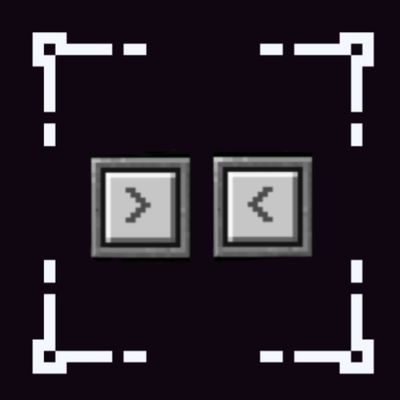
Hotbar buttons slider gg
Bedrock texture pack listed for Minecraft 26.x. Download on the author's site.
Adds > and < navigation buttons to your hotbar, allowing you to switch between hotbar slots with a single tap on mobile, ipad or others that has tuch…
⬇ Download on CurseForge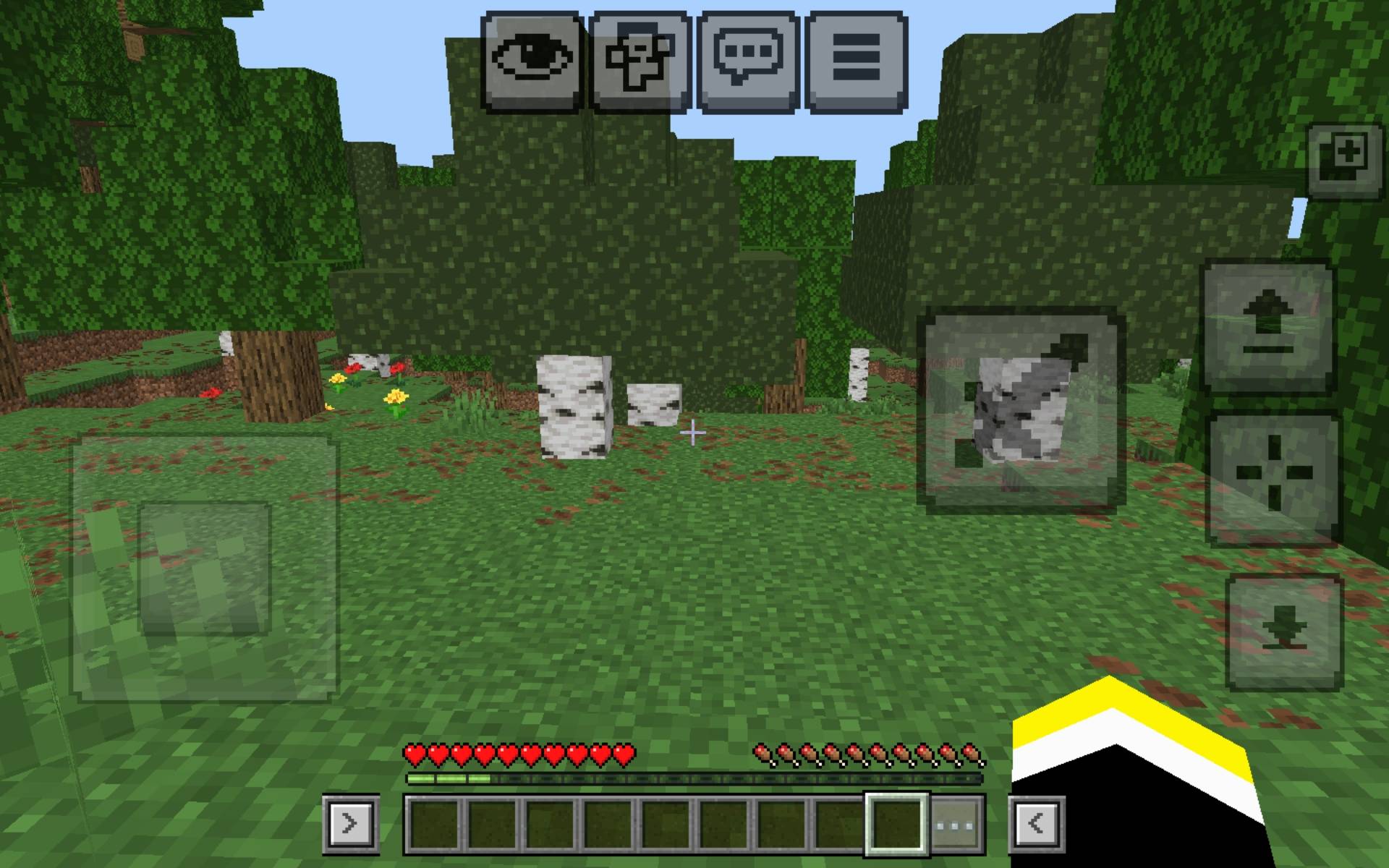
Hey every body!
I made this helpful but simple texture pack that adds two small > and < buttons right next to your hotbar (one on the right of your hotbar and the other on the left of your hotbar) so you can slide trought your hotbar slot with just one tap in witch button you want , clean , fast and helpful.
Terms of use
Personal Use-You are allowed to modify my code for personal use.
Redistribution-You are NOT allowed to re-upload my pack or modified versions to other website ( such as 9minecraft , or similar ) please don't:))
Good stuff
Buttons-One tap hotbar buttons slider.
Tecnicals-No lag and weighs just 0,00MB !
Gooood-It works on any words,realms or servers to.
Some ideas or problems tel me and i will trie to add them or fix them.
By MrDuck8573:))
- Edition: Minecraft Bedrock
- File type: .mcpack
- Minecraft version listed: 26.10
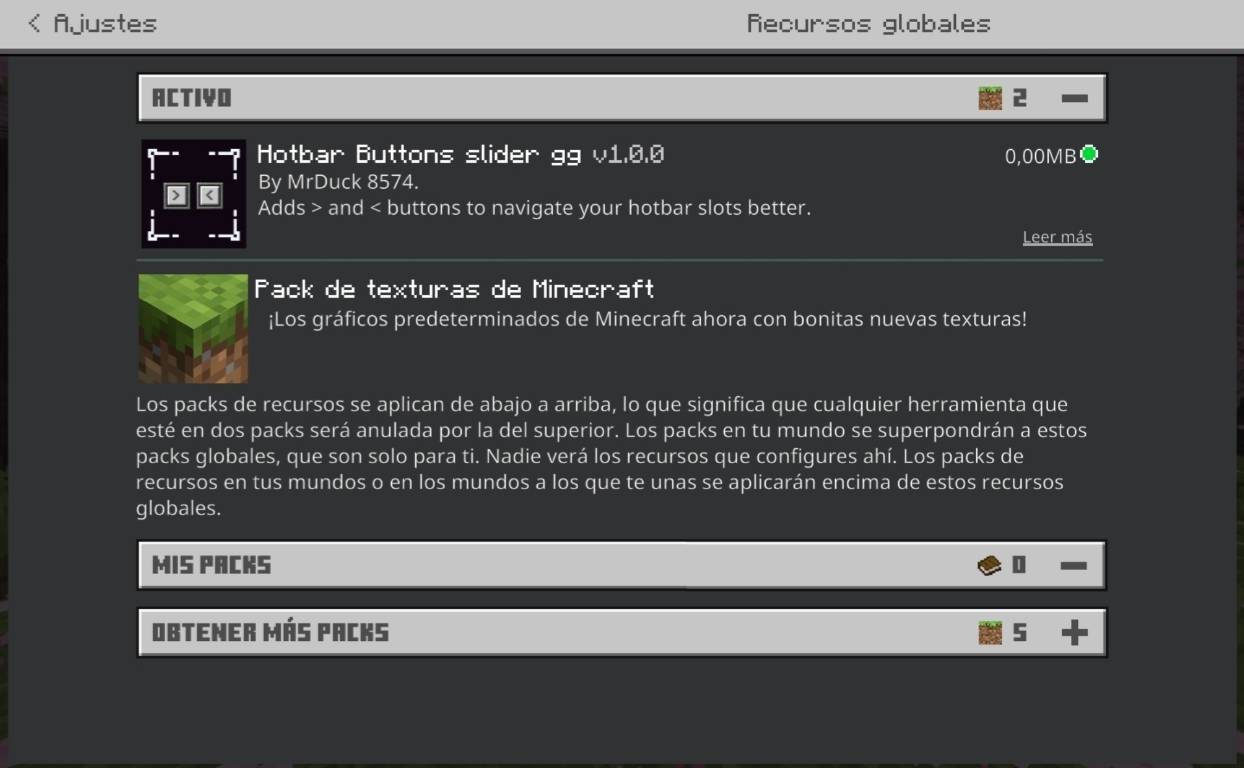
- How to install: Download the .mcpack. → Open it — Minecraft imports it under Resource Packs. → Activate it in Global Resources, or for one world under Resource Packs → Available.
- Where to get it: Opens on CurseForge — not every file is mirrored on our own servers.
Install steps are the general flow for this file type — How to install Minecraft Bedrock texture packs walks through it step by step.
Hotbar buttons slider gg is a free Minecraft Bedrock texture pack. Compatible with Minecraft 26.10. Downloaded 1,340 times (via CurseForge). Download it and open it directly in the game.