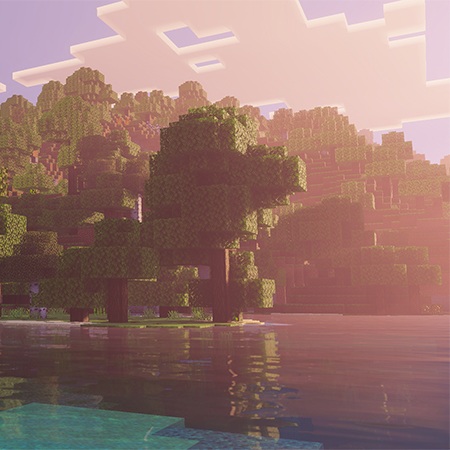
Pixura Customizer
The author built this one for Minecraft 26.3. On other versions it may install and then do nothing.
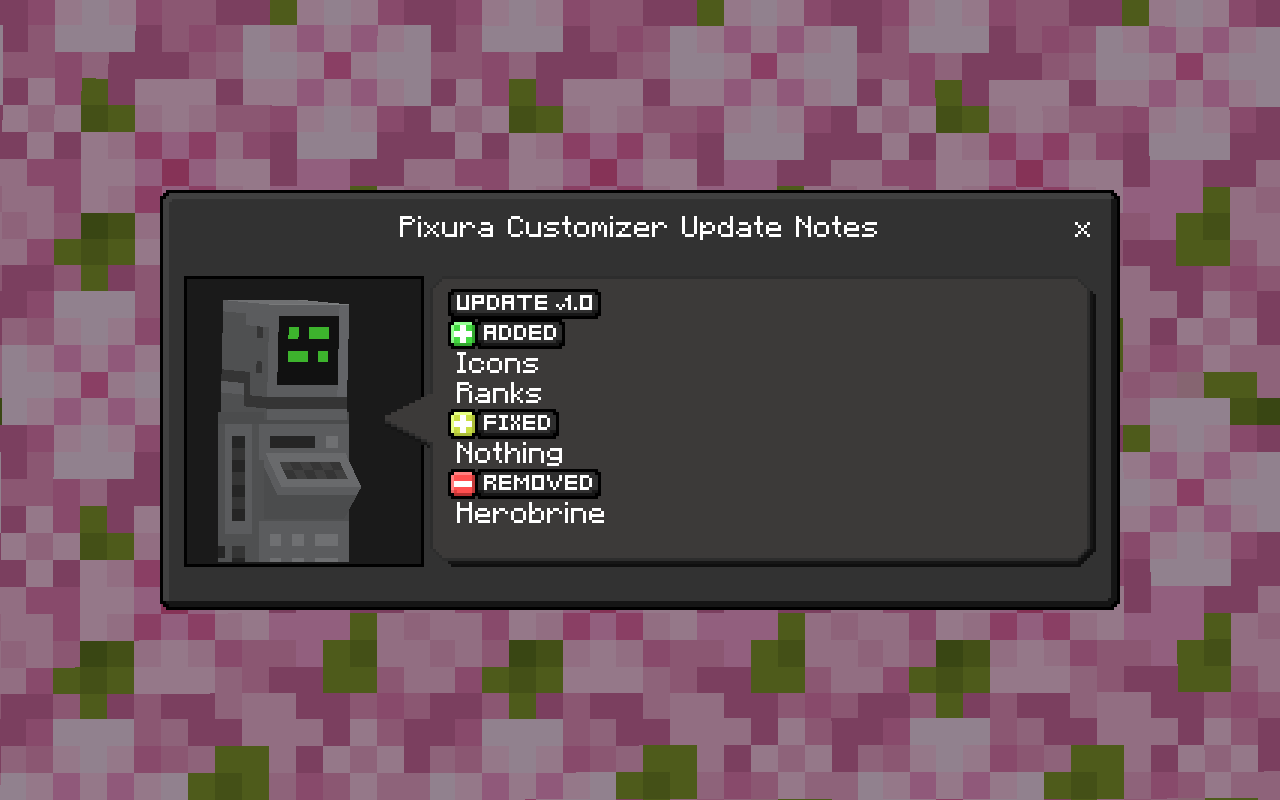
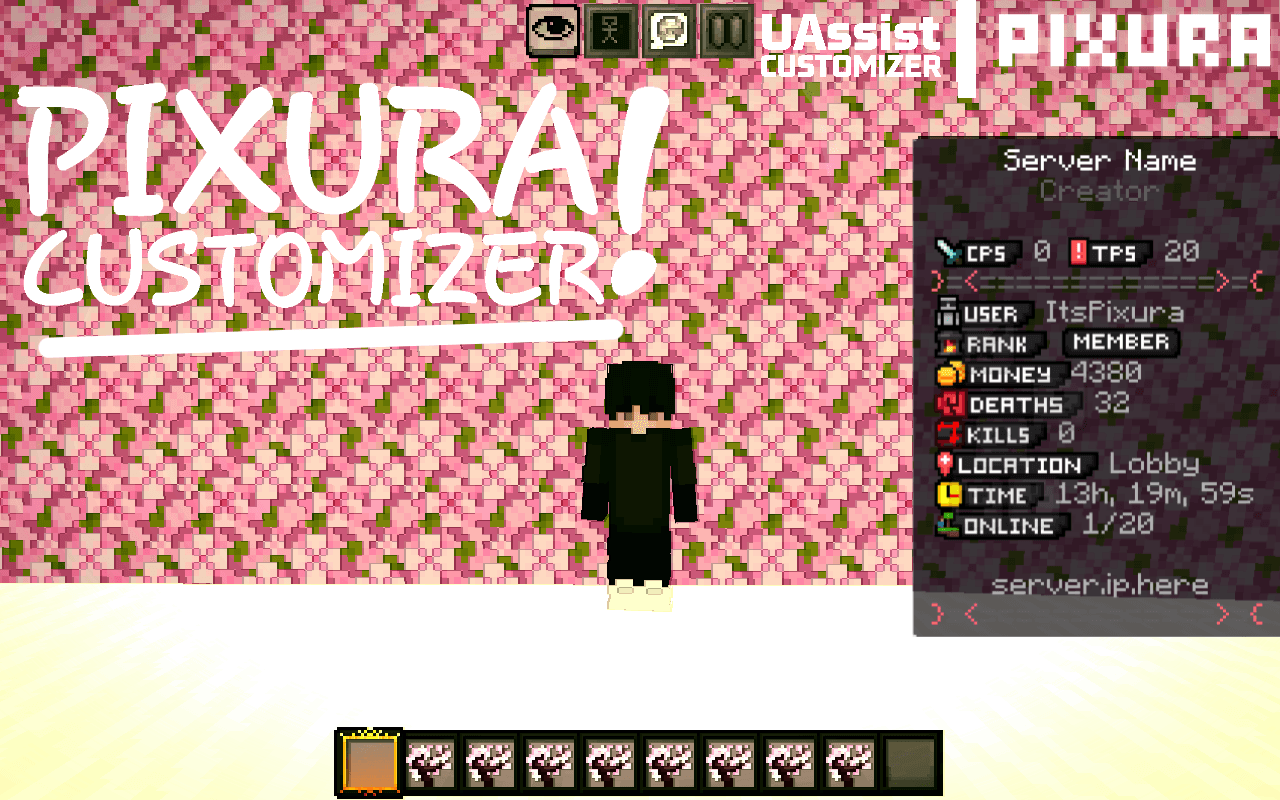
Pixura Customizer is a custom resource pack that adds a large collection of pixel-style UI icons for Minecraft Bedrock Edition.
These icons can be used in chat messages, titles, scoreboards, server announcements, NPC dialogue, menus, and custom UI systems.
The goal of this pack is to help servers and maps create clean, modern, and professional-looking messages using glyph characters.
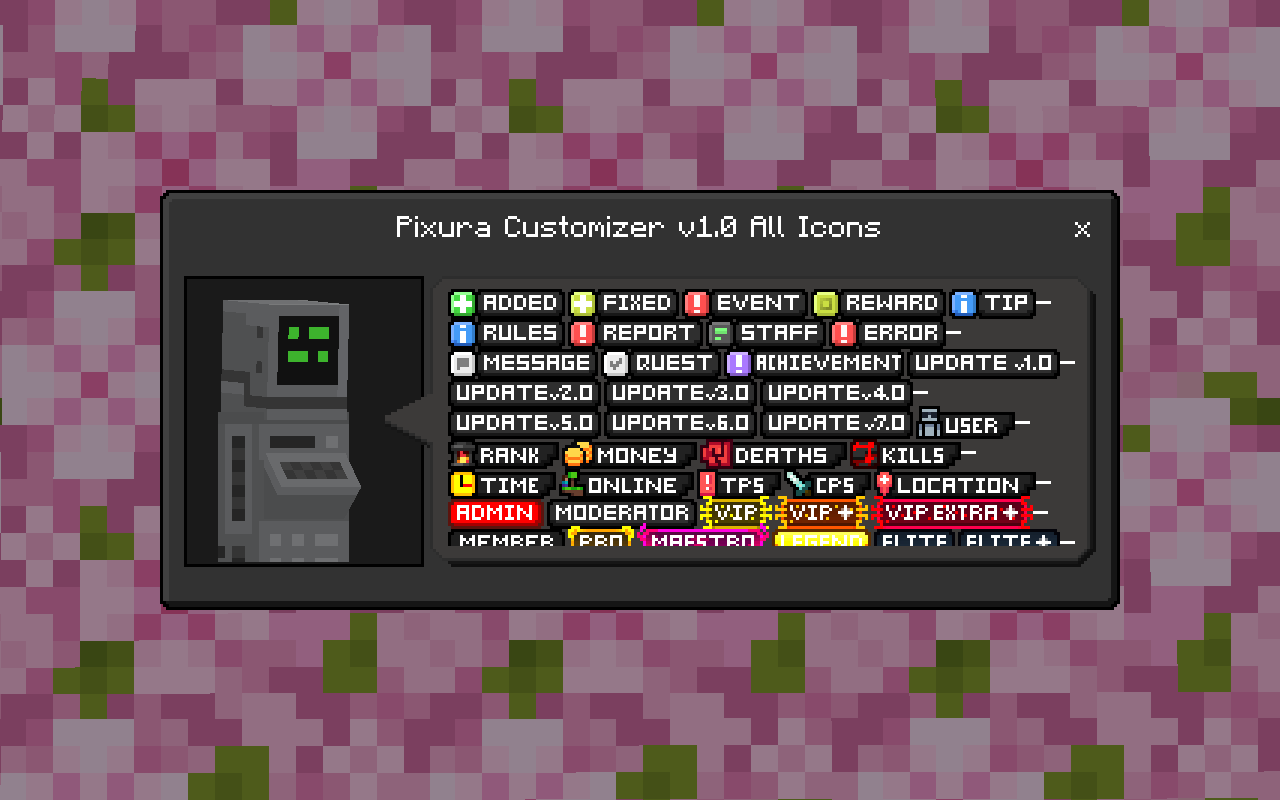
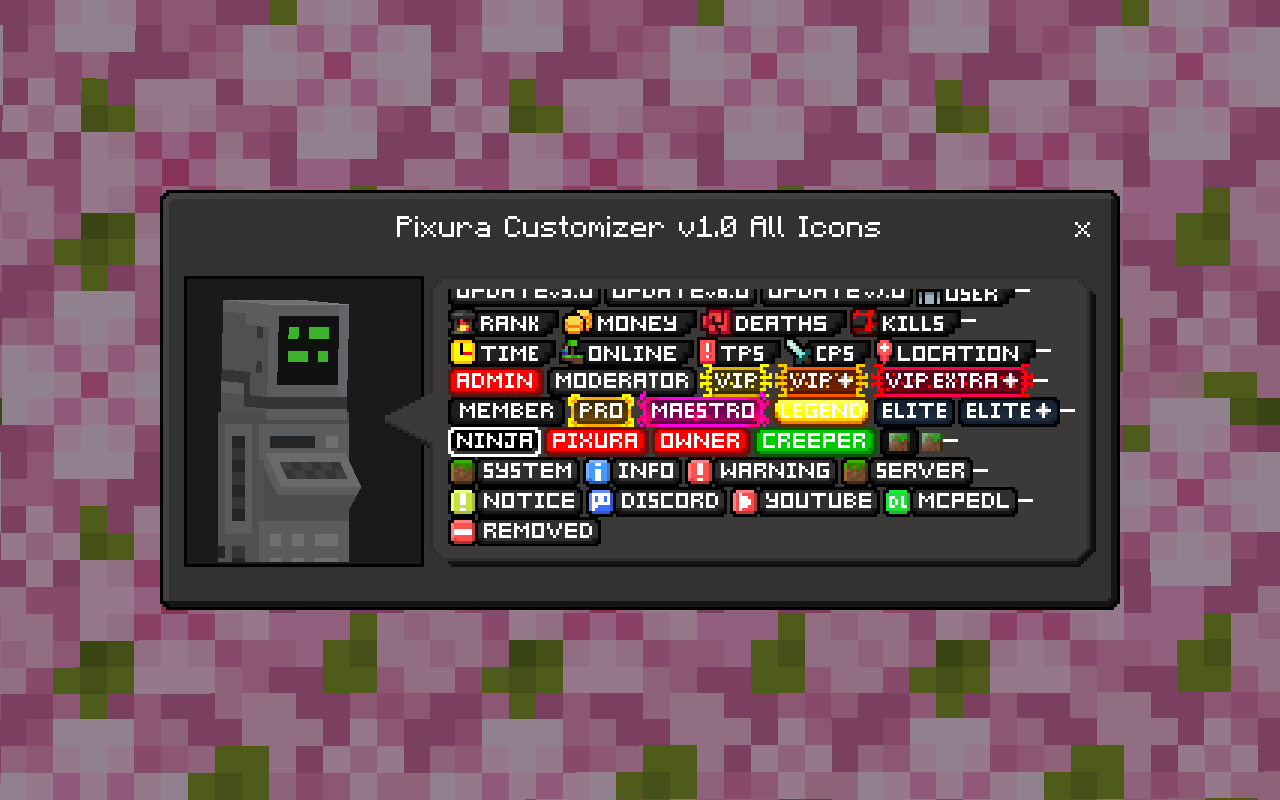
Included Glyph Icons
Below are all of the glyph icons included in this pack:
These icons include many different UI elements such as:
Server rank icons
System icons
Notification icons
Social media icons
Event icons
Update icons
Player stat icons
UI decoration symbols
Features
✔ High quality pixel icons
✔ Designed specifically for Minecraft Bedrock UI
✔ Works with commands and server systems
✔ Perfect for servers, maps, and add-ons
✔ Clean style that fits Minecraft’s aesthetic
Usage Examples
You can use the glyph icons inside commands like:
/title @a title " SERVER MESSAGE"
/tellraw @a {"rawtext":[{"text":" Warning!"}]}
They also work in:
/title
/tellraw
/scoreboard
NPC dialogue
Server announcements
Custom menus
Installation
Download the resource pack
Import it into Minecraft
Activate it in your world or server
Start using the glyph icons in your text
Credits.
Original Mod: UAssistCustomizer (Creator: SixzJ)
I modified the icons of UAssistCustomizer.
Terms of Use
❌ Do not redistribute this pack on other websites
❌ Do not claim the textures as your own
✔ You can modifie my textures, but give me credits.
✔ You may use this pack in servers, maps, and add-ons
✔ Credit is appreciated if you include it in your project
- Edition: Minecraft Bedrock
- File type: .mcpack
- Minecraft version listed: 26.3
- How to install: Download the .mcpack. → Open it — Minecraft imports it under Resource Packs. → Activate it in Global Resources, or for one world under Resource Packs → Available.
- Where to get it: Opens on CurseForge — not every file is mirrored on our own servers.
Install steps are the general flow for this file type — How to install Minecraft Bedrock texture packs walks through it step by step.
- Save it as pixura_customizer_v1.4.6.mcaddon before opening — it downloads as .mcpack, but it is a .mcaddon pack
- Manifest requires Minecraft 1.13.0 or newer
- Complete pack — everything it depends on is inside the file
- Download size: 519 KB
- Download link checked 16 Sept 2026 — working
These come from our own check of the pack file, not from the source page.