
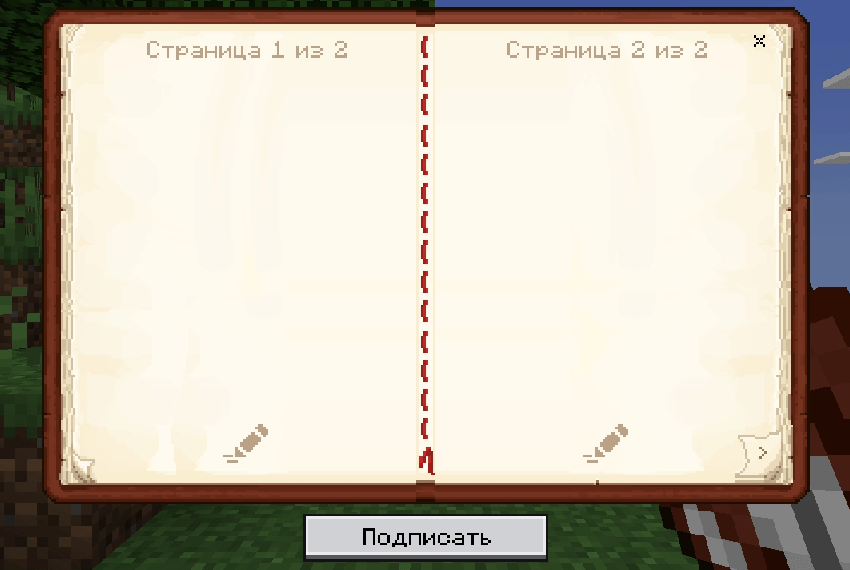
Java Book UI
Company DVD12 by Philin_Lemo
This pack has 3 subpacks
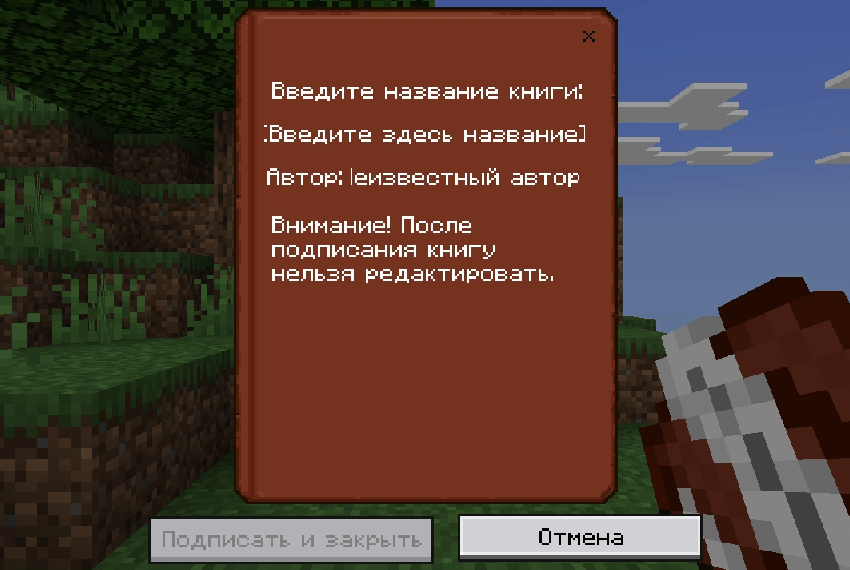
1.Java book color:
Simply change the color of the frame and cover of the book to the same color as the java of the book
3.Java book style:
Changes the interface of the book so that it is the advanced spirit of the java book, it also changes the grayish text on the cover of the book to white and removes the stroke of the text box
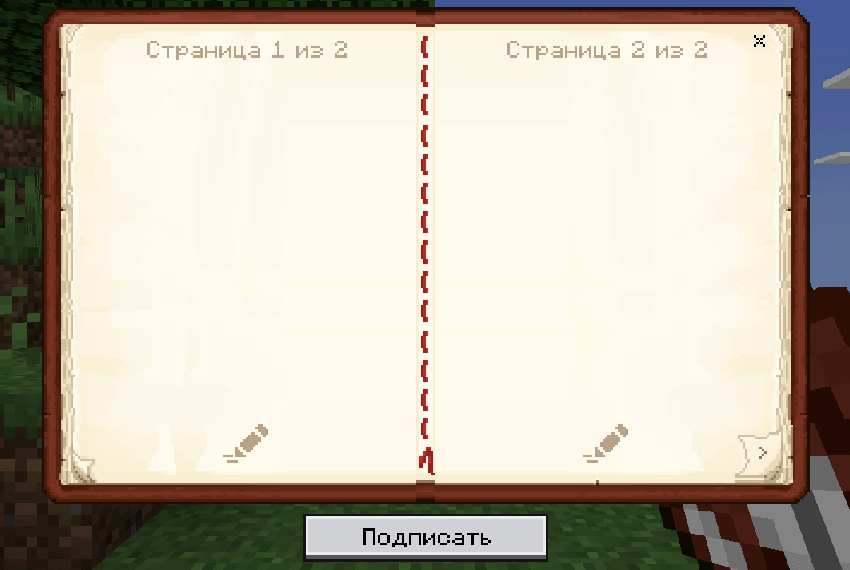
2.Mixed Java book ui
Takes some details from Java color, such as large pages, and extends them to Java style
Language Support:
•EN
•RU
Screenshot from the game:
Java book color:
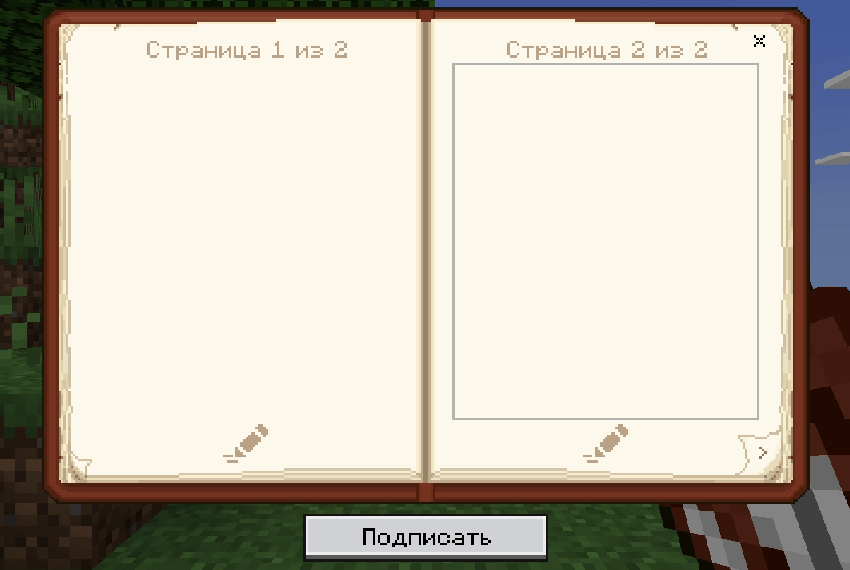
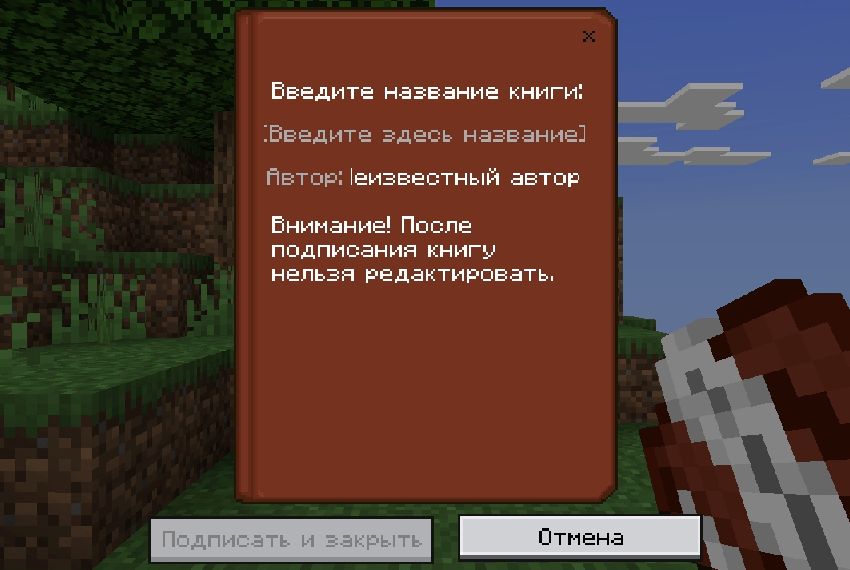
Mixed Java book ui:
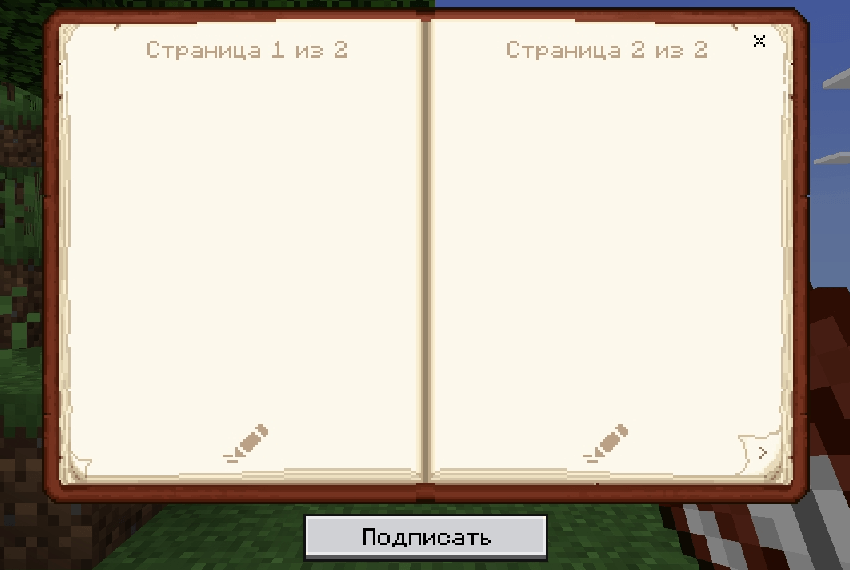
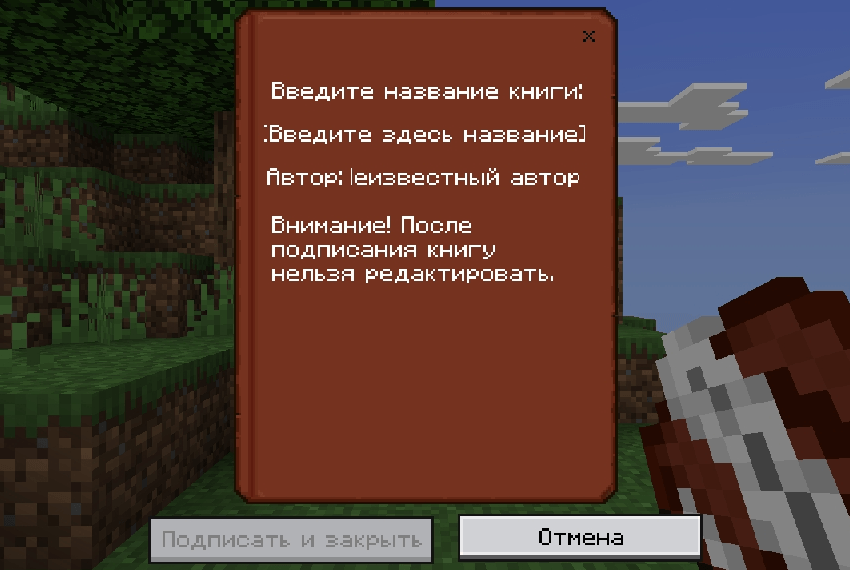
Java book style:
Sorry for the mistakes in the text
Quick facts
- Edition: Minecraft Bedrock
- File type: .mcpack
- Minecraft versions listed: 1.18, 1.16, 1.19
- How to install: Download the .mcpack. → Open it — Minecraft imports it under Resource Packs. → Activate it in Global Resources, or for one world under Resource Packs → Available.
- Where to get it: Opens on CurseForge — not every file is mirrored on our own servers.
Install steps are the general flow for this file type — How to install Minecraft Bedrock texture packs walks through it step by step.
Verified by MCModsHub
- Pack type: .mcpack — a single pack
- Manifest requires Minecraft 1.16.0 or newer
- Complete pack — everything it depends on is inside the file
- Download size: 54 KB
- Download link checked 16 Sept 2026 — working
These come from our own check of the pack file, not from the source page.