Texture packsBedrock
Custom backgrounds (entire UI)
Bedrock texture pack listed for Minecraft 1.0–26.x. File opened and checked on 27 Sep 2026; installs from the MC Bedrock Mods app on Android.
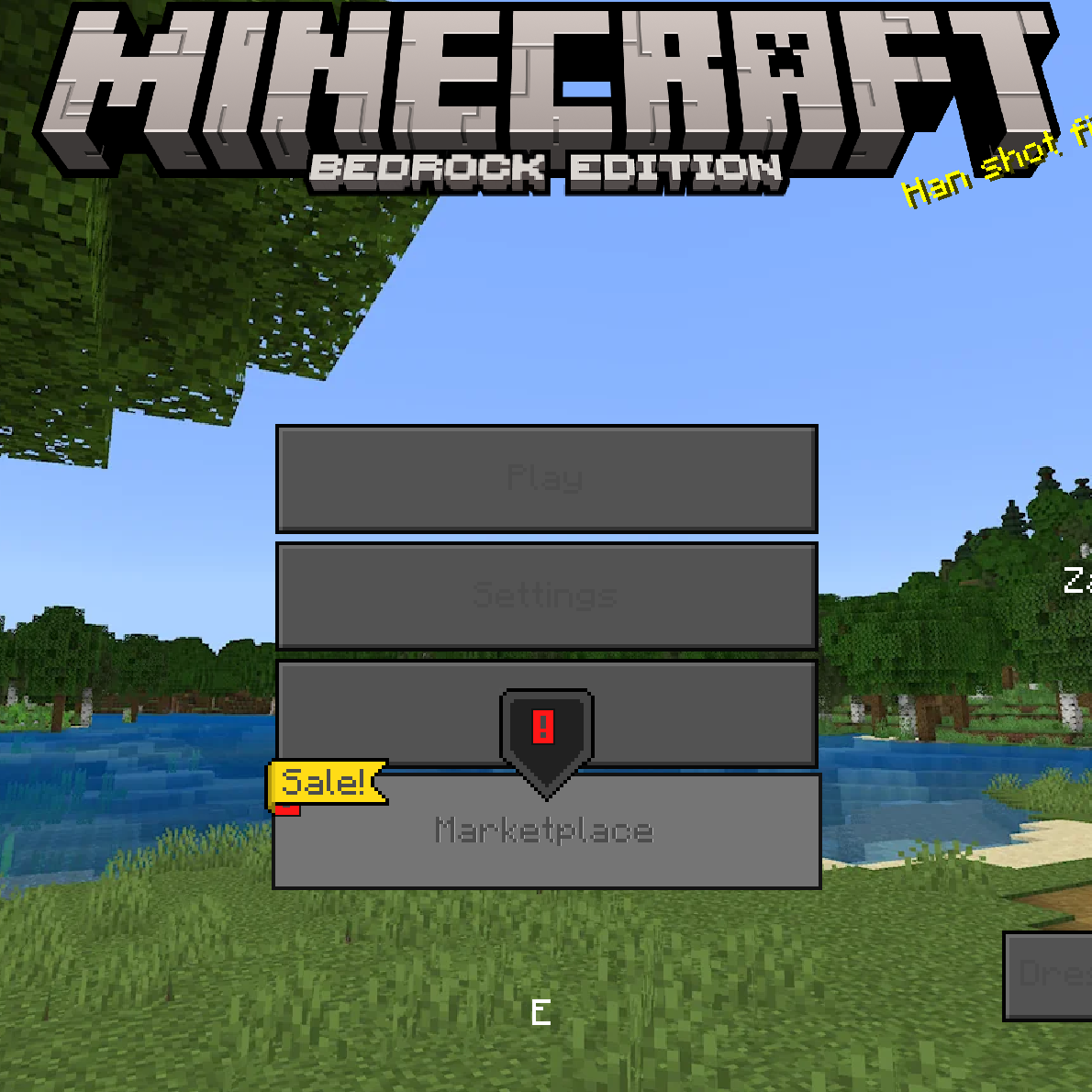
It’s a simple template for your resource pack for fullscreen UI images basically if you want to change the image or edit to go to “Custom…
⬇ Download on CurseForge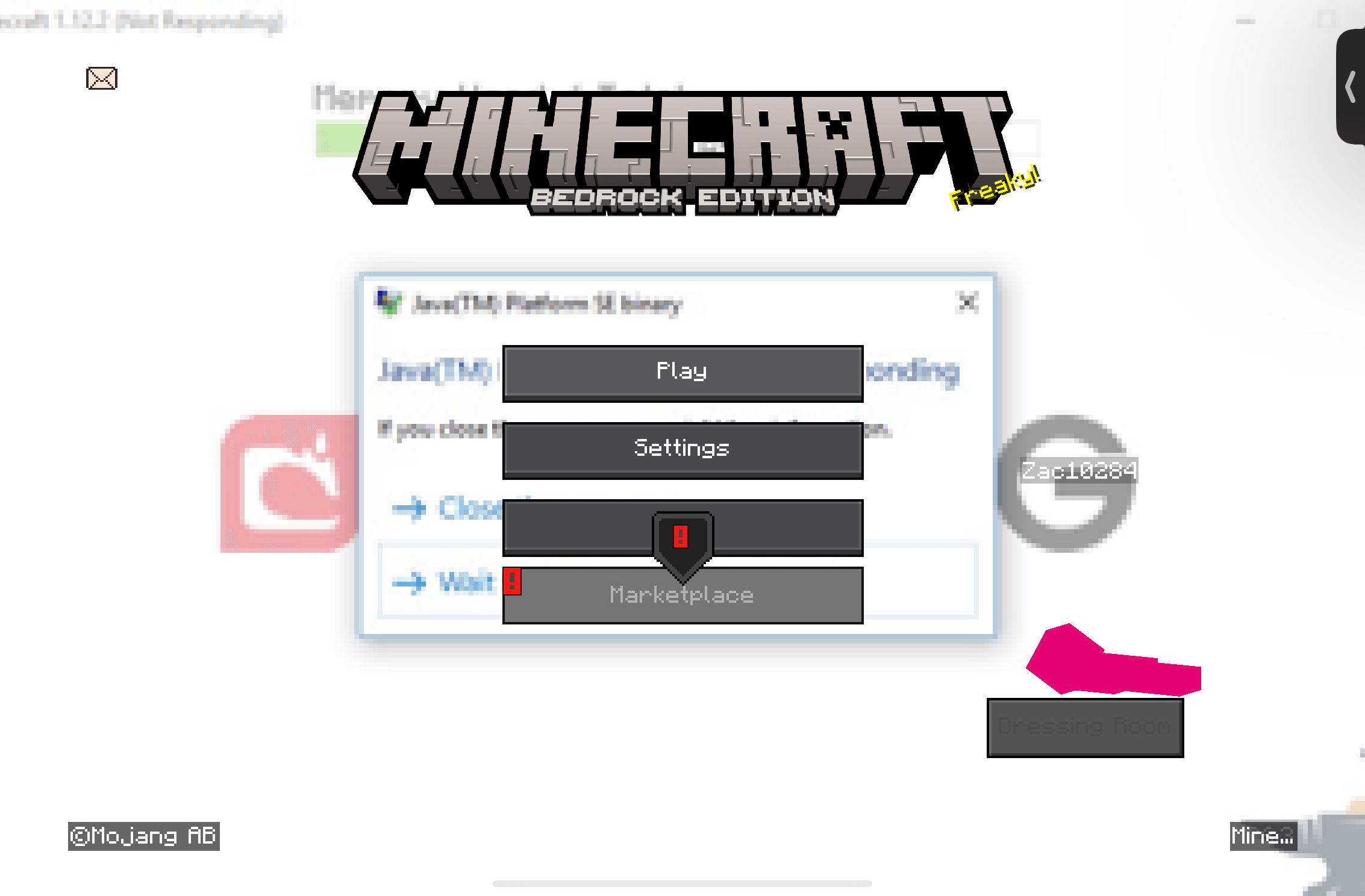
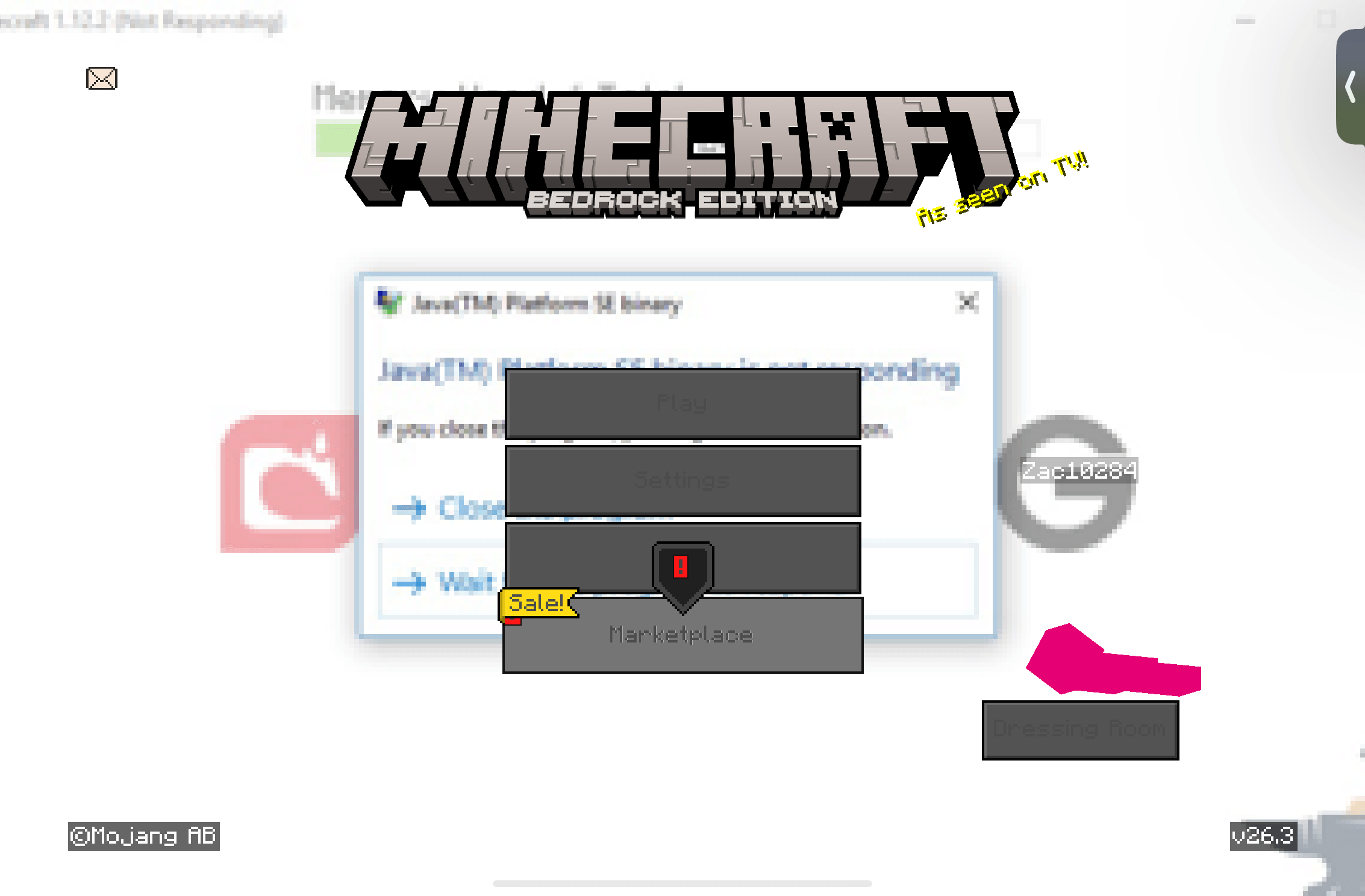
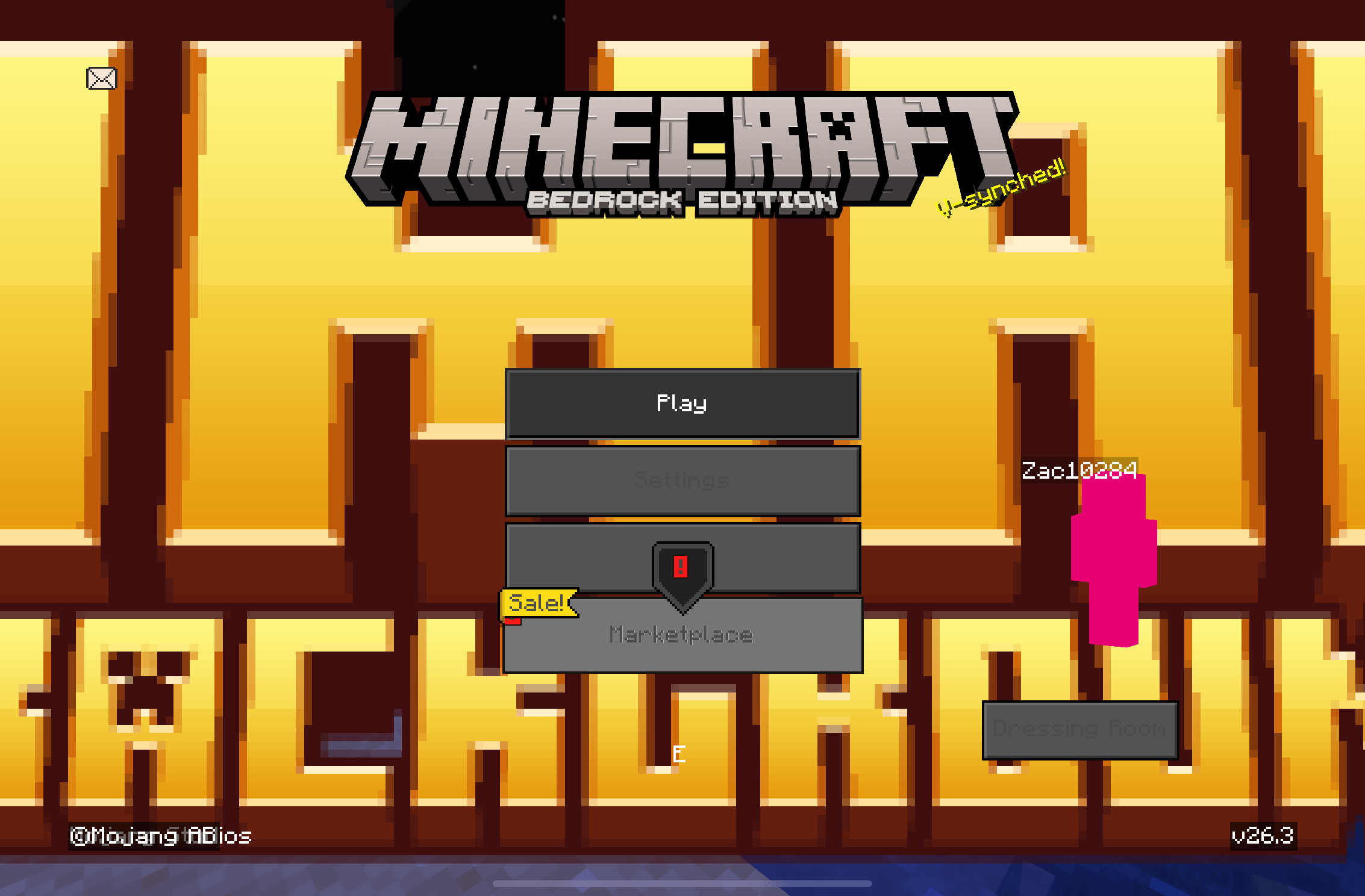
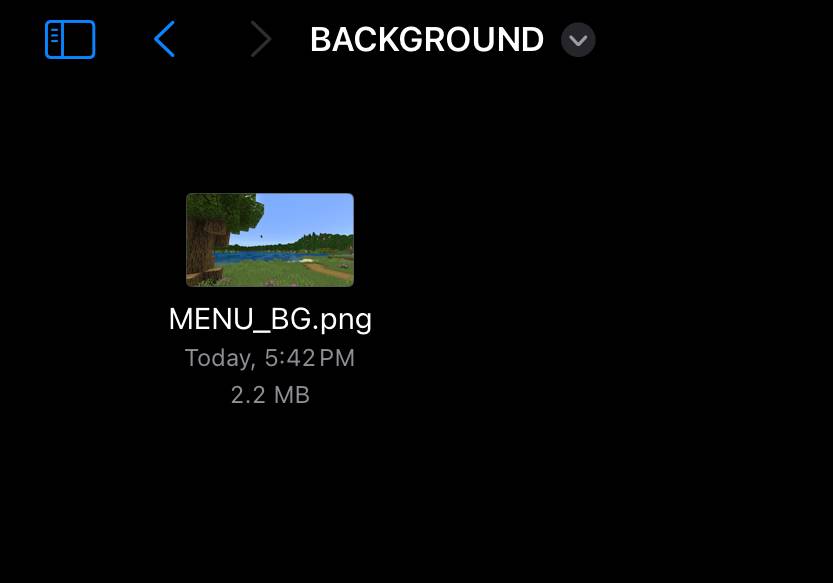
So basically how it works is in the flie location "Custom UI/textures/ui/BACKGROUND/MENU_BG.png" basically it uses the image in that folder as the background
Warning: Other UI texture packs probably won’t work properly (Have tested with DéesseUI)
- .
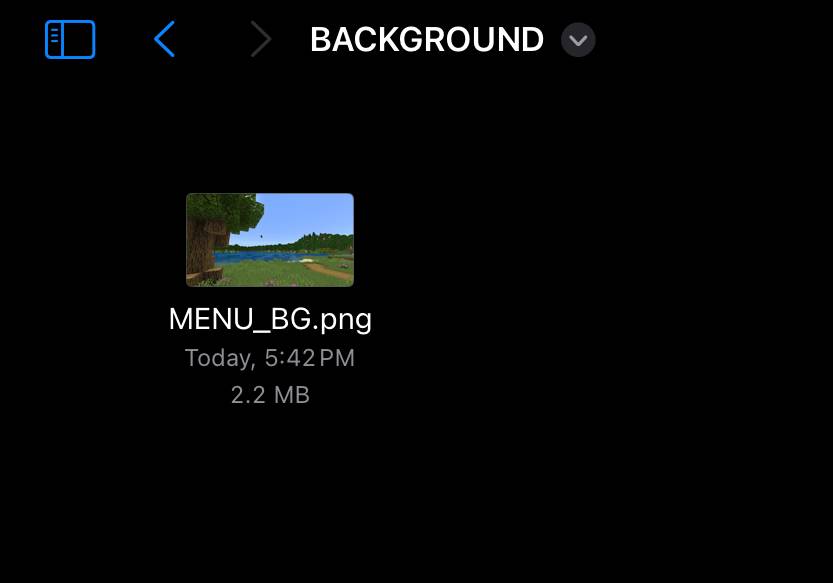 So I have this image in my BACKGROUND folder
 - If you wanna replace the image go in the resource packs folder then find my resource pack then go to "/textures/ui/BACKGROUND" and replaced the image with the same name "MENU_BG.png"
- pretty simple
- ✅You can use the code in any of your resource packs 😁
- ✅public domain (license)
- ✅ you can publicly modify it 😀三
- ✅you can edit it without giving credit😀三
- ✅ A thing for static backgrounds (I don't know how to make it animated) to help other people😄三
- ✅ you can distribute it
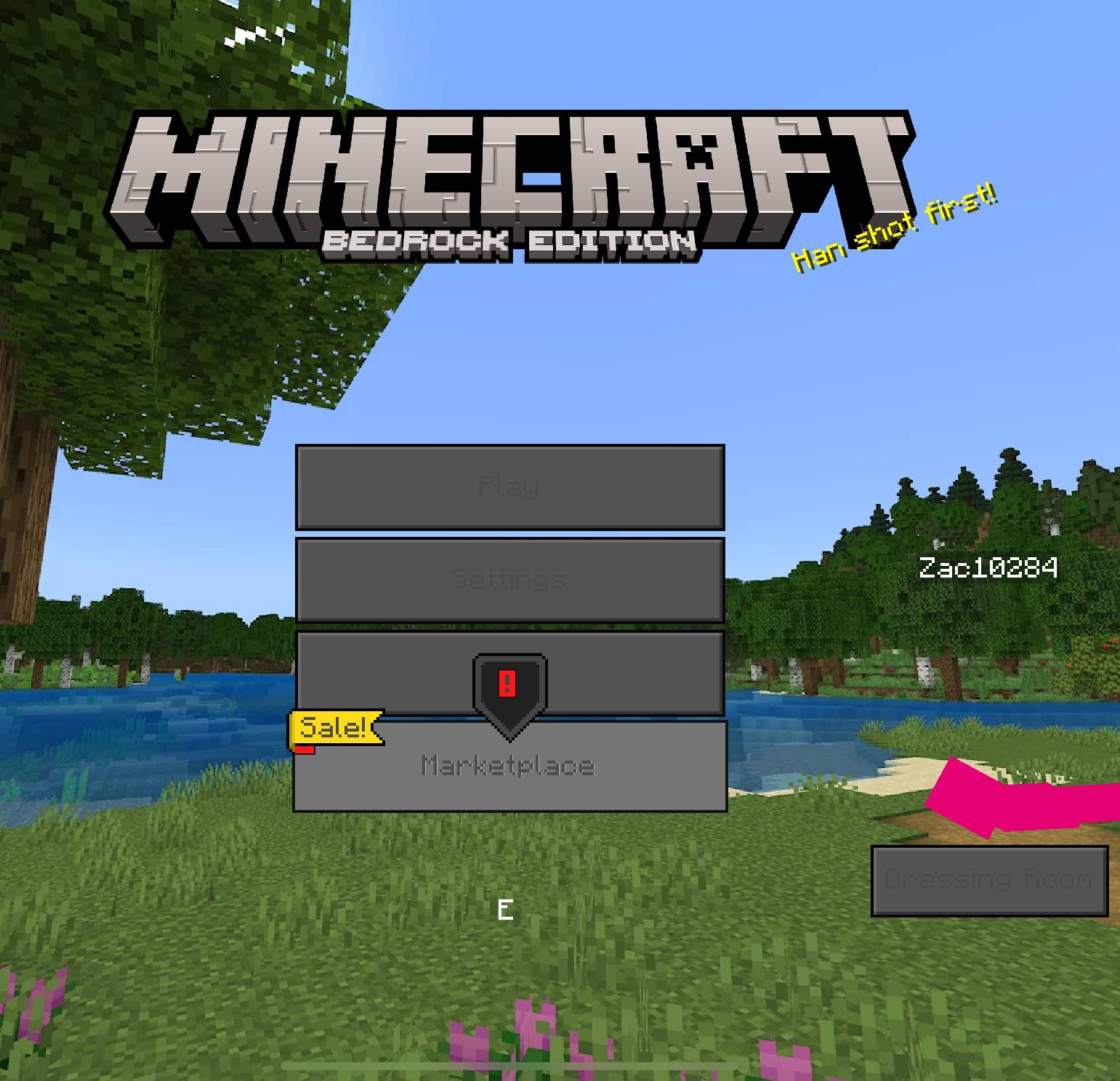
😀Here is it in game. So yea its that simple. 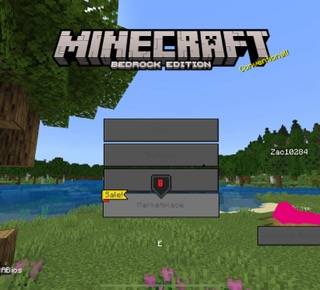
Quick facts
- Edition: Minecraft Bedrock
- File type: .mcpack
- Minecraft versions listed: 1.20.40, 1.21.30, 1.21.50
- How to install: Download the .mcpack. → Open it — Minecraft imports it under Resource Packs. → Activate it in Global Resources, or for one world under Resource Packs → Available.
- Where to get it: Opens on CurseForge — not every file is mirrored on our own servers.
Install steps are the general flow for this file type — How to install Minecraft Bedrock texture packs walks through it step by step.
File checked by MCModsHub
- Save it as Custom UI 0.2-fixed.mcaddon before opening — it downloads as .mcpack, but it is a .mcaddon pack
- Manifest requires Minecraft 1.21.51 or newer
- Complete pack — everything it depends on is inside the file
- Download size: 219 KB
- Download link checked 6 Oct 2026 — working
These come from our own check of the pack file, not from the source page.