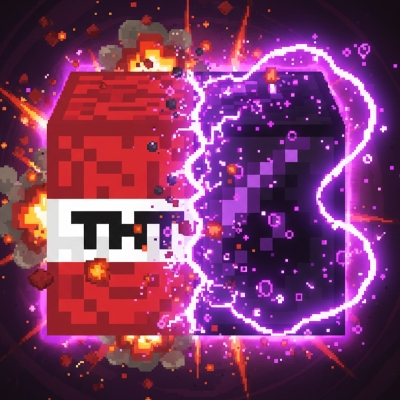
Fake obsidian Tnt
Bedrock texture pack listed for Minecraft 1.21–26.x. File opened and checked on 25 Sep 2026; installs from the MC Bedrock Mods app on Android.
Fake Obsidian TNT is a Minecraft Bedrock resource pack that visually replaces the TNT block with an obsidian-styled texture. This pack only changes the…
I don't know my version
📜 Description
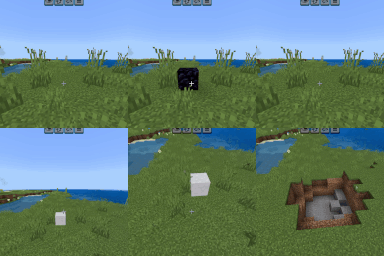
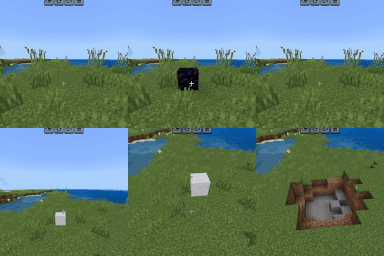
Fake Obsidian TNT is a Minecraft Bedrock resource pack that visually replaces the default TNT block with a fake obsidian-styled texture. The design combines the look of TNT and obsidian to create a unique and powerful appearance while keeping the game fully vanilla-friendly.
This pack is visual only and does not change TNT behavior, explosions, damage, or any gameplay mechanics. It is suitable for survival, creative, PvP, and custom worlds without affecting performance.
✨ Features
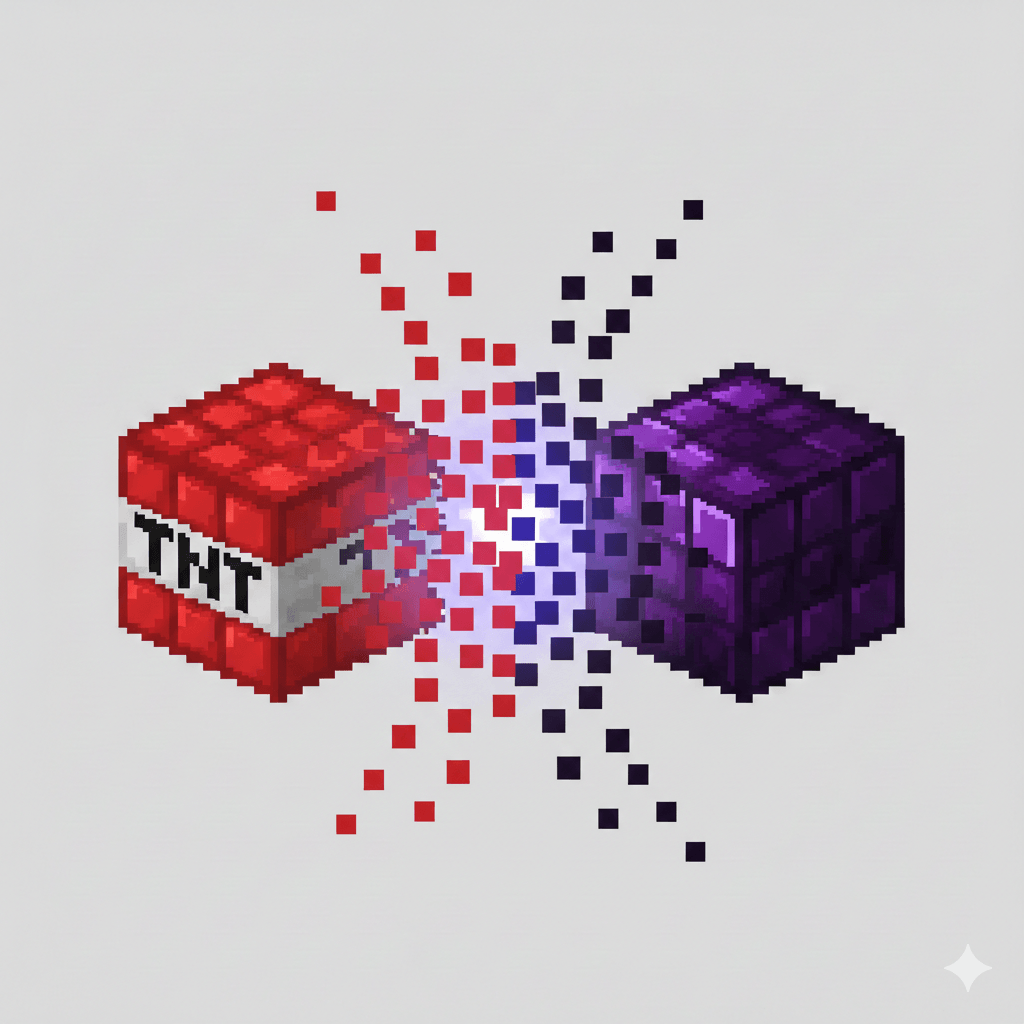
•Replaces TNT texture with a fake obsidian look
•Half TNT + Half Obsidian inspired design
•Vanilla-friendly and lag-free
•Compatible with Minecraft Bedrock 1.21+ Works on Mobile and PC
⚠️ Important Notes
This is a resource pack only No gameplay or mechanic changes are included
👤 Project Credits
Author: Sco_studio
Lead Developer: Kareo Gamerz
📄 License
All Rights Reserved You may not redistribute, modify, reupload, or claim this resource pack as your own without explicit permission from the author.
- Edition: Minecraft Bedrock
- File type: .mcpack
- Minecraft versions listed: 26.0.02, 26.0, 1.21
- How to install: Download the .mcpack. → Open it — Minecraft imports it under Resource Packs. → Activate it in Global Resources, or for one world under Resource Packs → Available.
- Where to get it: Opens on CurseForge — not every file is mirrored on our own servers.
Install steps are the general flow for this file type — How to install Minecraft Bedrock texture packs walks through it step by step.
- Pack type: .mcpack — a single pack
- Manifest requires Minecraft 1.26.0 or newer
- Complete pack — everything it depends on is inside the file
- Download size: 23 KB
- Download link checked 6 Oct 2026 — working
These come from our own check of the pack file, not from the source page.