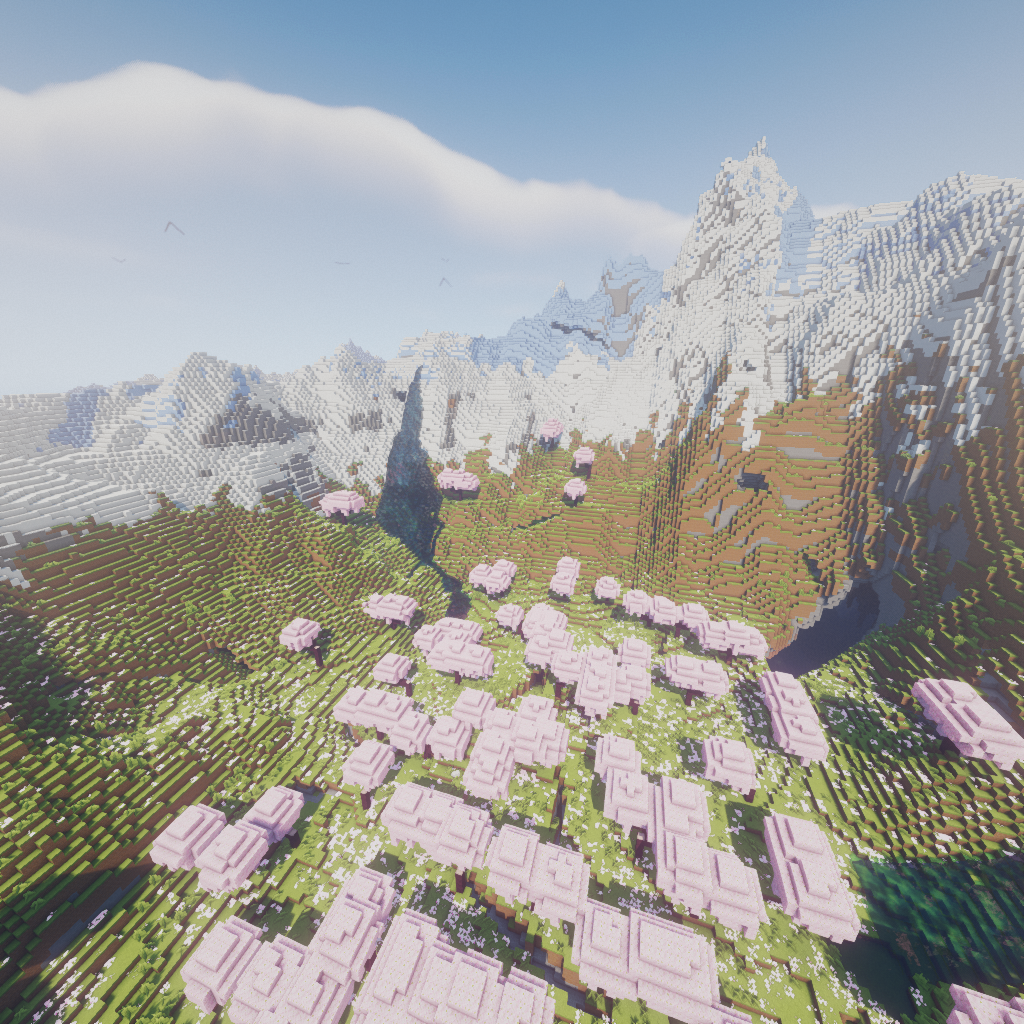
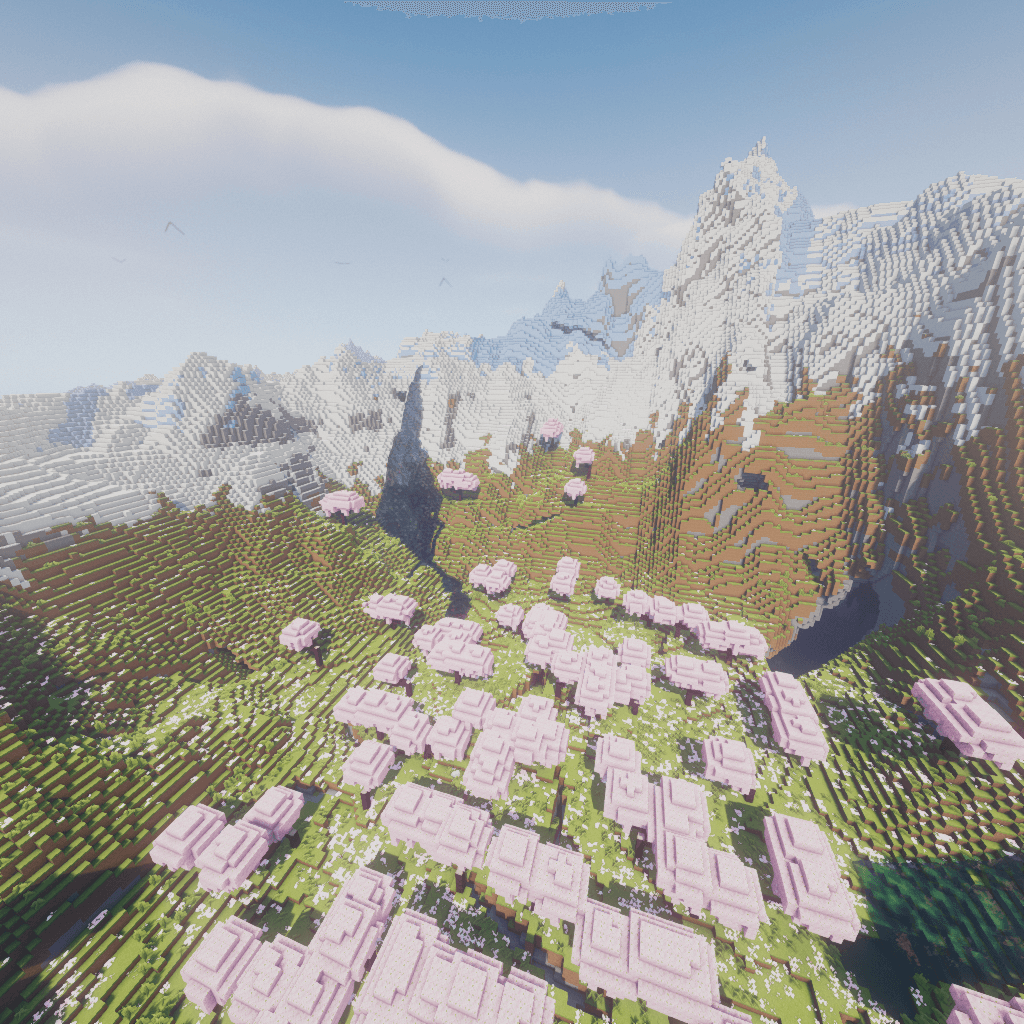
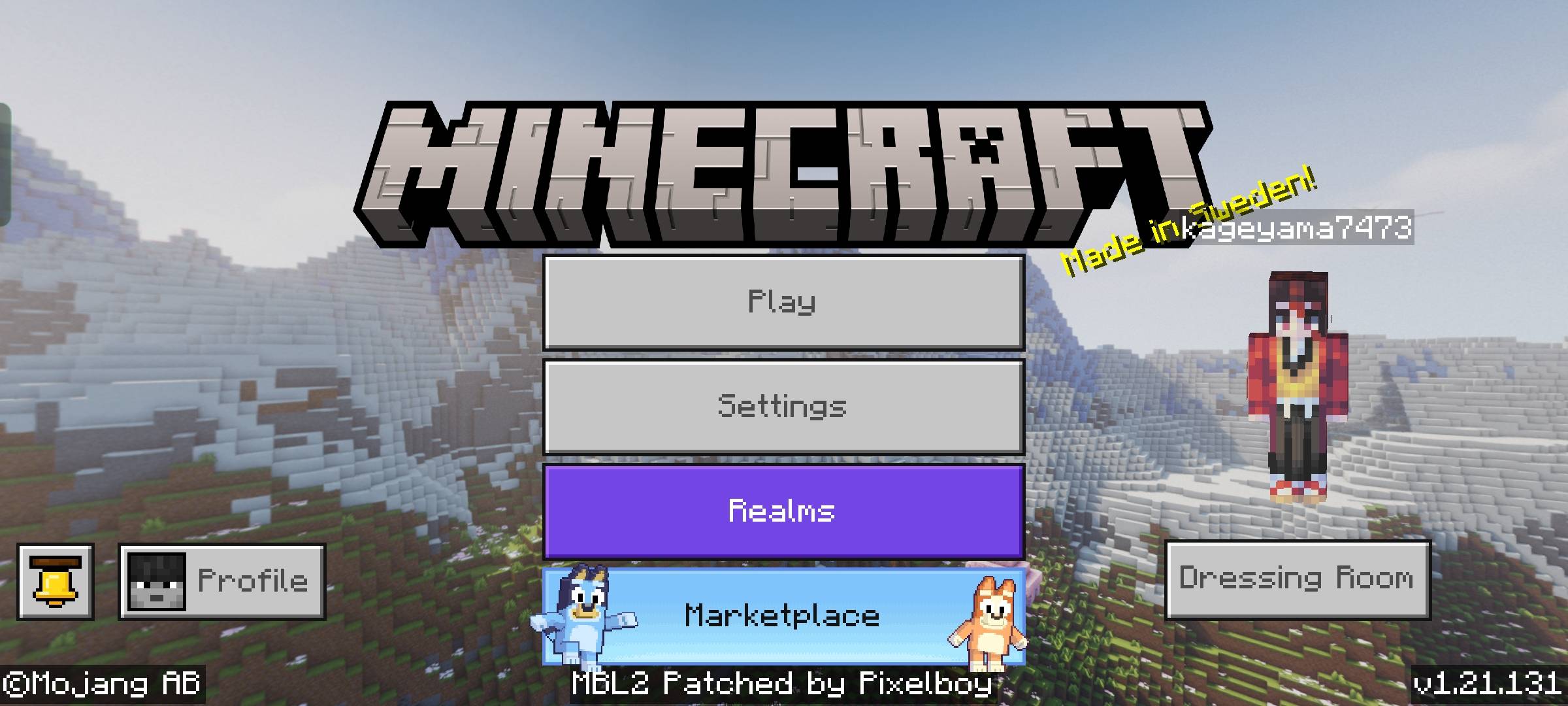
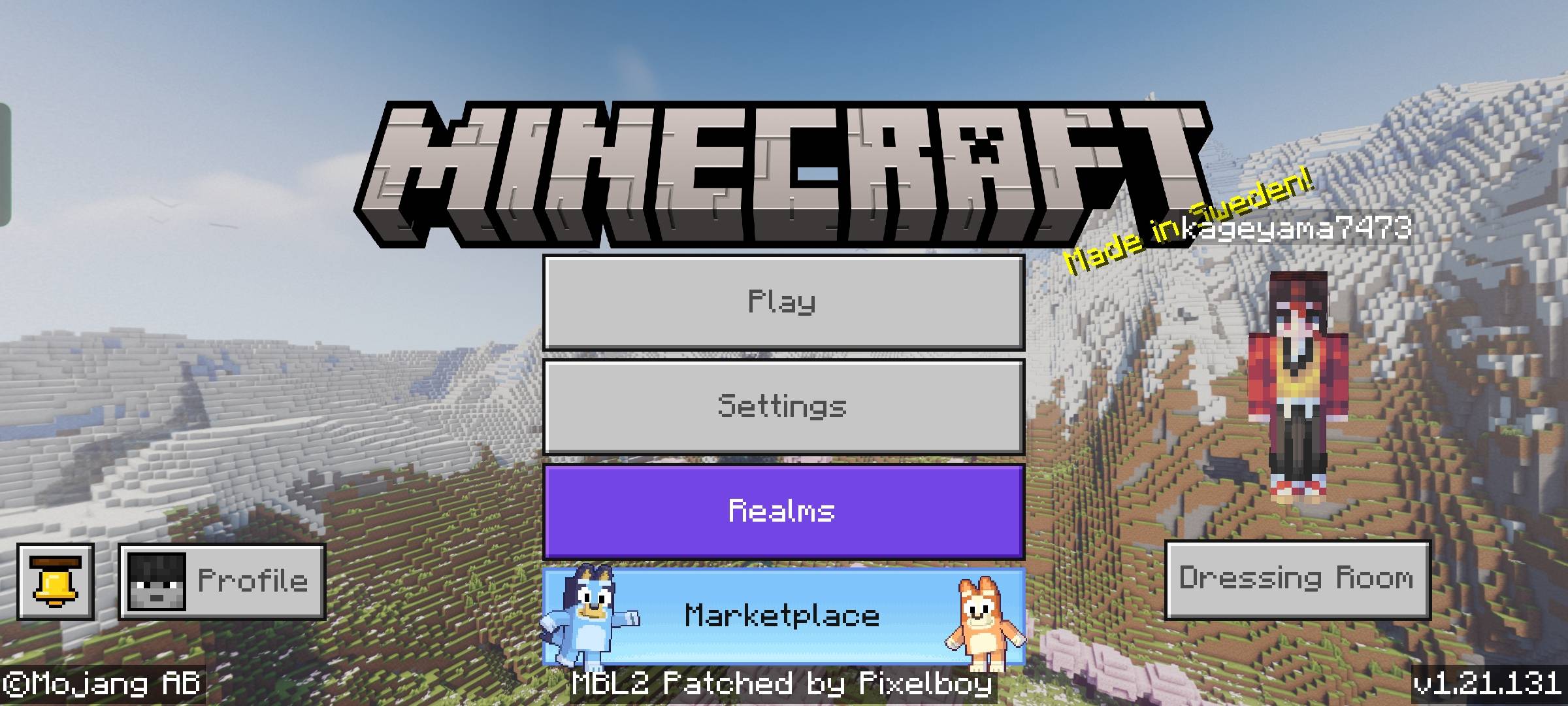
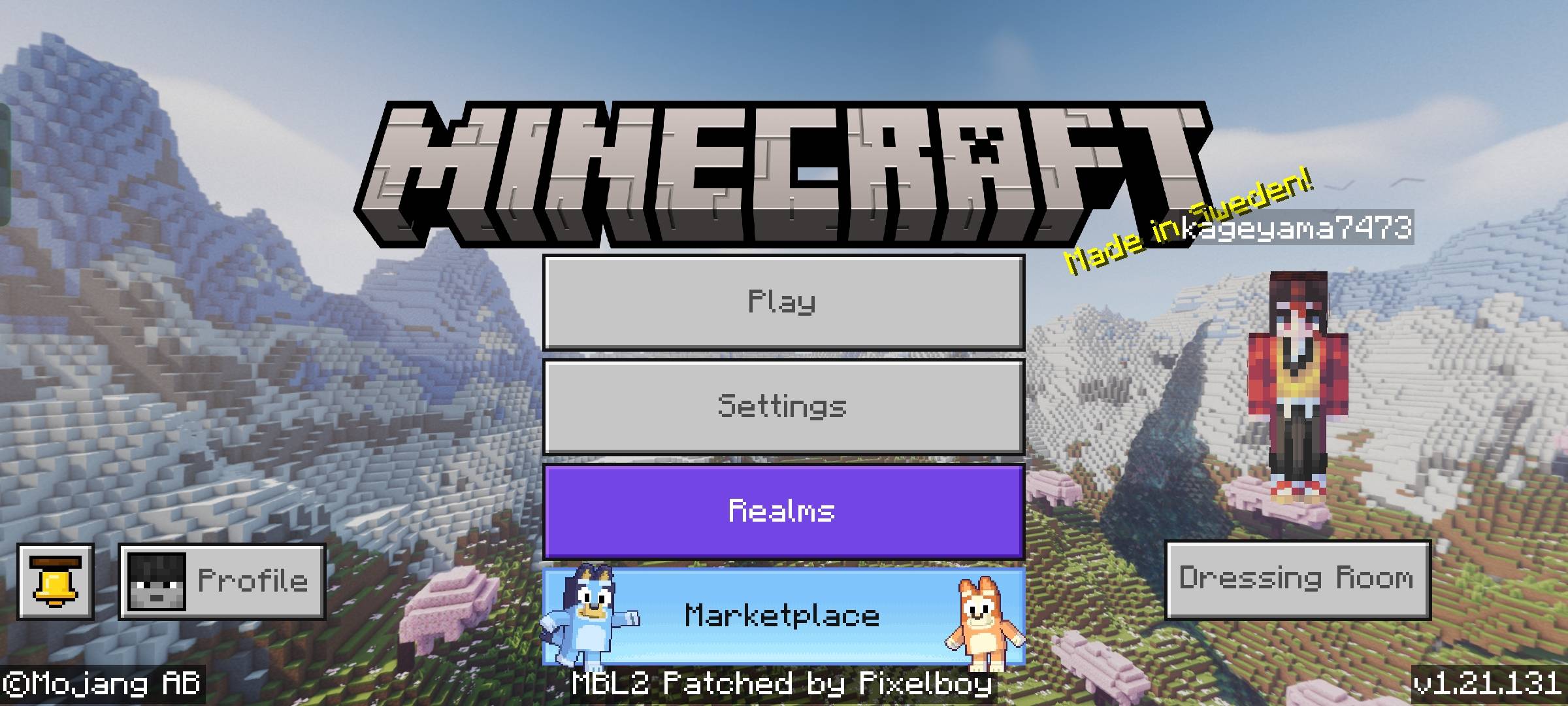
Enhance the look of your game's panorama leave bug and suggestions in the comments don't pirate and share customize and and not claim your authority on this.
- you are allowed to customise the panorma but not sharing modified to claim you credit you can customise it for your personal use.
- Sorry for delay in projects.
- Customize panorma at RP/texture/ui/panorma0 1 2 3 4...
- !it should be at 1:1 ratio
Quick facts
- Edition: Minecraft Bedrock
- File type: .mcpack
- Minecraft versions listed: 1.21.81, 1.21.93, 1.21.90
- How to install: Download the .mcpack. → Open it — Minecraft imports it under Resource Packs. → Activate it in Global Resources, or for one world under Resource Packs → Available.
- Where to get it: Opens on CurseForge — not every file is mirrored on our own servers.
Install steps are the general flow for this file type — How to install Minecraft Bedrock texture packs walks through it step by step.
Verified by MCModsHub
- Save it as Cherry_grove_panorma.mcaddon before opening — it downloads as .mcpack, but it is a .mcaddon pack
- Manifest requires Minecraft 1.16.0 or newer
- Complete pack — everything it depends on is inside the file
- Download size: 18.6 MB
- Download link checked 16 Sept 2026 — working
These come from our own check of the pack file, not from the source page.