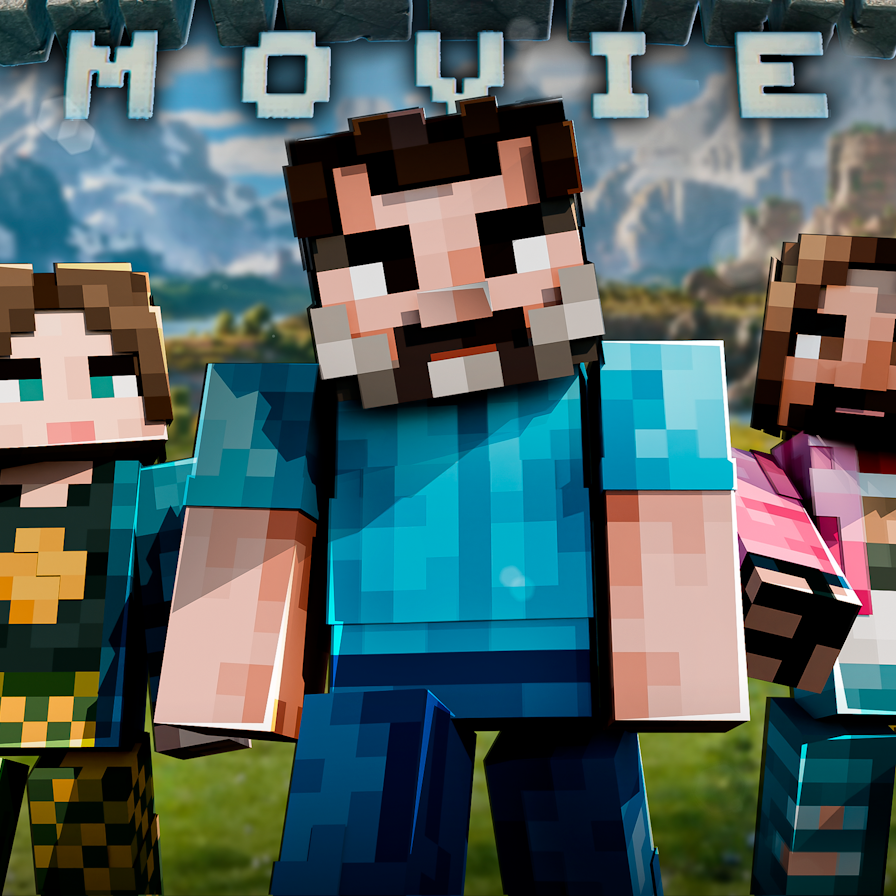
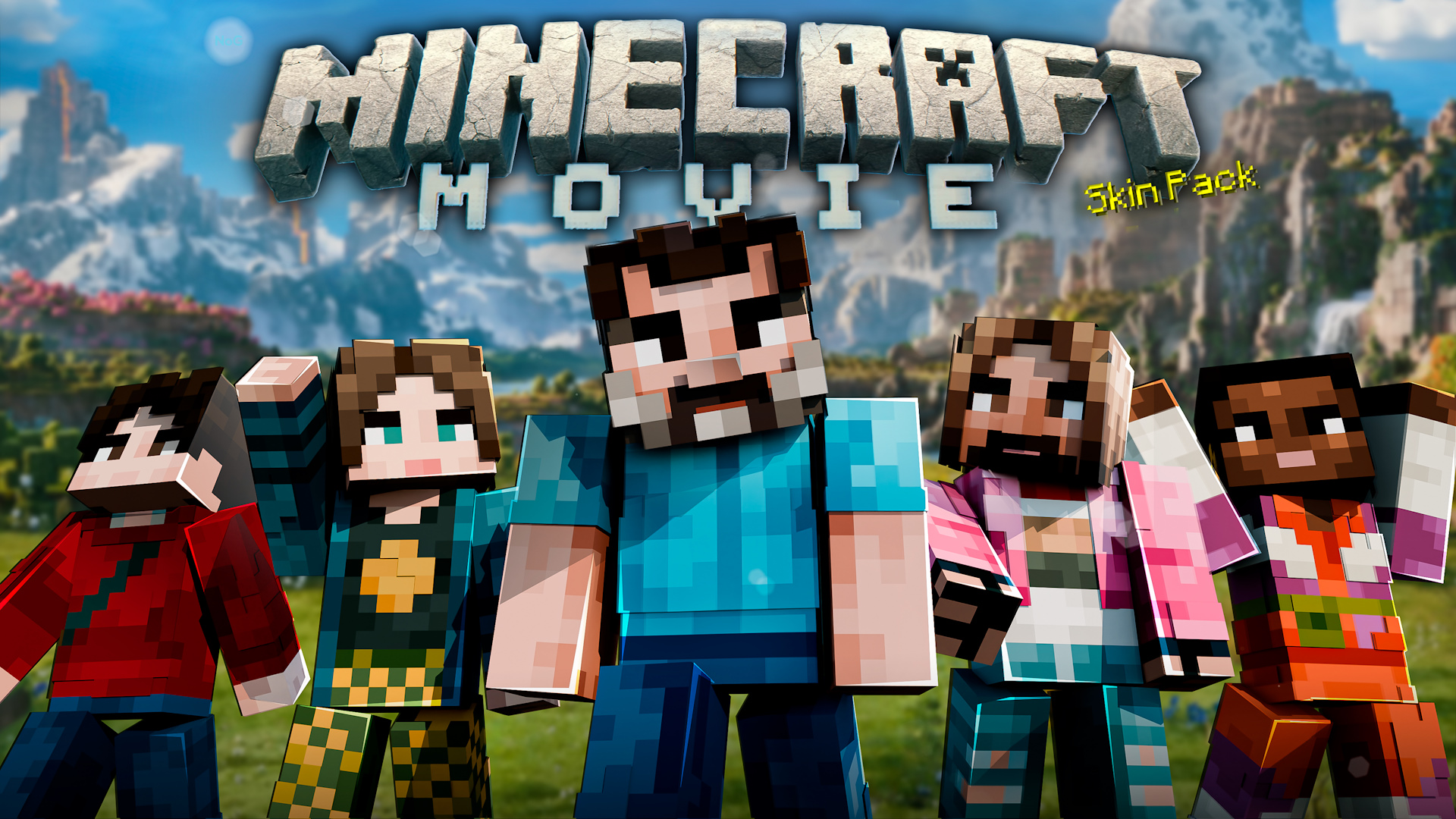
Minecraft Movie Skin Pack
Bedrock texture pack listed for Minecraft 1.20–1.21. Download on the author's site.
⬇ Download on CurseForgeThe highly anticipated, although controversial, Minecraft Movie is scheduled to hit theaters on April 4, 2025 after years of development delays. The plot follows four misfits who are sucked into the world of Minecraft and must team up with Steve (played by Jack Black) to find their way home, facing dangerous Minecraft mobs like Zombies and Piglins along the way.
Creator: Nogard (Twitter, YouTube, Reddit, Facebook, MCPEDL, GitHub, Website)
Introduction
Jason Momoa stars as Garrett ("The Garbage Man"), leading the group, with Emma Myers as Natalie, Danielle Brooks as Dawn, and Sebastian Eugene Hansen as Henry. V1.1 of this skin pack also adds Jennifer Coolidge as VP Marlene, a new character introduced in the recent movie trailer. The movie will be live-action, offering a unique twist to the beloved pixelated world, and aims to appeal to both Minecraft fans and general audiences alike.
About
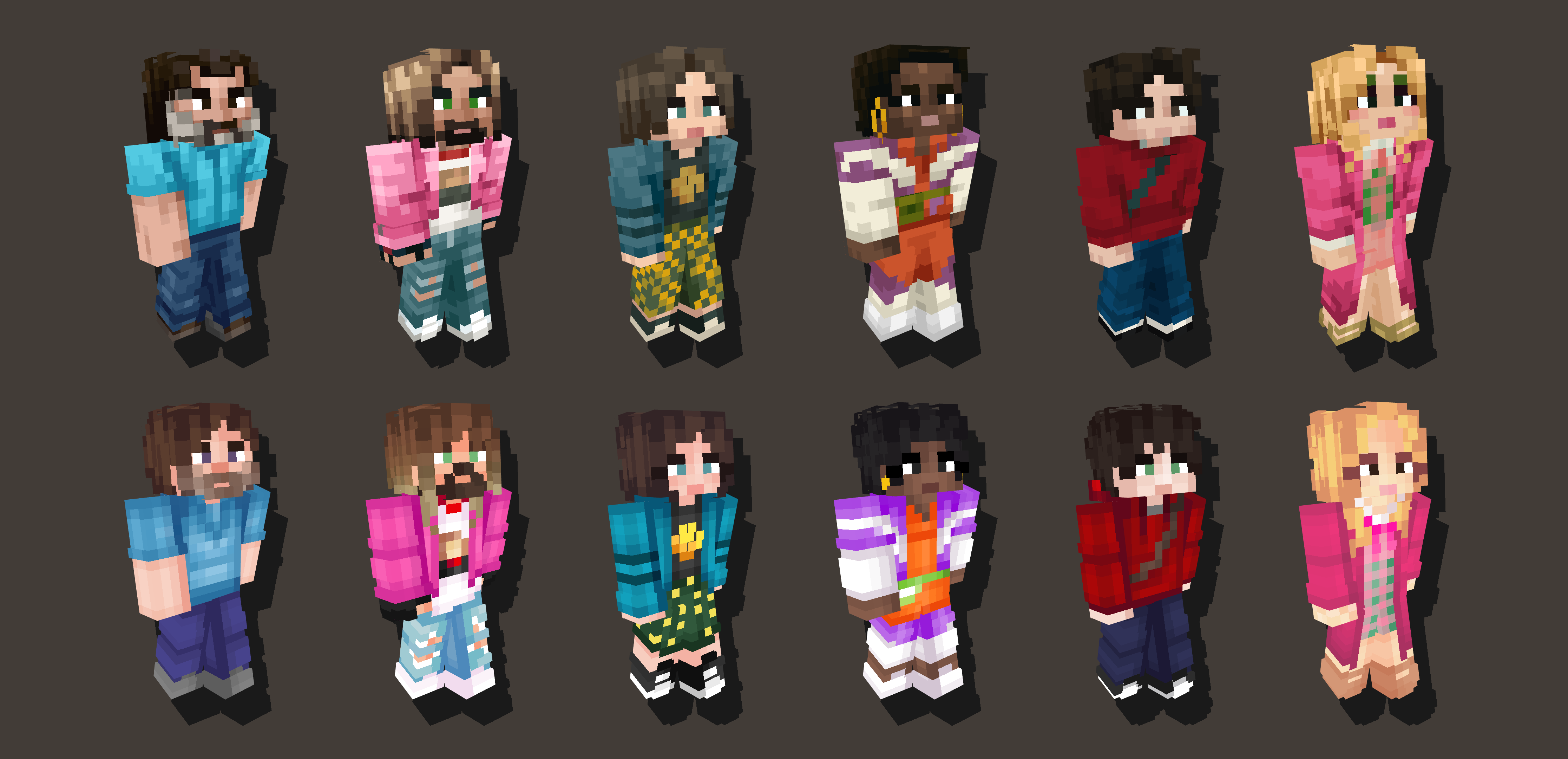
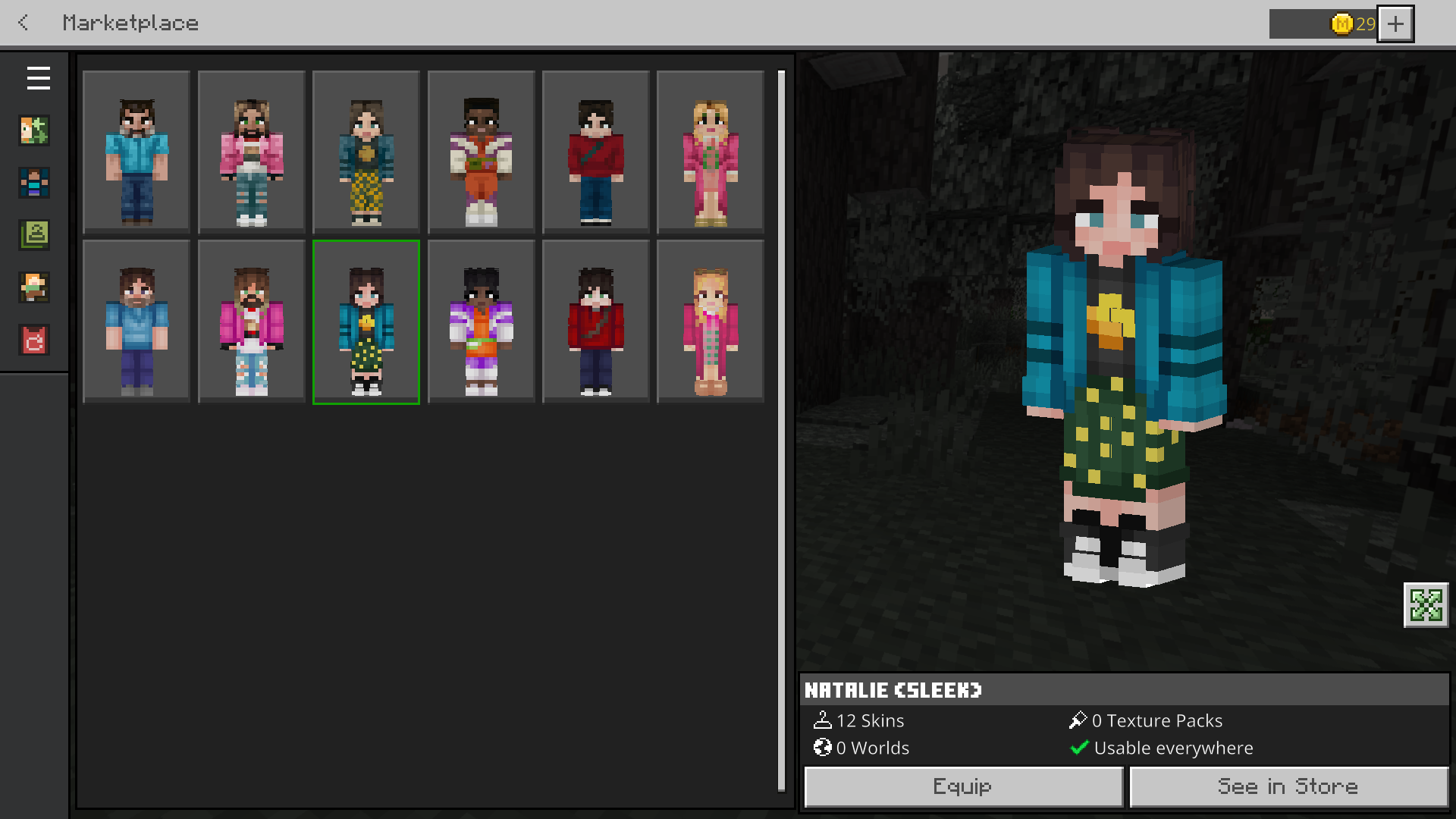
To celebrate the movie, we're releasing an exclusive skin pack featuring characters from the film! Get ready to play as Steve, Garrett, and more, bringing the action from the screen straight into your game. It includes a total of 12 skins: the first 6 feature advanced shading, while the remaining 6 have sleek shading. Dive into the cinematic Minecraft universe and show off your new skins while waiting for the big screen adventure!
Java Compatibility
Installation
Download the Minecraft Movie Skin Pack v1.1.mcpack file. Locate the file in your file explorer and open it with Minecraft. The import process will start automatically. Once the import is complete, you can find it under the Skin Editor in the Classic Skins section.
Download
Minecraft Movie Skin Pack v1.1.mcpack: https://nogard.dev/minecraft_movie_skin_pack
Minecraft Movie Skins v1.1.zip: https://nogard.dev/minecraft_movie_skin_pack
- Edition: Minecraft Bedrock
- File type: .mcpack
- Minecraft versions listed: 1.21.20, 1.21.2, 1.21
- How to install: Download the .mcpack. → Open it — Minecraft imports it under Resource Packs. → Activate it in Global Resources, or for one world under Resource Packs → Available.
- Where to get it: Opens on CurseForge — not every file is mirrored on our own servers.
Install steps are the general flow for this file type — How to install Minecraft Bedrock texture packs walks through it step by step.
Minecraft Movie Skin Pack is a free Minecraft Bedrock texture pack. Compatible with Minecraft 1.21.20, 1.21.2, 1.21, 1.21.21 and newer. Downloaded 3,404 times (via CurseForge). Download it and open it directly in the game.