Reprogrammed
Bedrock texture pack listed for Minecraft 1.21. File opened and checked on 9 Oct 2026; installs from the MC Bedrock Mods app on Android.
I don't know my version
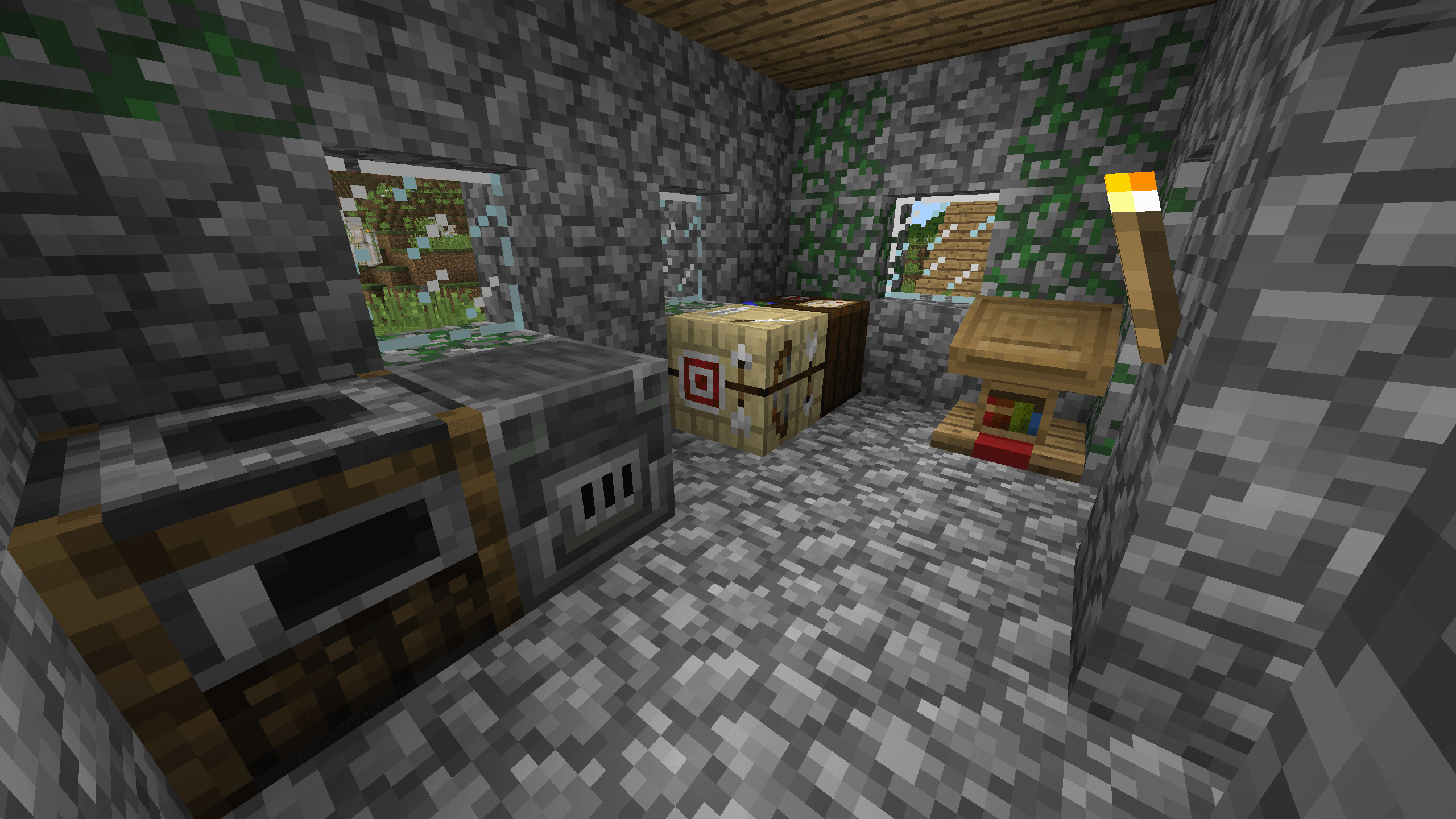
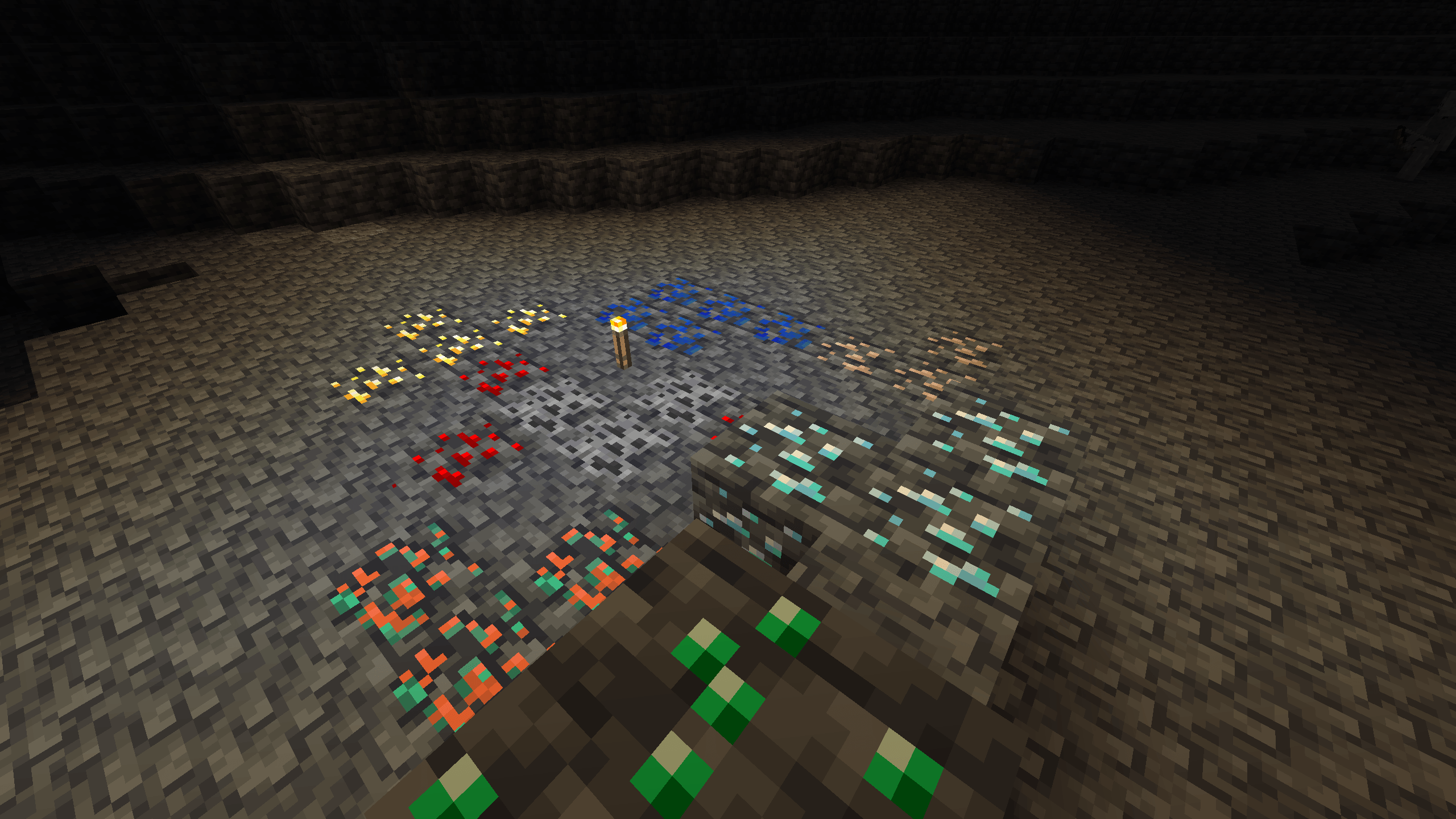
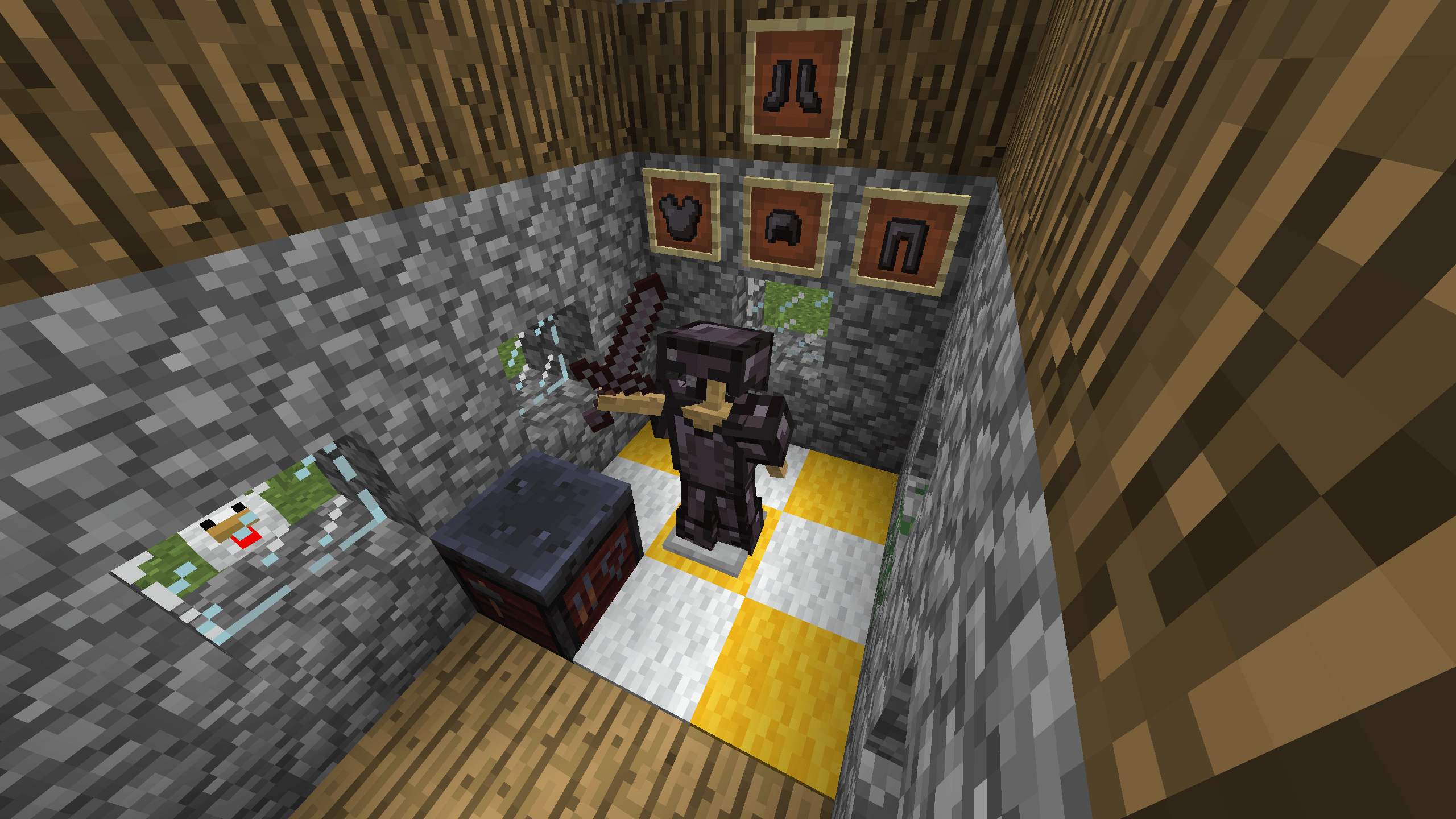
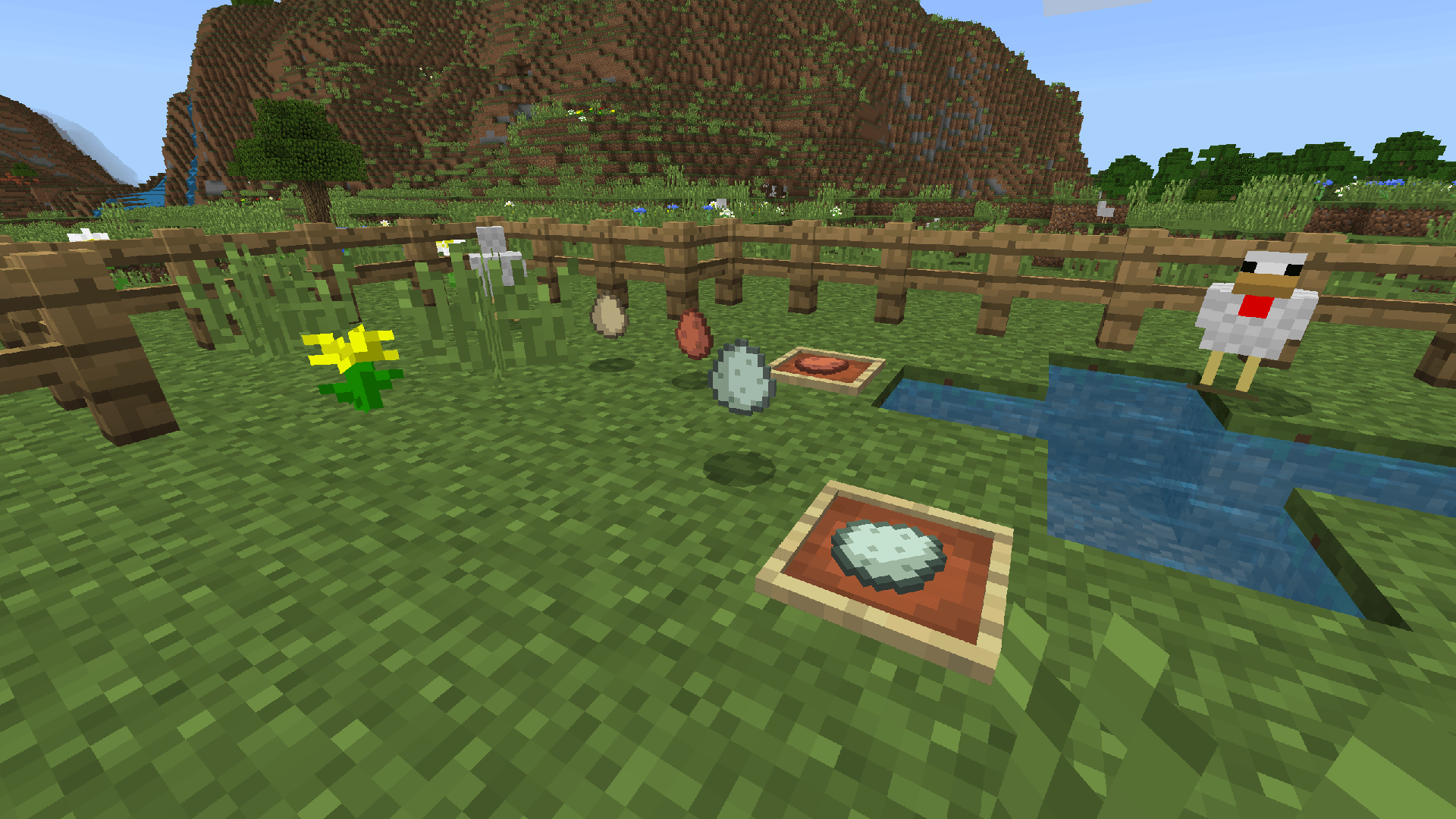

This pack imagines a world where the 1.14 texture update never happened, but minecraft kept the modern day art style.
This means that new textures will not be changed unless they conflict with programmer art in some way.
Eg: Cherry planks would be changed since they would need to match the existing planks, but blackstone would not need to change since it is a new block.
The changes:
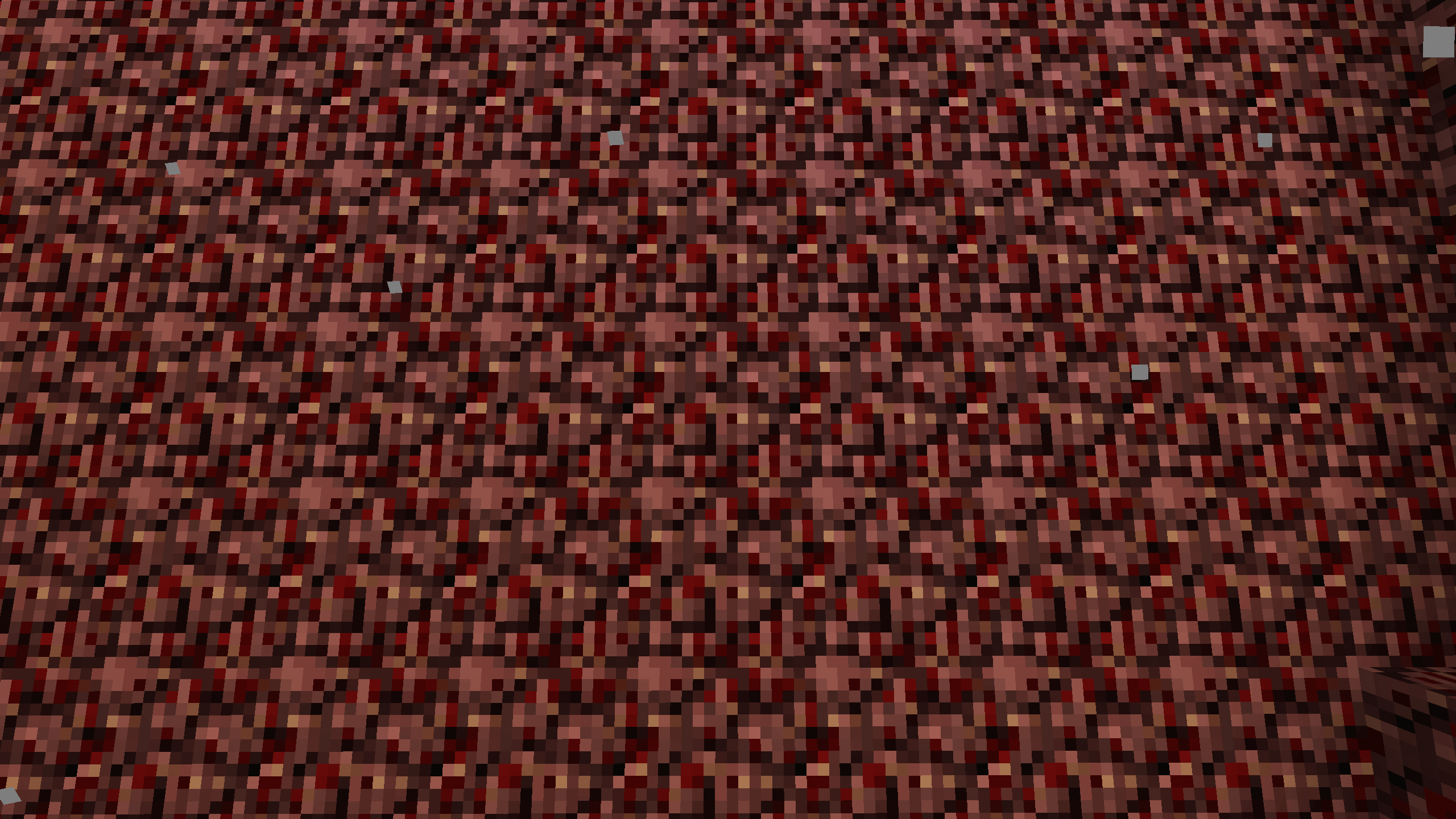
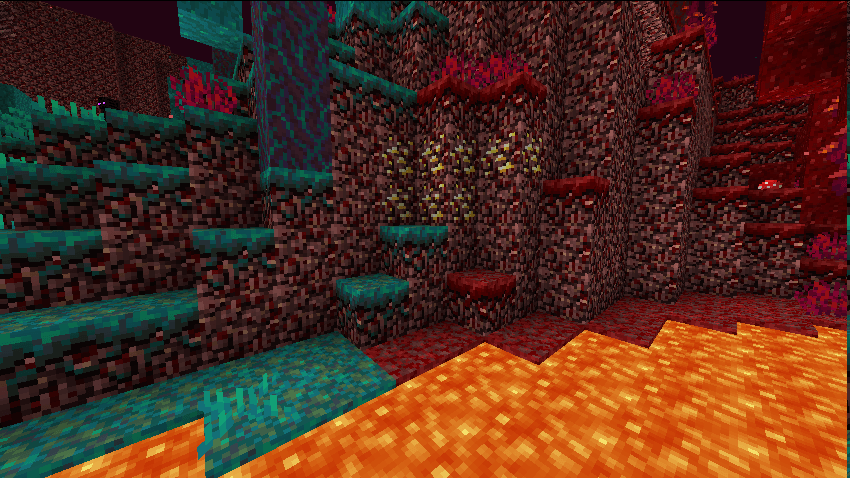
Crimson Nylium and Warped Nylium now tile properly with Netherrack.
Nether Gold Ore now tiles properly with Netherrack
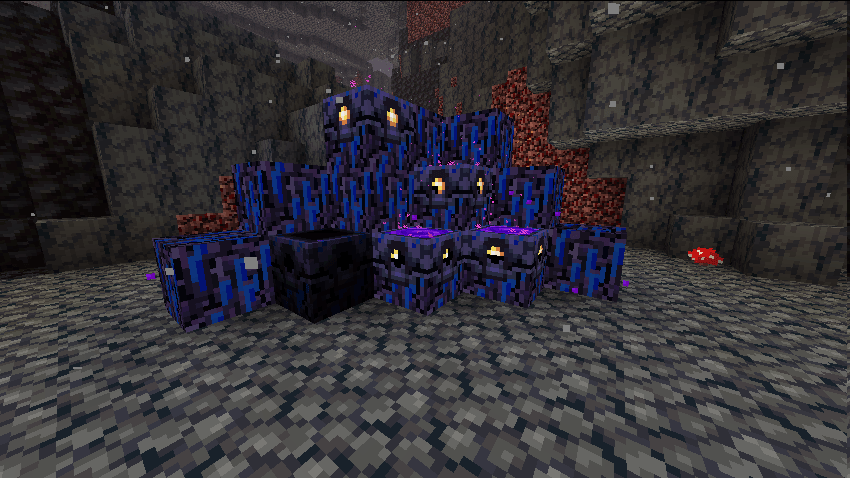
Crying Obsidian now uses the original texture to match programmer art on the Java Edition.
Respawn Anchors now match the old Crying Obsidian texture, and have been made slightly more blue.
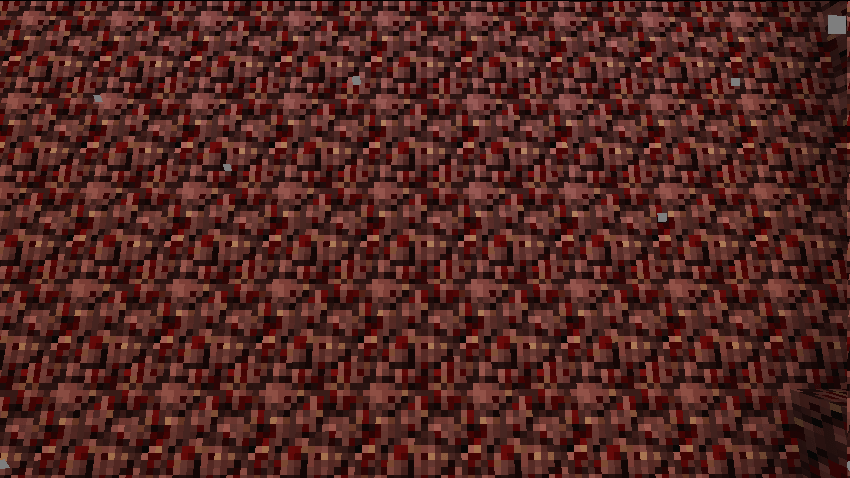
Netherrack and other blocks that randomly rotate no longer do this.
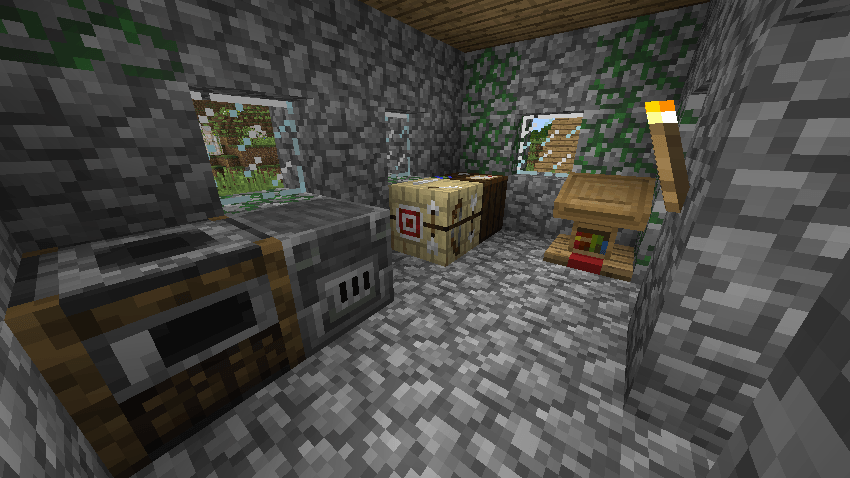
Smokers and Blast Furnaces now match the Furnace more closely.
Fletching Tables now use the old Birch Plank texture.
Cartography Tables now use the old Dark Oak Plank texture.
The base of the Lectern now uses the old Oak Plank texture.
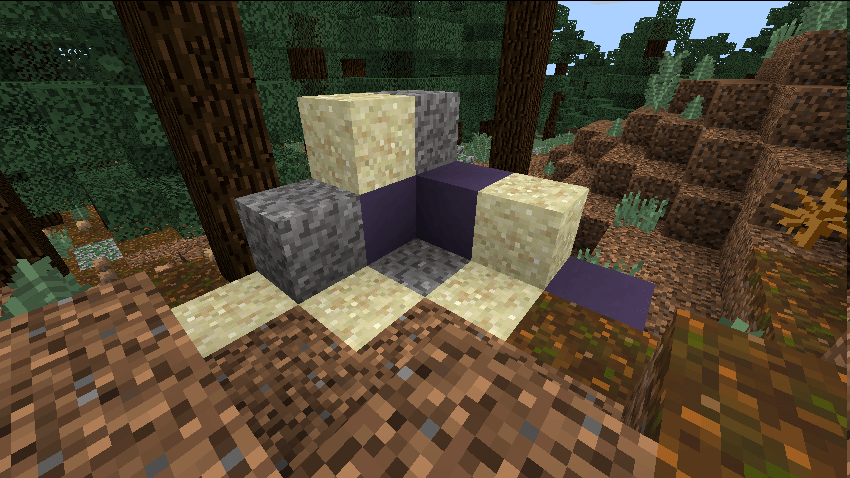
Suspicious Sand now matches Sand more closely.
Suspicious Gravel now matches Gravel more closely.
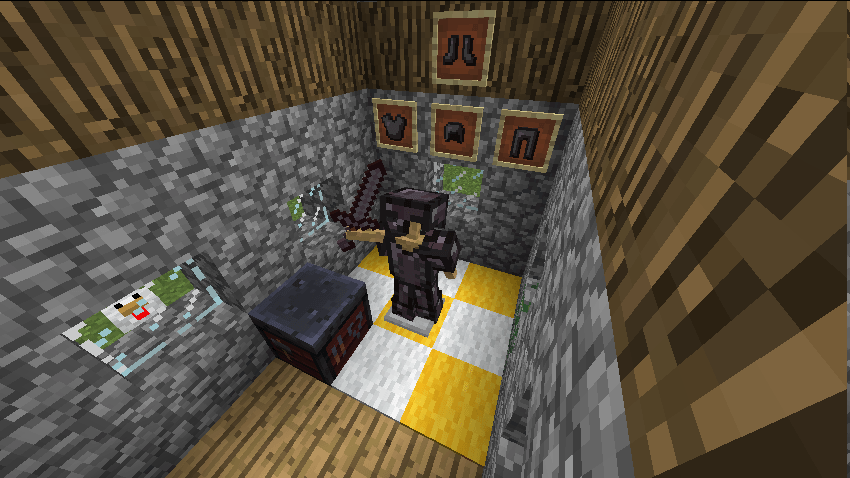
Netherite Armour now matches the old armour style.
The Netherite Sword now matches the old sword style.
The Smithing Table no longer uses the snapshot texture on it's top when using the classic texture pack.
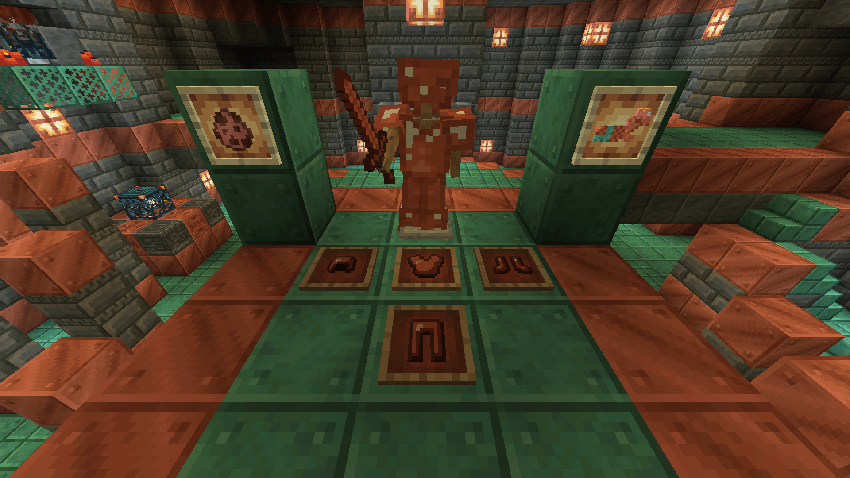
Copper Armour now matches the old armour style.
The Copper Sword now matches the old sword style.
The Copper Horse Amour item now matches the old style.
The Copper Golem spawn egg now matches the old spawn egg style. (This is disabled in Colour Blind Friendly Mode)
Copper Ore has been made more similar to the old ore style.
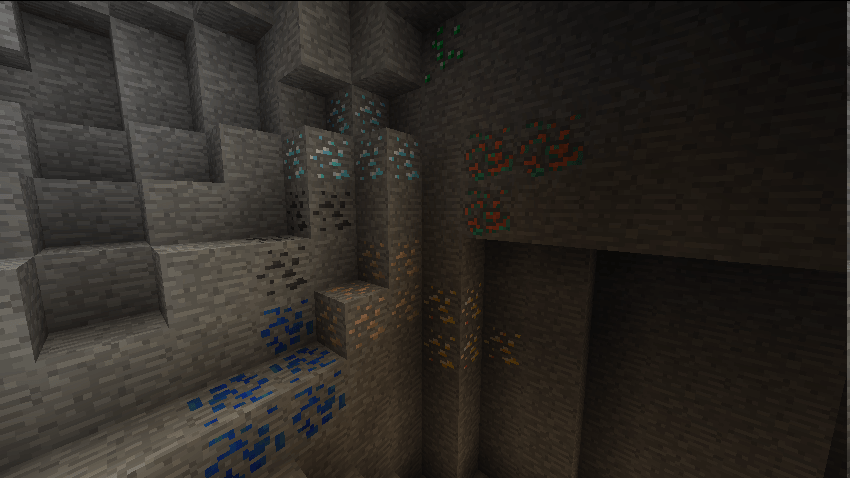
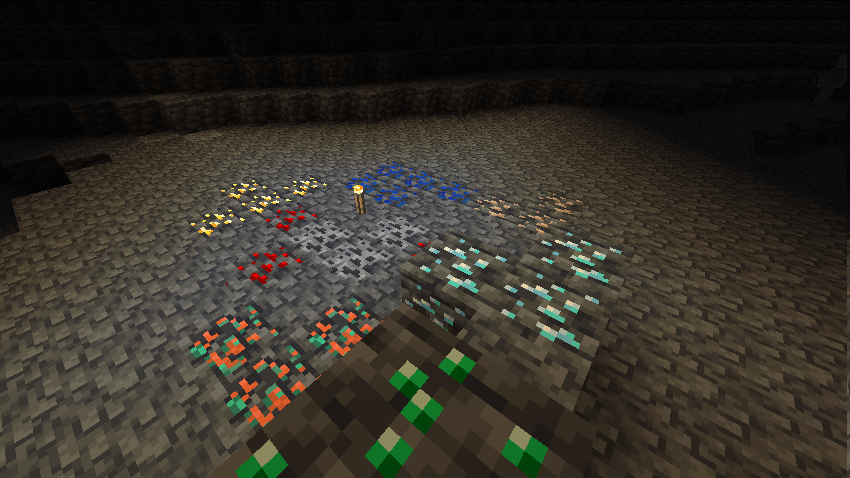
When enabling Colour Blind Friendly Mode all ores will use a classic version of the 1.17 ore texture.
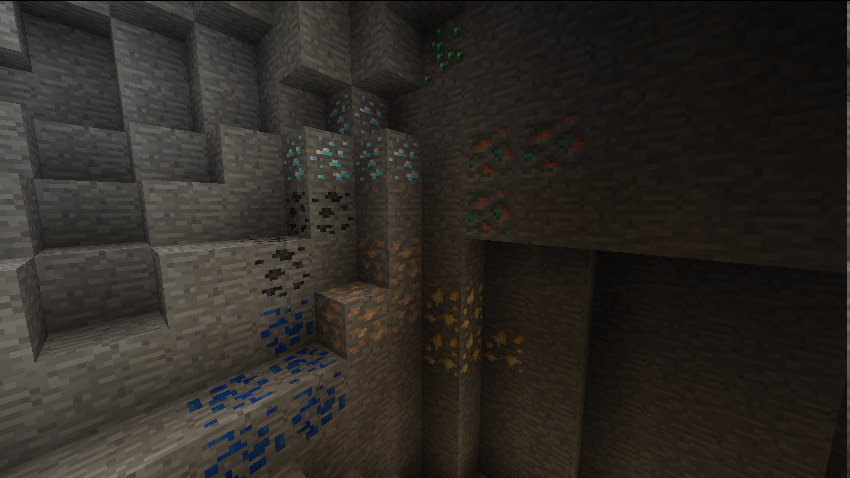
Deepslate ores now use the classic patterns. (This is disabled in Colour Blind Friendly Mode)
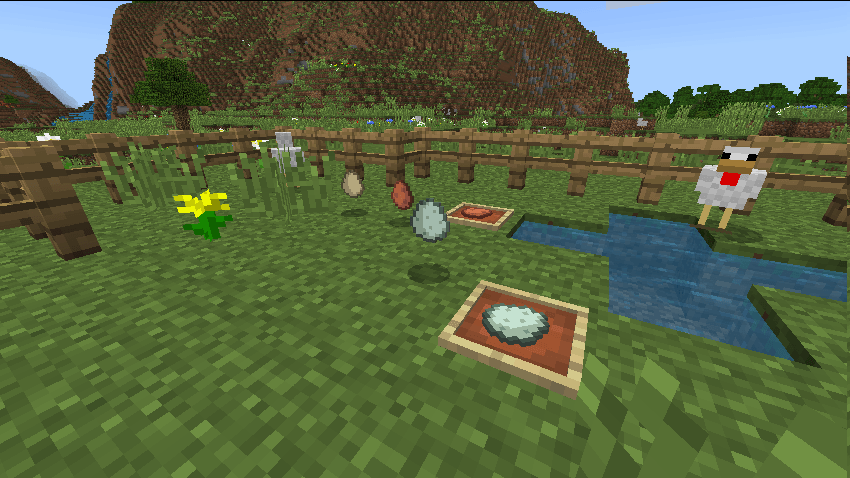
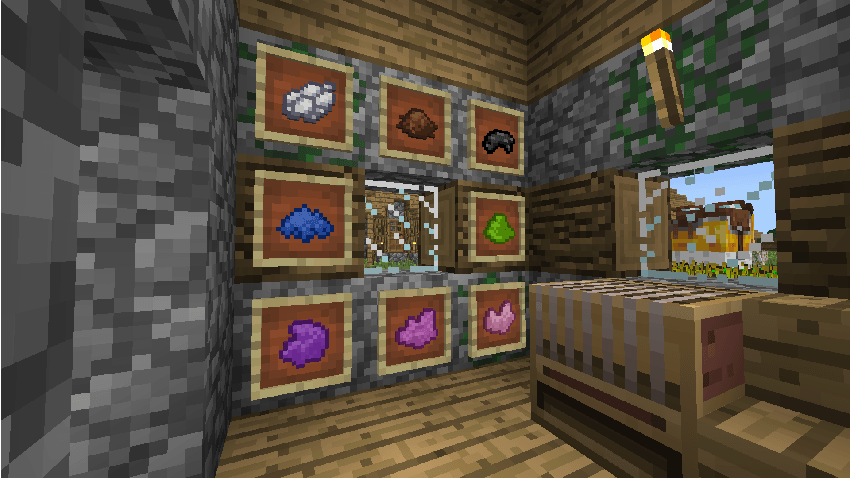
Blue Eggs and Brown Eggs now match the shape of the original Egg.
Temperate Chickens now use their original texture.
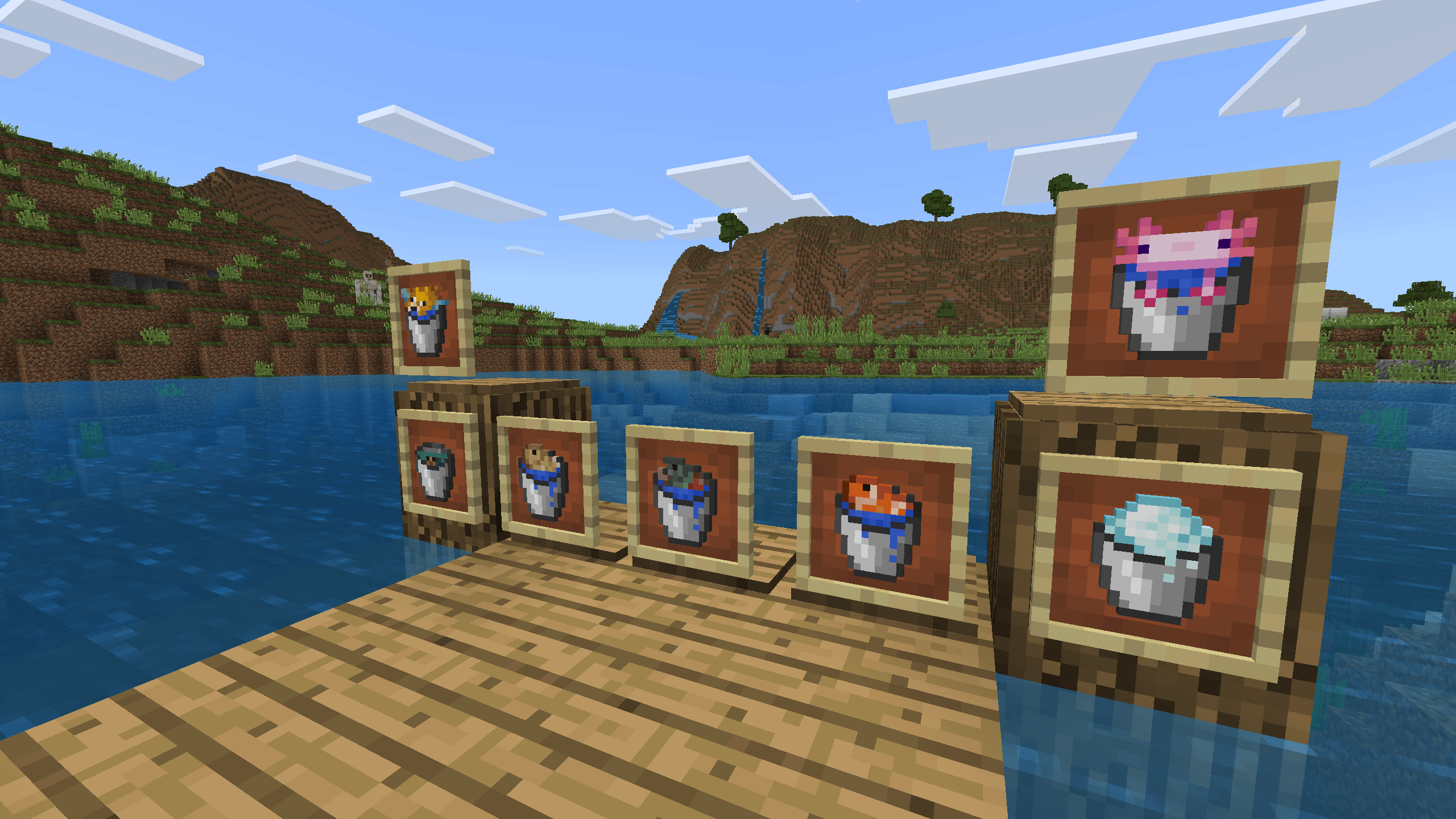
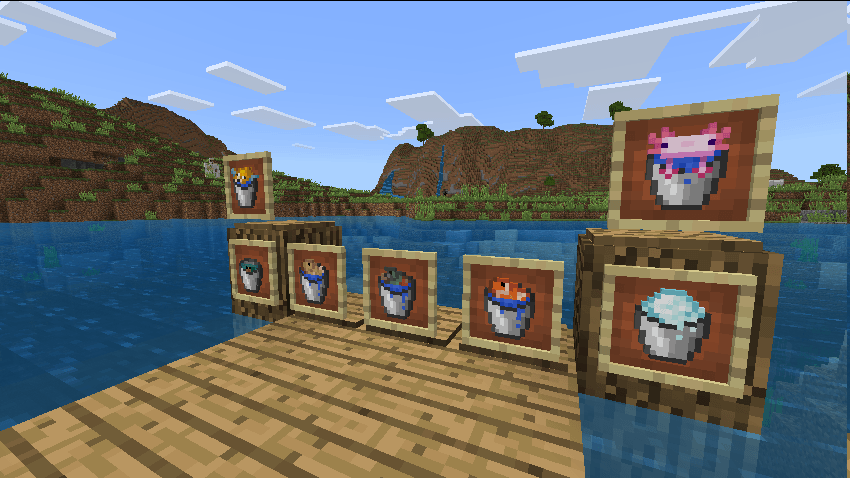
All Bucket variants added since The Aquatic Update have been updated to use the old bucket texture. (This includes Buckets added with this updated, as they did not properly match the Bucket texture)
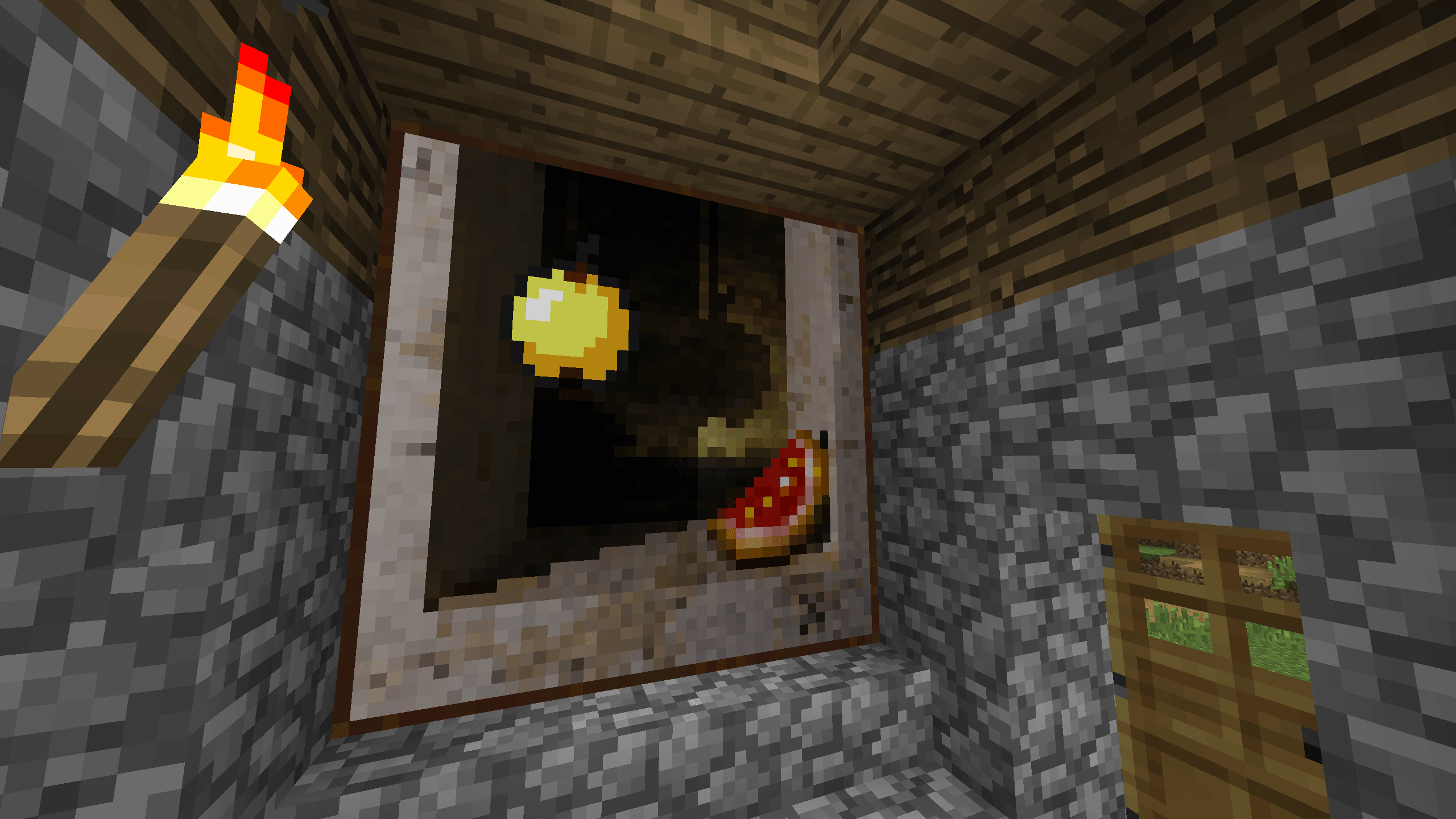
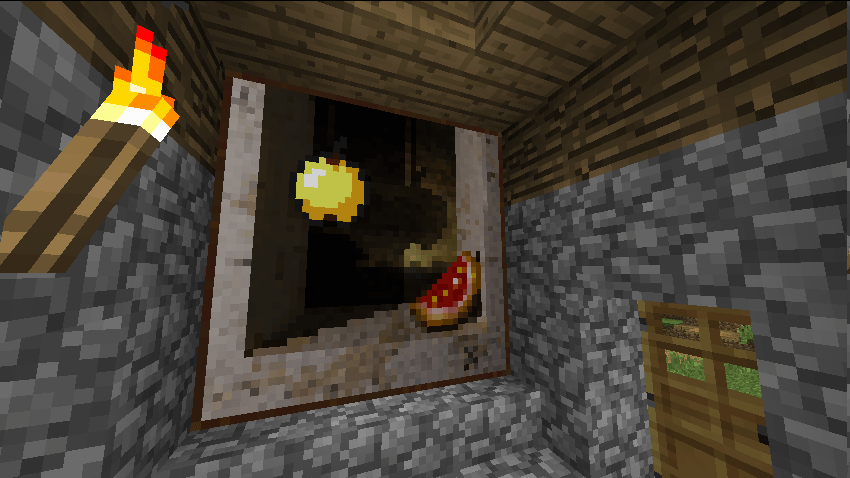
The Cotan Painting has been updated to use the old Golden Apple.
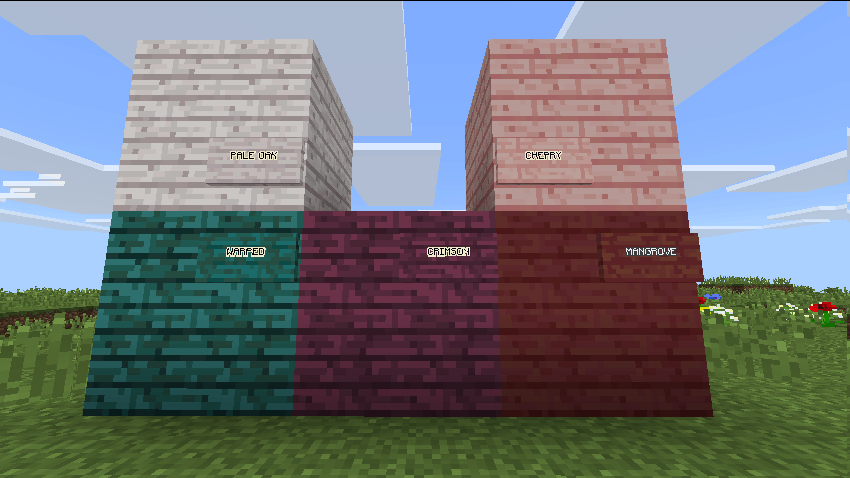
All Planks and Signs added from 1.16+ have been changed to look like the old planks. (Bamboo is not included since it is a unique texture)
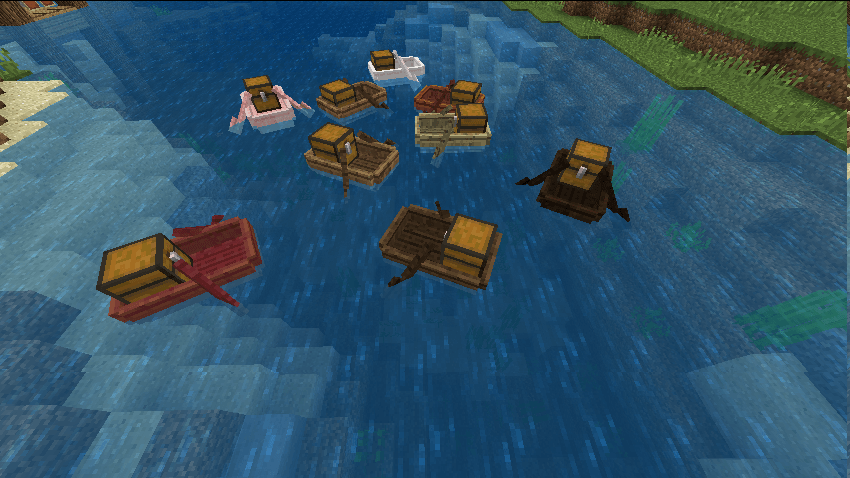
All Chest Boats now use the old Boat texture.
Boats added from 1.19+ have been given an older looking texture.
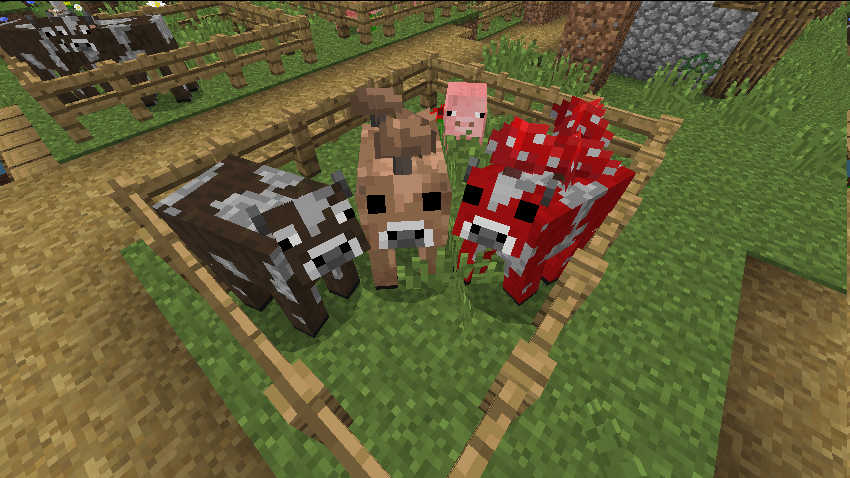
Pigs, Cows and Mooshrooms now use their original textures.
Cows and Mooshrooms no longer have a 3D snout.
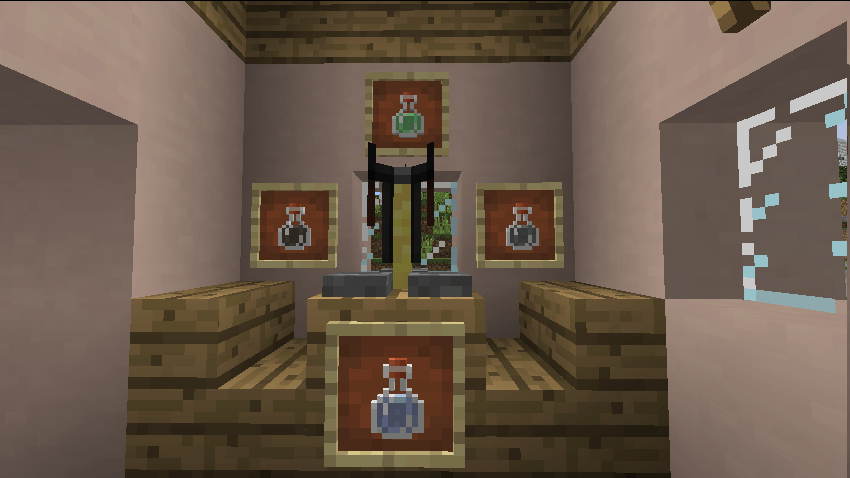
All Potions added in 1.21 now use the old bottle texture.
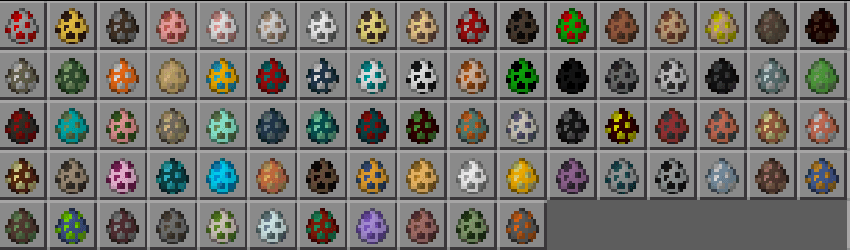
All Spawn Eggs have been reverted to the old pattern. (This is disabled in Colour Blind Friendly Mode)
White, Brown, Black and Blue dyes have old style colouring.
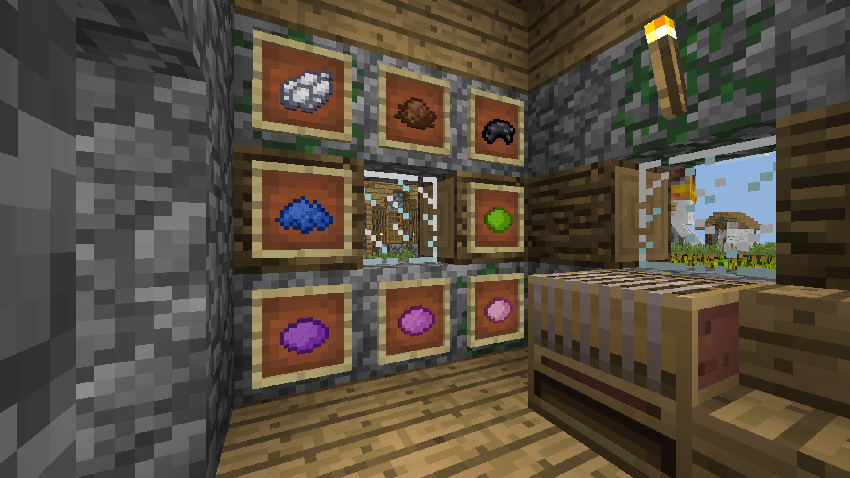
In Colour Blind Friendly Mode, Pink, Magenta, Purple, Light Grey and Lime dyes use new patterns.
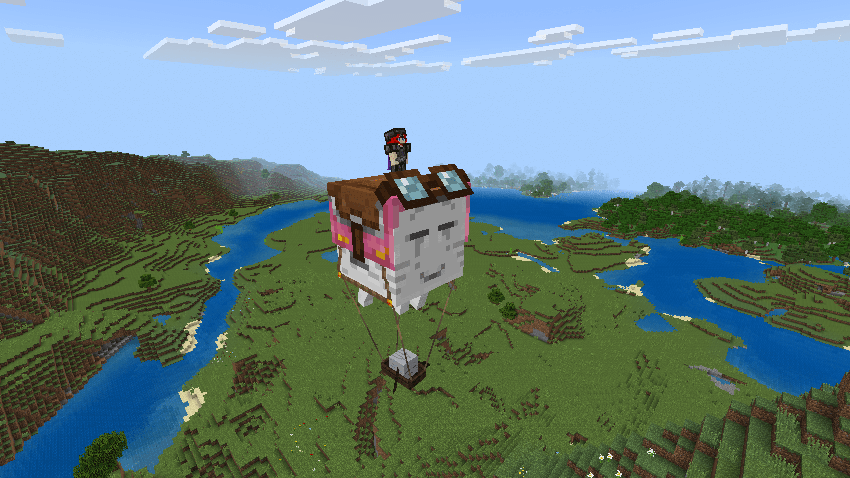
Happy Ghast and Ghastlings look more similar to the original Ghast
Setting Up The Pack
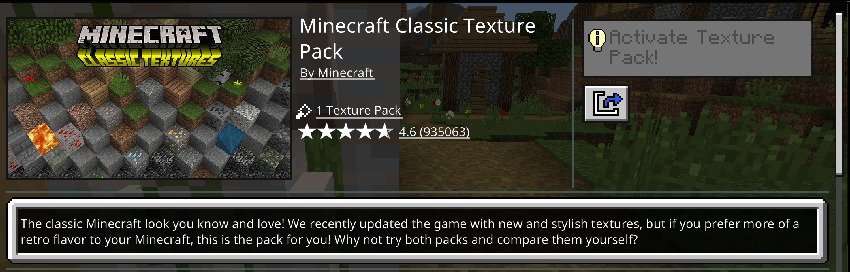
This pack only includes the modified textures. If you would like to use every classic texture you must download the "Classic Texture Pack" from the market place (THIS IS FREE!)
The classic texture pack should be enabled UNDER this pack!
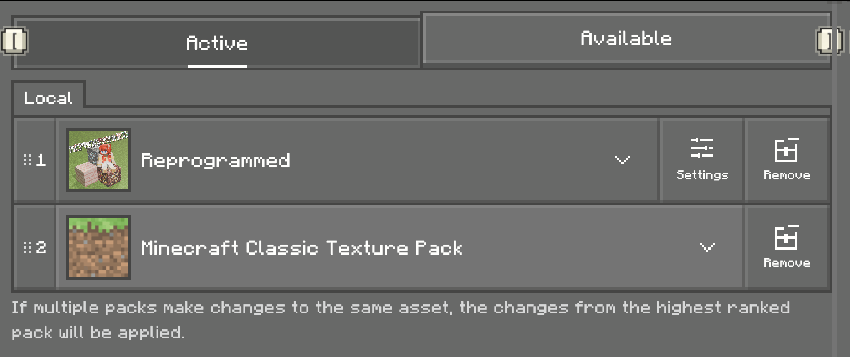
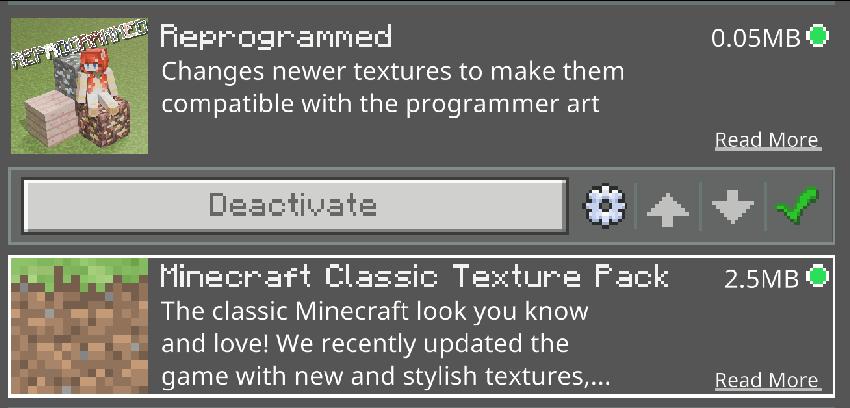
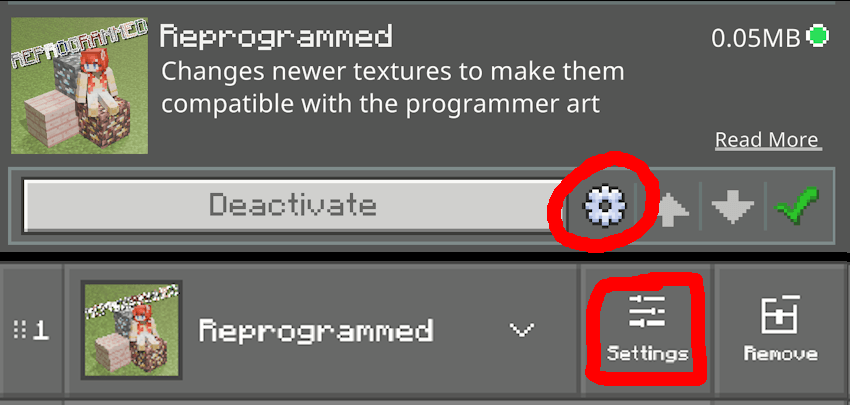
To enable Colour Blind Friendly Mode you need to open the pack settings by pressing either the gear icon, or settings button. (This may look different depending on when or where you do this, and if you have an other pack enabled)
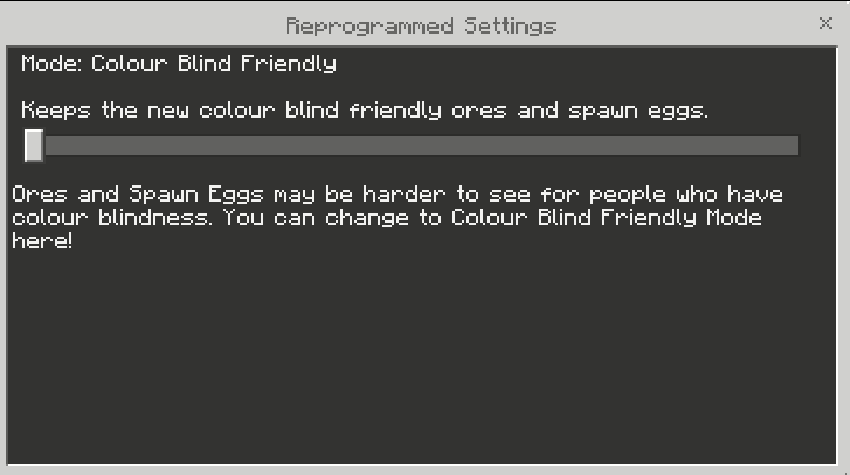
Move the slider to the left to enable it, or to the right to disable it!
- Edition: Minecraft Bedrock
- File type: .mcpack
- Minecraft versions listed: 1.21.111, 1.21.90, 1.21.81
- How to install: Download the .mcpack. → Open it — Minecraft imports it under Resource Packs. → Activate it in Global Resources, or for one world under Resource Packs → Available.
- Where to get it: Opens on CurseForge — not every file is mirrored on our own servers.
Install steps are the general flow for this file type — How to install Minecraft Bedrock texture packs walks through it step by step.
- Pack type: .mcpack — a single pack
- Manifest requires Minecraft 1.21.111 or newer
- Complete pack — everything it depends on is inside the file
- Download size: 1.4 MB
- Download link checked 5 Oct 2026 — working
These come from our own check of the pack file, not from the source page.