
Texture packsBedrock
Hide All Armor (Except Elytra)
Bedrock texture pack listed for Minecraft 1.20–1.21. File opened and checked on 27 Sep 2026; installs from the MC Bedrock Mods app on Android.
⬇ Download on CurseForge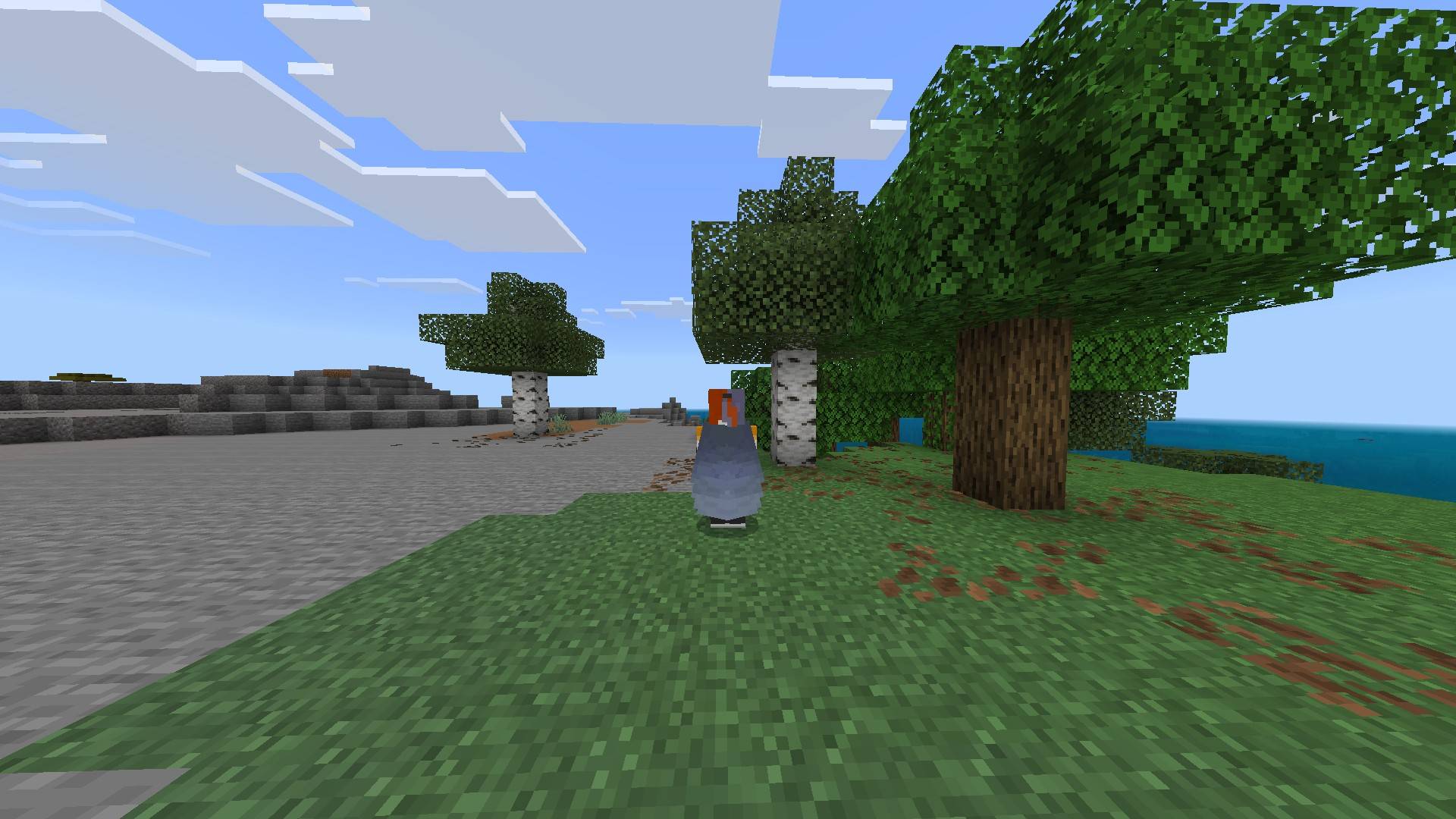

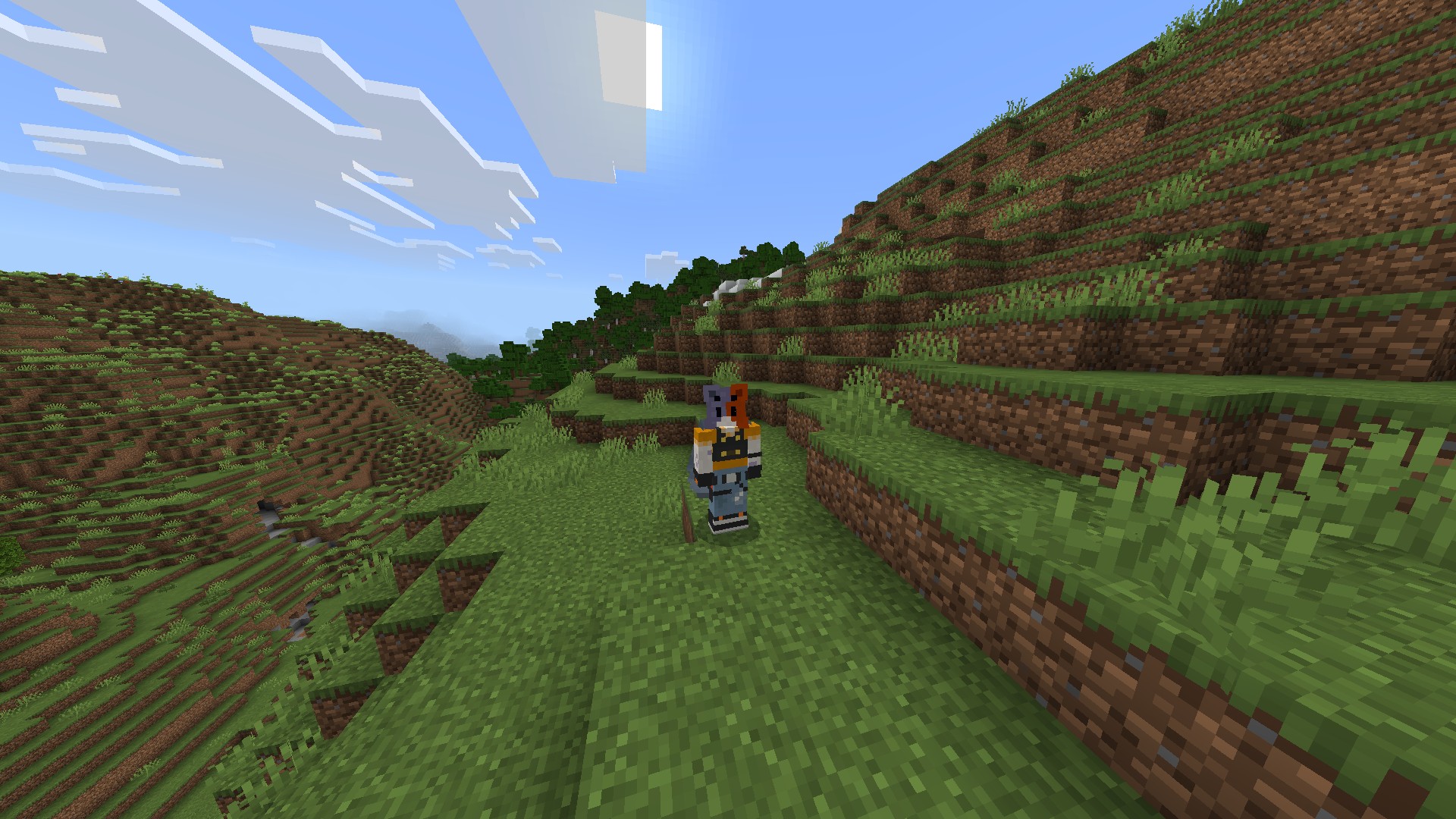
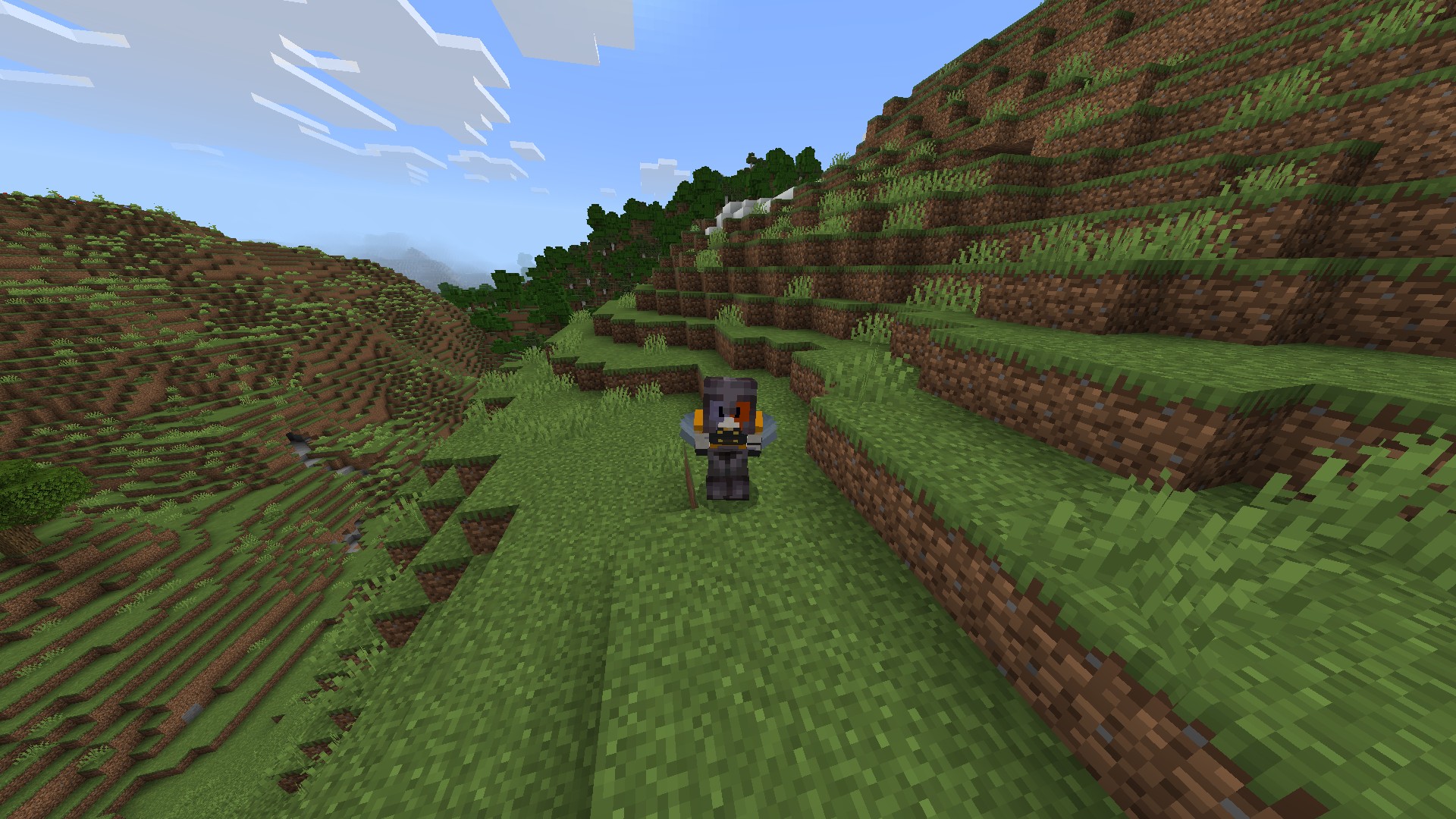
This pack hides all armor except for elytra on the player only, so mobs and armor stands will still have it. You can crouch to view your armor at any time.
Known Issues:
-
If there is anything you would like me to add, leave a comment and I'll try my best to add it. This is my first pack and I'm still learning so if you also know a better way to implement something, I would appreciate it. Thank You!
Quick facts
- Edition: Minecraft Bedrock
- File type: .mcpack
- Minecraft version listed: 1.21.111
- How to install: Download the .mcpack. → Open it — Minecraft imports it under Resource Packs. → Activate it in Global Resources, or for one world under Resource Packs → Available.
- Where to get it: Opens on CurseForge — not every file is mirrored on our own servers.
Install steps are the general flow for this file type — How to install Minecraft Bedrock texture packs walks through it step by step.
File checked by MCModsHub
- Save it as Hide Armor V1.5.mcaddon before opening — it downloads as .mcpack, but it is a .mcaddon pack
- Manifest requires Minecraft 1.20.0 or newer
- Complete pack — everything it depends on is inside the file
- Download size: 193 KB
- Download link checked 6 Oct 2026 — working
These come from our own check of the pack file, not from the source page.