
Objet Traduit 100x Natop
Bedrock texture pack listed for Minecraft 1.21. File opened and checked on 29 Sep 2026; installs from the MC Bedrock Mods app on Android.
Made with the Google Docs “Bad Translator”! Every mob, item, and block name was translated 100× and turned into funny Minecraft textures and sounds — pure…
⬇ Download on CurseForge
🟢 Description (English)
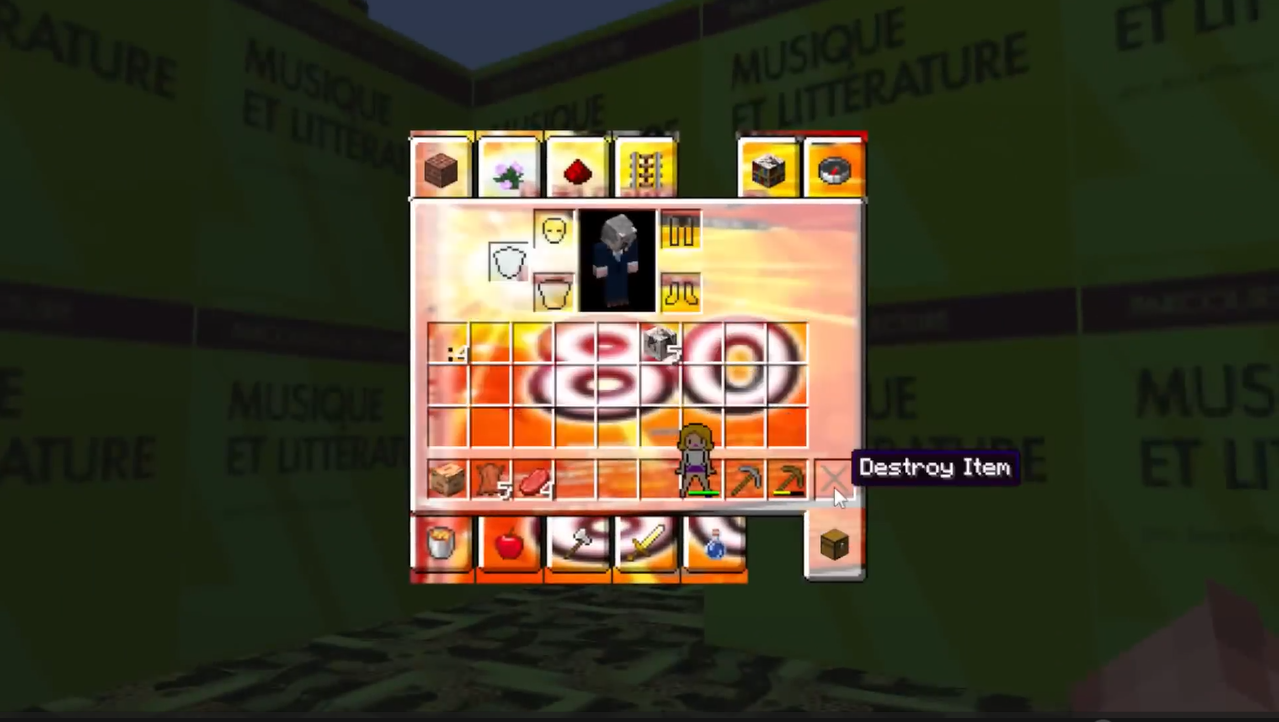
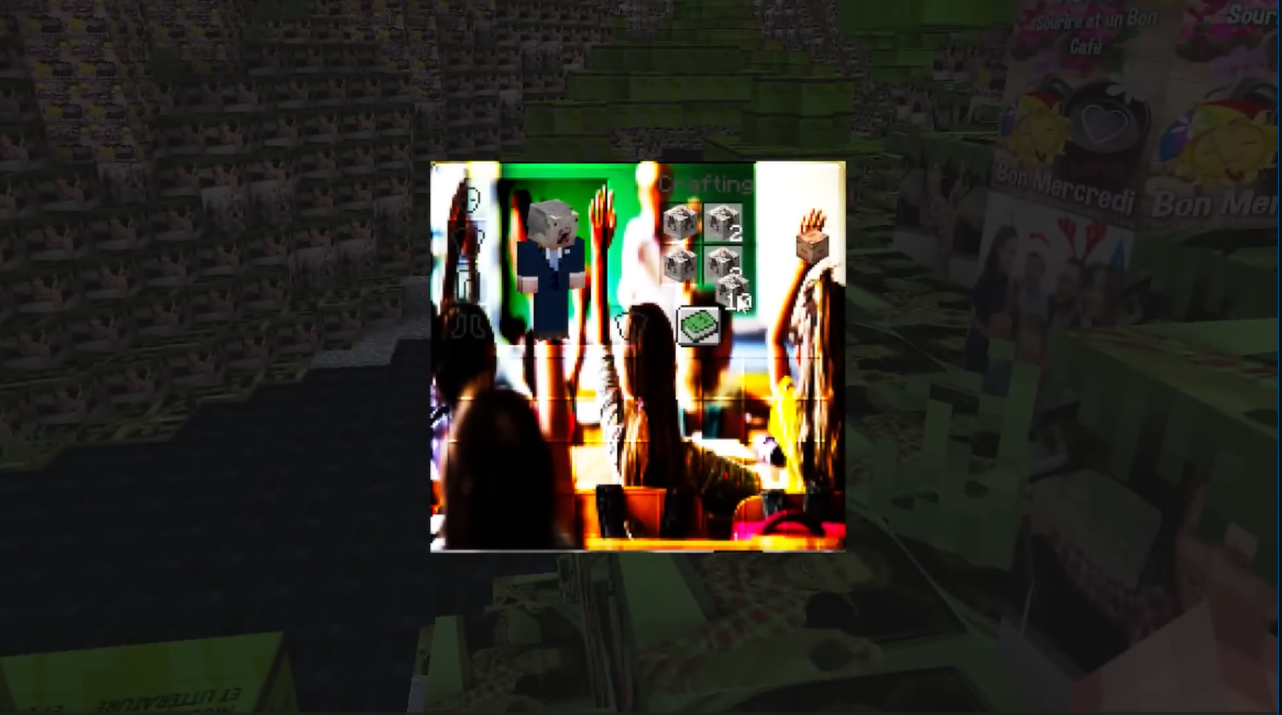
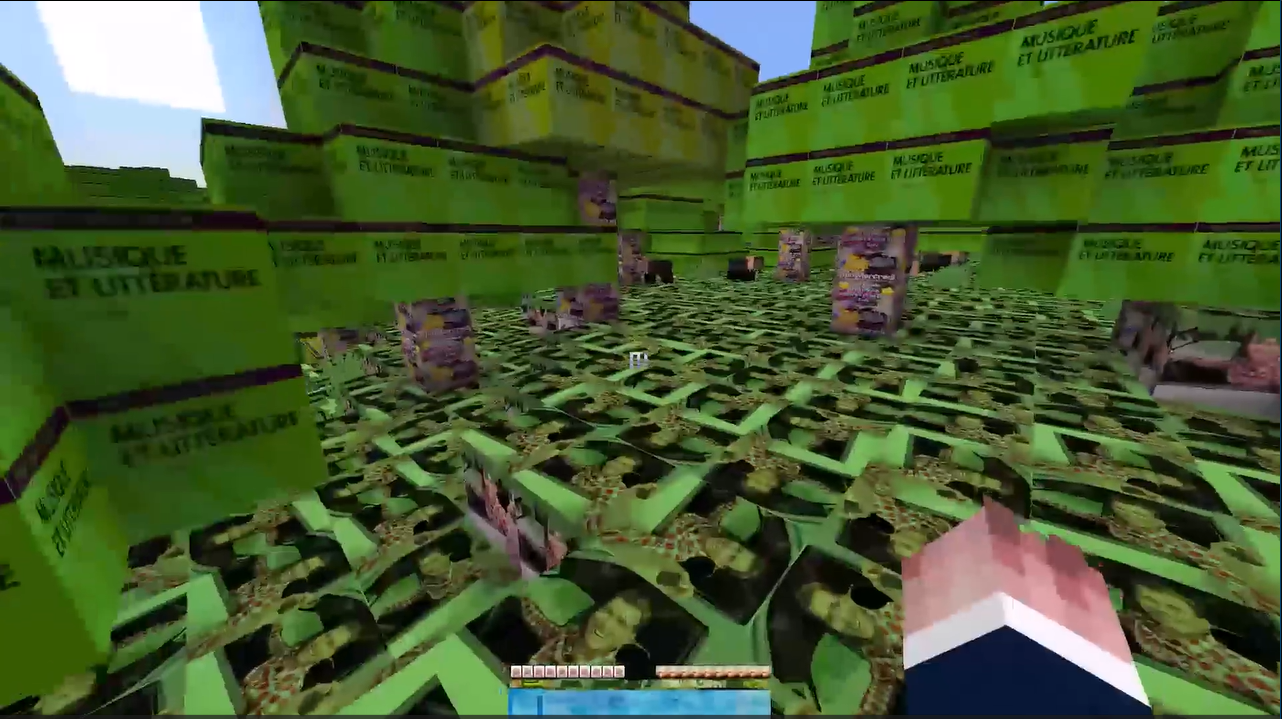
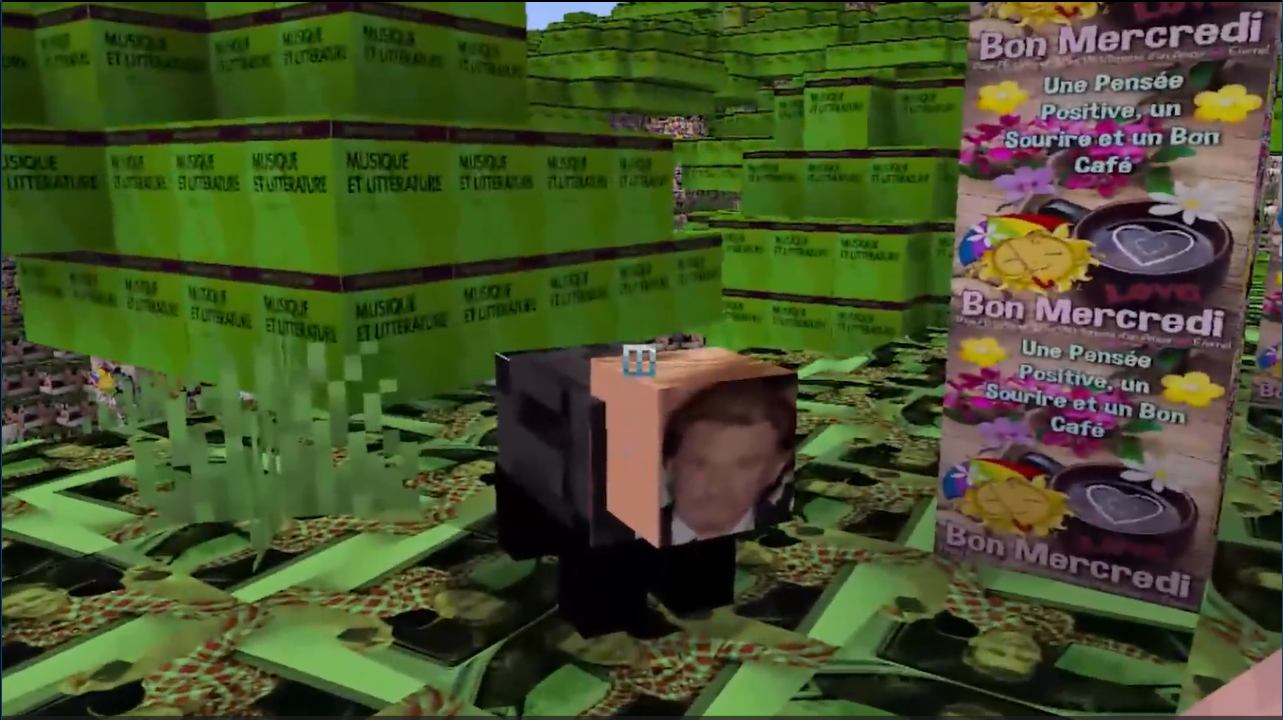
TOUT_TRADUIT_MINECRAFT_LOOOL is a chaotic and hilarious Minecraft resource pack created by YouTuber Natop!
Using the Google Docs extension “Bad Translator”, every mob, item, and block name was translated about 100 times through random languages, then brought back into Minecraft with textures and sounds inspired by the final funny translations.
The result? A totally unpredictable and funny Minecraft world where “Zombie” might become “Vegetable of Noise,” “Diamond Sword” could turn into “Future Shiny Cutter,” and everything looks as chaotic as it sounds!
This pack completely changes the Minecraft vibe — perfect for laughs, chaos, and confusing your friends!
📸 Check out the gallery below to see some of the funniest results in action!
🔗 Follow and Join Natop’s Community
🎥 YouTube: @Natop
🎬 Second Channel: @Natop2
📸 Instagram: natopshorts
🐦 X (Twitter): @NatopYT
💬 Discord: Join the community!
🇫🇷 Description (Français)
TOUT_TRADUIT_MINECRAFT_LOOOL est un pack de ressources Minecraft totalement délirant, créé par le YouTuber Natop !
Grâce à l’extension “Bad Translator” de Google Docs, chaque nom de mob, d’objet et de bloc a été traduit environ 100 fois à travers des langues aléatoires, avant d’être réintroduit dans Minecraft avec des textures et sons inspirés des traductions finales les plus folles.
Le résultat : un Minecraft complètement imprévisible, où un zombie peut devenir un “Légume du Bruit”, une épée en diamant un “Trancheur Brillant du Futur”, et tout le reste est aussi drôle que chaotique !
📸 Découvre la galerie d’images ci-dessous pour voir les résultats les plus hilarants en jeu !
🔗 Suis et rejoins la communauté de Natop
🎥 YouTube : @Natop
🎬 Deuxième chaîne : @Natop2
📸 Instagram : natopshorts
🐦 X (Twitter) : @NatopYT
💬 Discord : Rejoindre la communauté
- Edition: Minecraft Bedrock
- File type: .mcpack
- Minecraft versions listed: 1.21.30, 1.21.50, 1.21.81
- How to install: Download the .mcpack. → Open it — Minecraft imports it under Resource Packs. → Activate it in Global Resources, or for one world under Resource Packs → Available.
- Where to get it: Opens on CurseForge — not every file is mirrored on our own servers.
Install steps are the general flow for this file type — How to install Minecraft Bedrock texture packs walks through it step by step.
- Pack type: .mcpack — a single pack
- Manifest requires Minecraft 1.21.0 or newer
- Complete pack — everything it depends on is inside the file
- Download size: 47.0 MB
- Download link checked 6 Oct 2026 — working
These come from our own check of the pack file, not from the source page.