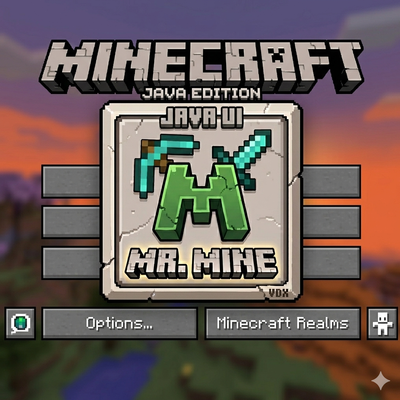
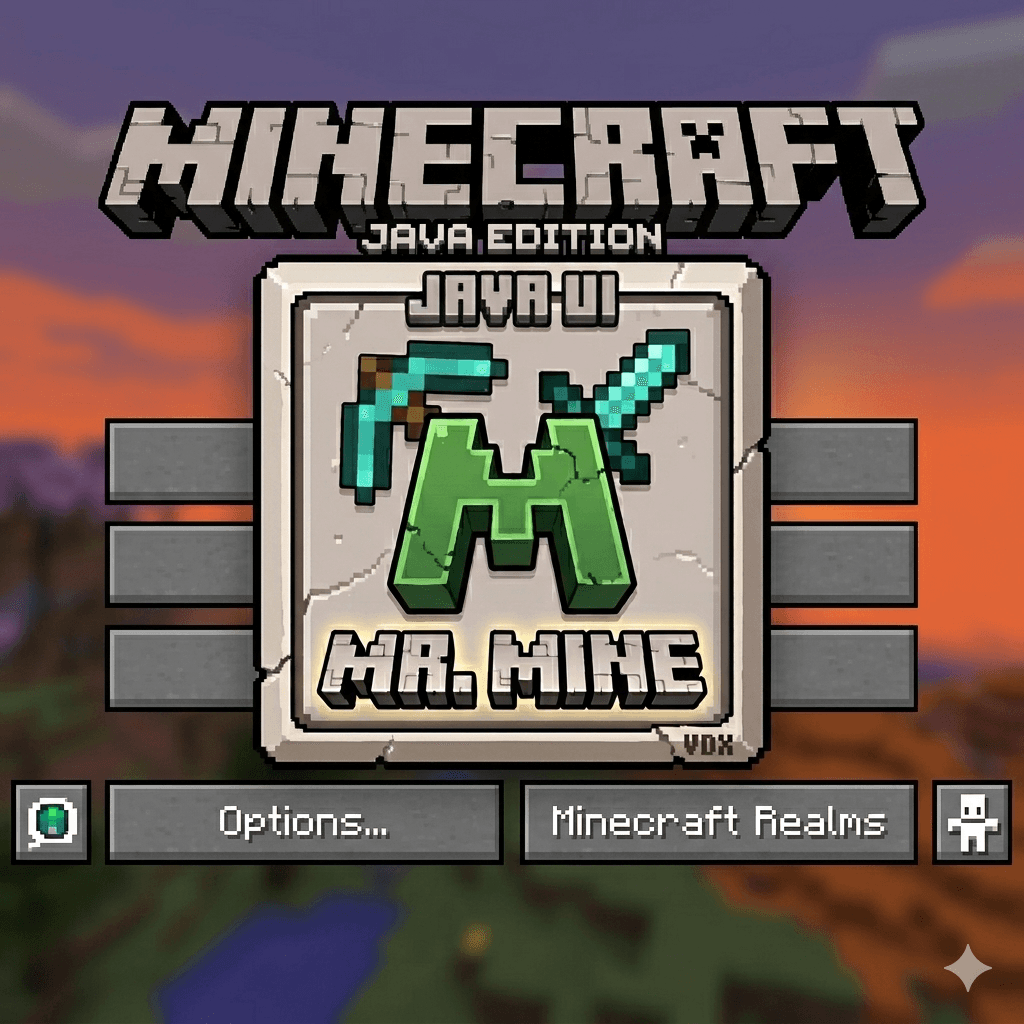
VDX Desktop UI Mr Mine Edition
Bedrock texture pack listed for Minecraft 1.21. Download on the author's site.
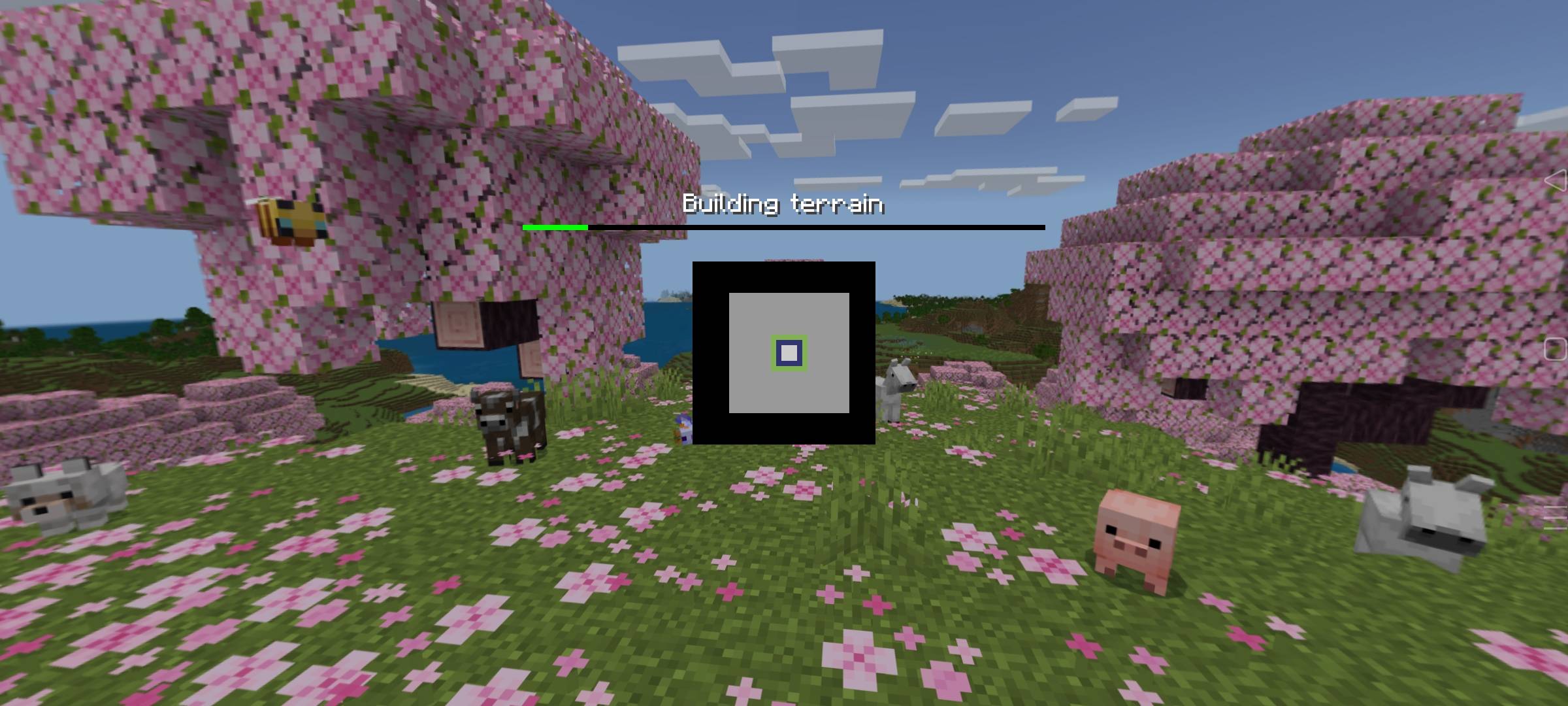
A complete Java Edition interface overhaul for Bedrock, featuring classic desktop layouts, clean fonts, and optimized textures.
⬇ Download on CurseForge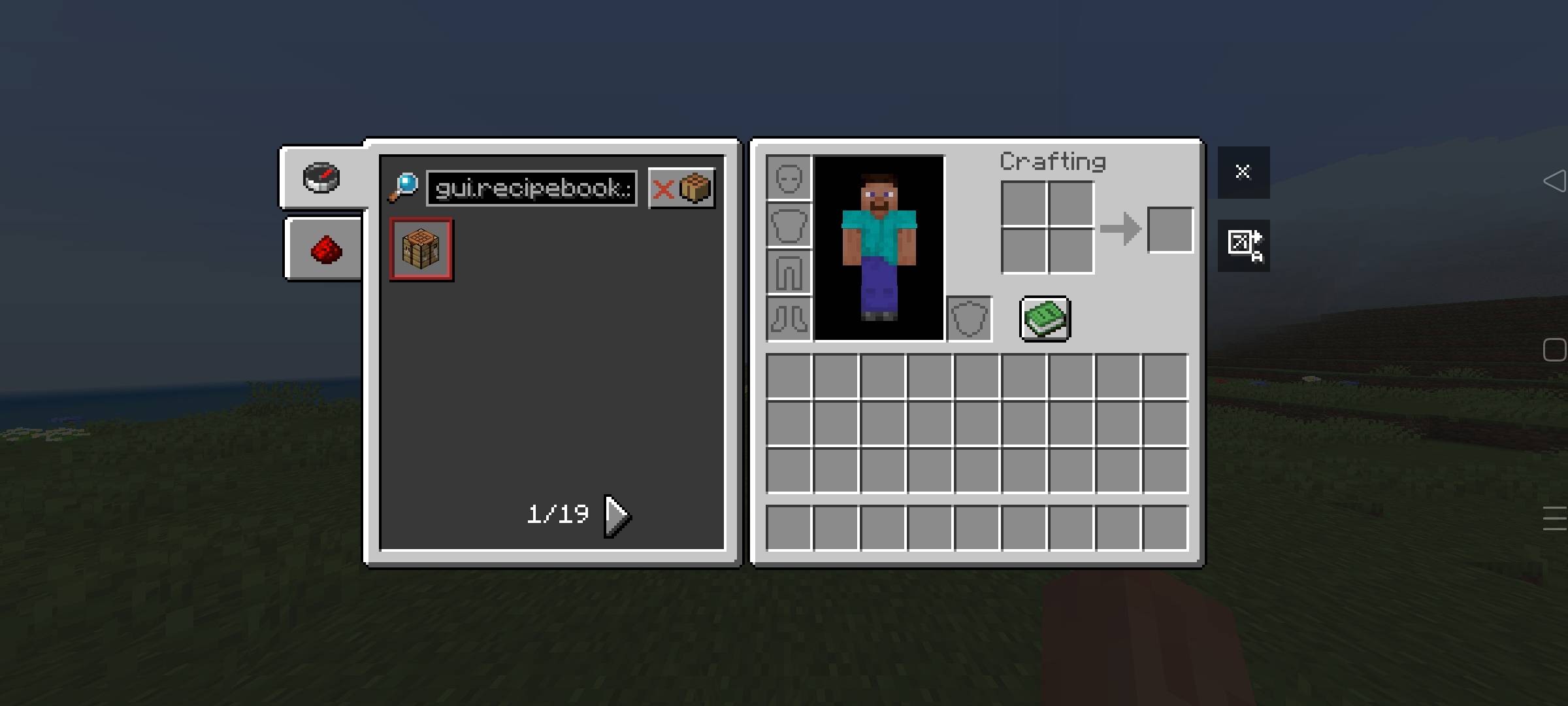
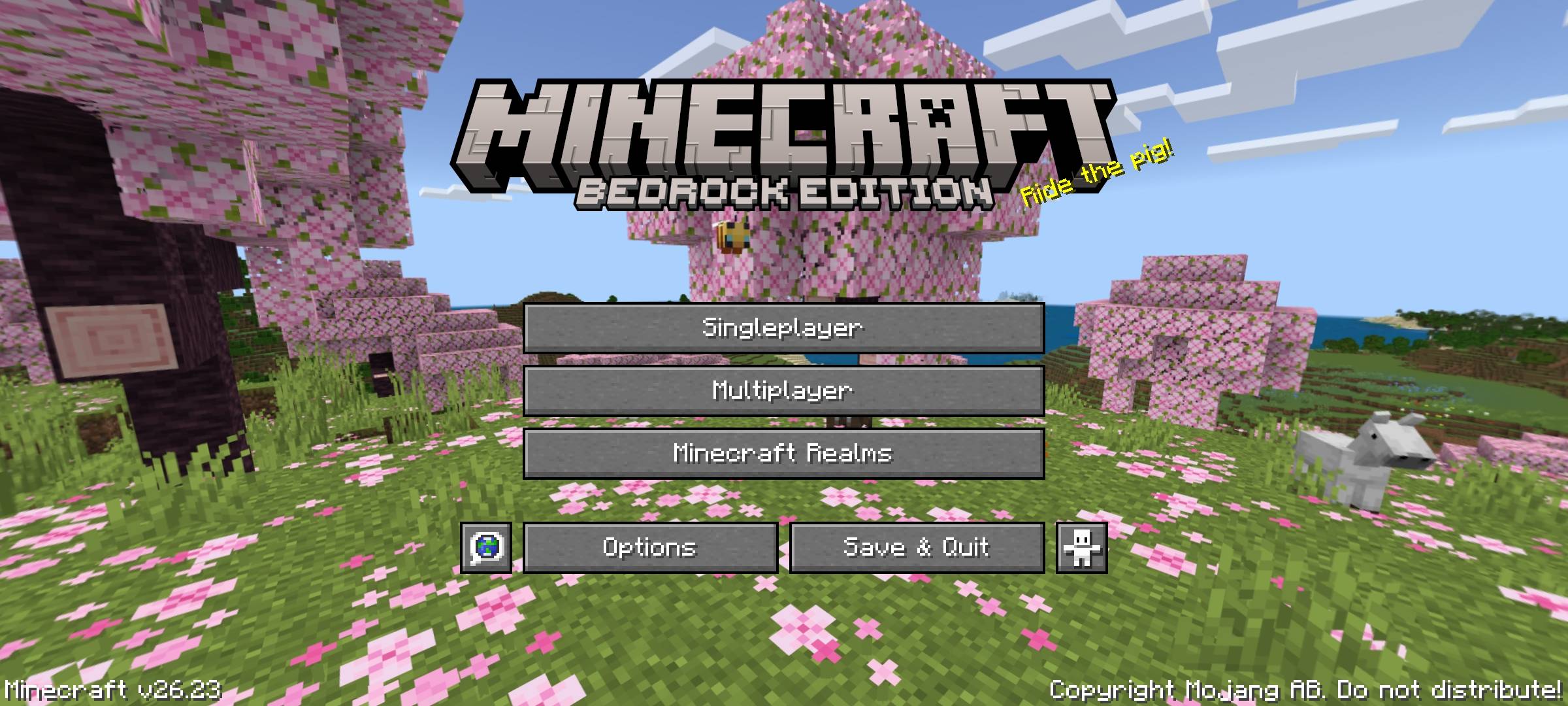
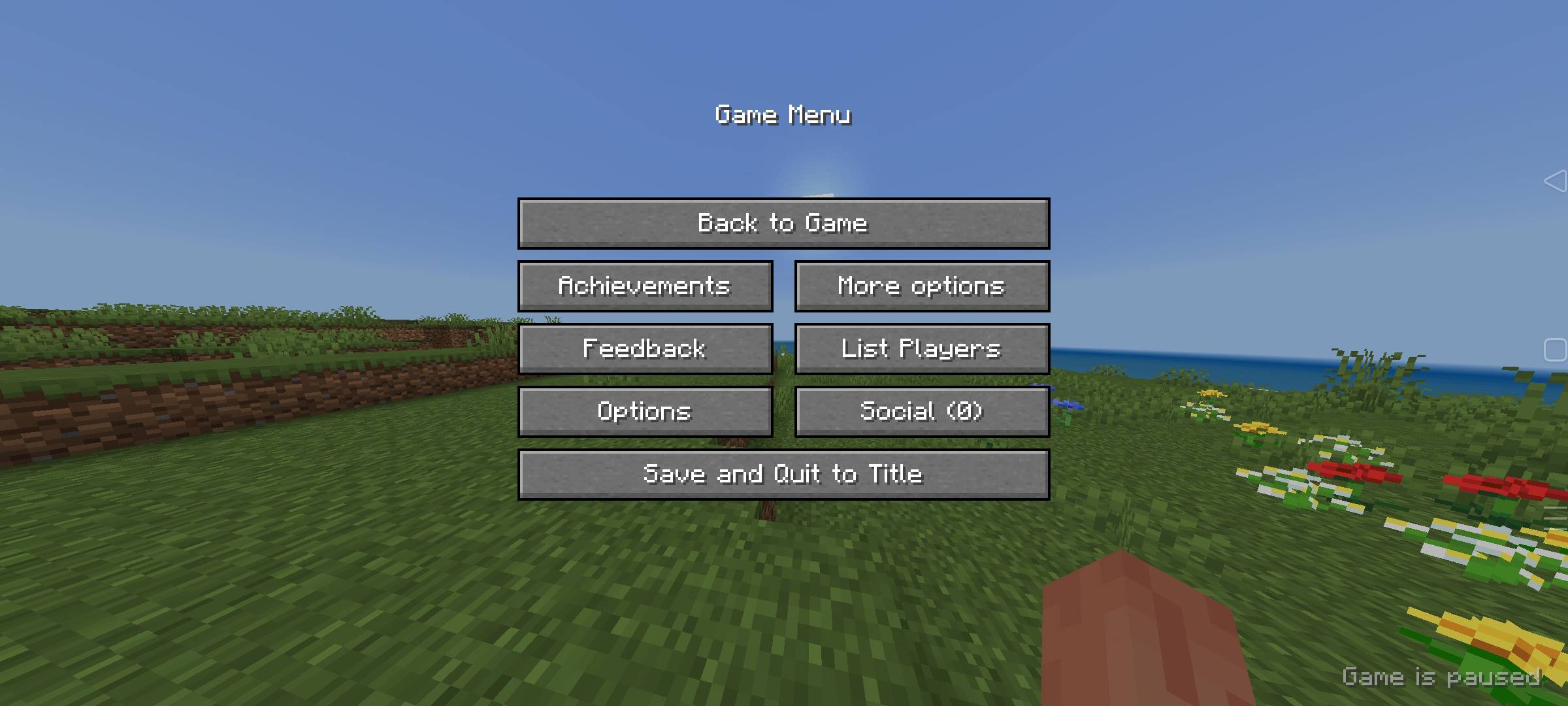
"Bring the Authentic Java Edition Vibe to Your Pocket!" ⚡
✨ 👑 ABOUT THE PACK:
Tired of the classic, boring Bedrock pocket layout? Mr. Mine Edition brings you the ultimate graphical overhaul! Powered by the legendary VDX framework, this resource pack completely transforms your Minecraft Bedrock UI into the crisp, clean, and professional Java Edition Desktop Interface! 🚀💎
🔥 🎮 AWESOME FEATURES:
🖥️ Java Main Menu: Classic PC style start screen with smooth desktop buttons.
📦 Desktop Inventory: Full Java-style survival and creative inventory layouts (No more annoying mobile circles!).
✍️ Crisp Java Font: Clean, pixel-perfect text font just like the PC version.
🛡️ Classic HUD: Perfectly scaled Hearts, Hunger, and Armor bars.
⚙️ Advanced Settings: Easily tweak your game options with a fully clean desktop menu layout.
🛠️ 🎯 HOW TO USE:
Download the .mcpack file.
Click to import it directly into Minecraft Bedrock (1.21+) 📲
Go to Settings ➡️ Global Resources ➡️ Activate VDX: Desktop UI [Mr. Mine Edition].
Enjoy the PC experience on your phone! 🎮🔥
📜 👥 CREDITS:
Original Framework: VDX Team (Huge thanks for the amazing base layout!).
Tweaked & Upgraded By: §aMr. Mine§r 😎
- Edition: Minecraft Bedrock
- File type: .mcpack
- Minecraft version listed: 1.21
- How to install: Download the .mcpack. → Open it — Minecraft imports it under Resource Packs. → Activate it in Global Resources, or for one world under Resource Packs → Available.
- Where to get it: Opens on CurseForge — not every file is mirrored on our own servers.
Install steps are the general flow for this file type — How to install Minecraft Bedrock texture packs walks through it step by step.
VDX Desktop UI Mr Mine Edition is a free Minecraft Bedrock texture pack. Compatible with Minecraft 1.21. Downloaded 3,450 times (via CurseForge). Download it and open it directly in the game.