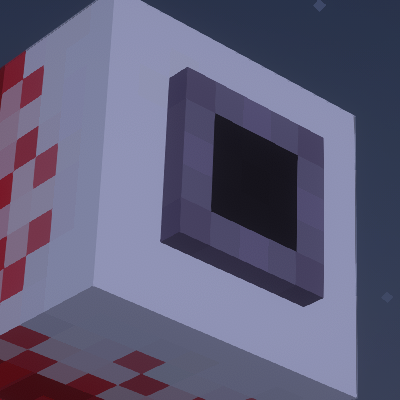
Demon Eye Phantoms
Bedrock texture pack listed for Minecraft 1.20–26.x. File opened and checked on 29 Sep 2026; installs from the MC Bedrock Mods app on Android.
Transforms the vanilla Minecraft Phantoms into creepy, flying Demon Eyes! Perfect for players looking to add a spooky, fantasy, or Terraria-esque vibe to…
⬇ Download on CurseForge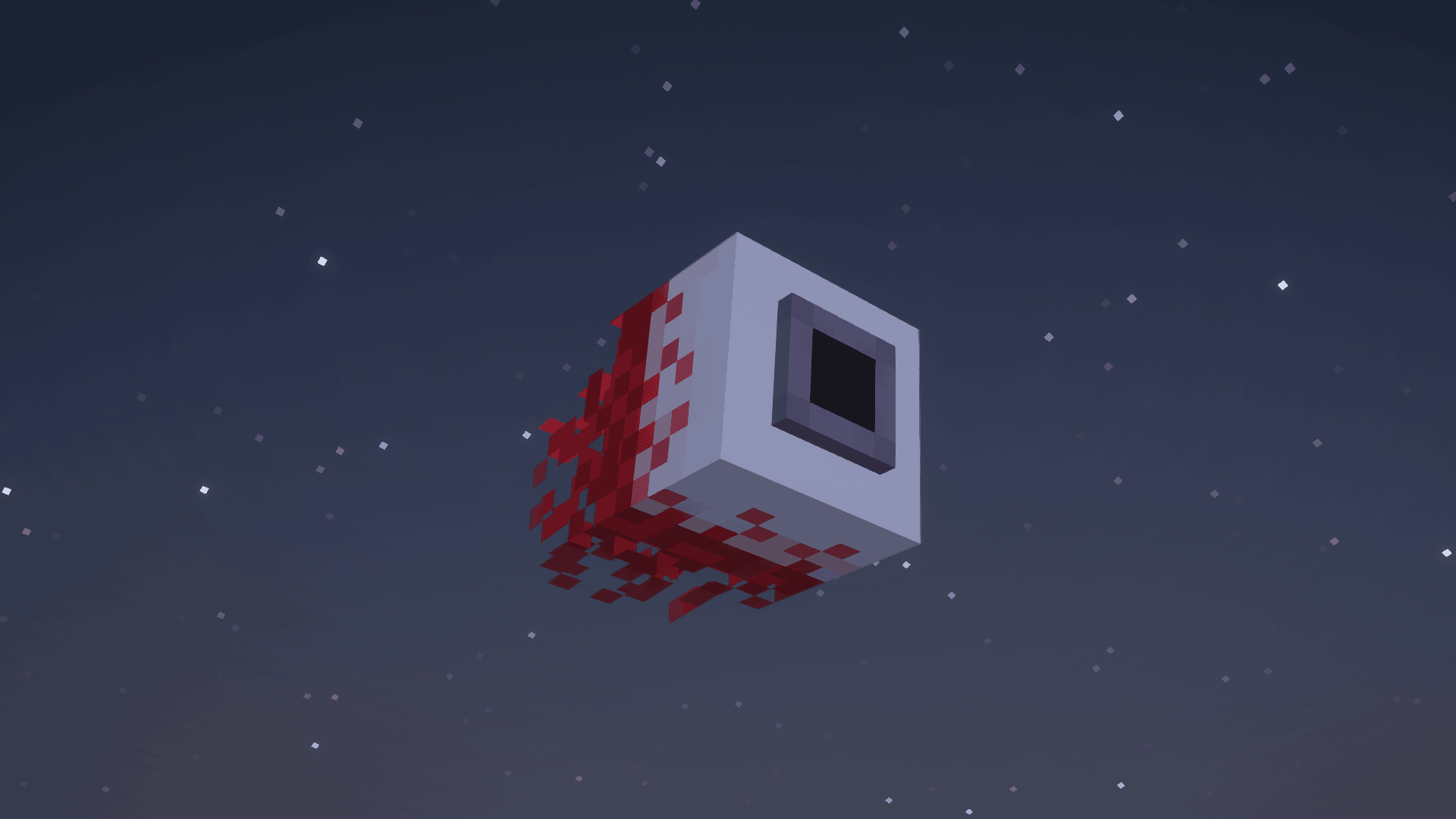
👁️ Demon Eye Phantoms (MCPE / Bedrock Port)
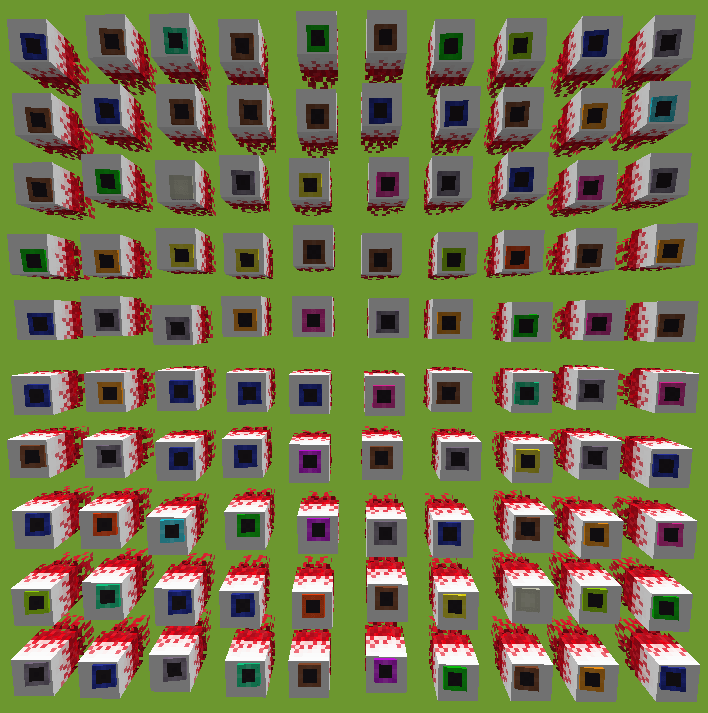
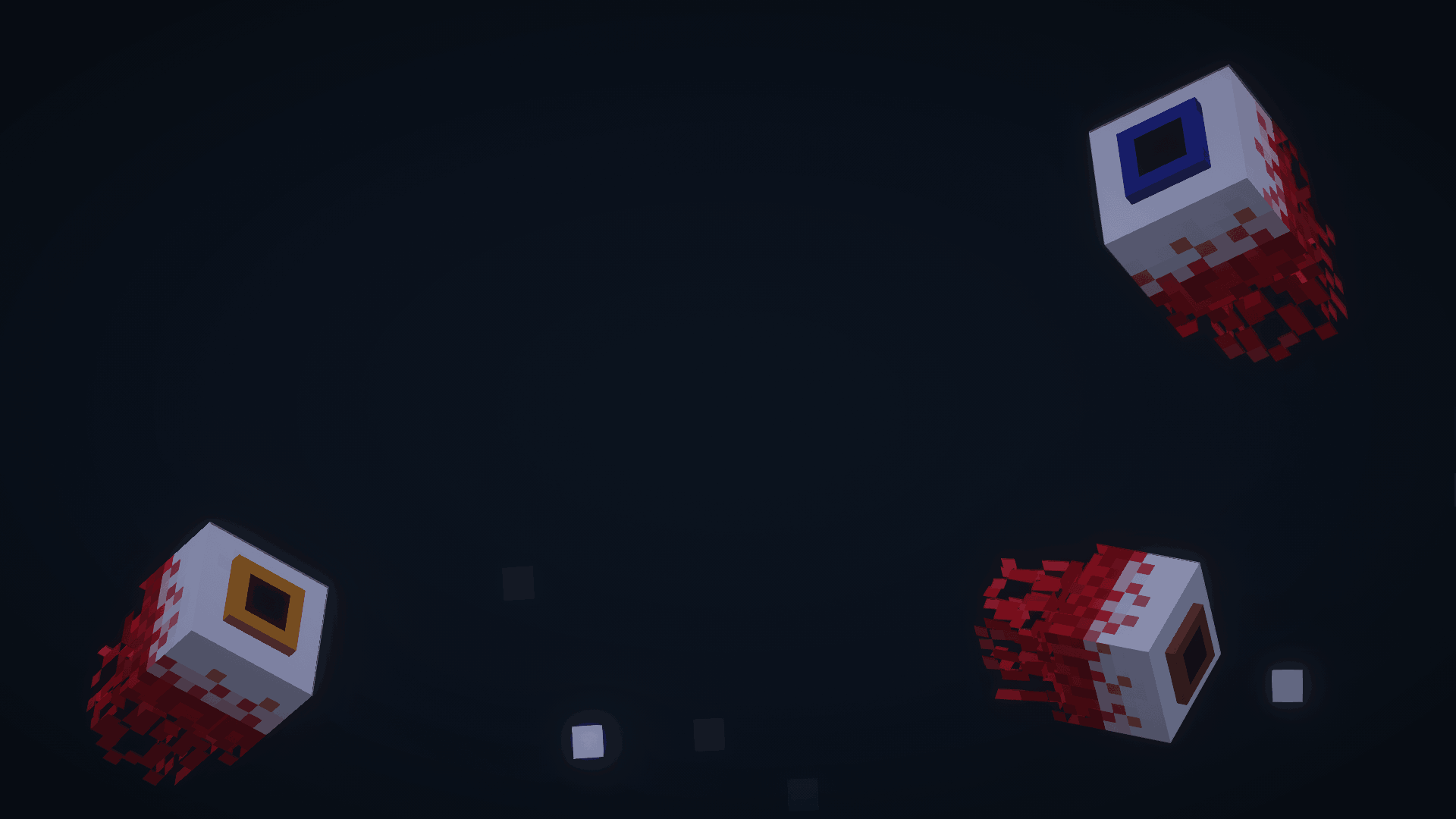
Tired of the same old vanilla Phantoms? Bring a terrifying new nightmare to your mobile device! Demon Eye Phantoms for MCPE converts the original Java resource pack into a Bedrock-compatible format, transforming the default flying pests into creepy, bloodshot, flying Demon Eyes right on your phone or tablet.
Whether you are a fan of Terraria or just want to add a spooky, dark-fantasy vibe to your Minecraft sleepless nights, this pack is perfect for you.
🎨 Features for MCPE
-
Complete Phantom Reskin: Replaces the vanilla Phantom texture and model with a detailed Demon Eye that hunts you from the night sky.
-
Pocket Edition Optimized: Textures are optimized to ensure smooth frame rates (no lag) on mobile devices and consoles.
-
No Mods Required: Works purely as a Resource Pack, meaning it doesn't require experimental toggles or behavior packs to work.
🛠️ How to Install on MCPE (Android / iOS / Windows)
-
Download the Demon Eye Phantoms
.mcpackfile to your device. -
Tap/click the downloaded file and select Open with Minecraft. The game will launch and automatically import the pack.
-
Go to Settings > Global Resources (or go to your specific World Settings > Resource Packs).
-
Find Demon Eye Phantoms under "My Packs" and click Activate.
-
Wait for the night to fall, stay awake for 3 days, and look up at the sky!
📜 MCPE Changelog (Version 1.21+)
-
Bedrock Port Release: Successfully converted the Java textures and geometry to match the Bedrock Edition engine for version 1.21 and above.
-
Render Dragon Compatibility: Optimized the texture files to render perfectly under Bedrock's Render Dragon engine without causing black textures or glitches.
-
Fixed Eye Glow: Adjusted the material properties so the Demon Eye properly stands out and looks menacing in the dark mobile screens.
- Edition: Minecraft Bedrock
- File type: .mcpack
- Minecraft versions listed: 1.21.130, 1.21.131, 1.21.132
- How to install: Download the .mcpack. → Open it — Minecraft imports it under Resource Packs. → Activate it in Global Resources, or for one world under Resource Packs → Available.
- Where to get it: Opens on CurseForge — not every file is mirrored on our own servers.
Install steps are the general flow for this file type — How to install Minecraft Bedrock texture packs walks through it step by step.
- Pack type: .mcpack — a single pack
- Manifest requires Minecraft 1.20.0 or newer
- Complete pack — everything it depends on is inside the file
- Download size: 314 KB
- Download link checked 6 Oct 2026 — working
These come from our own check of the pack file, not from the source page.